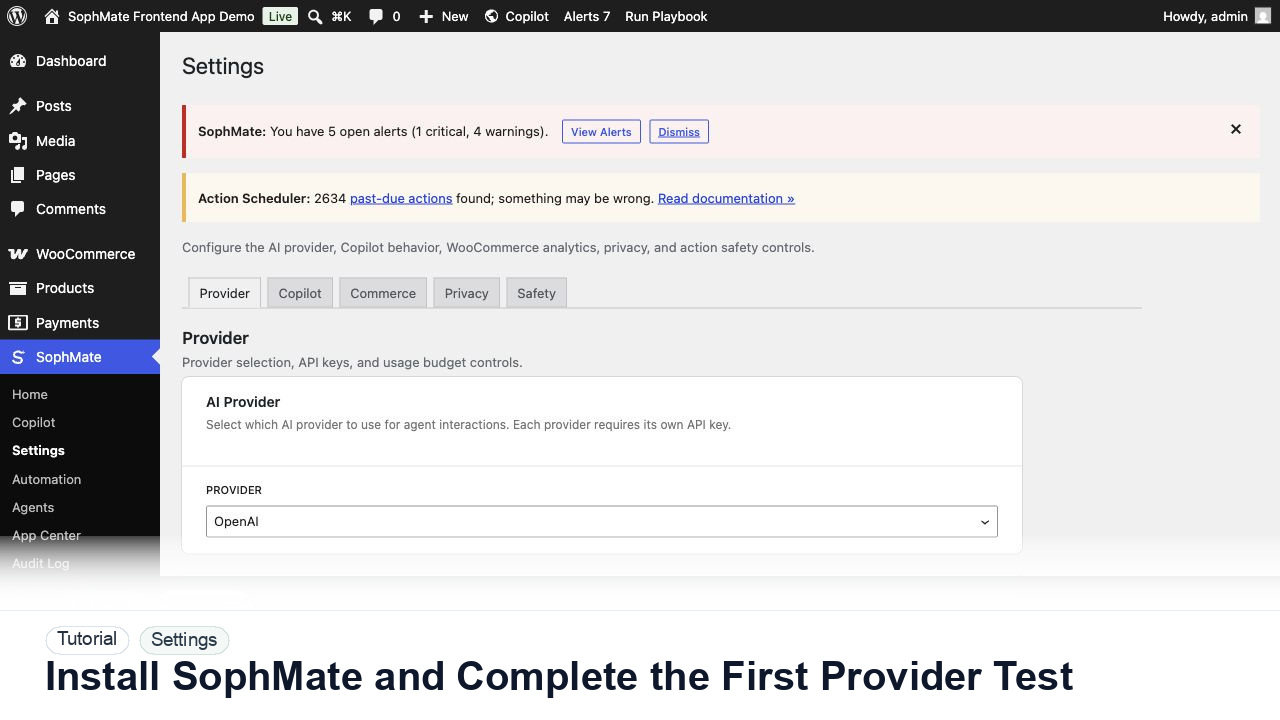
Install SophMate and Complete the First Provider Test
Install SophMate, add an OpenAI or Anthropic provider key, run the connection test, and confirm budgets before users begin AI-assisted work.
Tutorials
Step-by-step guides for setup, WooCommerce, Theme Assistant, automation, knowledge base, marketing, and privacy controls.
Install SophMate, add an OpenAI or Anthropic provider key, run the connection test, and confirm budgets before users begin AI-assisted work.
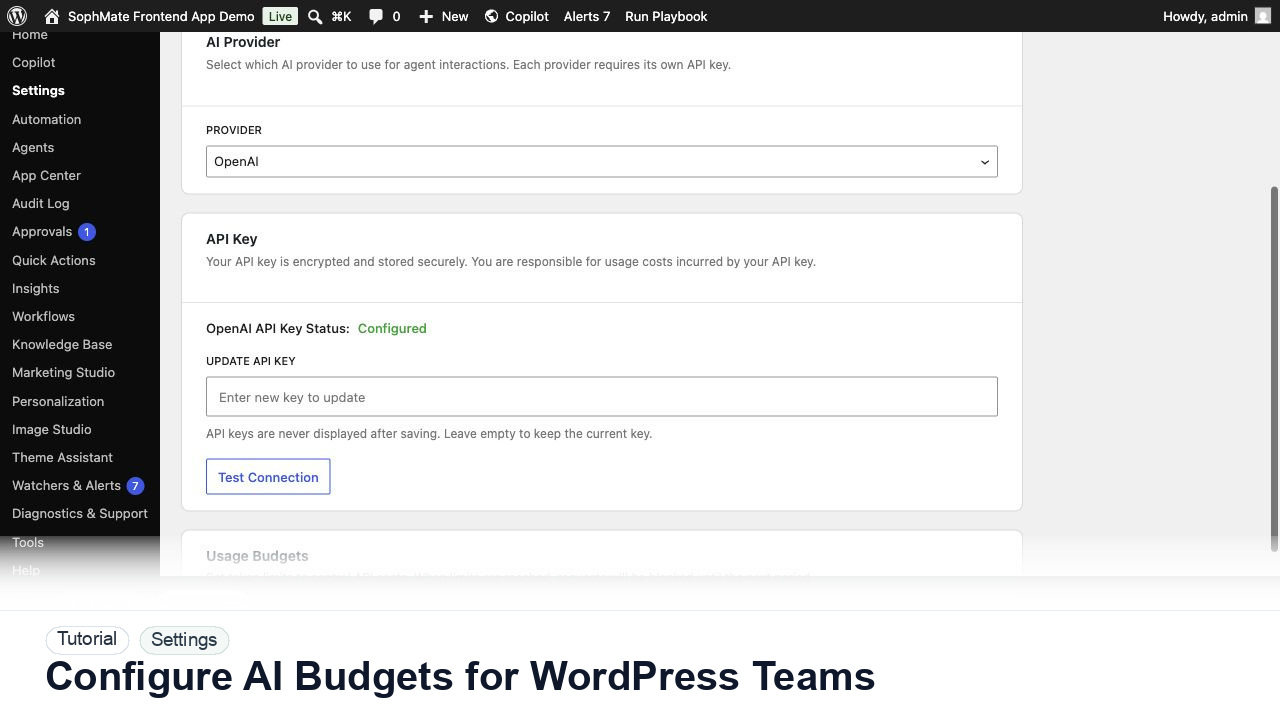
Set SophMate monthly and per-user budget limits so AI usage stays predictable across administrators, editors, support staff, and agencies.
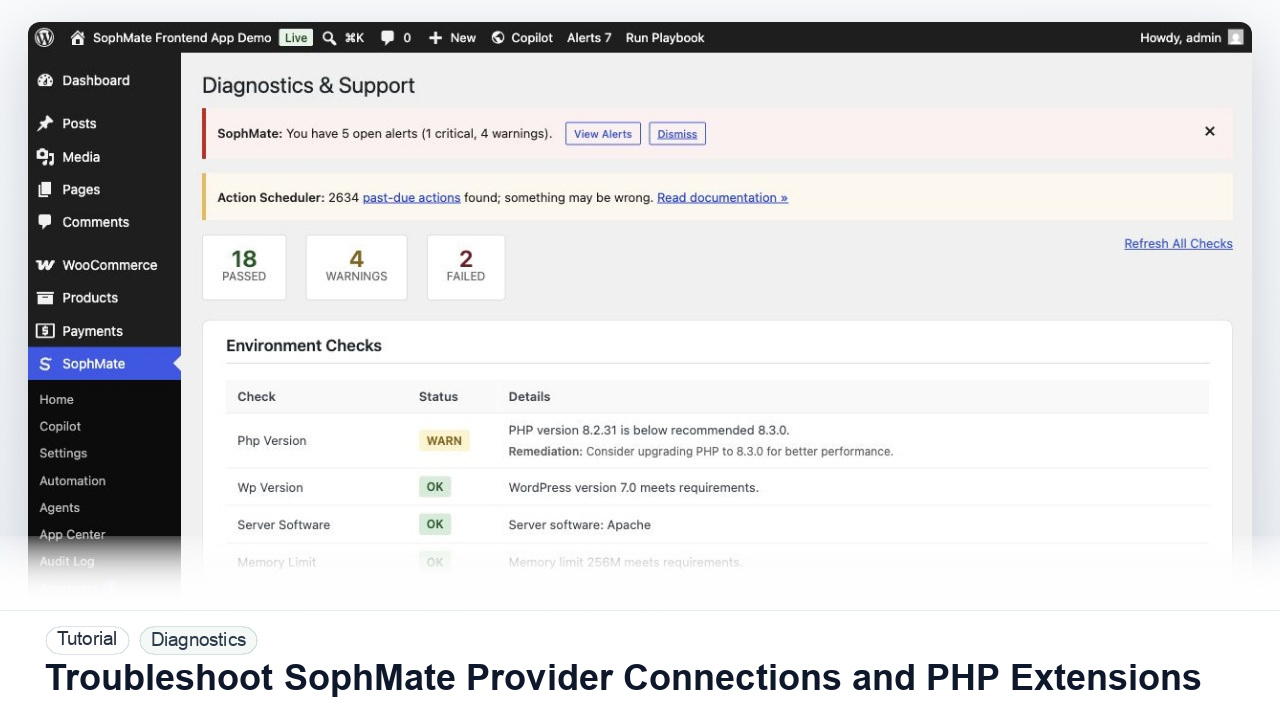
Diagnose failed provider tests, missing PHP extensions, outbound HTTPS problems, and environment warnings before users rely on SophMate workflows.
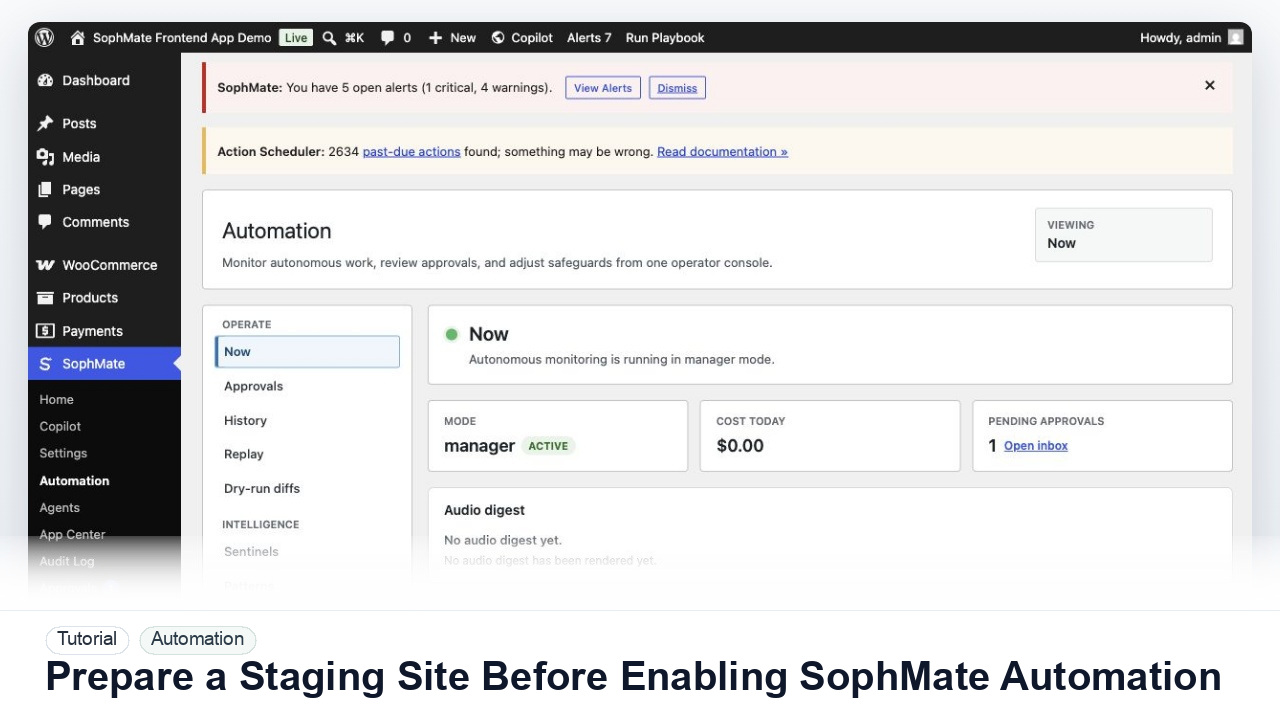
Use a staging WordPress site to test SophMate workflows, watchers, agents, approvals, and kill switches before production rollout.
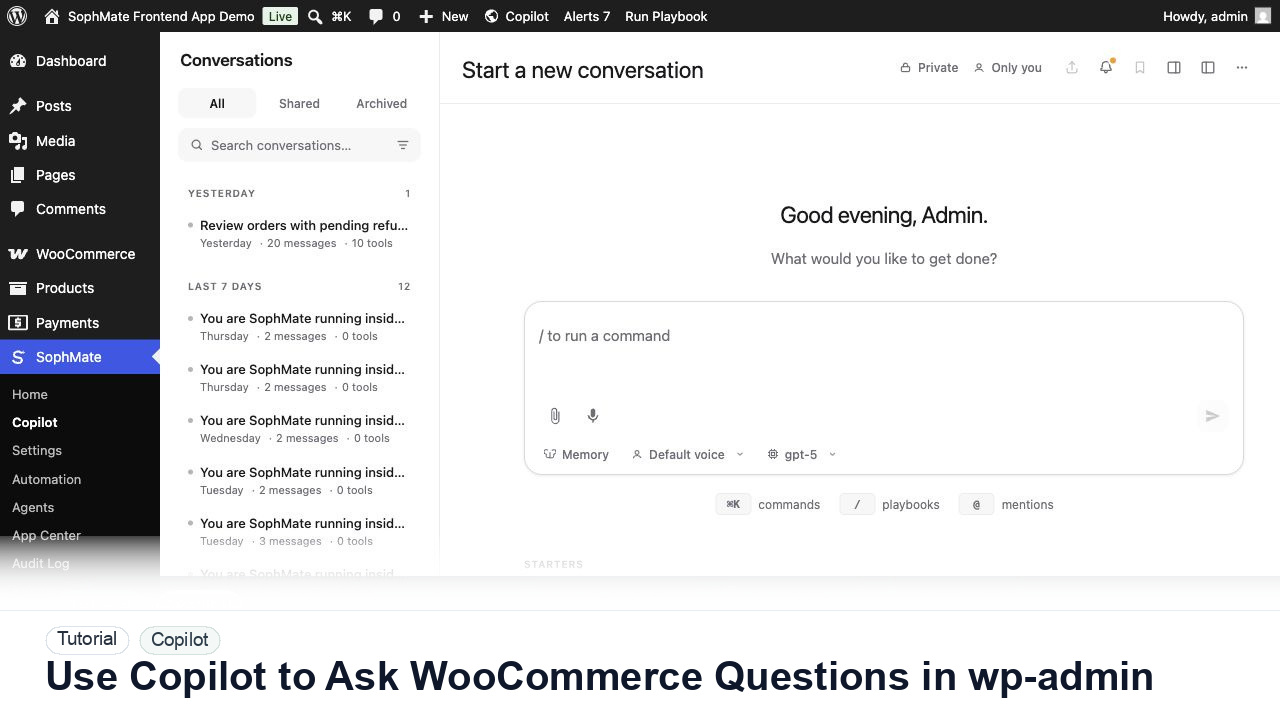
Ask SophMate Copilot about WooCommerce sales, orders, refunds, products, and next steps without leaving the WordPress admin screen.
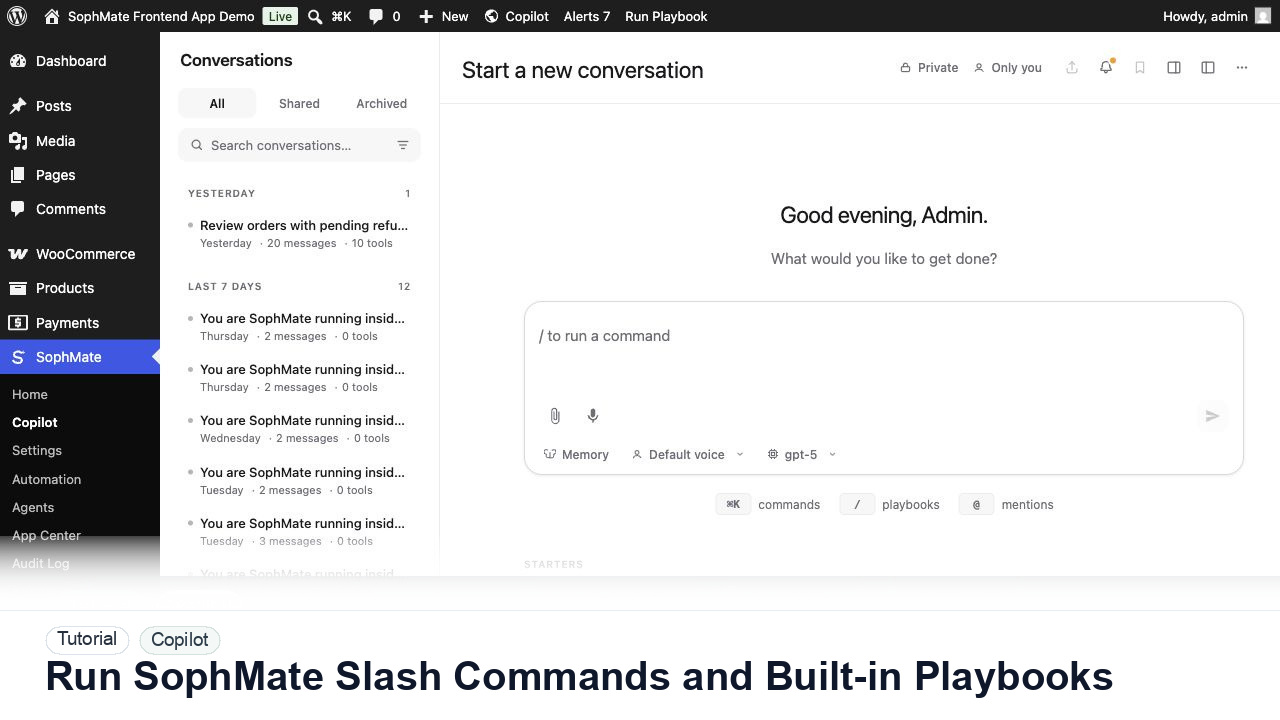
Use slash commands such as weekly summaries, low-stock checks, coupon builders, support replies, and campaign briefs directly from Copilot.
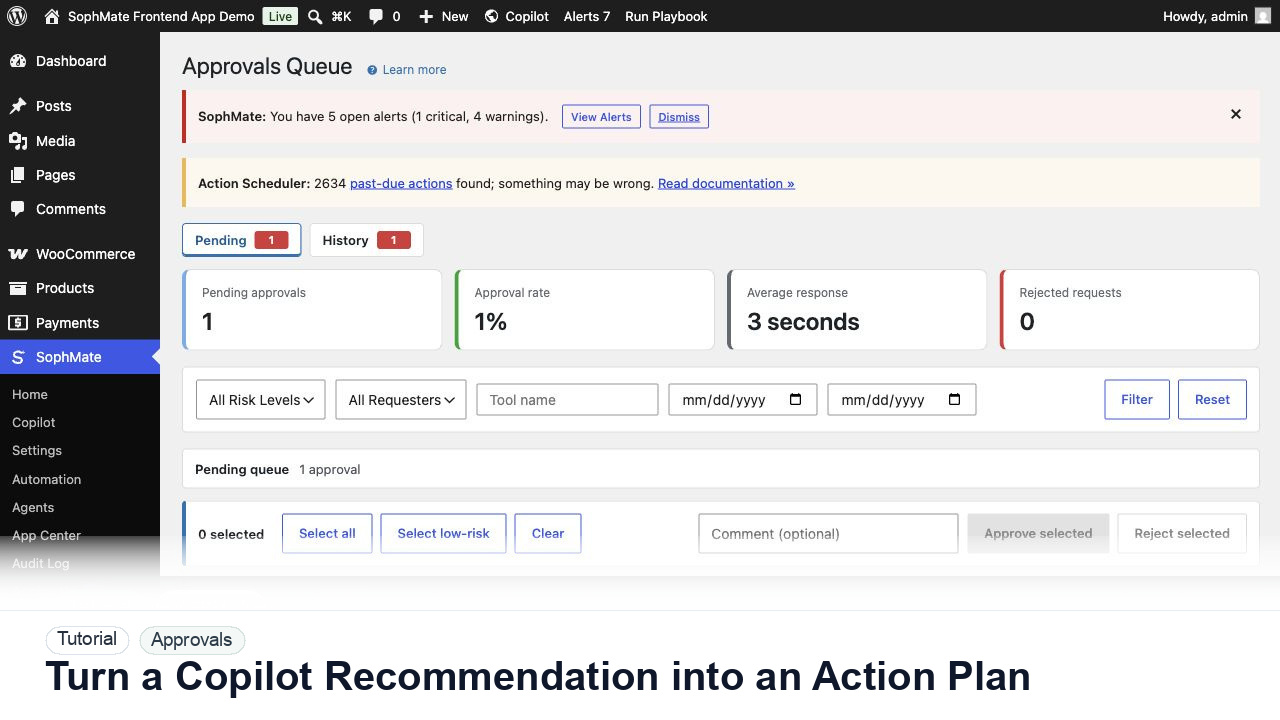
Convert a Copilot recommendation into a SophMate action plan with risk level, diff preview, reviewer notes, and approval before execution.
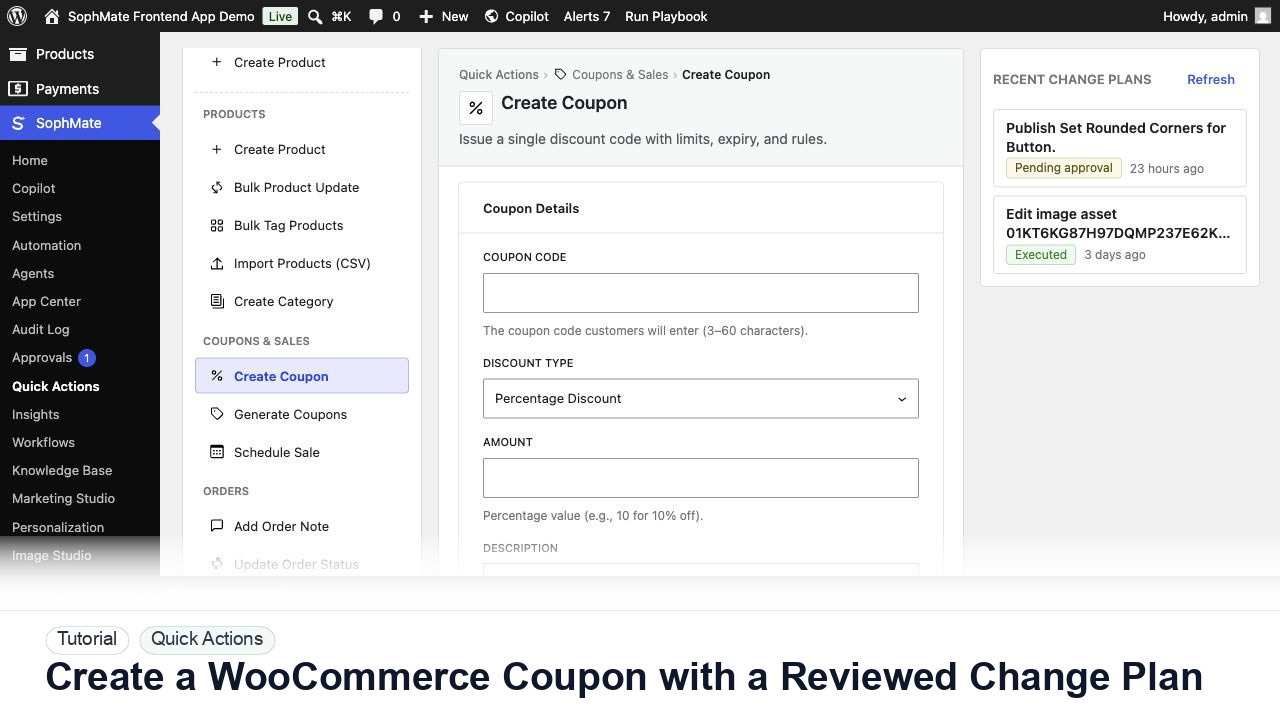
Create a WooCommerce coupon with SophMate, review the generated change plan, and apply the discount only after settings are confirmed.
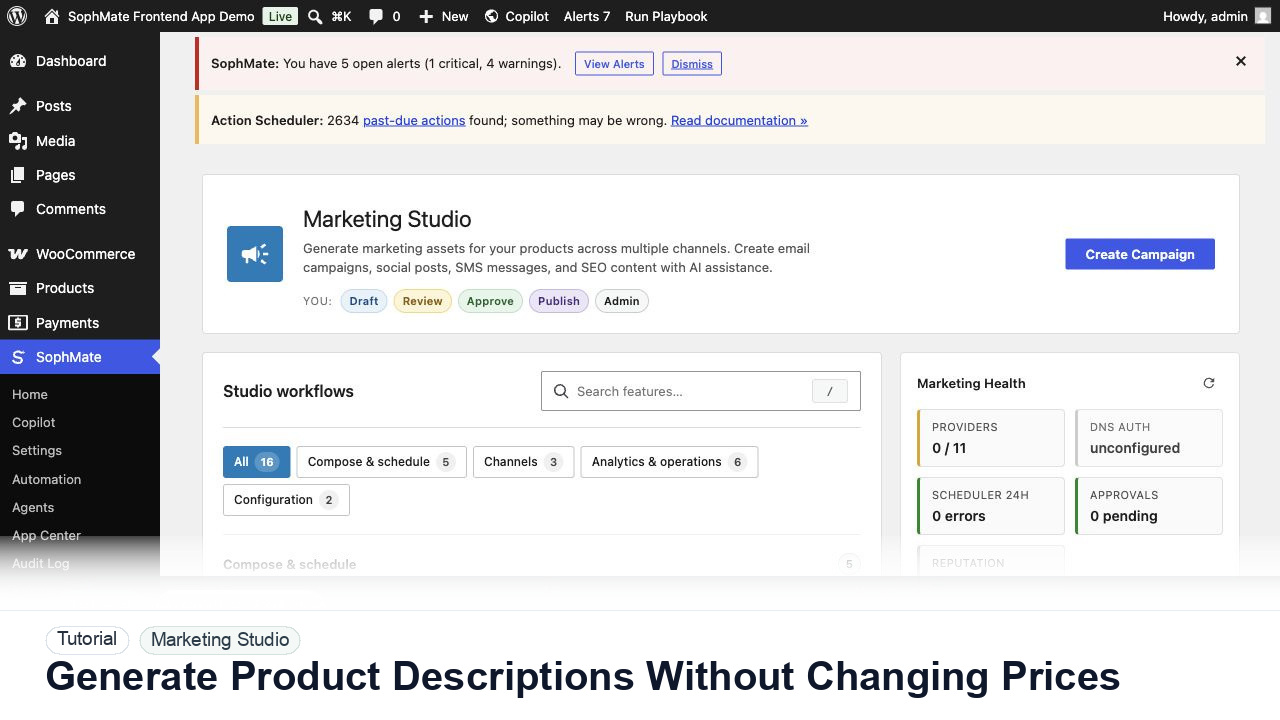
Use SophMate to draft product descriptions, SEO titles, and short descriptions while keeping price, stock, shipping, and variation settings out of scope.