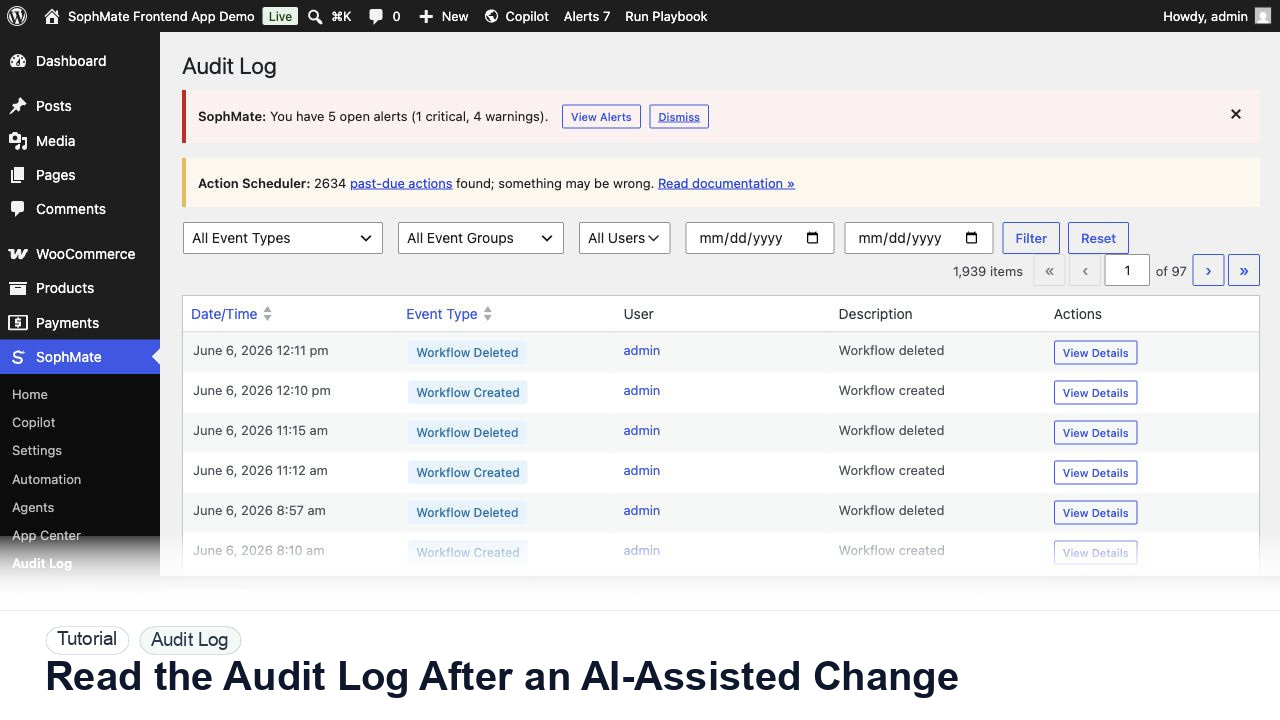
Read the Audit Log After an AI-Assisted Change
Use the SophMate Audit Log to verify who proposed, approved, executed, failed, retried, exported, or purged AI-assisted work.
Tutorial category
Manage approvals, audit logs, privacy operations, support bundles, tool permissions, safe mode, and agency governance patterns.
Use the SophMate Audit Log to verify who proposed, approved, executed, failed, retried, exported, or purged AI-assisted work.
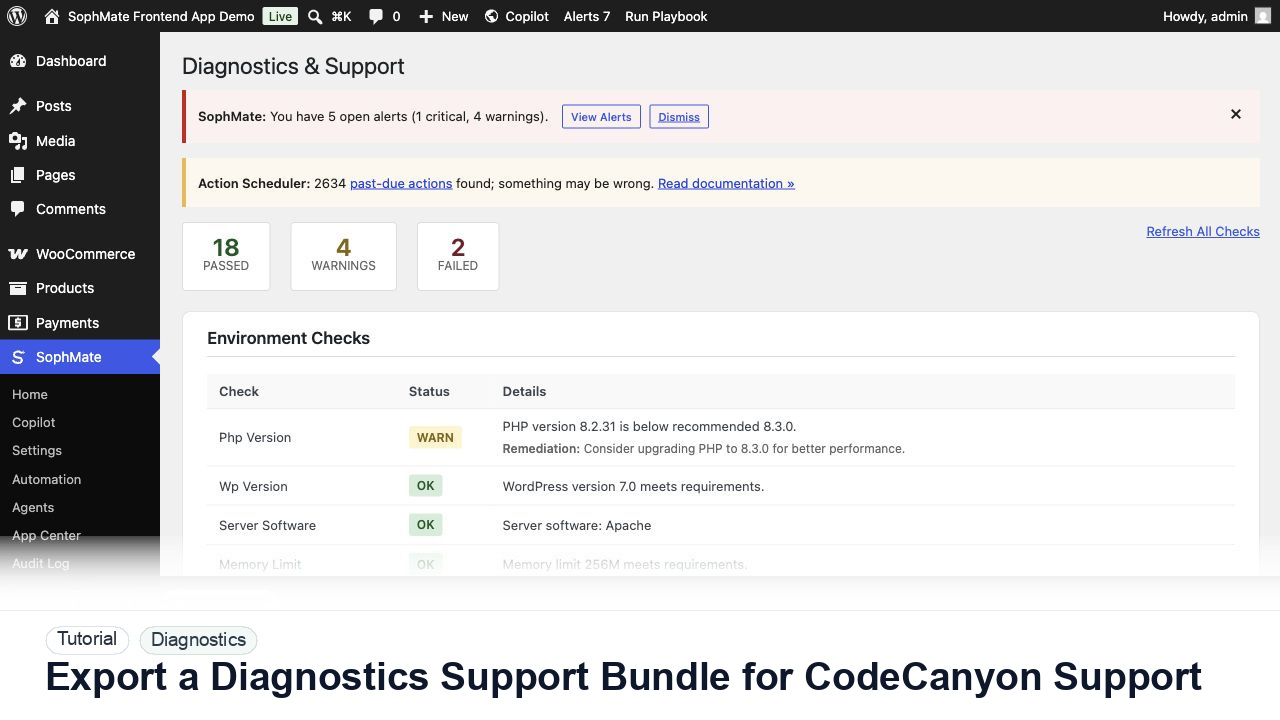
Use SophMate Diagnostics and Support to check environment status, provider connectivity, PHP extensions, plugin inventory, and support bundle data before contacting support.
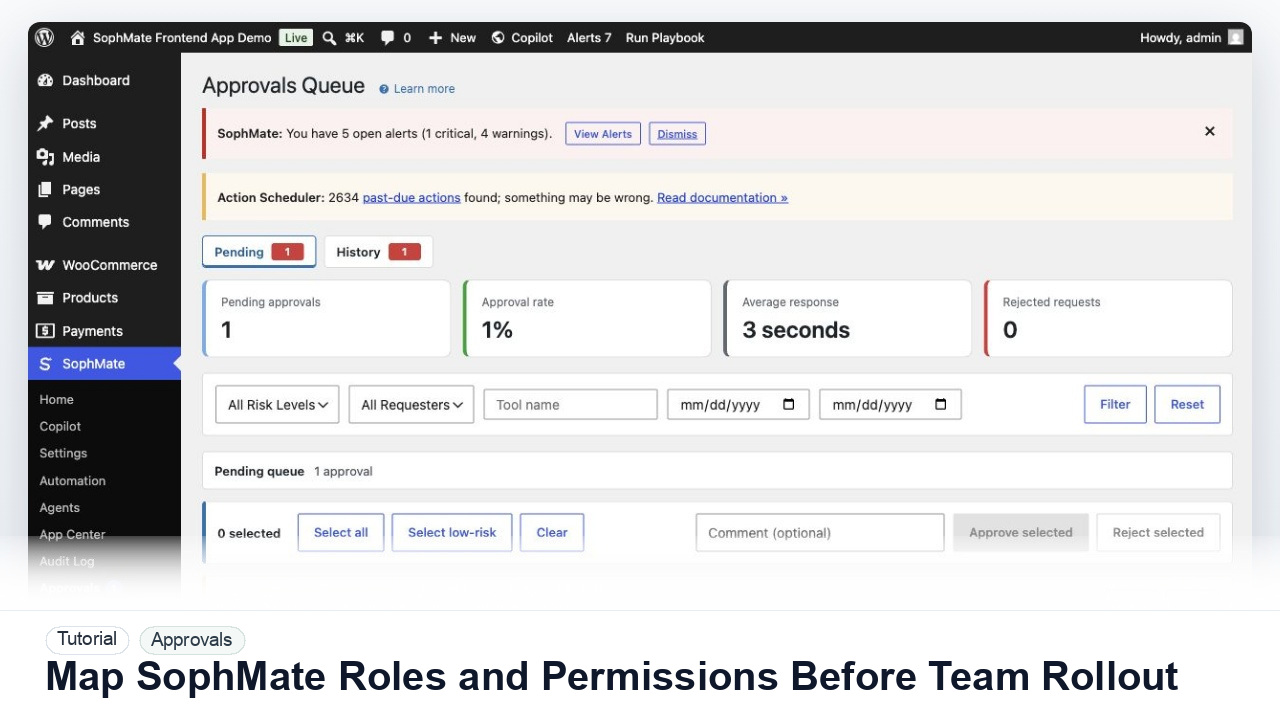
Map administrators, editors, marketers, support users, agency operators, and developers to SophMate capabilities before opening AI workflows to a wider team.
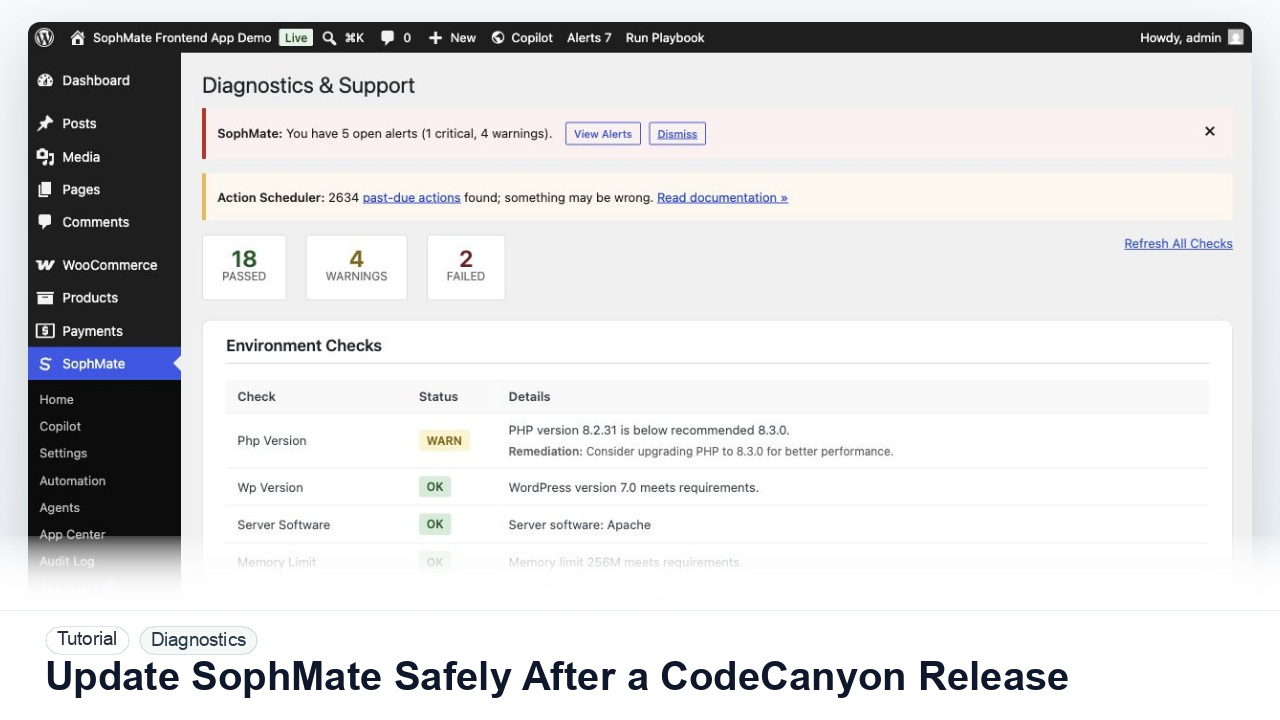
Prepare backups, staging checks, diagnostics, provider tests, workflow pauses, and rollback notes before updating SophMate from a CodeCanyon release.
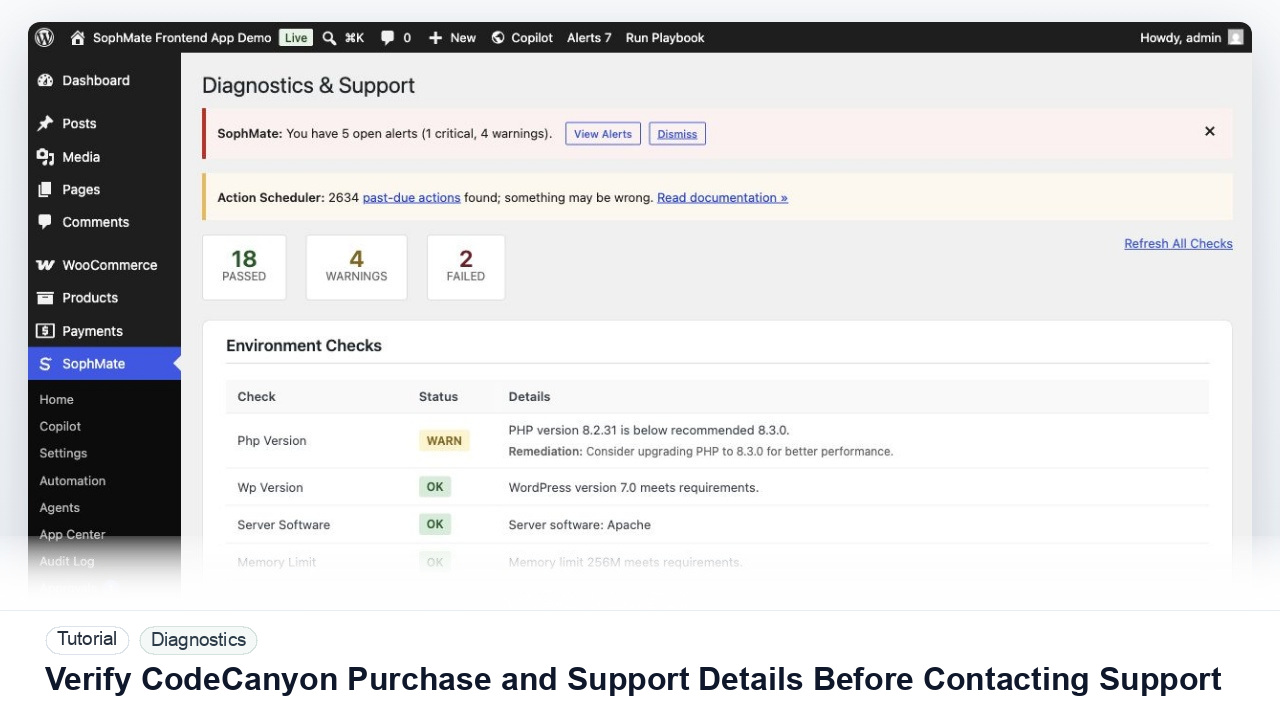
Prepare purchase, version, environment, diagnostics, reproduction steps, and support-safe evidence before contacting SophMate support.
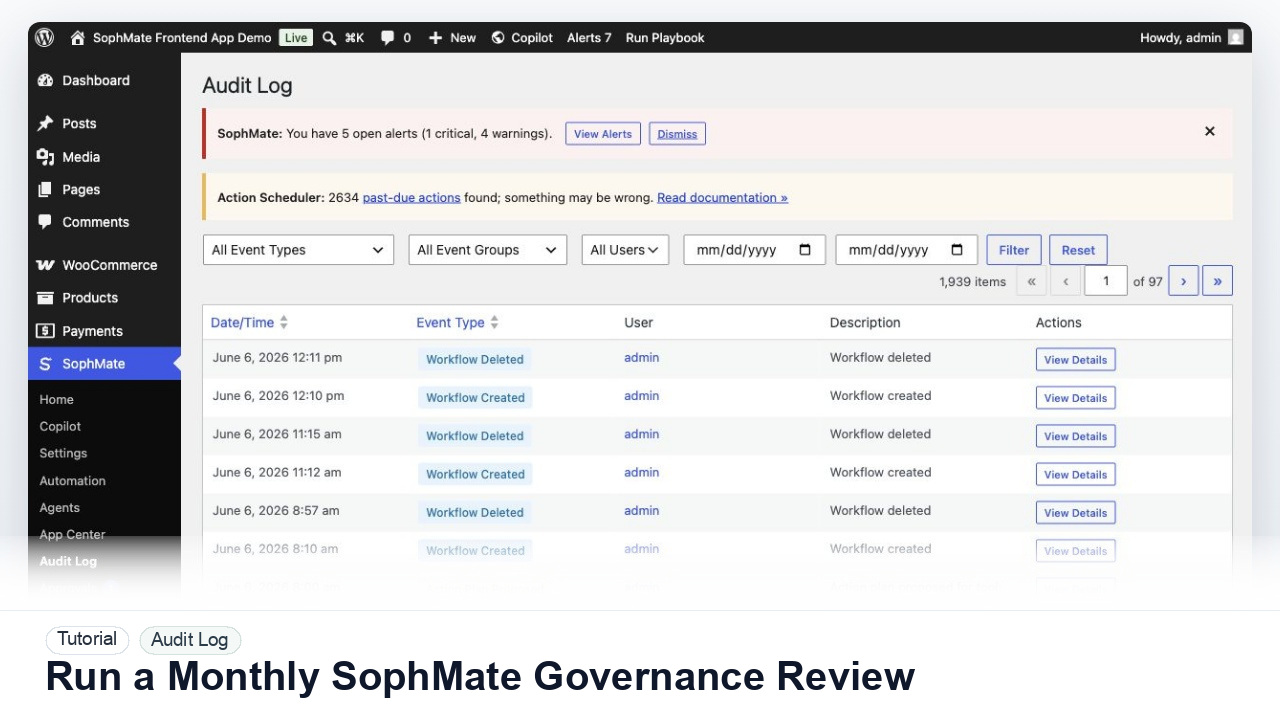
Review SophMate budgets, provider ownership, roles, approvals, audit logs, Knowledge Base quality, workflows, agents, and support readiness once a month.
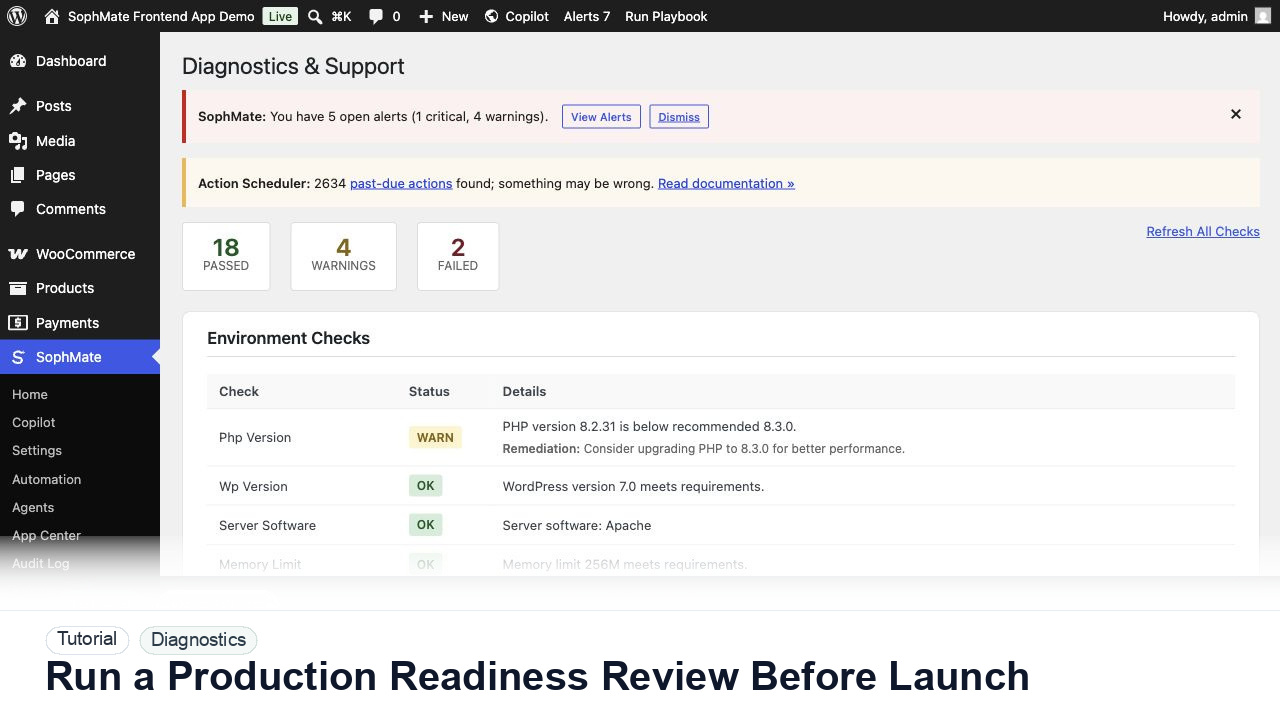
Review SophMate provider setup, budgets, mail, database, cache, queue, diagnostics, support contacts, and CodeCanyon links before a landing or plugin launch.
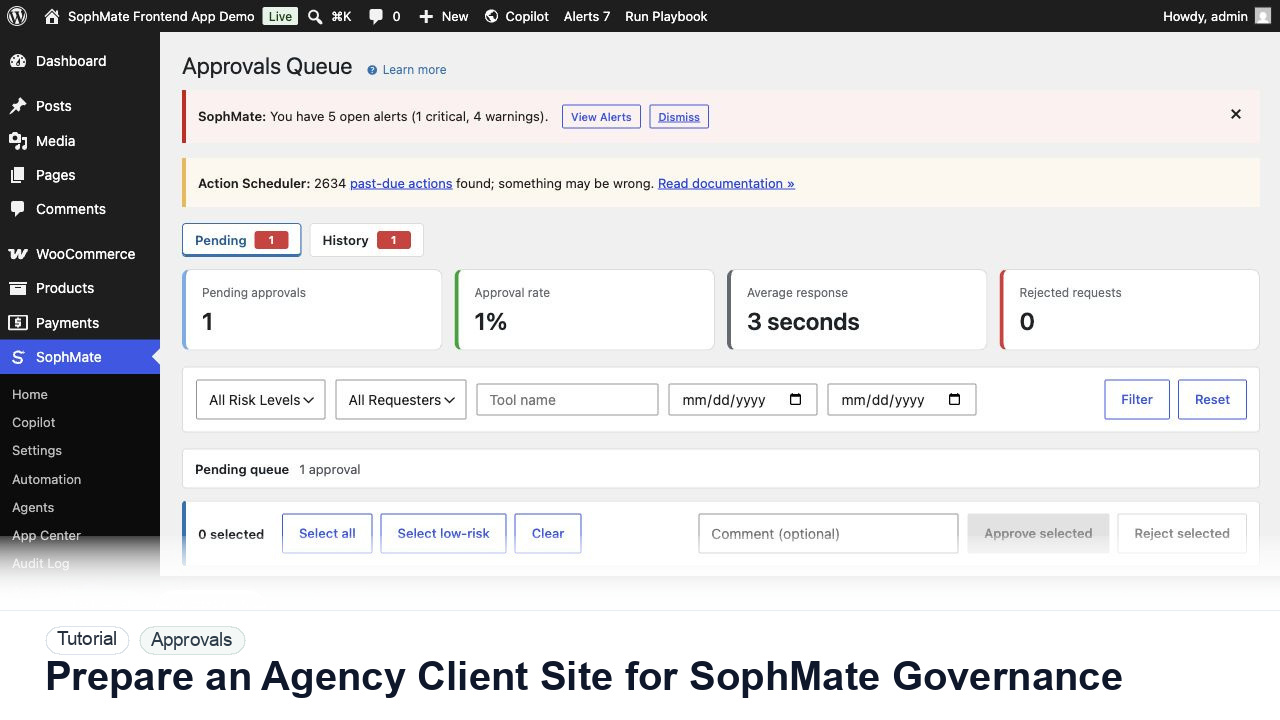
Prepare client WordPress and WooCommerce sites for SophMate with roles, provider ownership, budgets, playbooks, approvals, diagnostics, and client reporting.
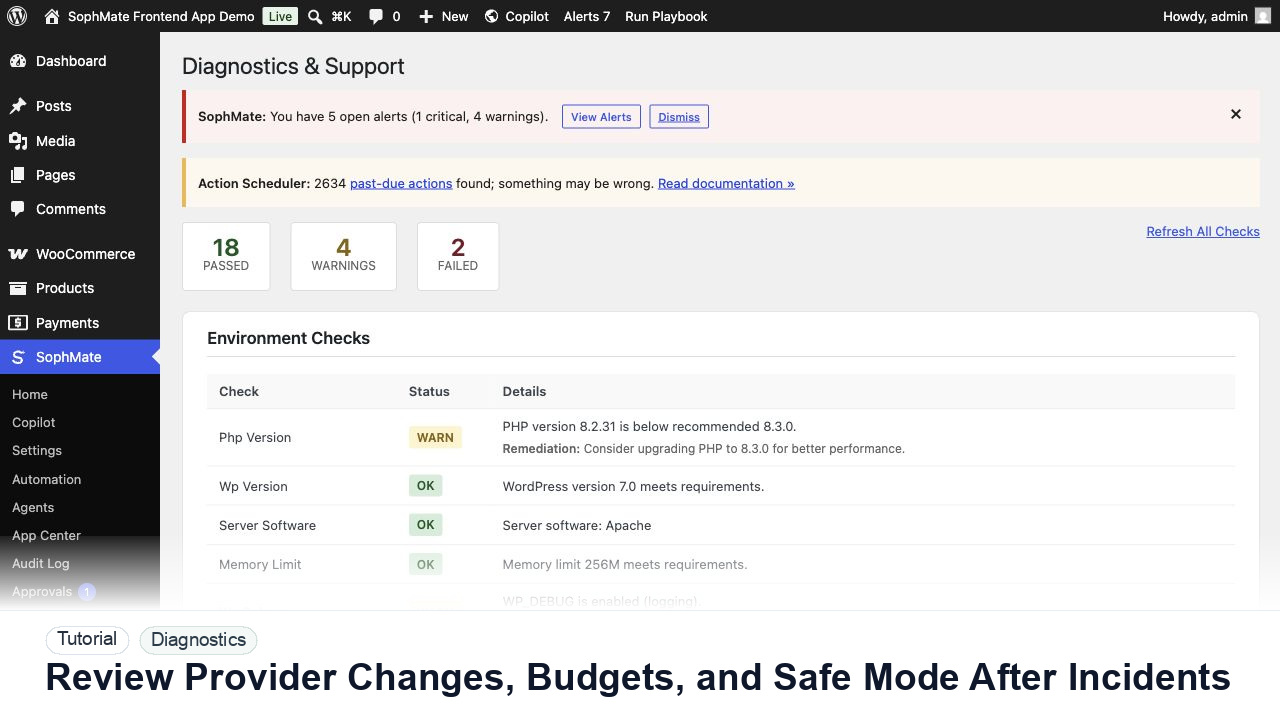
Review provider changes, budget spikes, safe mode, diagnostics, queues, and audit evidence after a SophMate incident or unusual AI usage.