Generate Product Descriptions Without Changing Prices
Use SophMate to draft product descriptions, SEO titles, and short descriptions while keeping price, stock, shipping, and variation settings out of scope.
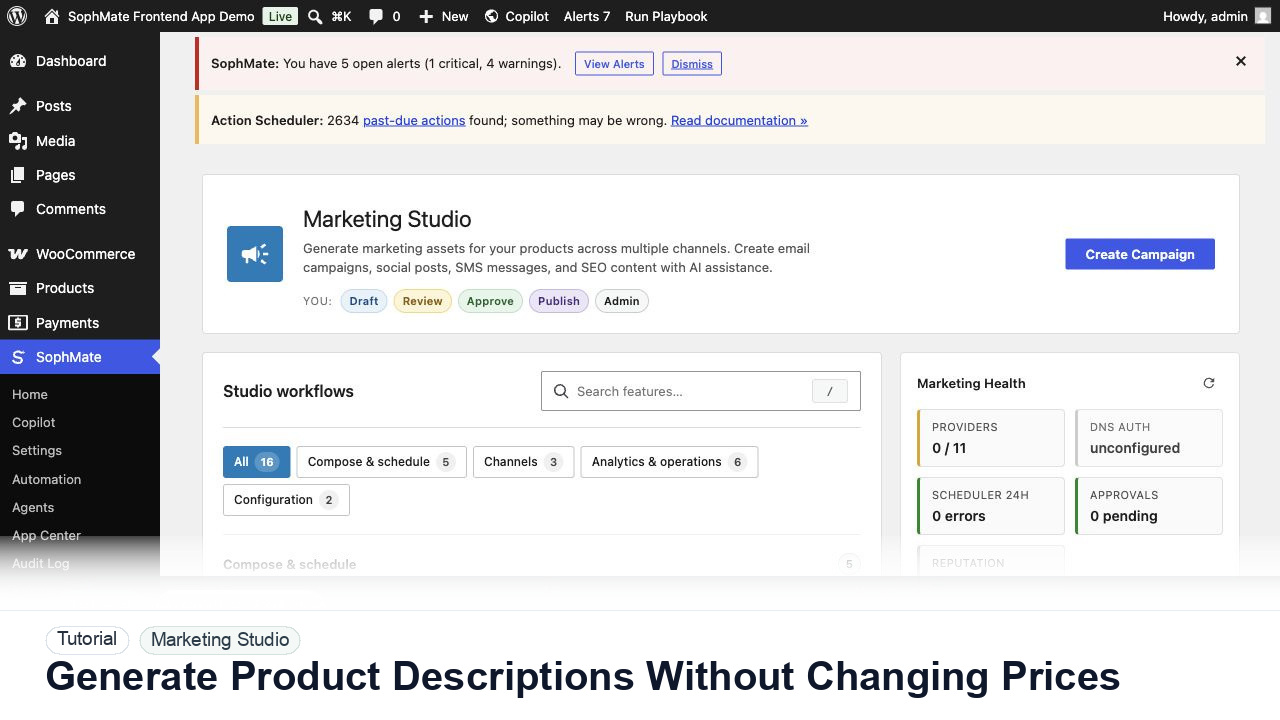
Use SophMate to draft product descriptions, SEO titles, and short descriptions while keeping price, stock, shipping, and variation settings out of scope.
By the end of this tutorial, you will know how to use SophMate for WooCommerce AI product copy while keeping the work reviewable inside WordPress.
A catalog manager needs better short descriptions for a category but wants to avoid accidental price or stock changes.
Use this tutorial to evaluate whether SophMate can help marketing teams draft faster without bypassing launch controls. The workflow should preserve product facts, offer rules, audience limits, inventory risk, claims review, and channel ownership.
Prepare a campaign draft from these product facts, offer rules, audience, channel constraints, inventory limits, and approval owner. Do not schedule or publish until review passes.
The tutorial image shows Marketing Studio context where campaign planning, channel health, product signals, and review steps sit together.
Review product availability, offer terms, channel health, and approval status before publishing or scheduling campaign material.
Start from selected products, a category, or a playbook prompt. Keep the task limited to titles, excerpts, short descriptions, and SEO copy.
Include product names, categories, differentiators, target audience, and banned claims. Better context reduces generic copy.
Request a table of proposed copy before creating any action plan. This gives the team a chance to edit tone and claims.
When the draft is ready, ask SophMate to update only the approved content fields. Do not include price, stock, shipping, or variation changes.
Open a few updated product pages and verify formatting, claims, and SEO title length before expanding the workflow.
The campaign workflow is successful when product context, offer terms, channel health, creative assets, and approval status are all visible before publishing.
If campaign terms, deliverability, claims, or inventory are wrong, stop publishing, keep drafts unscheduled, and route the brief back through campaign approval.
Document campaign goal, products, audience, offer rules, channel health, generated variants, approval owner, and launch decision.
A marketing owner should review each campaign before launch and compare results after the campaign window closes.
Escalate when campaign copy touches regulated claims, aggressive discounts, inventory risk, deliverability problems, or customer promises.
Only after offer rules, inventory, channel health, sender authentication, claims, and approval ownership are confirmed. Drafting and scheduling should stay separate until launch review passes.
No. SophMate should make the work easier to draft, inspect, approve, and repeat. Human review remains necessary when output affects customers, money, published content, privacy, settings, or workflow execution.
Record the owner, input scope, access boundary, approval point, failure modes tested, evidence location, monitoring window, and rollback or stop path.
Move one approved draft into the right channel as a draft, not a send, and attach offer rules, inventory caveats, and reviewer notes to the campaign record.
Next step
Review the SophMate listing for current package details, screenshots, compatibility notes, and license terms.
Related
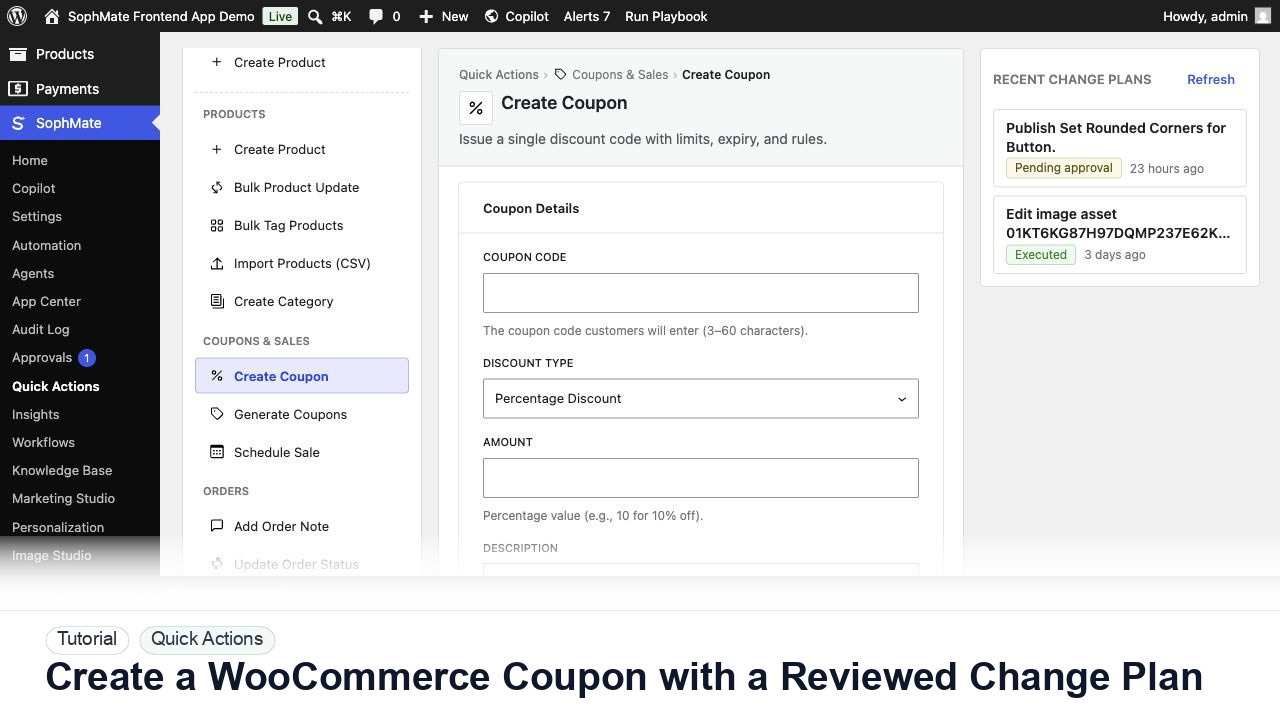
Create a WooCommerce coupon with SophMate, review the generated change plan, and apply the discount only after settings are confirmed.
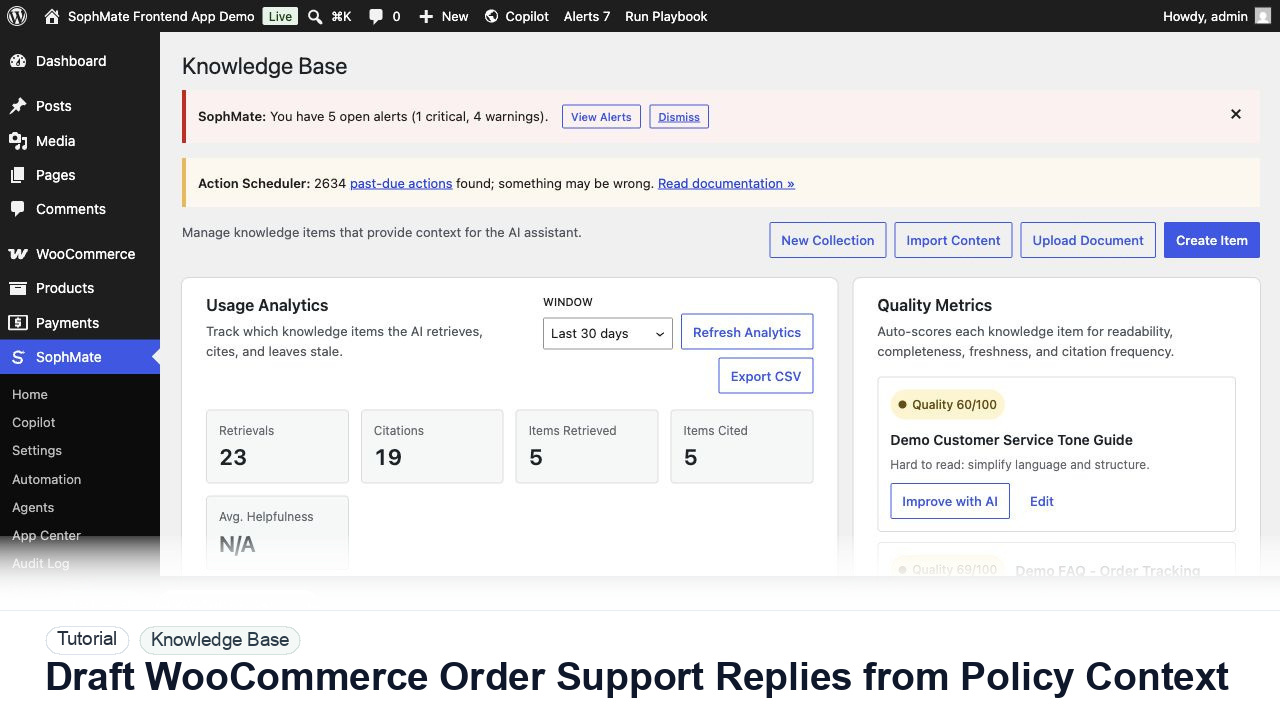
Draft WooCommerce order replies using order context, Knowledge Base policies, tone guides, and review controls before sending anything to a customer.
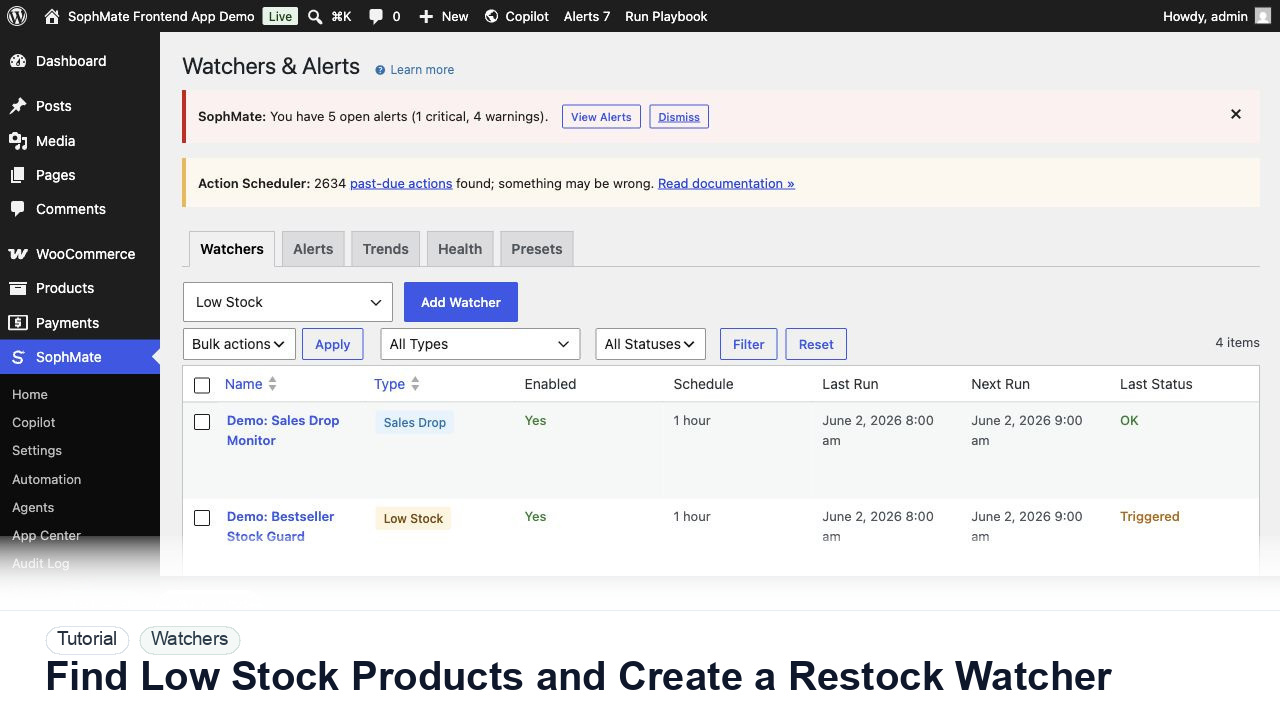
Use SophMate to find low-stock WooCommerce products, prioritize restock risk, and create a watcher so future inventory problems surface automatically.