Turn a Copilot Recommendation into an Action Plan
Convert a Copilot recommendation into a SophMate action plan with risk level, diff preview, reviewer notes, and approval before execution.
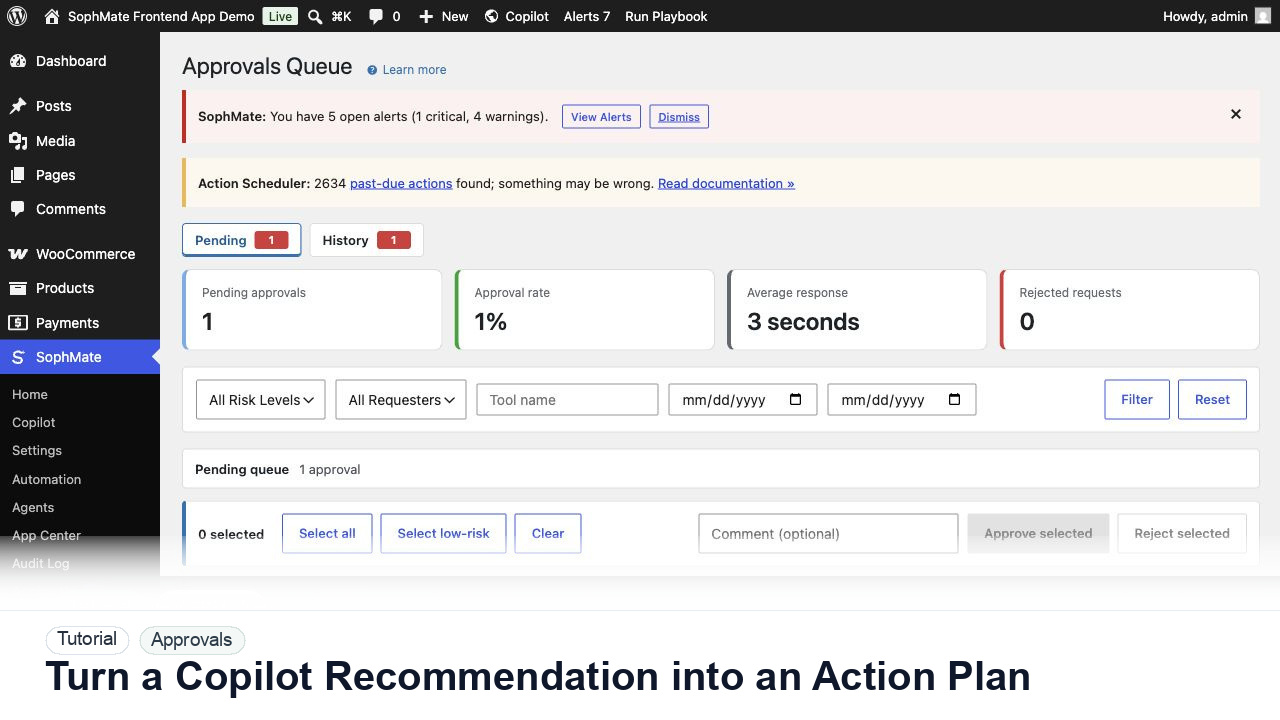
Convert a Copilot recommendation into a SophMate action plan with risk level, diff preview, reviewer notes, and approval before execution.
By the end of this tutorial, you will know how to use SophMate for WordPress AI approval workflow while keeping the work reviewable inside WordPress.
Copilot recommends creating a coupon for slow-moving inventory, but the team needs to verify discount settings before customers can use it.
Use this tutorial to evaluate whether SophMate can keep AI-assisted changes accountable. Buyers should look for affected records, field-level intent, risk level, reviewer authority, rollback notes, and audit evidence before execution.
Turn this recommendation into a reviewed action plan. List affected records, exact field changes, risk level, reviewer, rollback note, and audit evidence before execution.
The tutorial image shows the Approvals queue context because this workflow depends on understanding risk, reviewer ownership, pending plans, and execution status before changes affect the site.
Do not bulk approve mixed-risk plans. Separate commerce, customer, content, and system changes before approving.
Tell Copilot to propose an action plan with goal, affected records, risk level, and expected outcome. This keeps the work reviewable.
For WooCommerce coupons, check code, discount type, amount, usage limits, expiration, sale exclusions, and product or category constraints.
SophMate classifies action plans by risk. Medium and high-risk changes deserve explicit human review even when they are reversible.
Approve only if the proposed settings match the campaign. Reject unclear plans or ask Copilot to revise the plan with tighter constraints.
After execution, confirm the plan status and audit record. This creates a durable trail for support and client reporting.
The approval workflow is successful when reviewers can explain the affected records, risk, diff, decision, execution result, and audit trail without reconstructing the process from memory.
If proposed fields are wrong, reject or revise the plan before execution. If execution already ran, use the audit trail and affected records to prepare a manual correction or rollback plan.
Document plan risk, reviewer, affected records, decision reason, execution result, and any revision requested before approval.
An administrator or operations lead should review approval behavior weekly during rollout, then monthly once risk and volume stabilize.
Escalate when approval risk looks wrong, affected records are unclear, execution fails, or audit records do not explain the decision.
Bulk approval is safest for similar low-risk plans with the same owner and rollback pattern. Mixed commerce, customer, content, visual, and settings changes should be reviewed separately.
No. SophMate should make the work easier to draft, inspect, approve, and repeat. Human review remains necessary when output affects customers, money, published content, privacy, settings, or workflow execution.
Record the owner, input scope, access boundary, approval point, failure modes tested, evidence location, monitoring window, and rollback or stop path.
Approve or reject one low-risk plan with a clear reviewer note, then confirm the audit log explains the decision before using the pattern on higher-risk changes.
Next step
Review the SophMate listing for current package details, screenshots, compatibility notes, and license terms.
Related
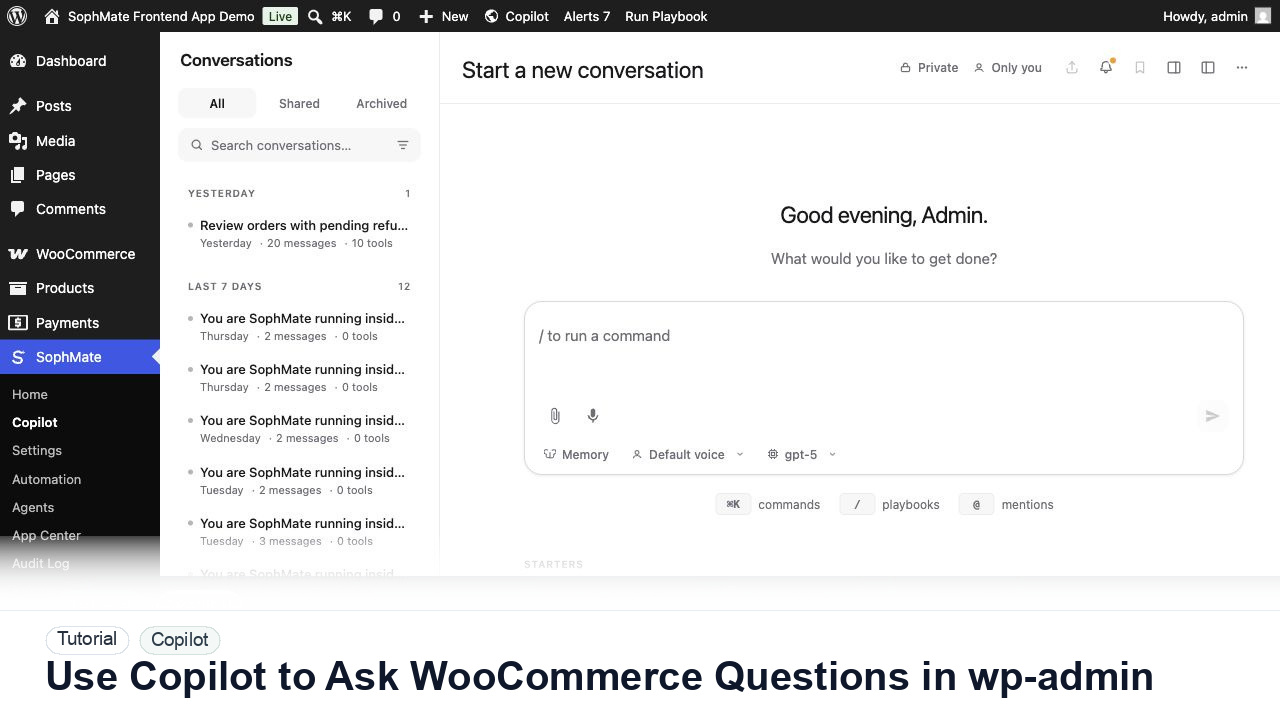
Ask SophMate Copilot about WooCommerce sales, orders, refunds, products, and next steps without leaving the WordPress admin screen.
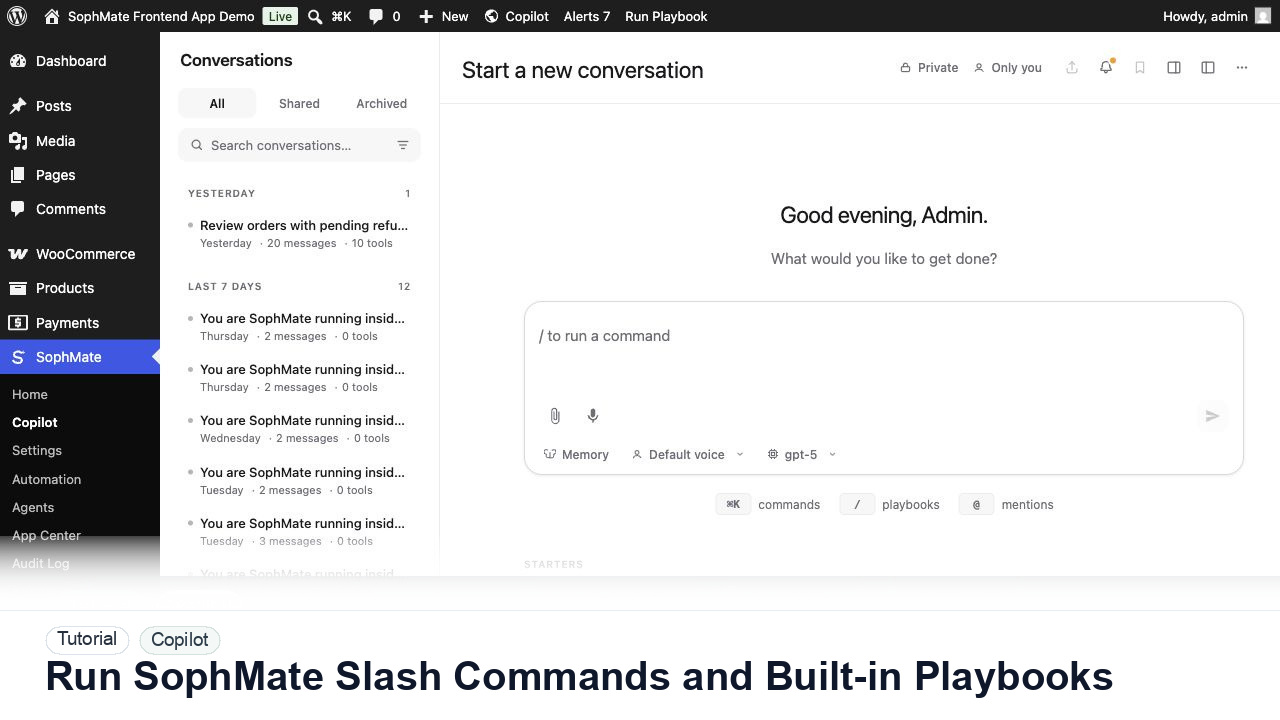
Use slash commands such as weekly summaries, low-stock checks, coupon builders, support replies, and campaign briefs directly from Copilot.
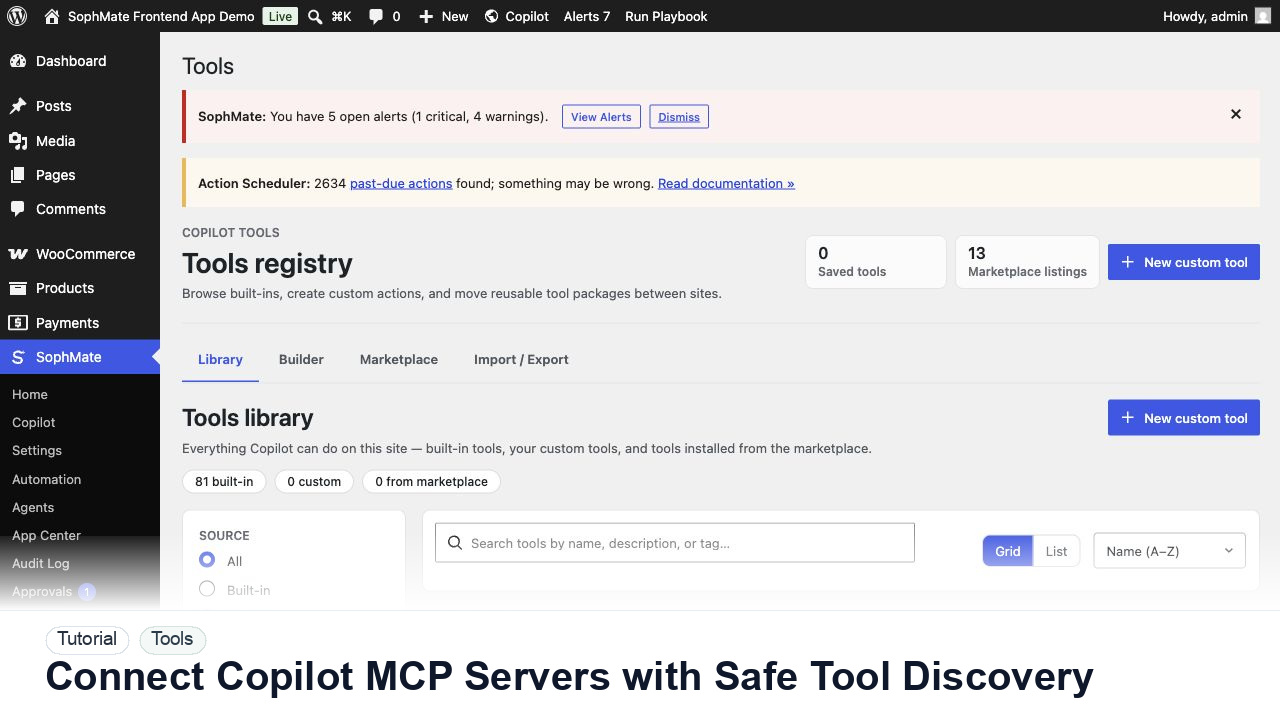
Register, test, refresh, and review Copilot MCP servers before their tools can influence SophMate prompts, agents, or workflows.