Fullscreen WordPress assistant
Chat with a WordPress-aware assistant that understands admin context, WooCommerce questions, conversation history, slash commands, playbooks, memory controls, and approval handoff.
- Fullscreen admin chat
- Conversation history and sharing
- Slash commands for playbooks
Store operations and support
Use SophMate for WooCommerce coupons, products, orders, support replies, low-stock checks, sales insights, customer outreach, and reviewable store actions.
- WooCommerce analytics questions
- Coupon and product action plans
- Order support reply drafts
Human review before changes
Route site-changing AI work through action plans that explain the intended change, risk level, affected records, diff preview, approver requirements, and audit trail.
- Risk levels from low to critical
- Approval queue and delegation
- Diff previews for changes
Fast WooCommerce tasks
Run guided actions for products, coupons, orders, customers, store settings, and configured agents without building a full workflow first.
- Create products and categories
- Generate and schedule coupons
- Add order notes
Reusable AI workflows
Use built-in and custom playbooks for analytics, operations, marketing, support, and action plans, then run them from Copilot slash commands or the playbook gallery.
- 39 built-in playbooks
- Analytics, action, chat, and watcher types
- Parameter prompts
Repeatable work with history
Build repeatable workflows from templates, blank workflows, or plain-English descriptions, then review runs, audit events, errors, and health metrics.
- Describe-with-AI workflow creation
- Templates and blank builder
- Run history and audit export
Store monitoring
Monitor important site and store conditions such as low stock, sales drops, failed payments, slow pages, broken links, and plugin disclosure signals.
- Low-stock monitoring
- Sales drop alerts
- Alert severity controls
WooCommerce analytics and AI summaries
Review WooCommerce KPIs, trend charts, product and customer signals, AI summaries, report schedules, goals, and adapter status in one admin dashboard.
- Sales overview metrics
- AI summary cards
- Product and customer reports
Cited support and policy context
Import policy pages, FAQs, tone guides, procedures, and product information so Copilot and agents can answer with source-backed context.
- WordPress content import
- Collections and usage analytics
- Quality scoring
Visual design assistant
Inspect real WordPress pages, chat about design changes, draft reversible CSS, switch viewports, scan accessibility, manage tokens, and prepare client-ready design presentations.
- Live page preview
- Design chat and CSS proposals
- Desktop, tablet, and mobile viewports
AI visuals inside WordPress
Generate, edit, organize, and publish images from a WordPress admin canvas with prompts, brand kit controls, presets, jobs, stock sources, and media-library handoff.
- Prompt-based generation
- Batch, edit, and brand-kit modes
- Image jobs and activity
Campaign planning and channels
Plan WooCommerce campaigns, draft email and social copy, manage channels, review marketing health, configure providers, and keep campaign approvals visible.
- Campaign calendar
- AI copywriting studio
- Audience and channel workflows
Consent-aware visitor experiences
Create audiences, slots, experiments, and headless runtime rules while keeping privacy controls, explainability, launch state, and sample data visible.
- Audience builder
- Slot and graph design
- Starter experiments
Site-specific AI workers
Build, test, publish, and monitor AI agents with tools, triggers, runs, goals, coordination, evals, memory, provider settings, and live preview.
- Agent builder
- Triggers and runs
- Goals and coordination
Extensible app surface
Manage bundled SophMate apps, installed apps, visitor-facing panels, bring-your-own app registration, app roles, channels, jobs, and frontend UI policies.
- Bundled apps
- Installed app inventory
- Bring-your-own app registration
Custom tool builder
Define, test, import, and export tools for commerce, content, analytics, settings, users, system, and context workflows with categories, risk levels, and visibility controls.
- Built-in and custom tools
- REST, WP-CLI, SQL read, and webhook types
- Risk classification
Operational trust controls
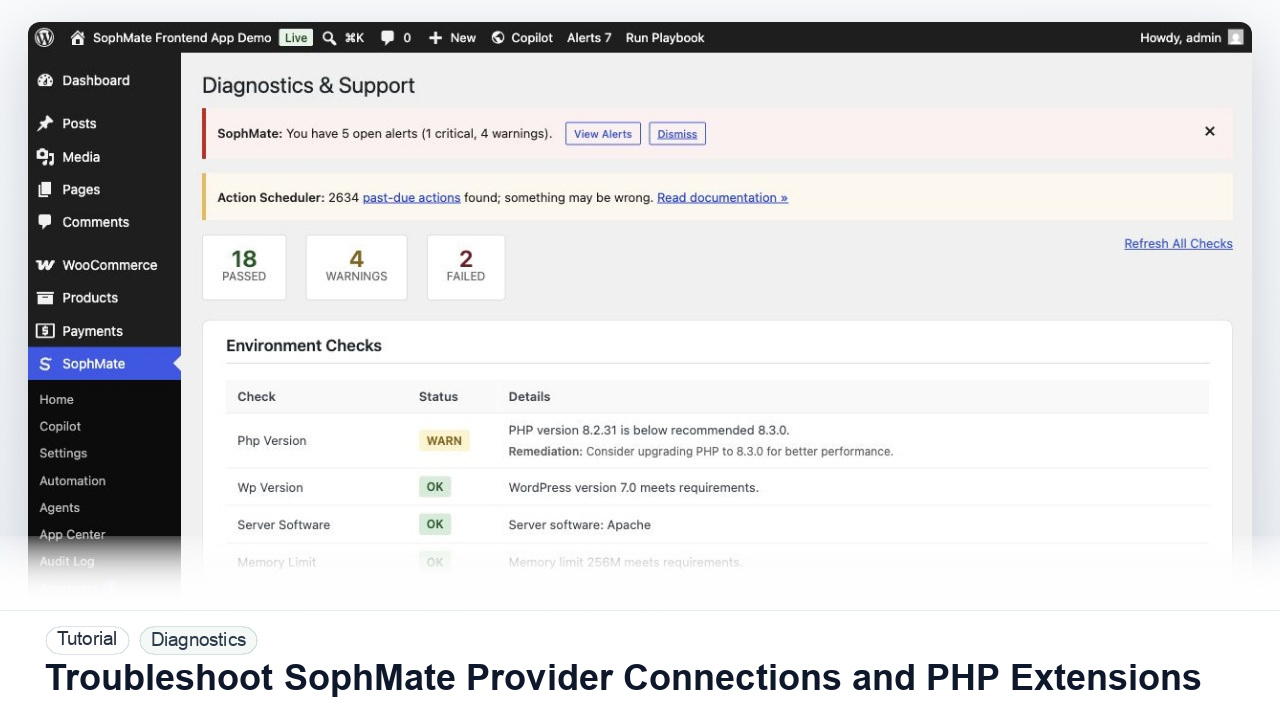
Use diagnostics, support bundles, audit logs, retention tools, encrypted provider keys, GDPR-supportive export/erase flows, and safe mode recovery to operate SophMate responsibly.
- Environment and connectivity checks
- Support bundle generation
- Audit event review
Proactive risk detection
Use SophMate sentinels, shadow review, anomaly signals, fraud checks, retention drift alerts, and operational findings to catch issues before they become incidents.
- Core sentinel catalogue
- Shadow samples and reviews
- Fraud, refund, and churn signals
Recovery after high-risk changes
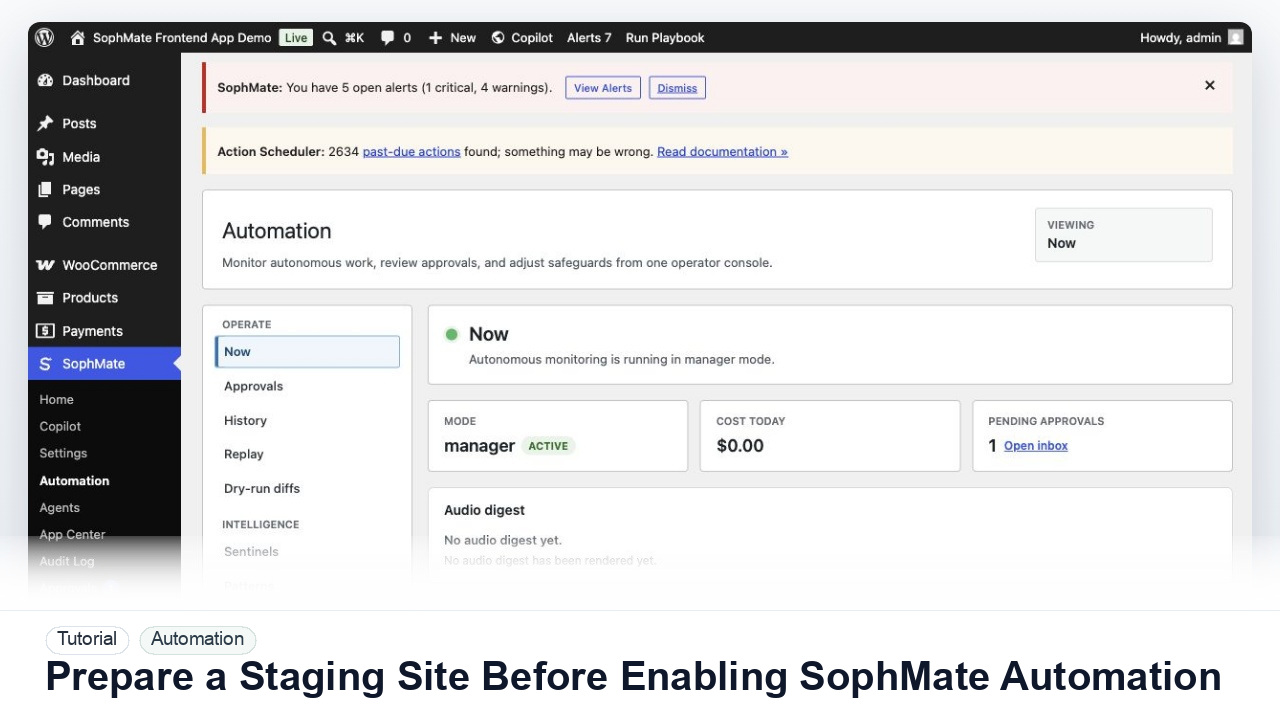
Coordinate bulk execution batches, undo evidence, regression watches, rollback handlers, and approval audit trails when AI-assisted work affects many records.
- Action Scheduler batch execution
- Bulk approval undo evidence
- Regression watches
Custom app and tool ecosystem
Connect MCP servers, custom tools, external app packages, frontend panels, OAuth grants, vector indexes, webhooks, and app budgets with reviewable boundaries.
- MCP server definitions
- Custom app registration
- OAuth and grants
Agent quality before autonomy
Evaluate agents with suites, run traces, memory consolidation, artifacts, provider gateways, coordination runs, and learning-loop evidence before expanding access.
- Eval suites and run traces
- Memory consolidation
- Agent artifacts
Operational control layer
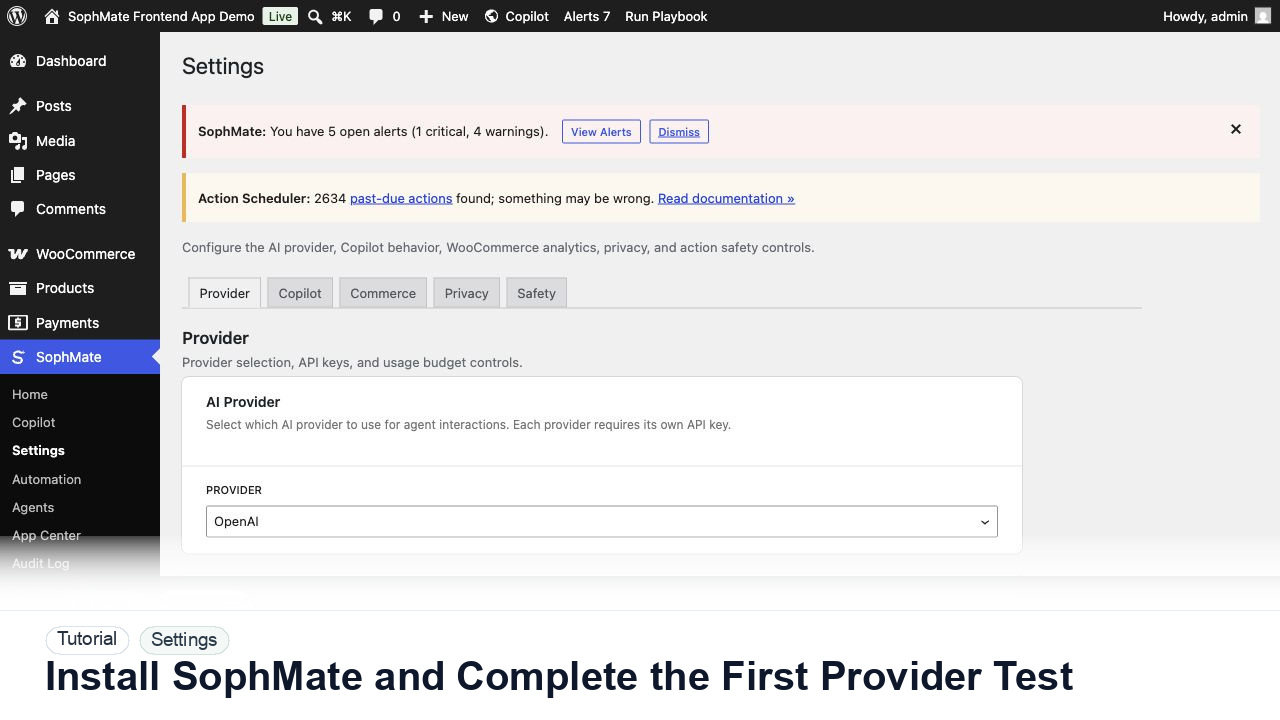
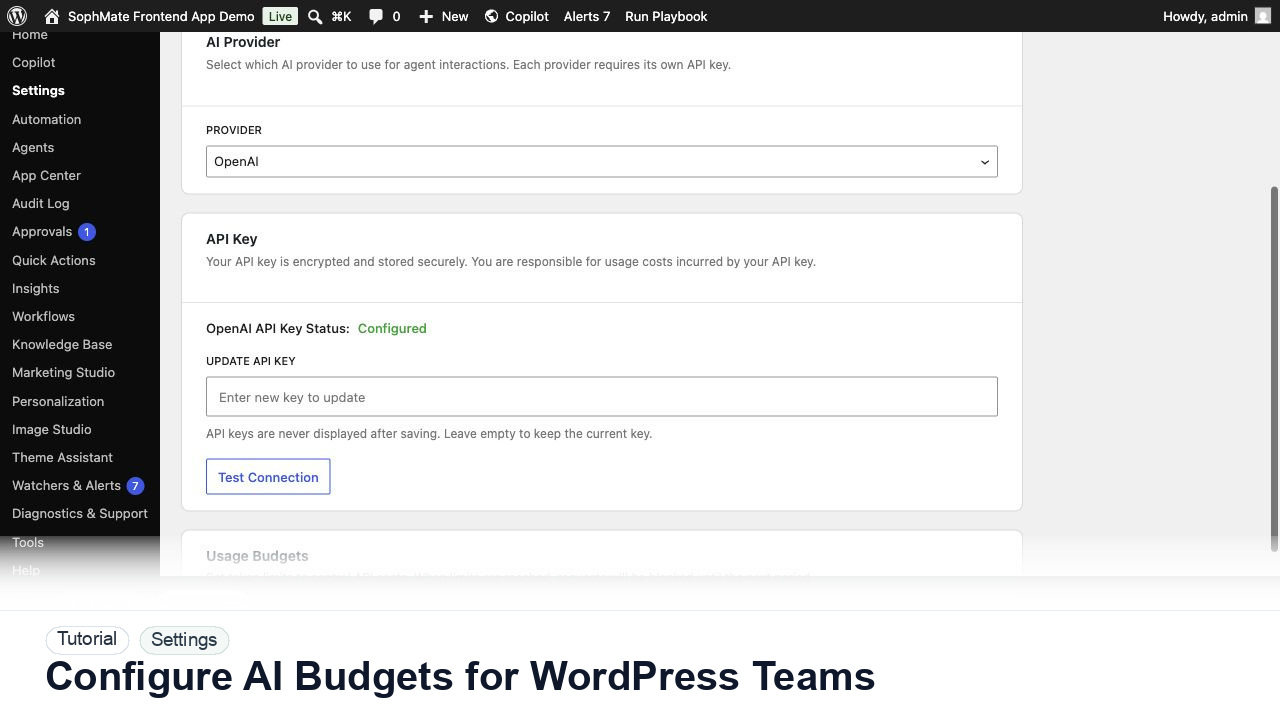
Control provider keys, budget guards, image and agent preview budgets, rate limits, safe mode, execution windows, and category kill switches from one operational model.
- Provider key ownership
- Budget guards and ledgers
- Rate-limit planning