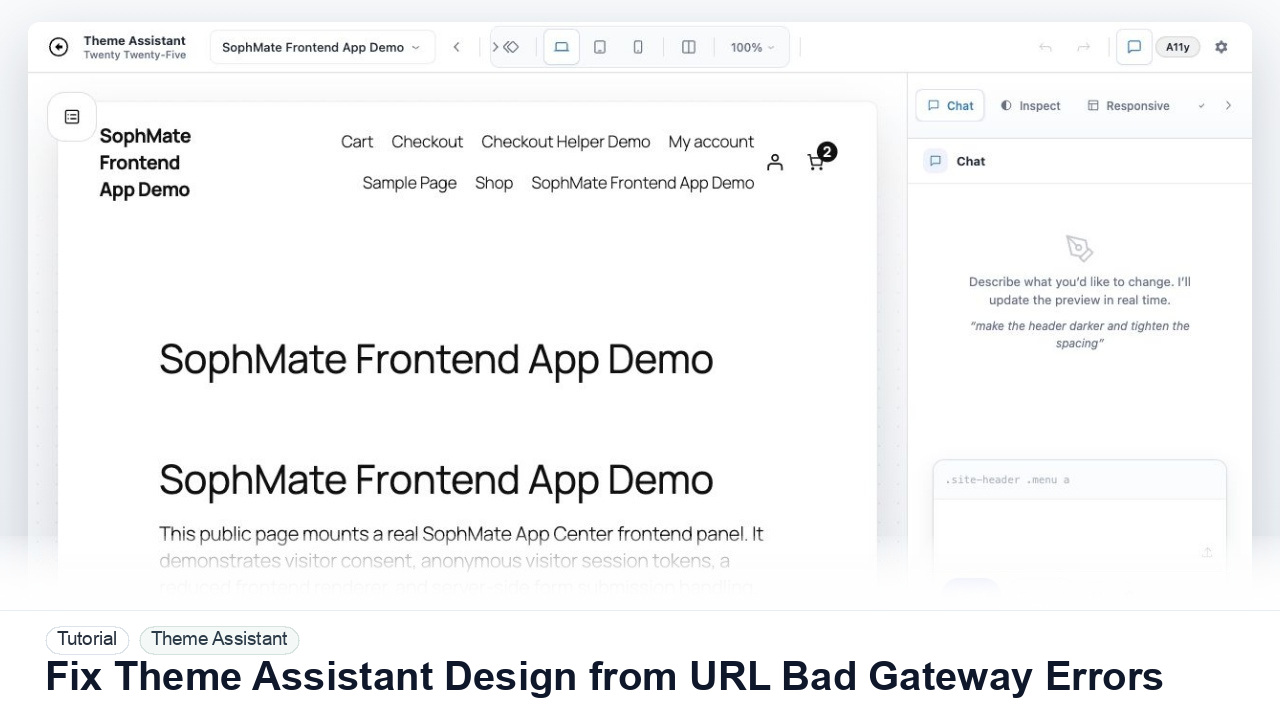
Fix Theme Assistant Design from URL Bad Gateway Errors
Troubleshoot Theme Assistant design-reference URLs that return 502 Bad Gateway, blocked fetches, SSL errors, login walls, or unusable page snapshots.
Tutorials
Step-by-step guides for setup, WooCommerce, Theme Assistant, automation, knowledge base, marketing, and privacy controls.
Troubleshoot Theme Assistant design-reference URLs that return 502 Bad Gateway, blocked fetches, SSL errors, login walls, or unusable page snapshots.
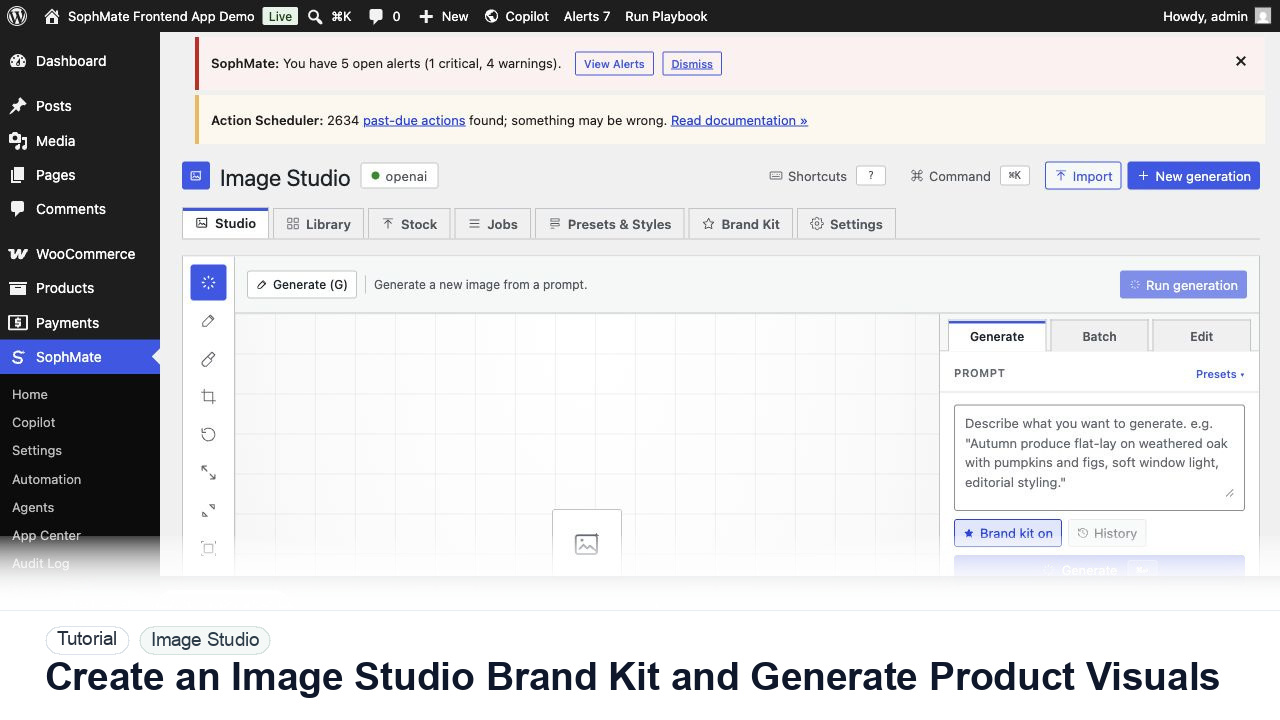
Create an Image Studio brand kit, write a product visual prompt, generate a draft, and keep image publishing under review.
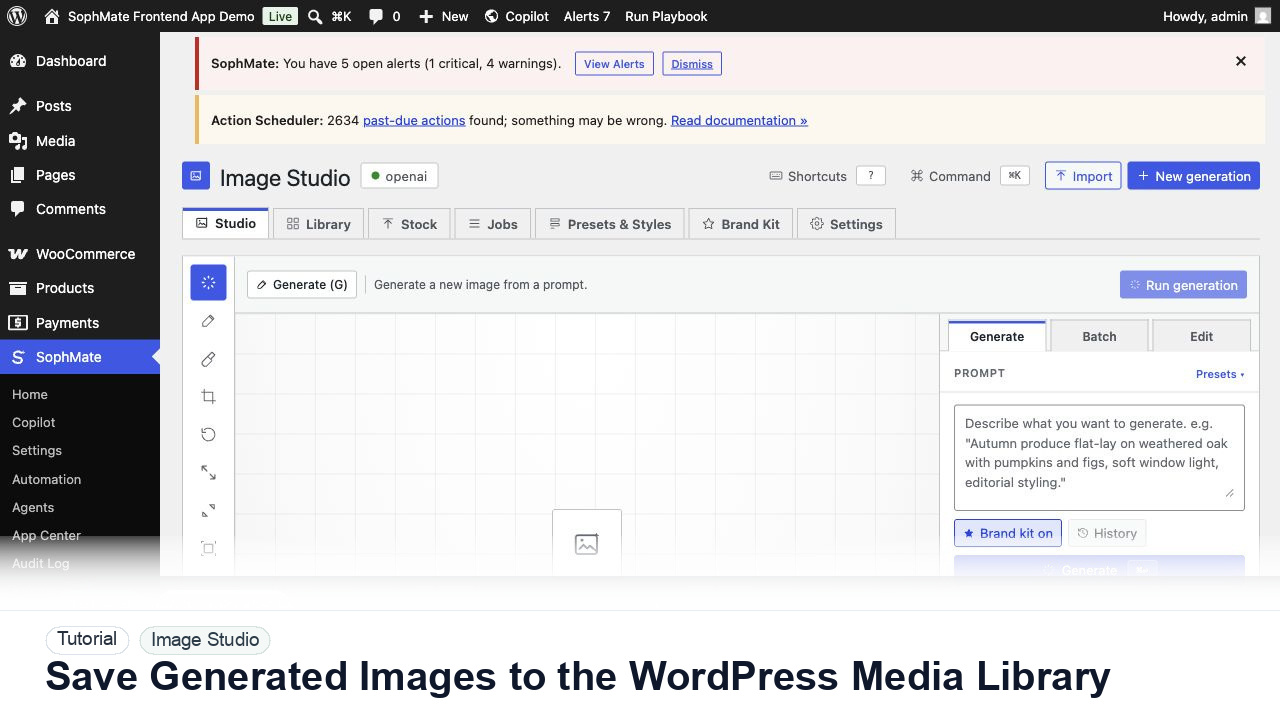
Move approved Image Studio outputs into the WordPress Media Library with metadata, alt text, and publishing intent.
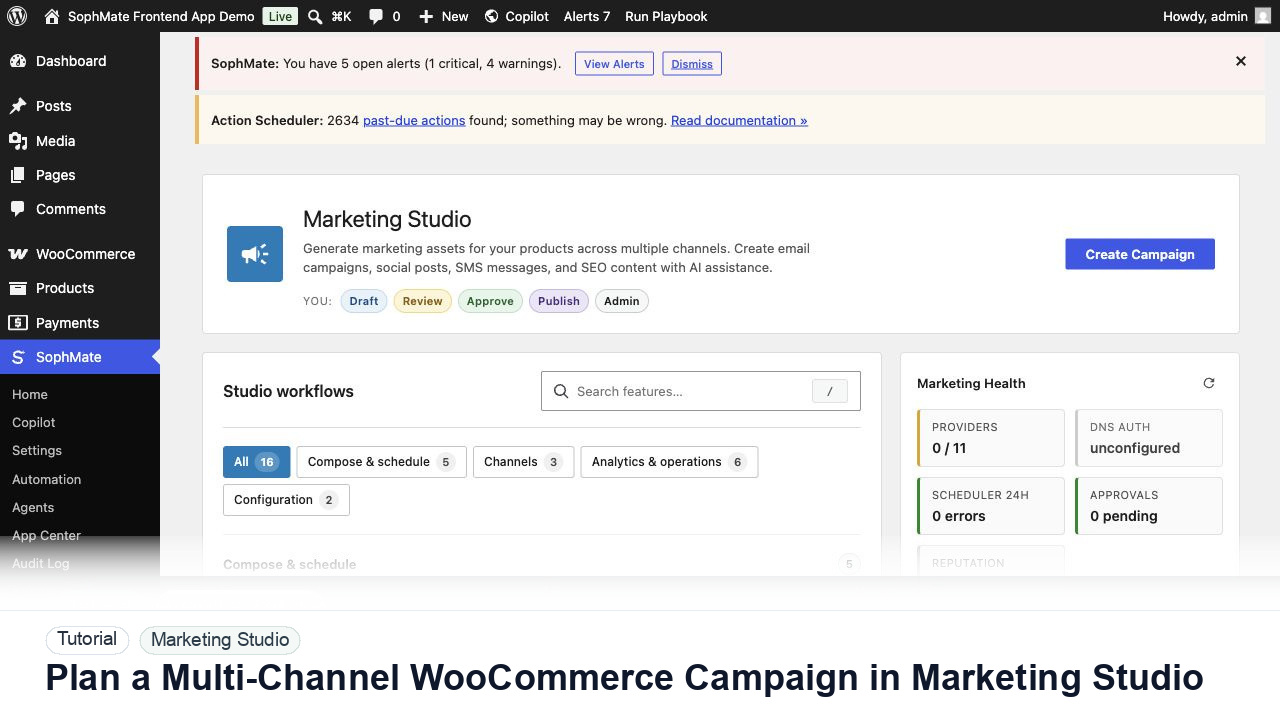
Use Marketing Studio to plan campaign goals, product context, channel drafts, provider health, review status, and next actions for WooCommerce promotions.
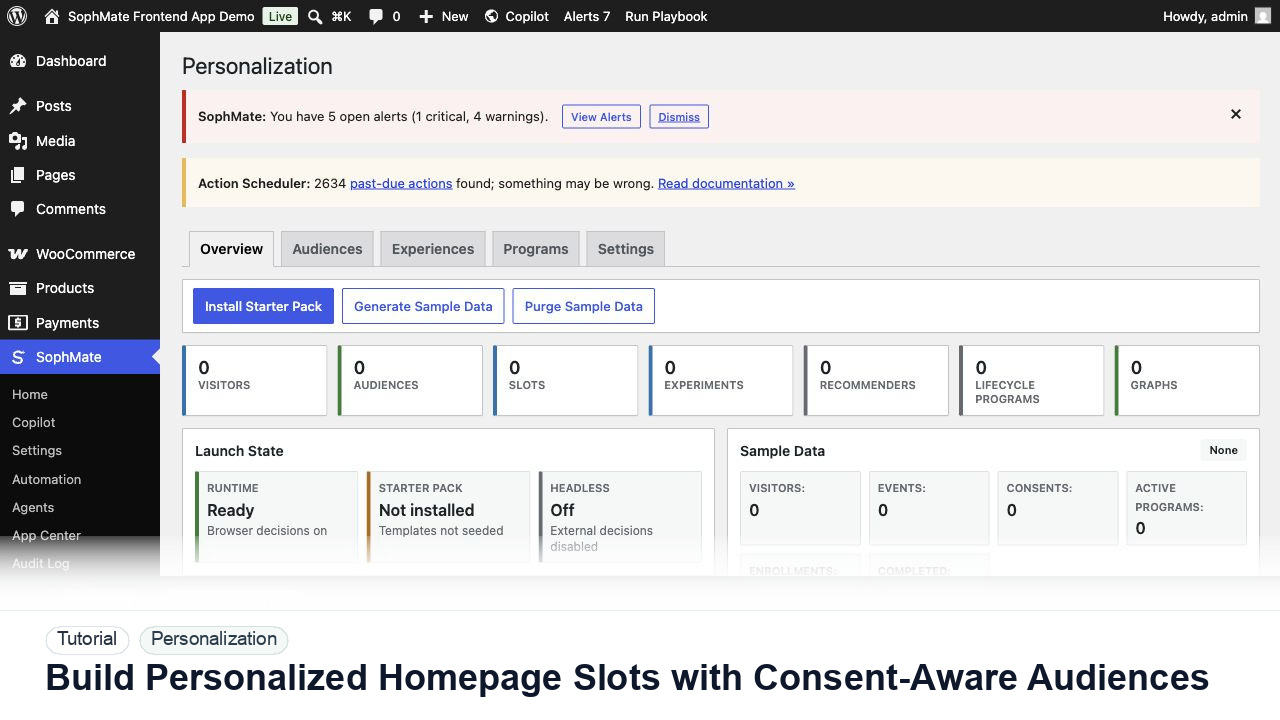
Create a personalization audience, assign it to a homepage slot, and keep privacy and explainability controls visible before launch.
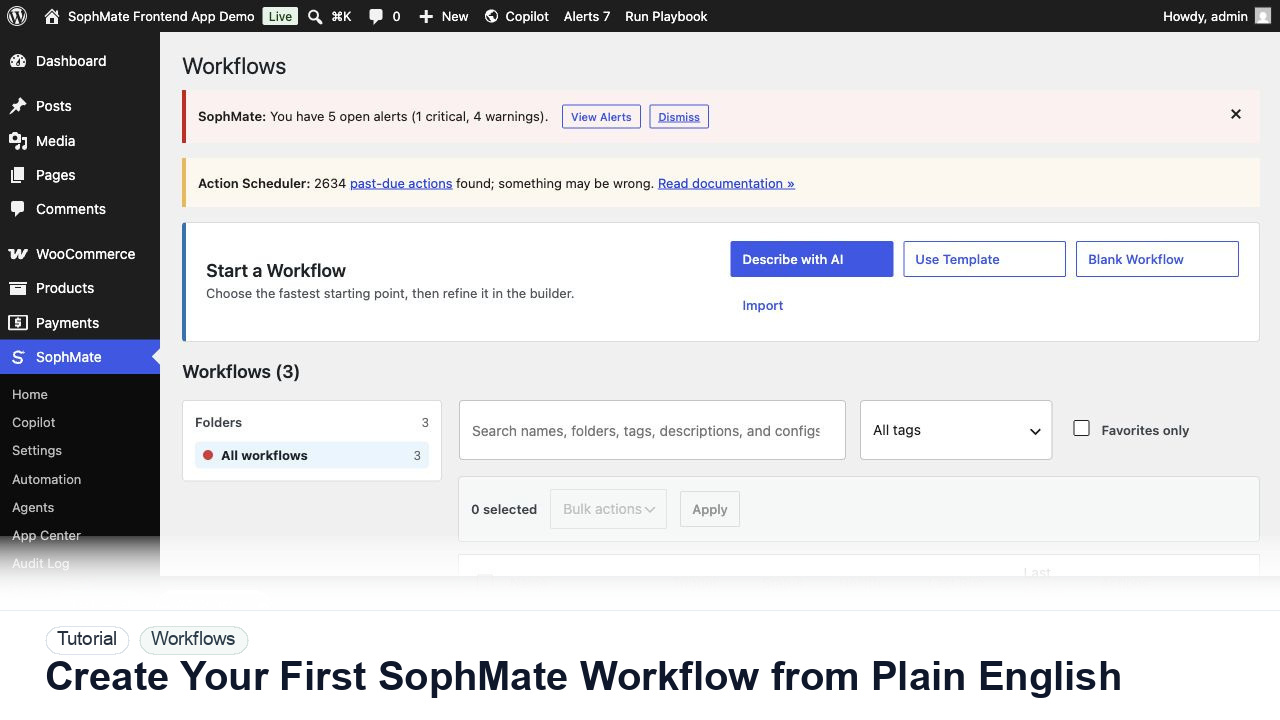
Use SophMate Workflows Describe with AI to turn a plain-English operations idea into a workflow draft with triggers, steps, and review notes.
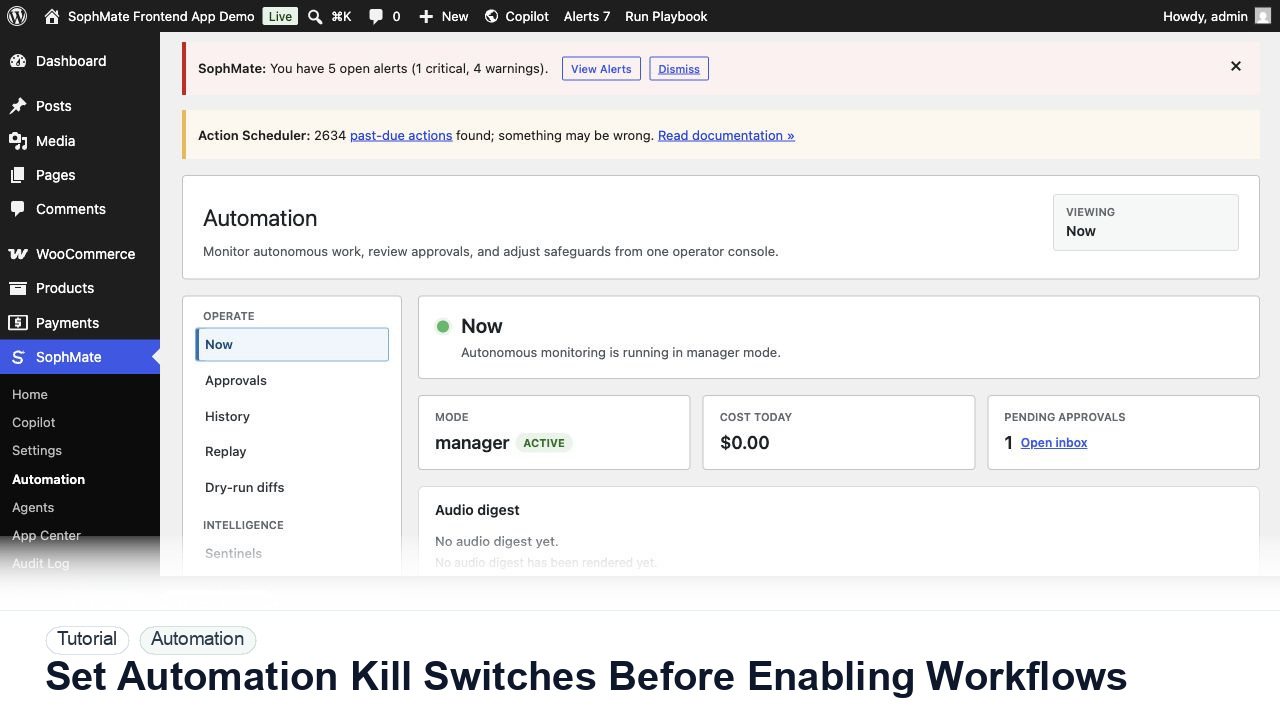
Configure SophMate workflow kill switches and ownership rules before enabling workflows that can affect WooCommerce or WordPress operations.
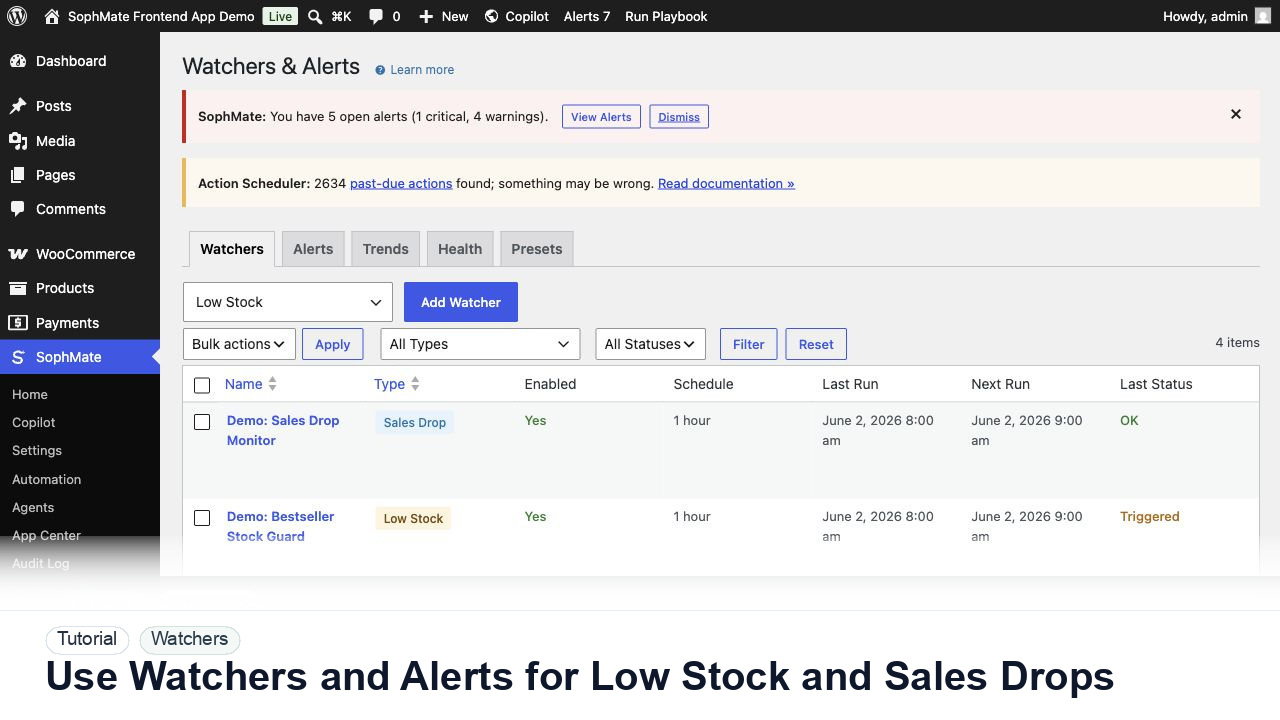
Configure SophMate Watchers for low-stock and sales-drop signals, then route alerts into the right review or workflow path.
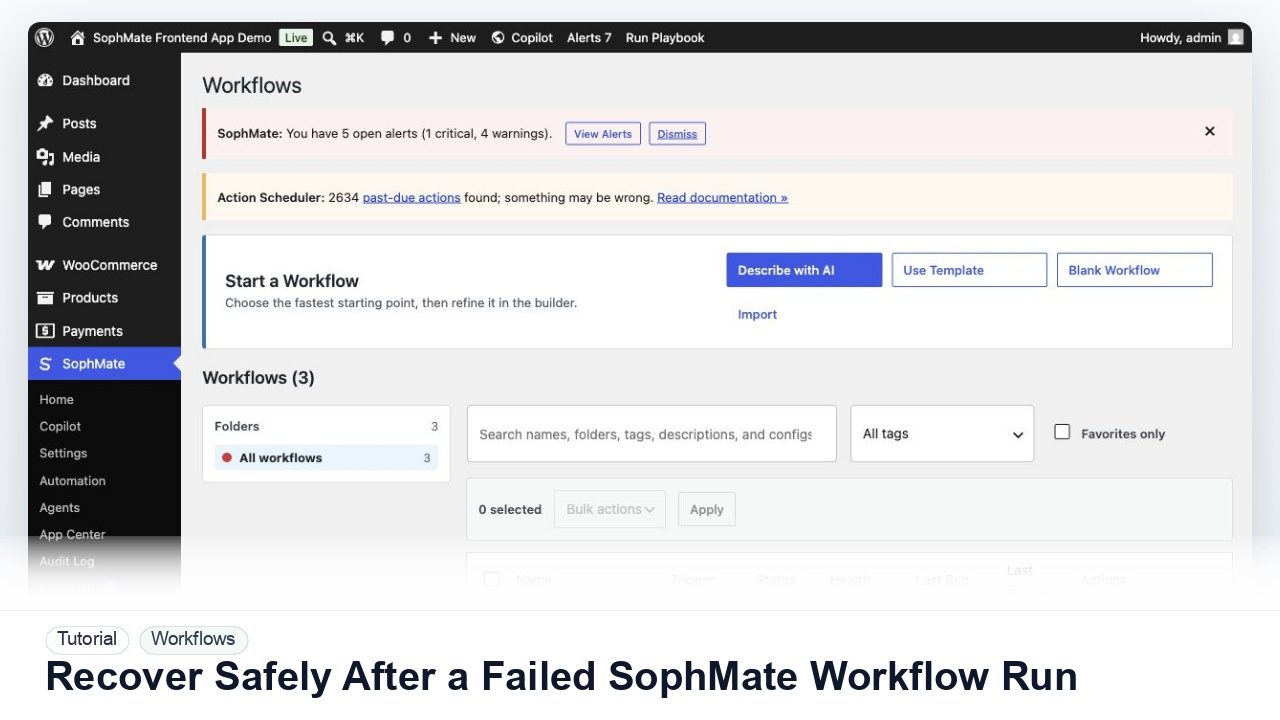
Use SophMate run history, audit events, approval status, and kill switches to investigate a failed workflow without creating duplicate or unsafe follow-up actions.