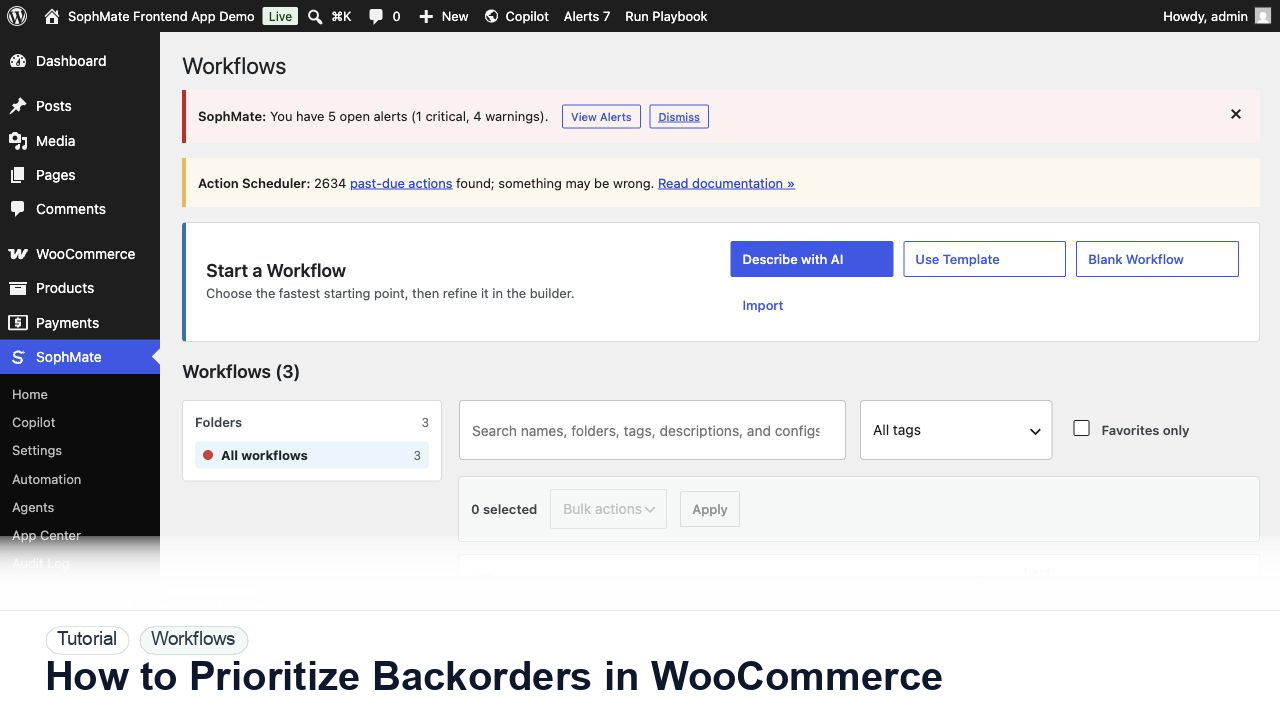
How to Prioritize Backorders in WooCommerce
Use SophMate to prioritize WooCommerce backorders by customer impact, product availability, promised dates, and support risk.
Tutorials
Step-by-step guides for setup, WooCommerce, Theme Assistant, automation, knowledge base, marketing, and privacy controls.
Use SophMate to prioritize WooCommerce backorders by customer impact, product availability, promised dates, and support risk.
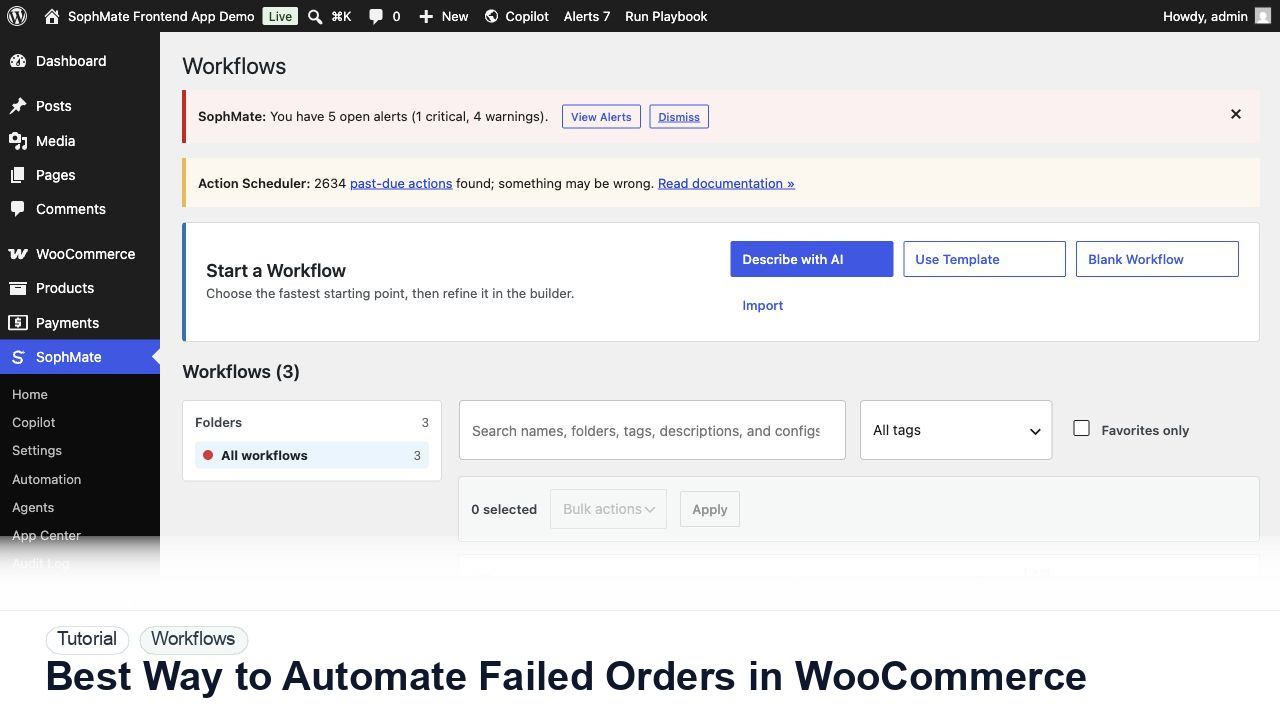
Use SophMate workflows to automate WooCommerce failed-order triage without sending risky emails or changing order state silently.
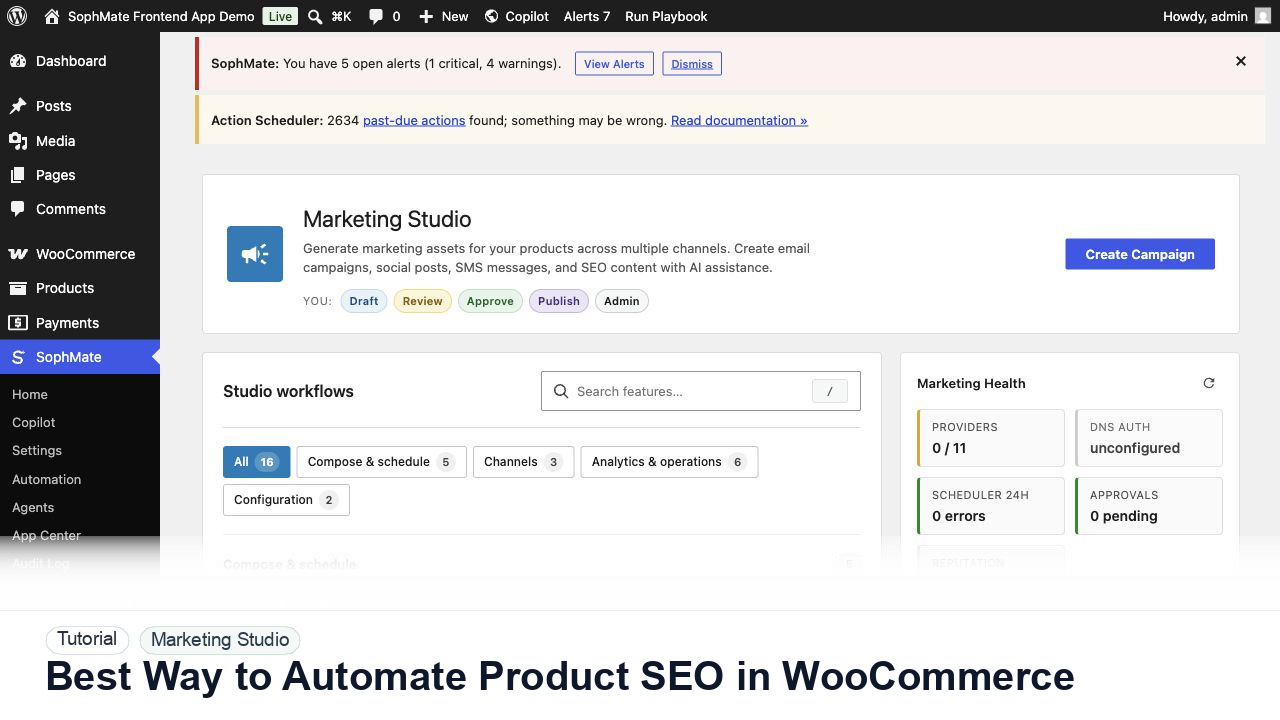
Use SophMate to automate WooCommerce product SEO refreshes while keeping claims, metadata, and commercial fields under review.
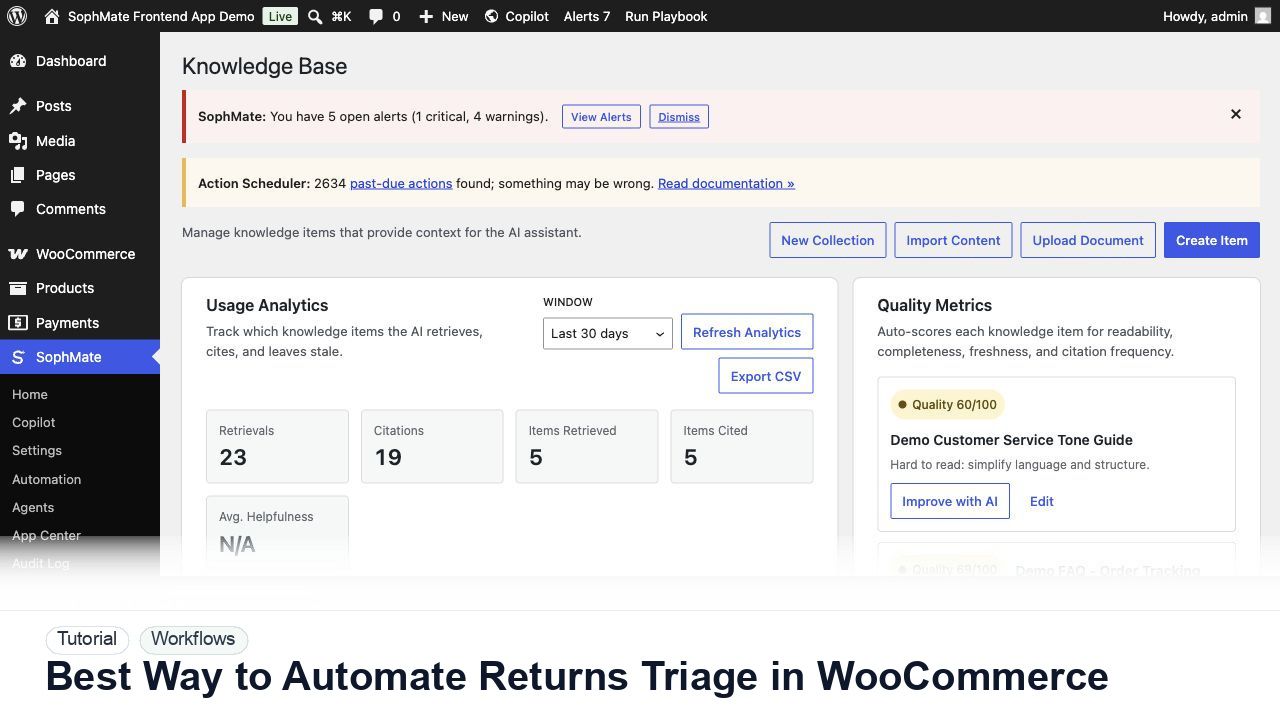
Use SophMate to automate WooCommerce returns triage with policy checks, reason categories, support drafts, and approval gates.
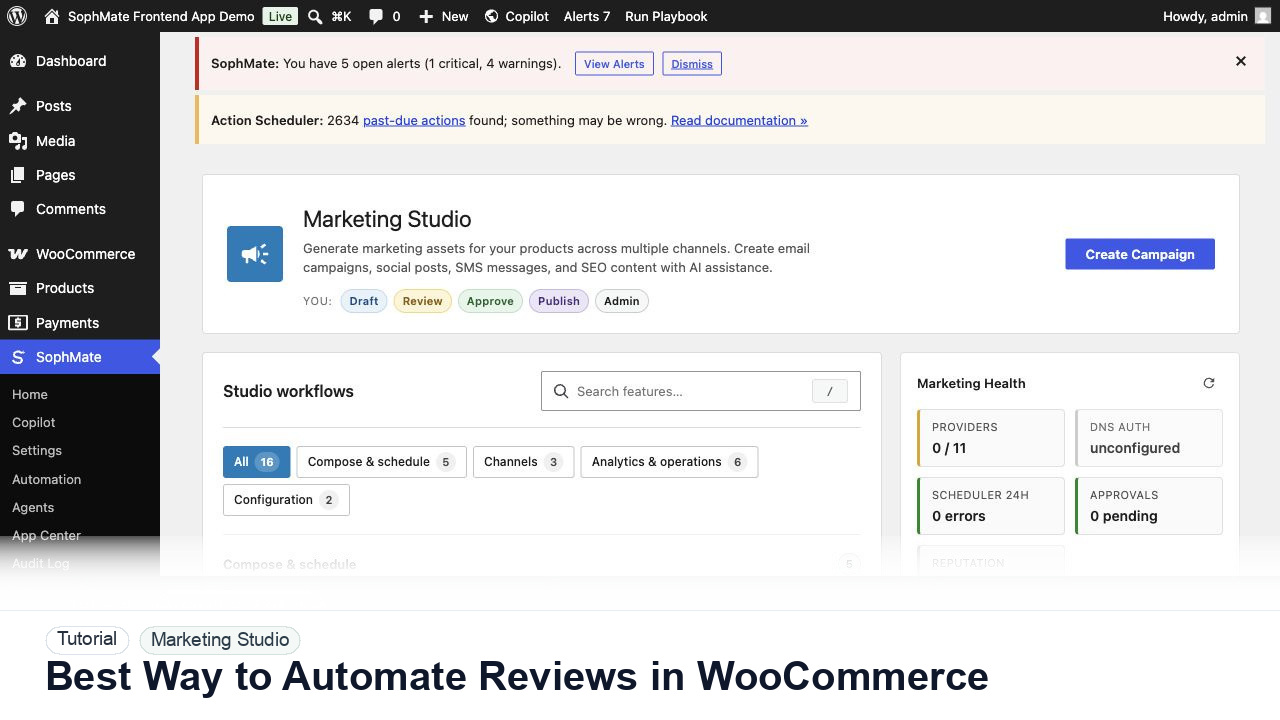
Use SophMate to automate WooCommerce review requests with delivery timing, consent, product context, and support-safe exclusions.
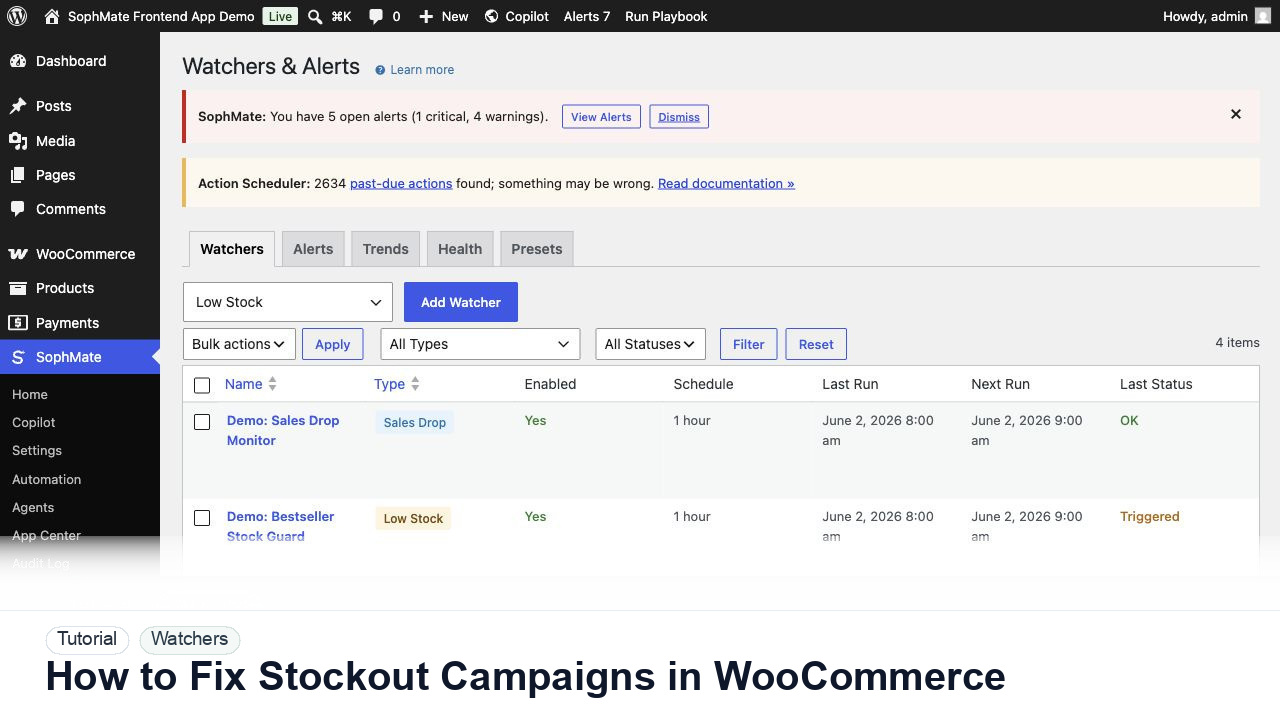
Use SophMate to fix WooCommerce campaigns that keep promoting low-stock or out-of-stock products.
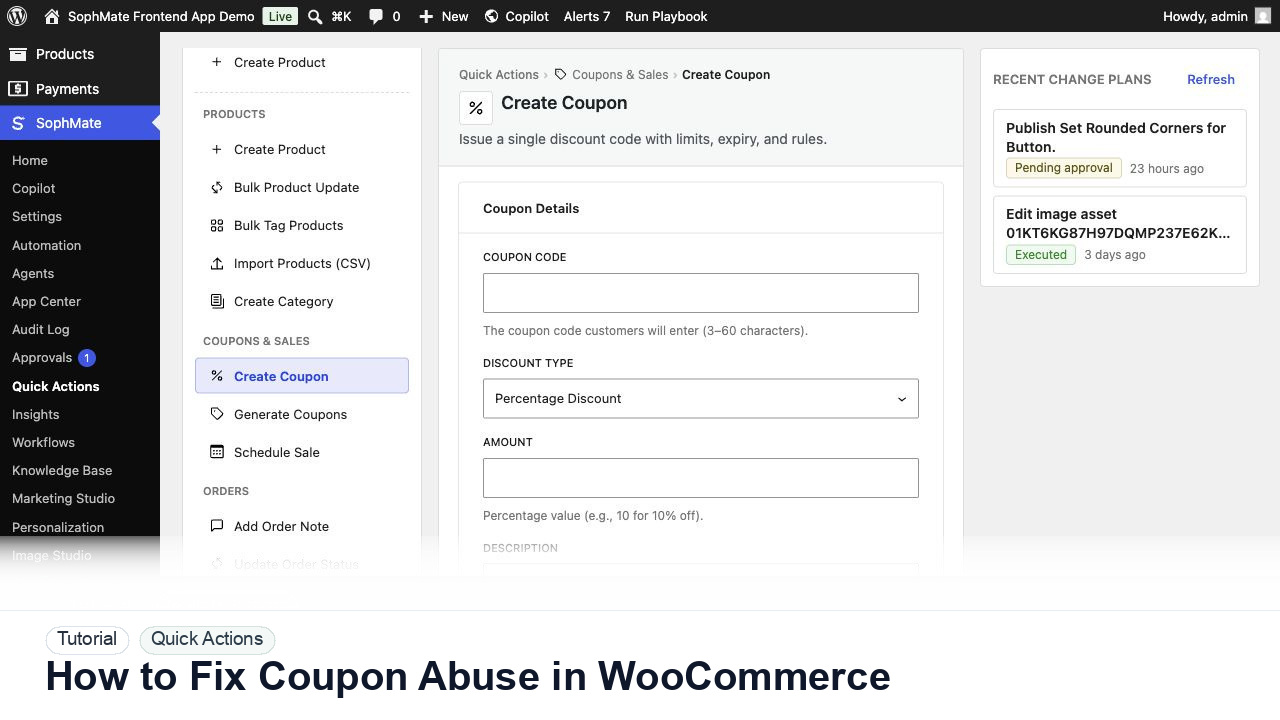
Use SophMate to fix WooCommerce coupon abuse by reviewing usage patterns, stacking rules, limits, and approval-backed changes.
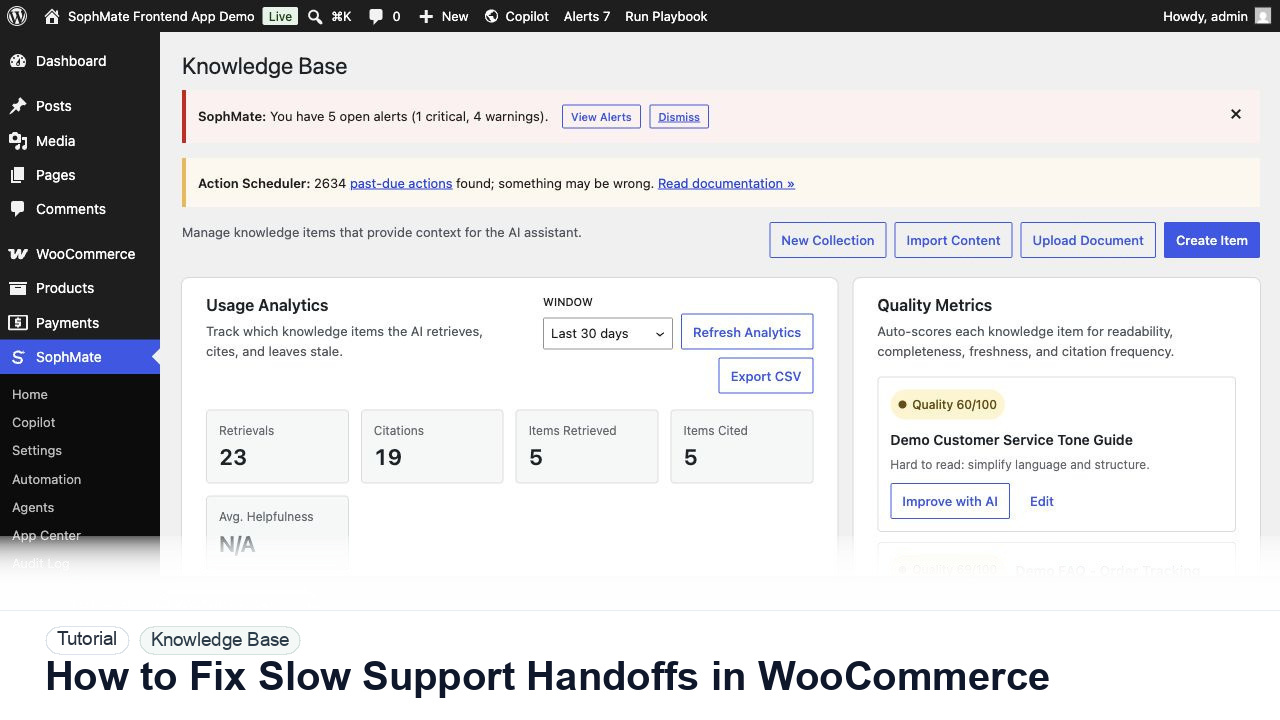
Use SophMate to fix slow WooCommerce support handoffs with order facts, policy context, escalation notes, and clean reply drafts.
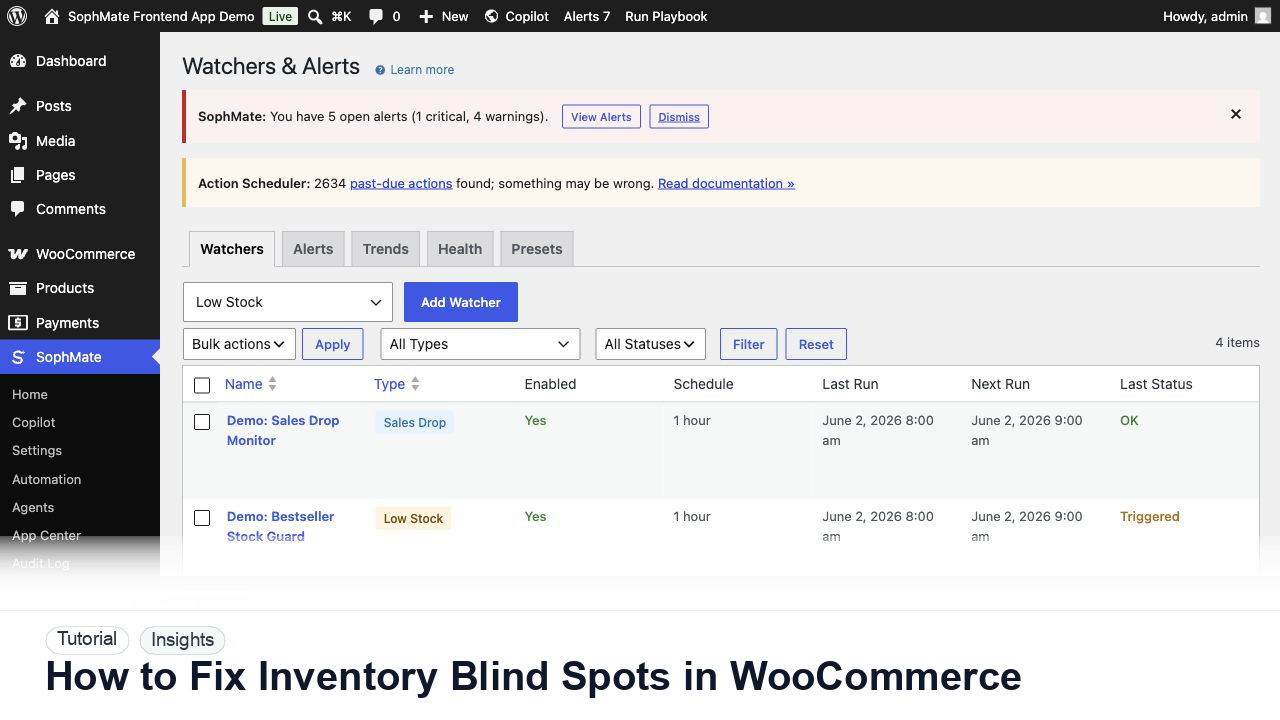
Use SophMate to fix WooCommerce inventory blind spots by combining stock, sales velocity, campaigns, and watcher alerts.