Build Personalized Homepage Slots with Consent-Aware Audiences
Create a personalization audience, assign it to a homepage slot, and keep privacy and explainability controls visible before launch.
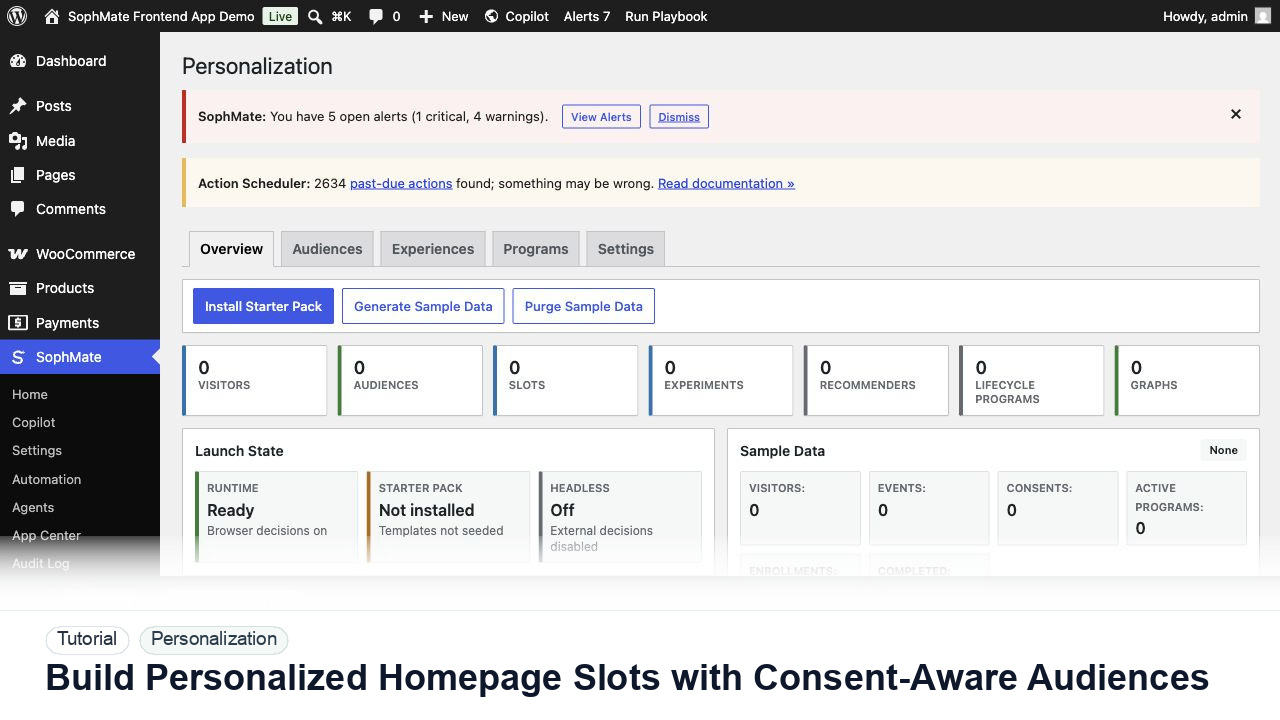
Create a personalization audience, assign it to a homepage slot, and keep privacy and explainability controls visible before launch.
By the end of this tutorial, you will know how to use SophMate for WordPress personalization AI while keeping the work reviewable inside WordPress.
A growth team wants returning visitors to see a different homepage CTA without personalizing sensitive pages or hiding the fallback experience.
Use this tutorial to evaluate whether SophMate can personalize responsibly. Buyers should look for consent-aware audiences, fallback content, sensitive-page exclusions, explainability, experiment evidence, and privacy-owner review.
Review this personalization slot before launch. Check consent state, audience logic, fallback content, sensitive-page exclusions, experiment metric, and privacy-owner approval.
The tutorial image shows the Personalization dashboard because audience, slot, sample data, graph health, and launch readiness need to be reviewed together.
Keep fallbacks valid and avoid sensitive traits or sensitive pages unless the privacy model explicitly allows the use case.
Start with a simple audience such as returning visitors, recent product viewers, or customers with a defined purchase count. Avoid sensitive traits.
Register the homepage or footer CTA slot and confirm the fallback content works for every visitor. Personalization should enhance, not replace, a complete page.
Write the personalized variant and connect it to the audience. Keep copy aligned with campaign and support promises.
Check consent, sensitive-page exclusions, explainability, and headless runtime settings before launch.
Use graph health, sample data, and result summaries to decide whether to keep, revise, or promote the treatment.
The personalization workflow is successful when fallback content works, audience logic is explainable, privacy review is complete, and experiment results guide the next decision.
If audience logic or consent behavior is unclear, disable the slot, serve fallback content, and review experiment evidence before relaunch.
Document audience rule, slot, fallback content, consent behavior, sensitive-page exclusions, explainability notes, and experiment success metric.
A growth owner should review experiment results, while a privacy owner reviews sensitive audience, consent, and fallback decisions before launch.
Escalate when audience rules, sensitive pages, consent state, or experiment interpretation affect privacy or customer trust.
No. Use consent-aware, explainable audience rules and avoid sensitive traits or sensitive pages unless the privacy owner has approved the use case.
No. SophMate should make the work easier to draft, inspect, approve, and repeat. Human review remains necessary when output affects customers, money, published content, privacy, settings, or workflow execution.
Record the owner, input scope, access boundary, approval point, failure modes tested, evidence location, monitoring window, and rollback or stop path.
Launch the slot to a narrow audience or staging surface first, then compare fallback behavior, consent handling, and experiment evidence before broader exposure.
Next step
Review the SophMate listing for current package details, screenshots, compatibility notes, and license terms.
Related
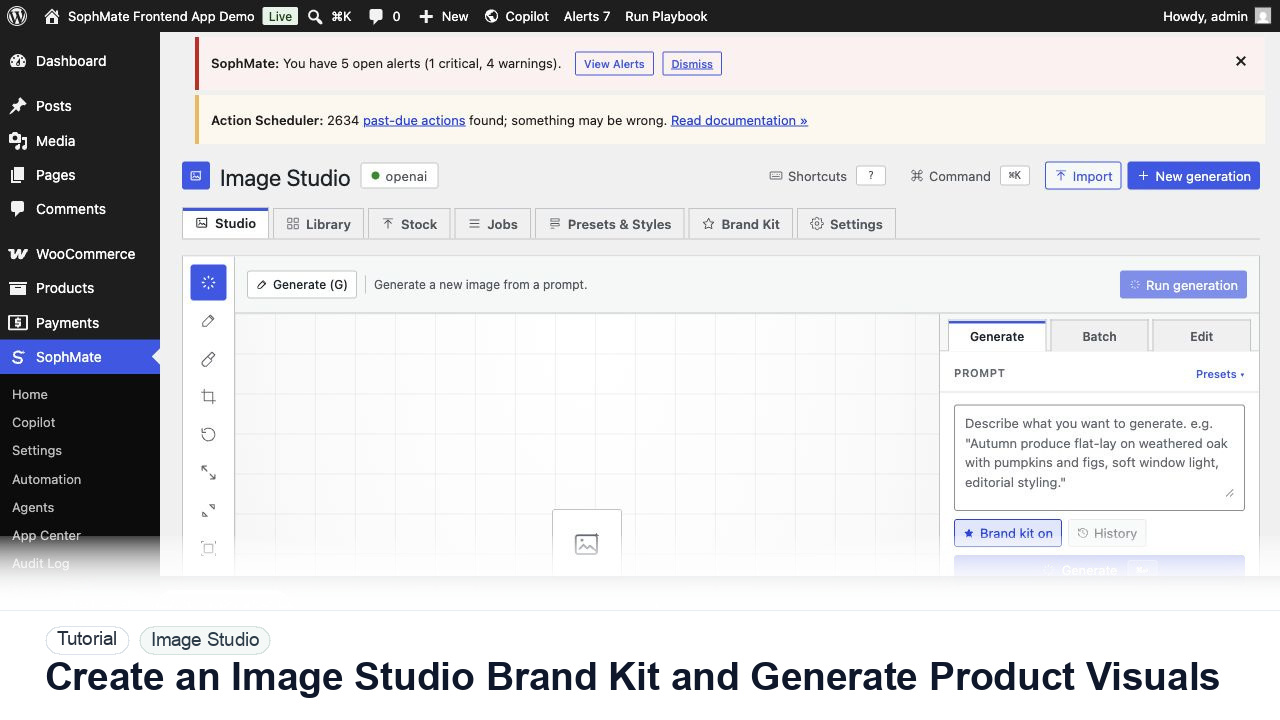
Create an Image Studio brand kit, write a product visual prompt, generate a draft, and keep image publishing under review.
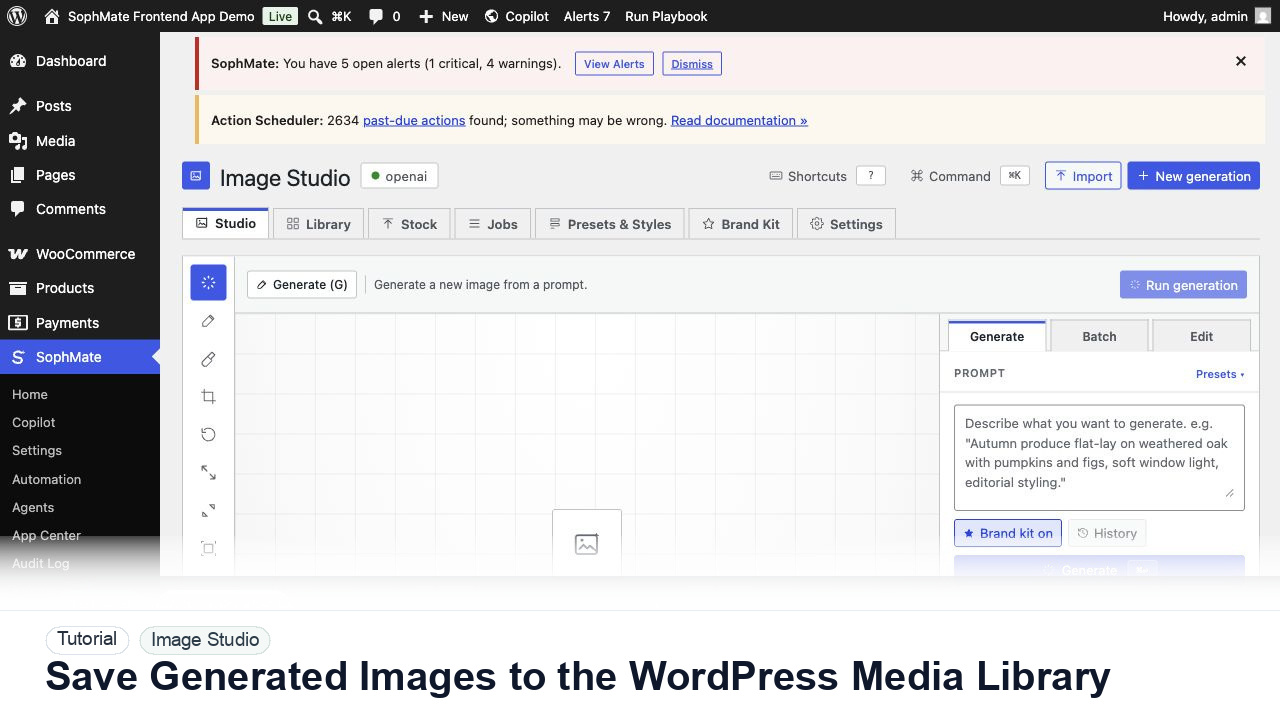
Move approved Image Studio outputs into the WordPress Media Library with metadata, alt text, and publishing intent.
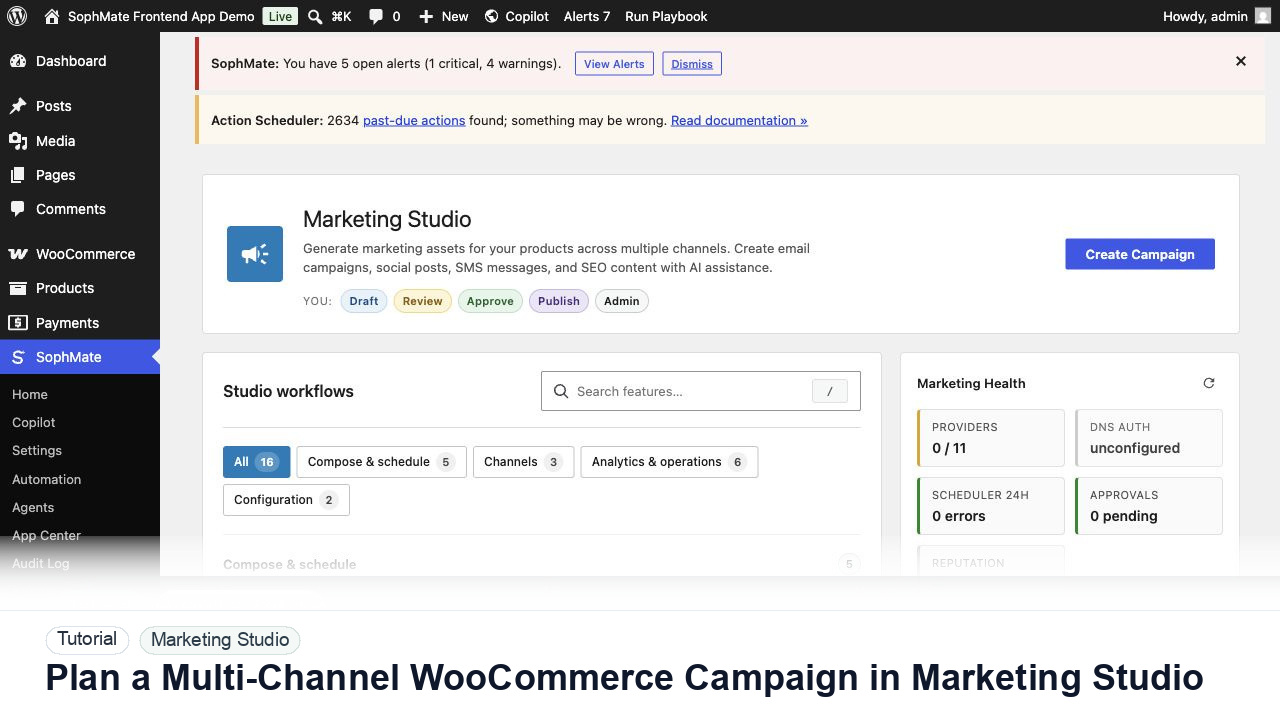
Use Marketing Studio to plan campaign goals, product context, channel drafts, provider health, review status, and next actions for WooCommerce promotions.