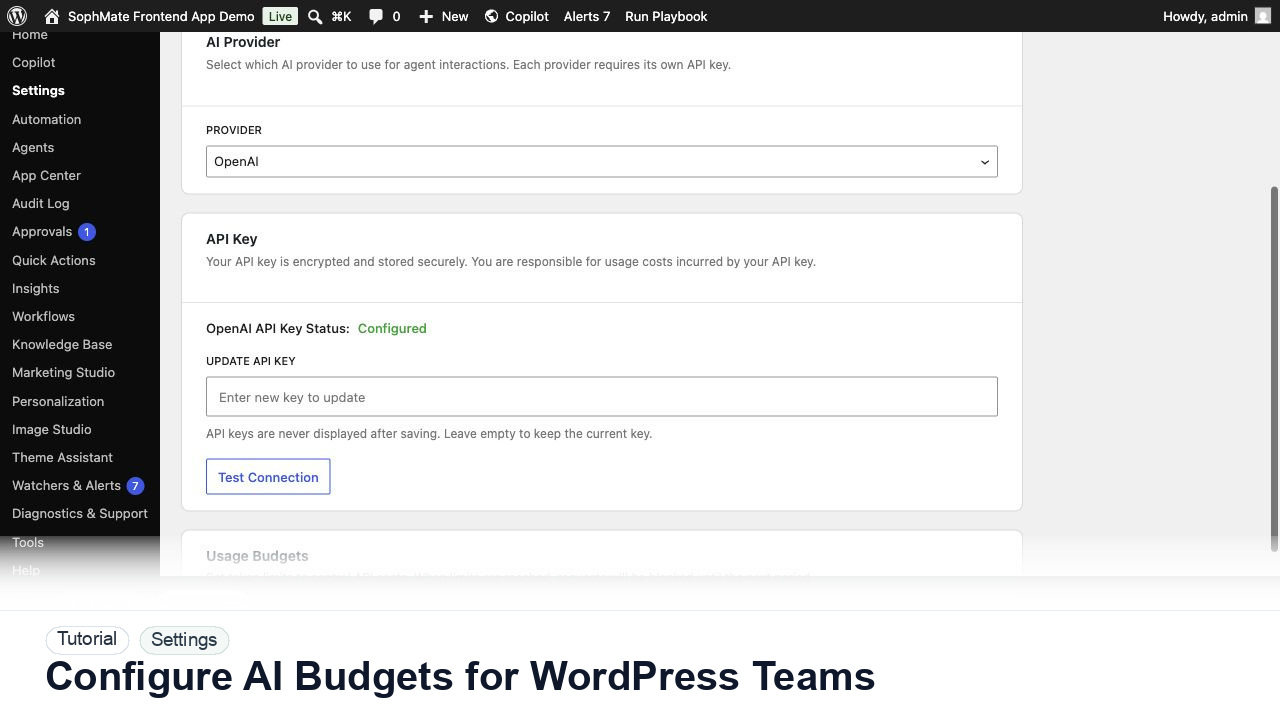
Configure AI Budgets for WordPress Teams
Set SophMate monthly and per-user budget limits so AI usage stays predictable across administrators, editors, support staff, and agencies.
Tutorial tag
Related SophMate tutorials. Tag archives stay noindex until they are curated into high-value search pages.
Set SophMate monthly and per-user budget limits so AI usage stays predictable across administrators, editors, support staff, and agencies.
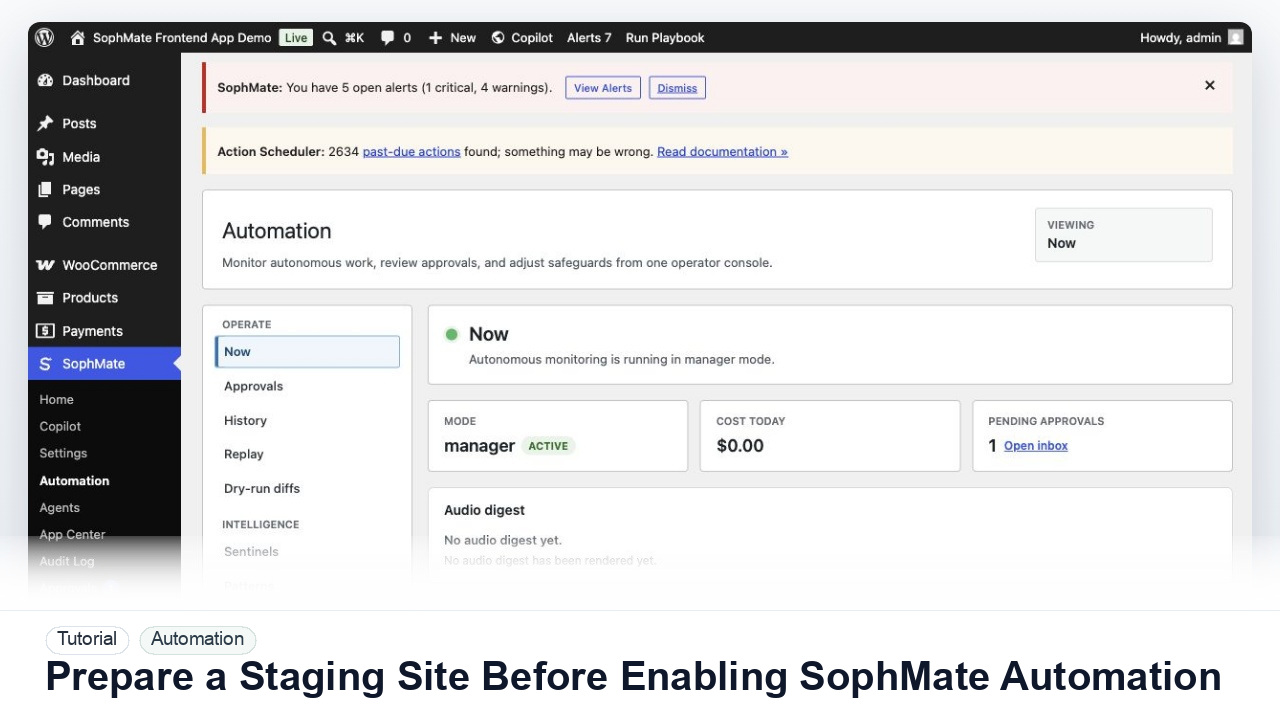
Use a staging WordPress site to test SophMate workflows, watchers, agents, approvals, and kill switches before production rollout.
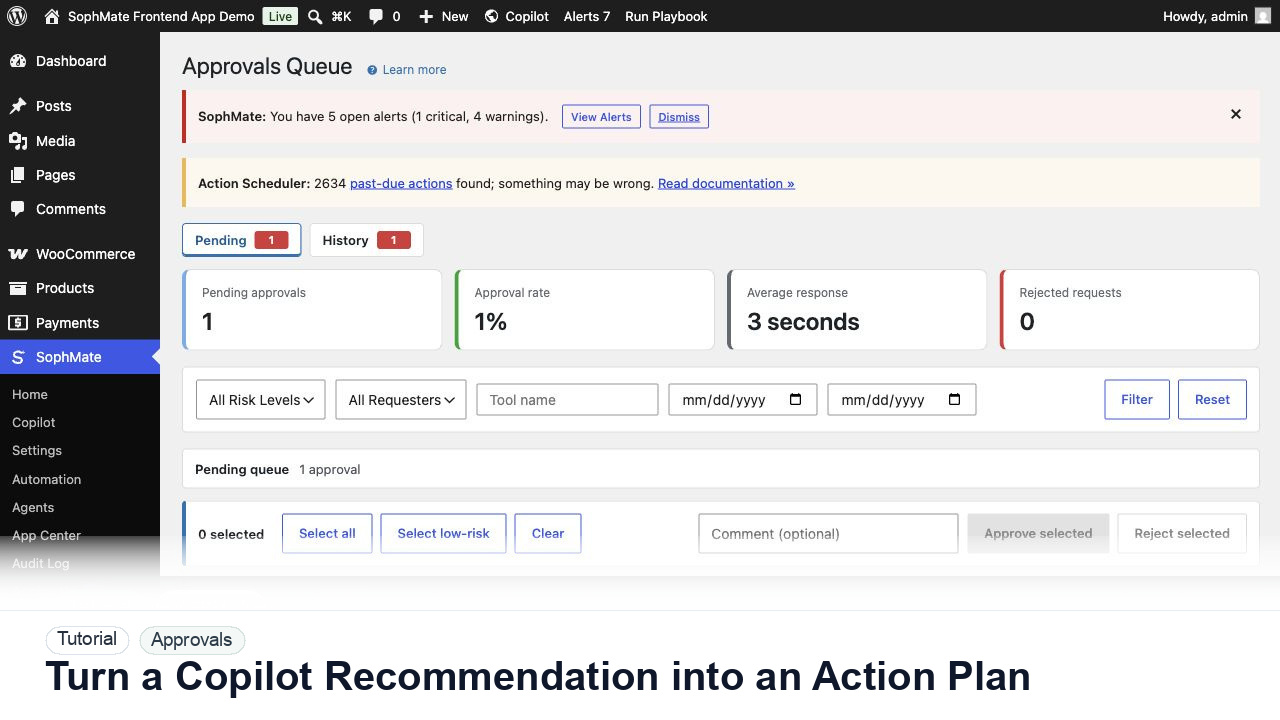
Convert a Copilot recommendation into a SophMate action plan with risk level, diff preview, reviewer notes, and approval before execution.
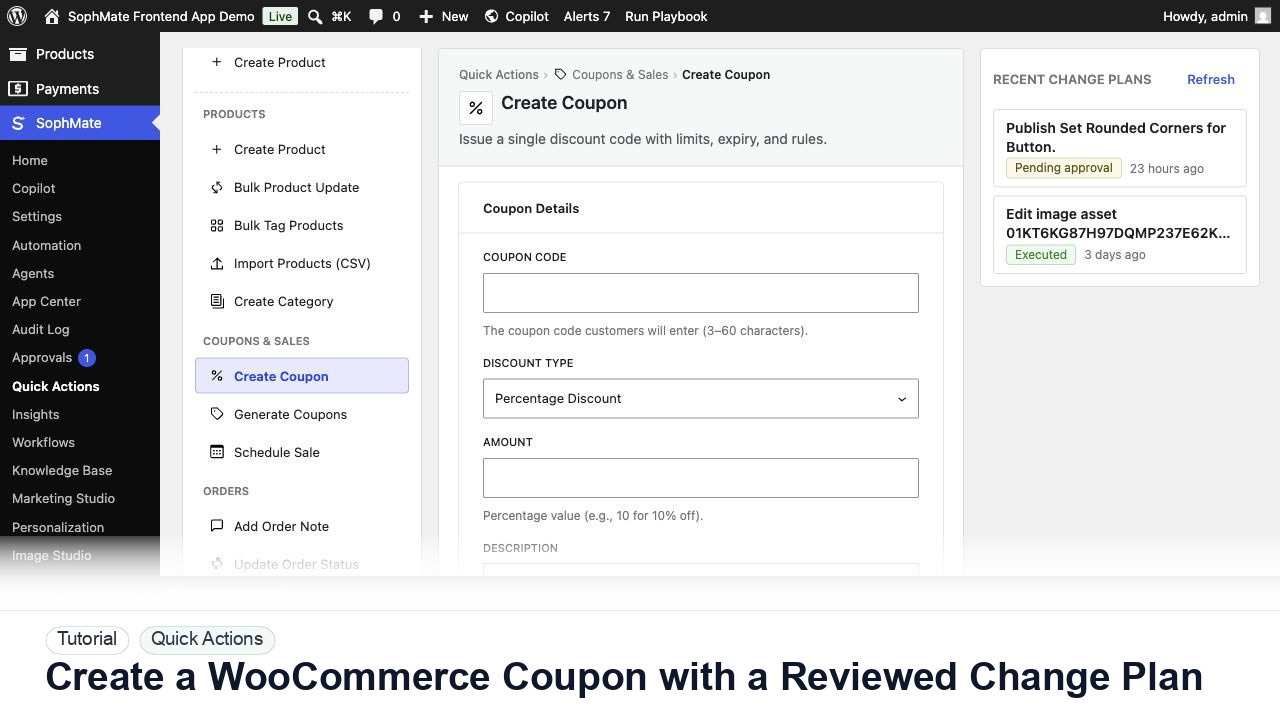
Create a WooCommerce coupon with SophMate, review the generated change plan, and apply the discount only after settings are confirmed.
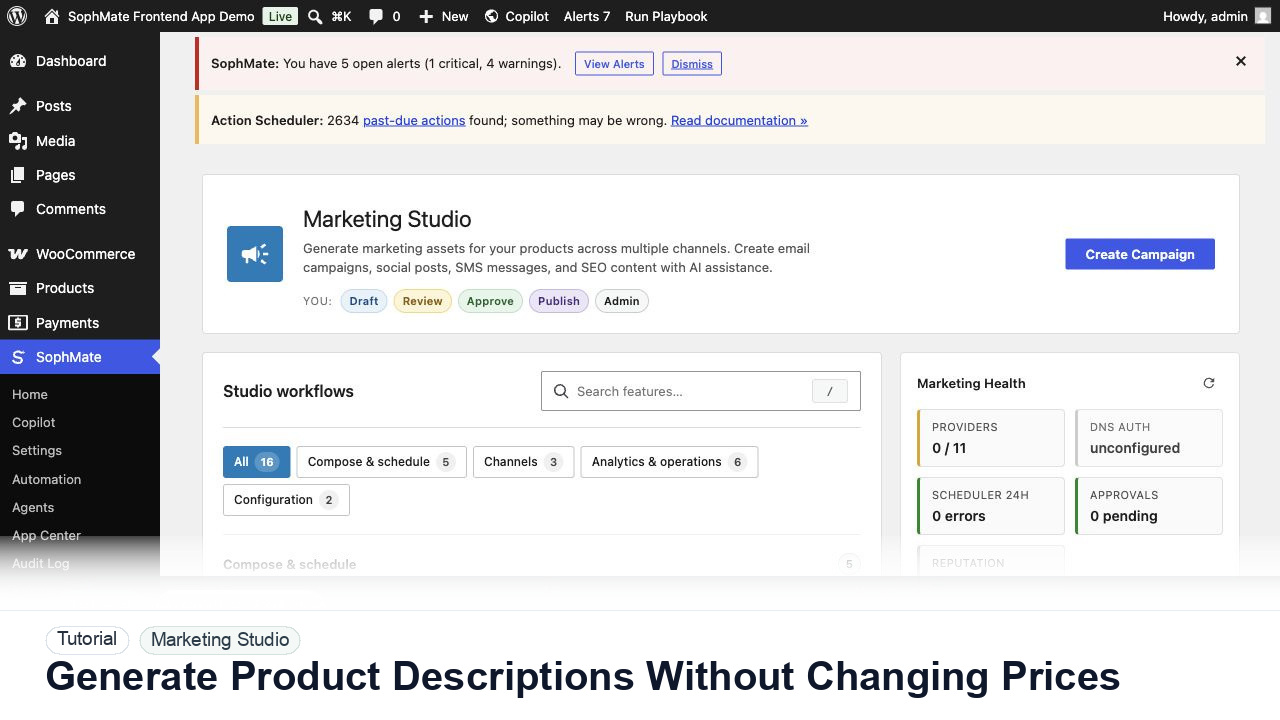
Use SophMate to draft product descriptions, SEO titles, and short descriptions while keeping price, stock, shipping, and variation settings out of scope.
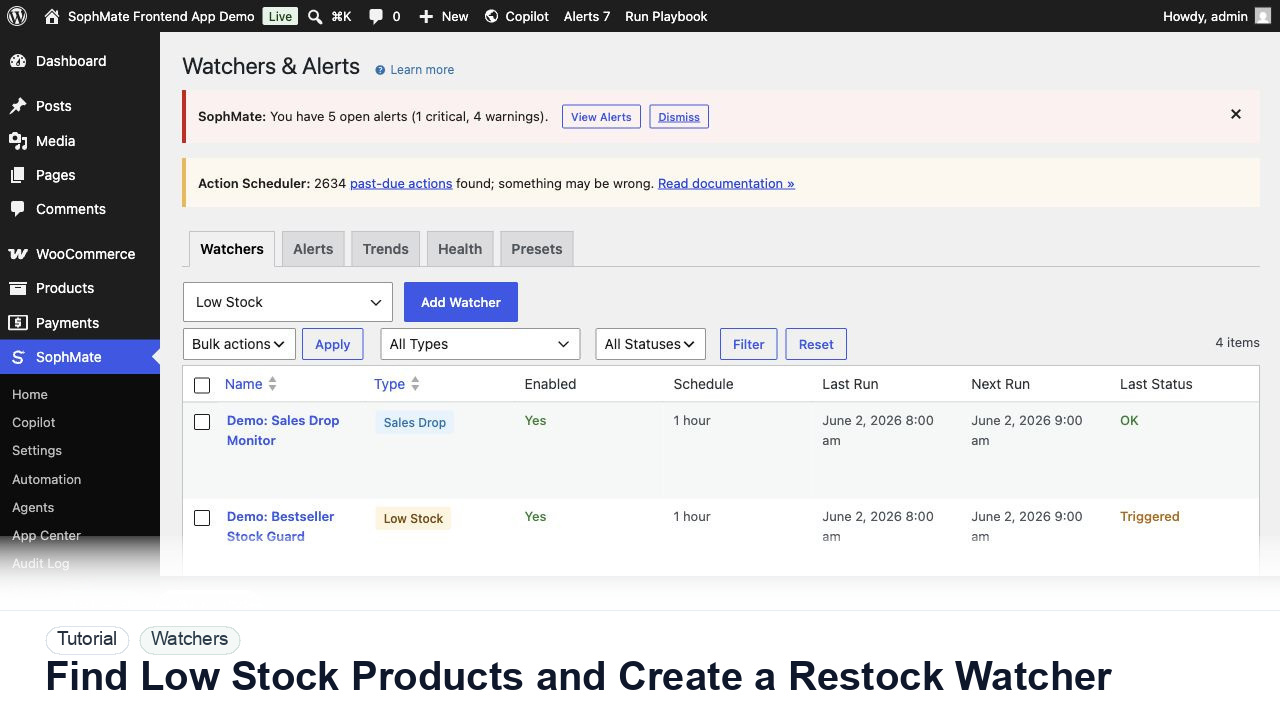
Use SophMate to find low-stock WooCommerce products, prioritize restock risk, and create a watcher so future inventory problems surface automatically.
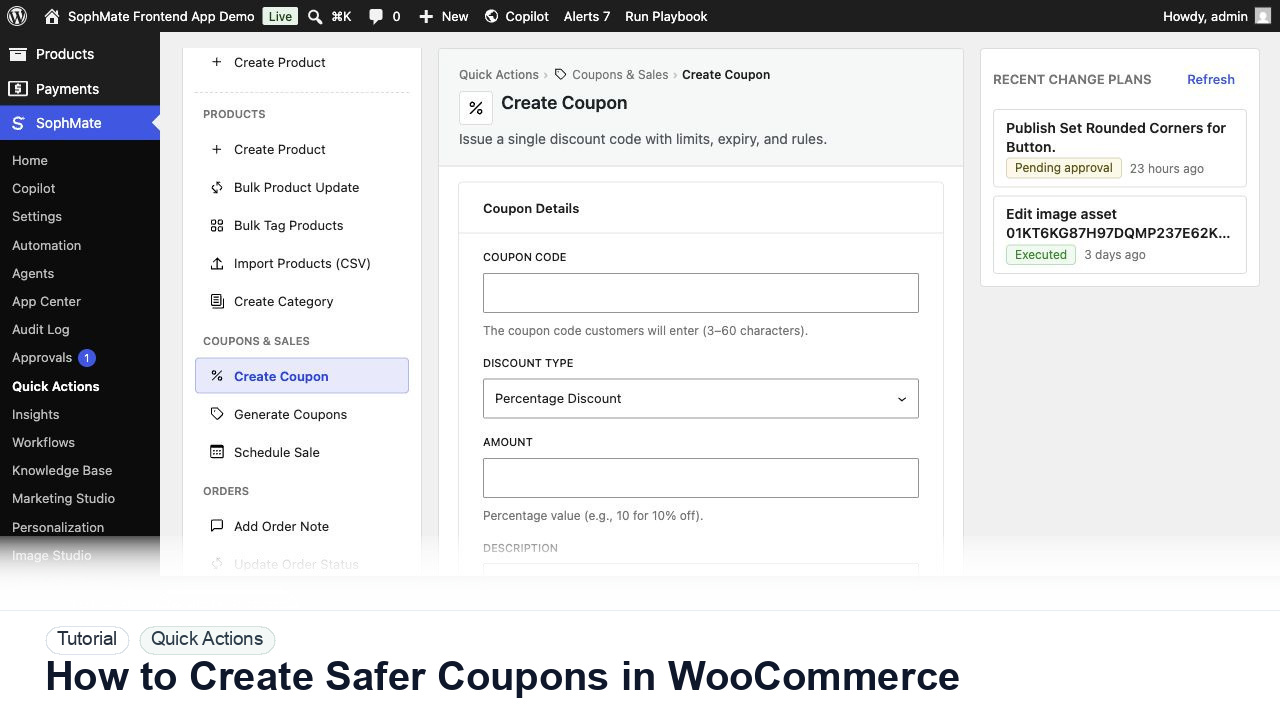
Use SophMate Quick Actions to create WooCommerce coupons with limits, exclusions, review notes, and approval before shoppers can use them.
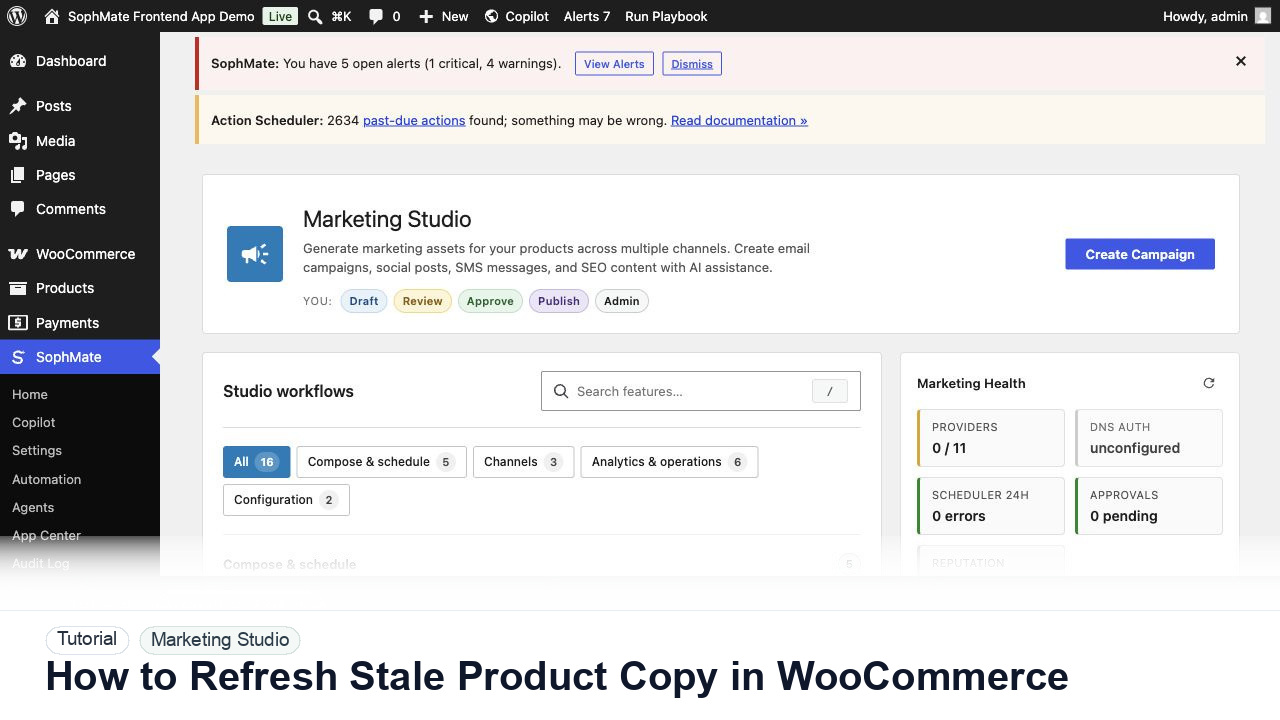
Use SophMate to refresh stale WooCommerce product descriptions while protecting price, stock, shipping, and variation fields.
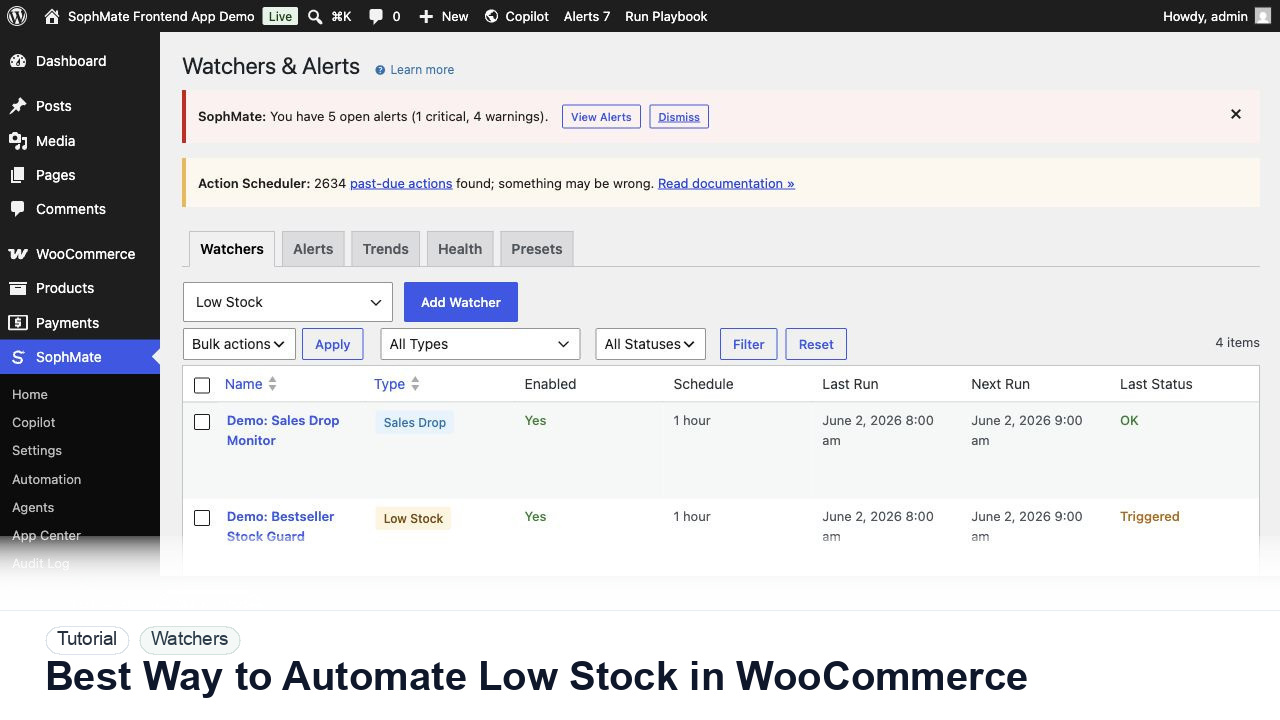
Use SophMate watchers and workflows to automate WooCommerce low-stock follow-up without creating noisy alerts or unapproved actions.