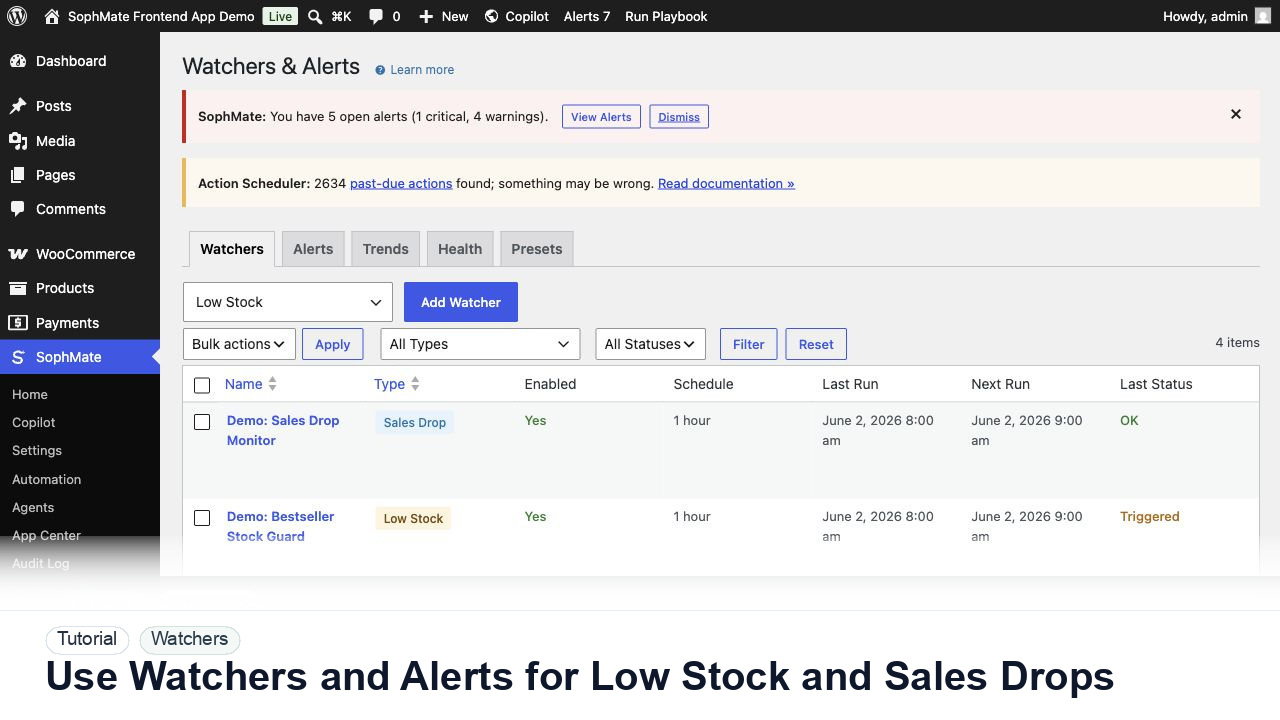
Use Watchers and Alerts for Low Stock and Sales Drops
Configure SophMate Watchers for low-stock and sales-drop signals, then route alerts into the right review or workflow path.
Tutorial tag
Related SophMate tutorials. Tag archives stay noindex until they are curated into high-value search pages.
Configure SophMate Watchers for low-stock and sales-drop signals, then route alerts into the right review or workflow path.
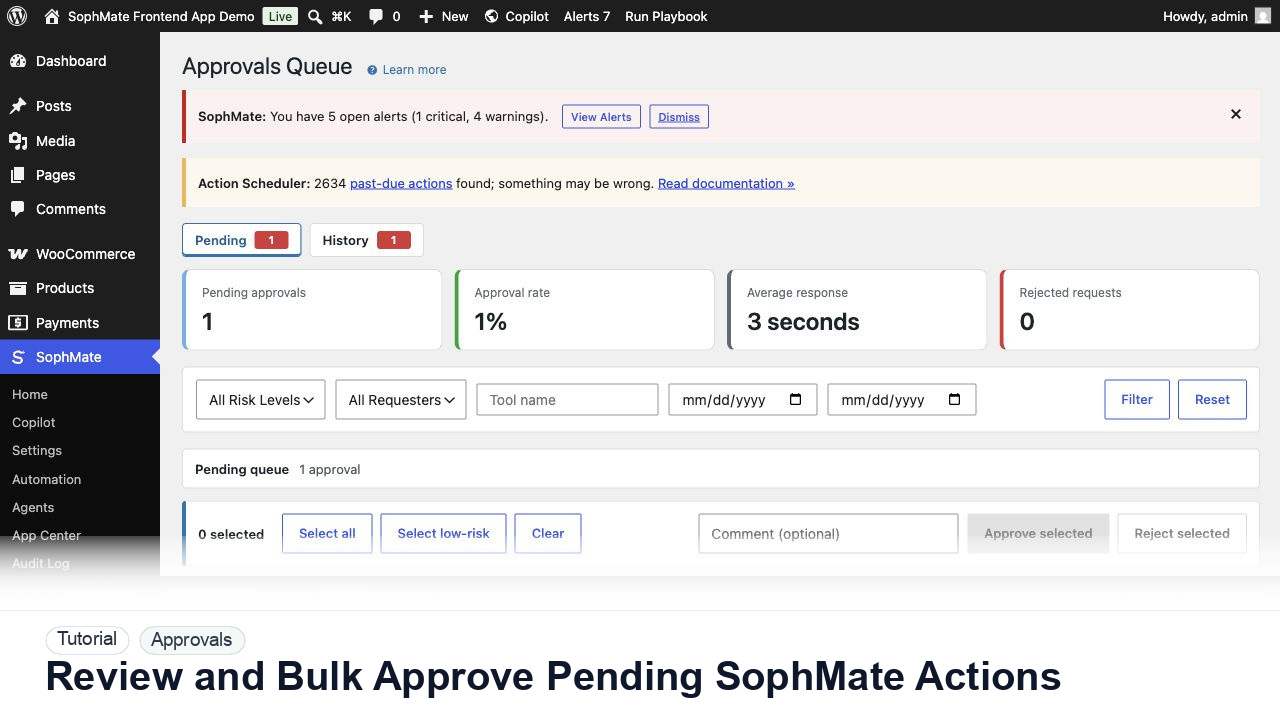
Use the Approvals queue to review pending action plans, delegate review, bulk approve low-risk work, and avoid accidental high-risk approval.
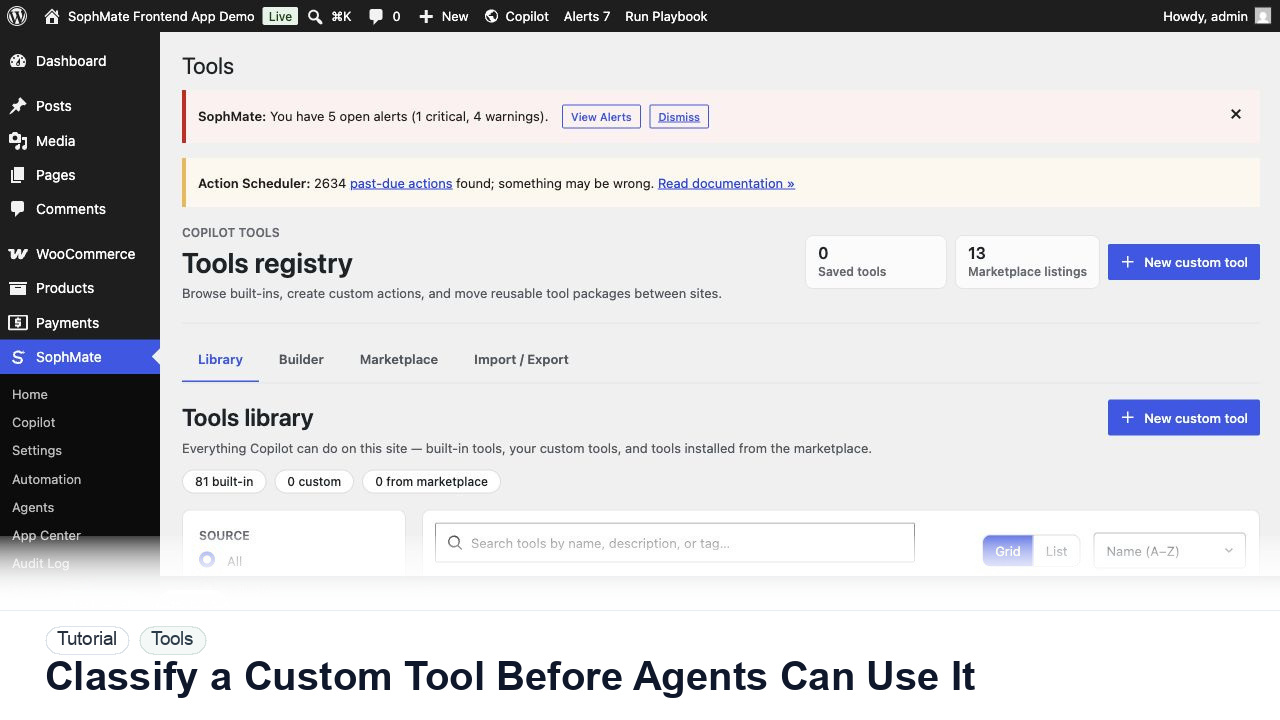
Review a custom SophMate tool by schema, permissions, risk level, visibility, and audit behavior before exposing it to agents or workflows.
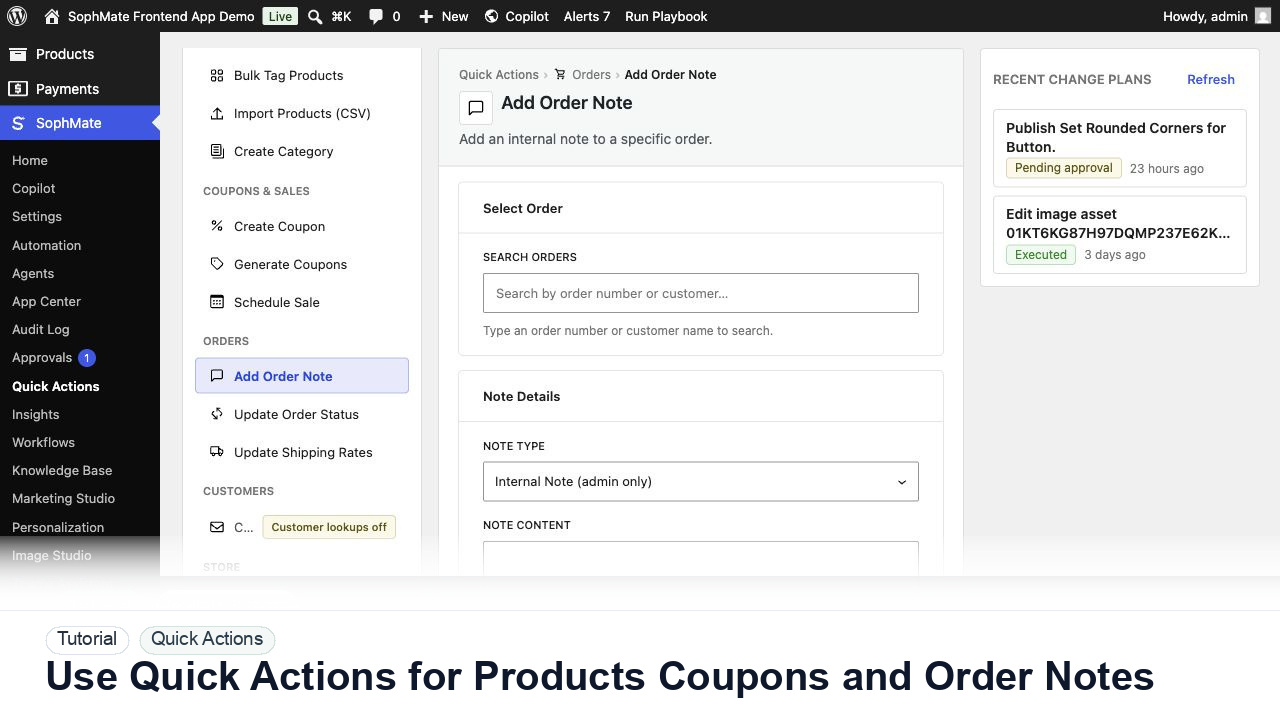
Use SophMate Quick Actions to create products, generate coupons, apply tags, update order notes, draft emails, and run agent triggers with clear review paths.
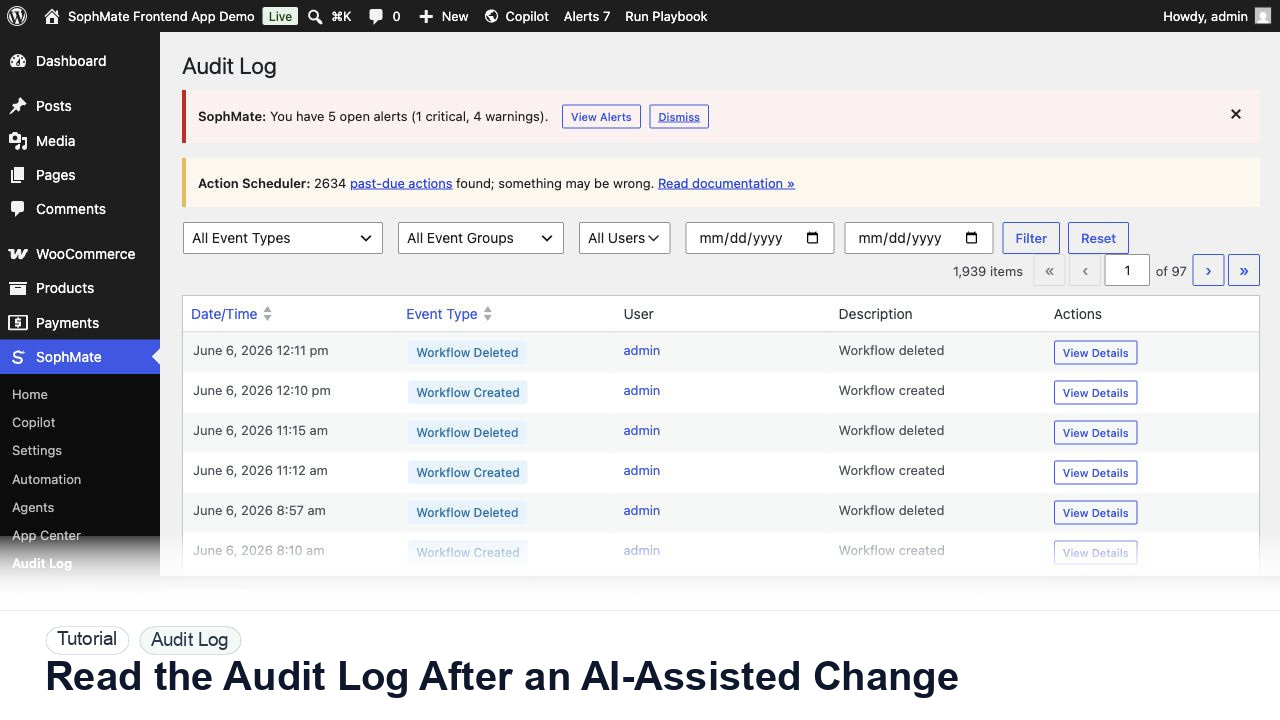
Use the SophMate Audit Log to verify who proposed, approved, executed, failed, retried, exported, or purged AI-assisted work.
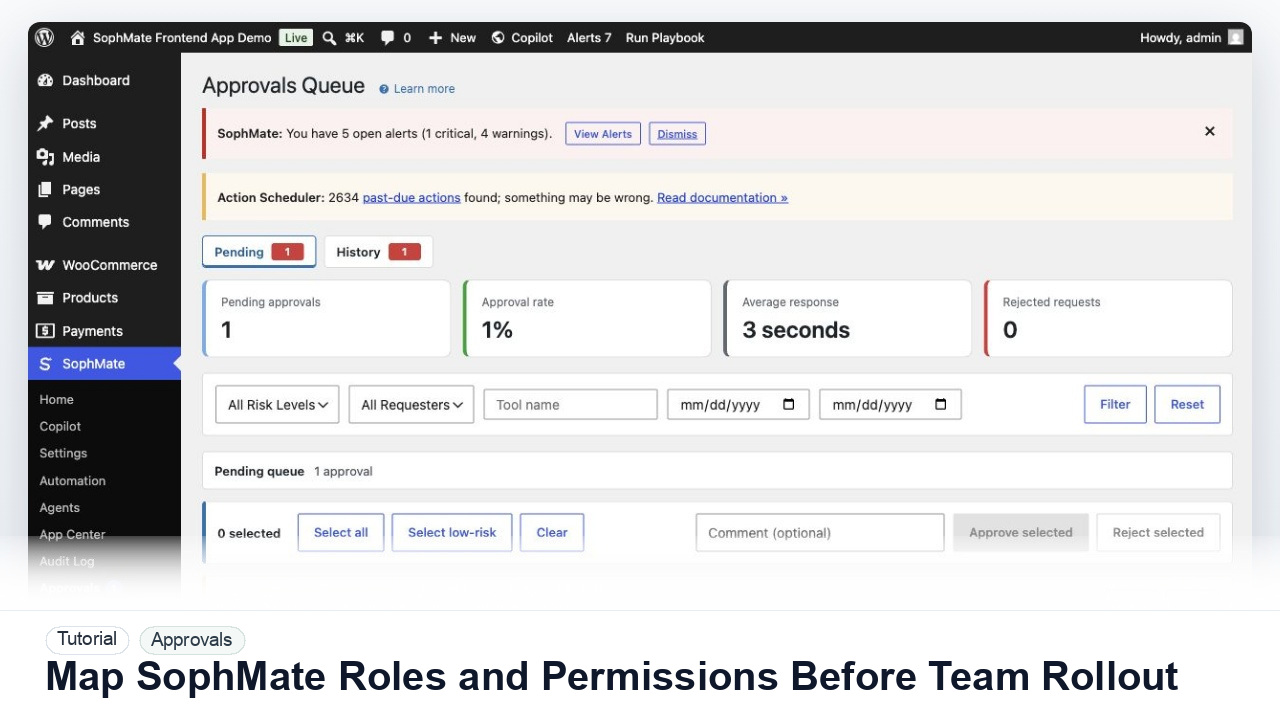
Map administrators, editors, marketers, support users, agency operators, and developers to SophMate capabilities before opening AI workflows to a wider team.
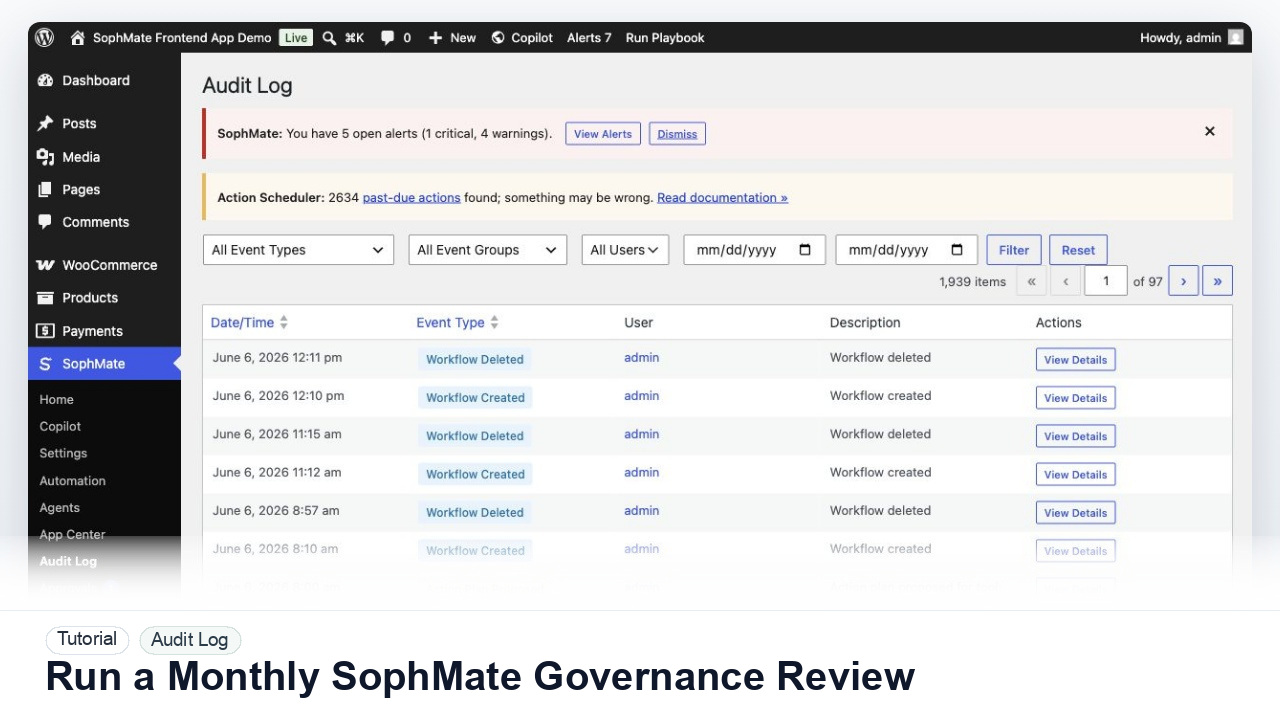
Review SophMate budgets, provider ownership, roles, approvals, audit logs, Knowledge Base quality, workflows, agents, and support readiness once a month.
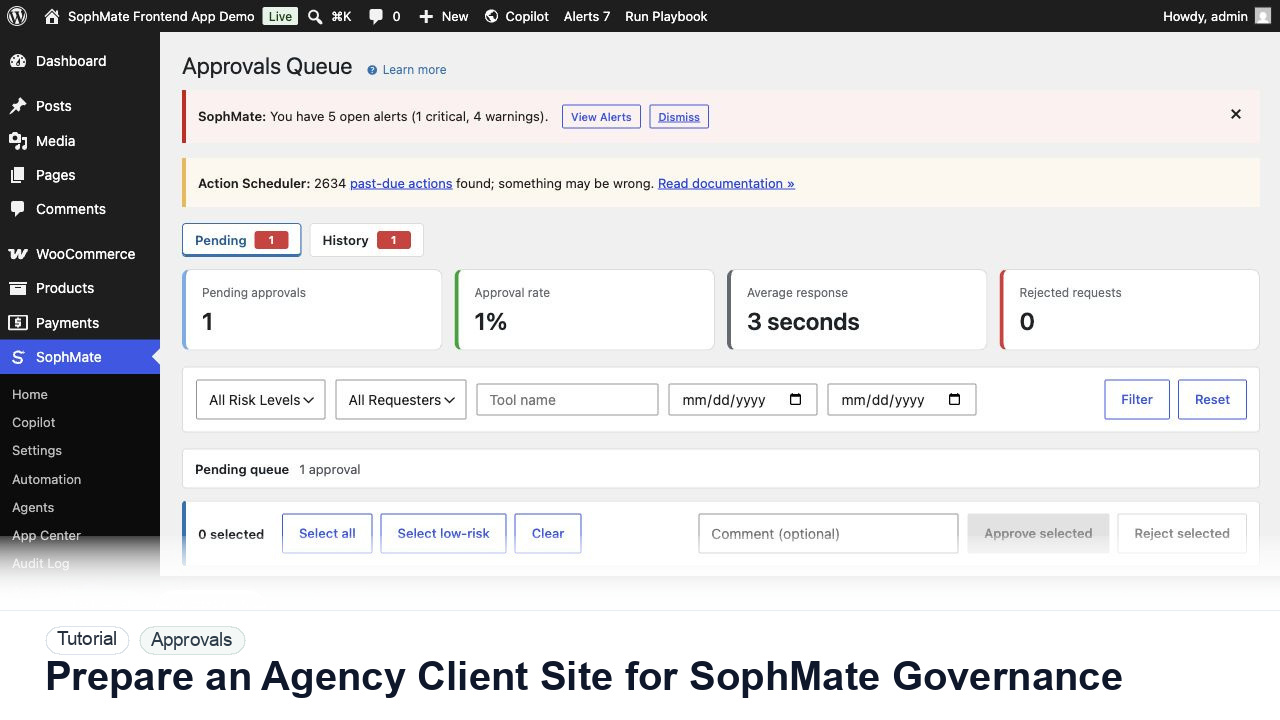
Prepare client WordPress and WooCommerce sites for SophMate with roles, provider ownership, budgets, playbooks, approvals, diagnostics, and client reporting.
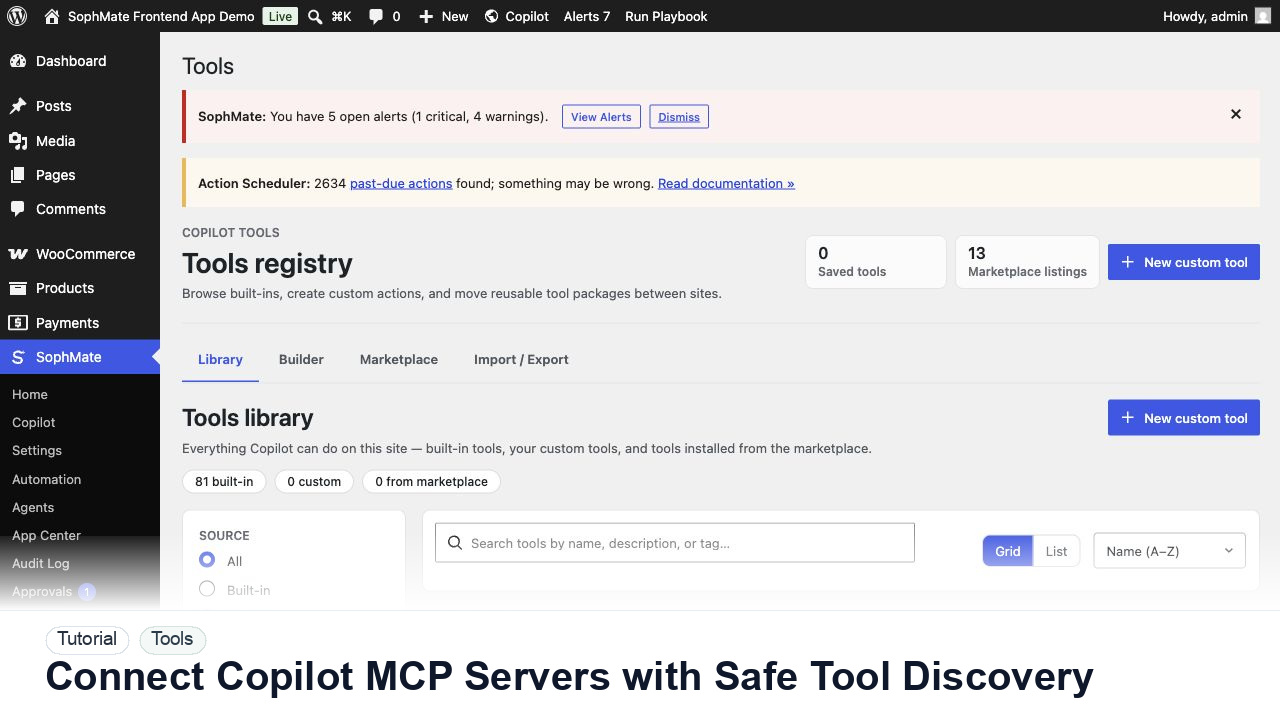
Register, test, refresh, and review Copilot MCP servers before their tools can influence SophMate prompts, agents, or workflows.