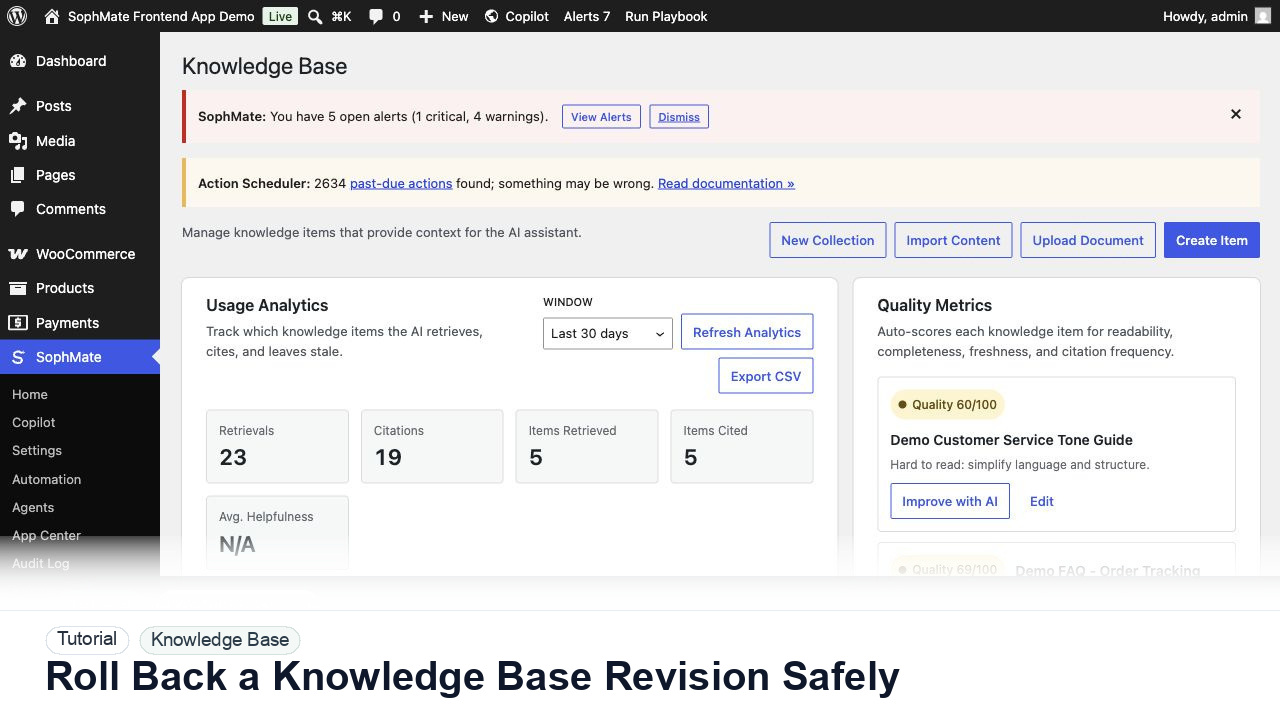
Roll Back a Knowledge Base Revision Safely
Use SophMate Knowledge Base revision history to recover from a bad policy edit while preserving the audit trail and a new rollback revision.
Tutorial tag
Related SophMate tutorials. Tag archives stay noindex until they are curated into high-value search pages.
Use SophMate Knowledge Base revision history to recover from a bad policy edit while preserving the audit trail and a new rollback revision.
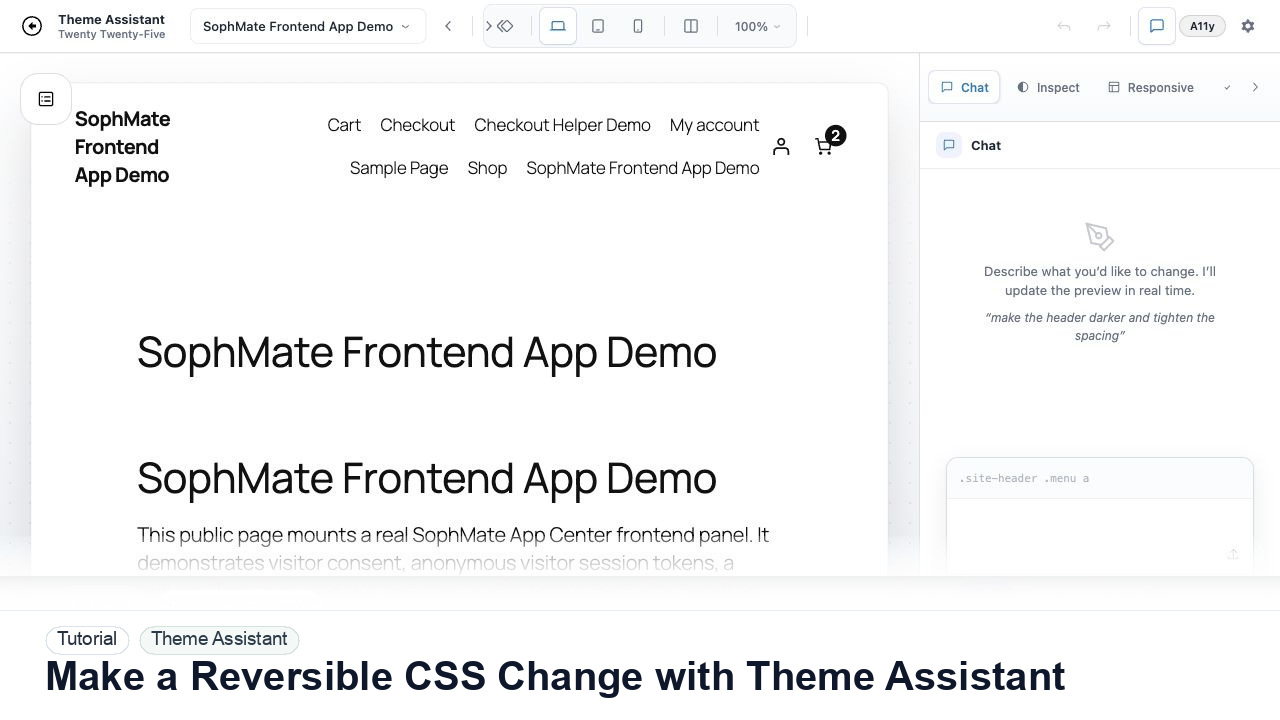
Use Theme Assistant to request a CSS refinement, inspect the preview, review generated CSS, and keep the change reversible through history.
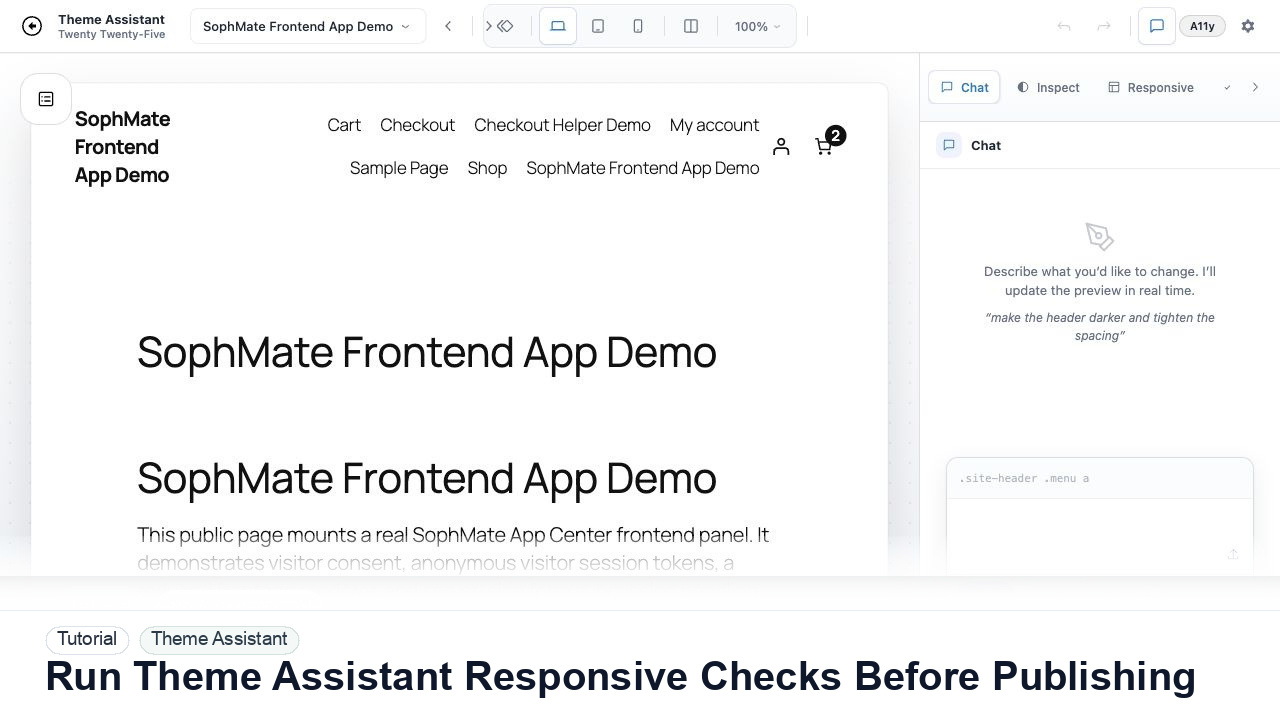
Switch Theme Assistant between desktop, tablet, and mobile views to catch spacing, navigation, overflow, and CTA issues before publishing CSS.
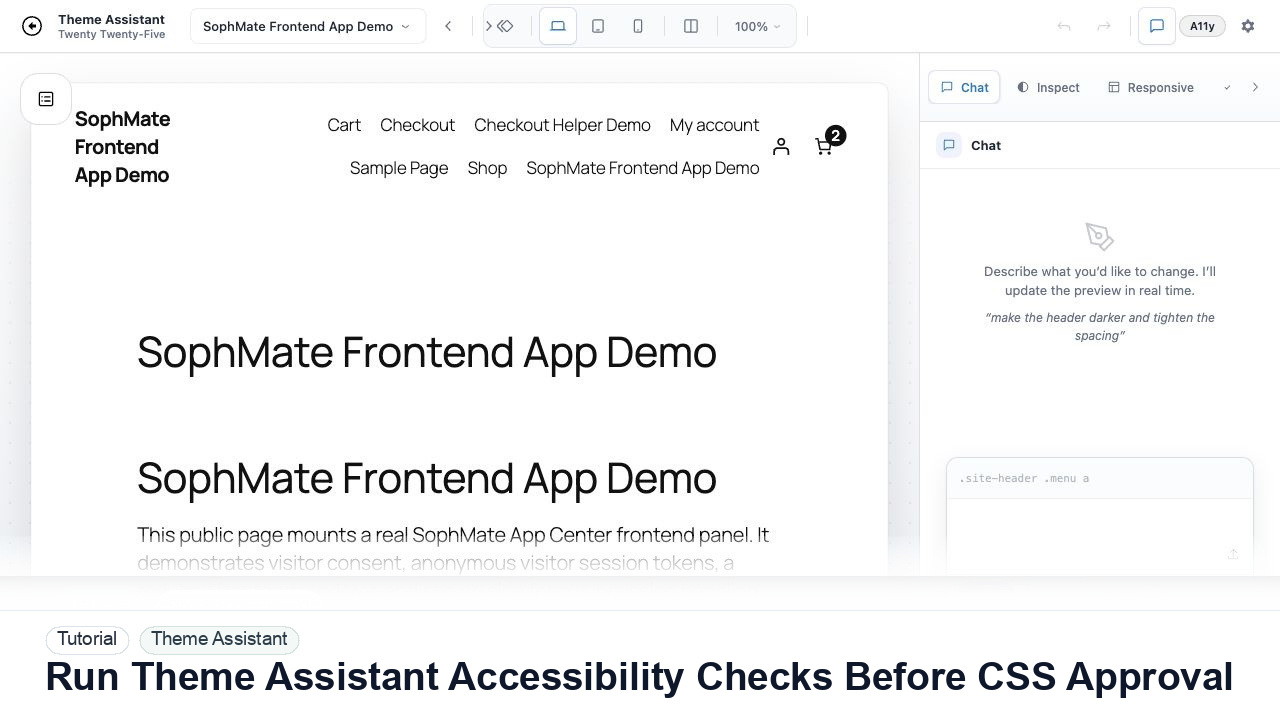
Use Theme Assistant accessibility checks to review contrast, hierarchy, spacing, and tap-target concerns before approving AI-generated CSS.
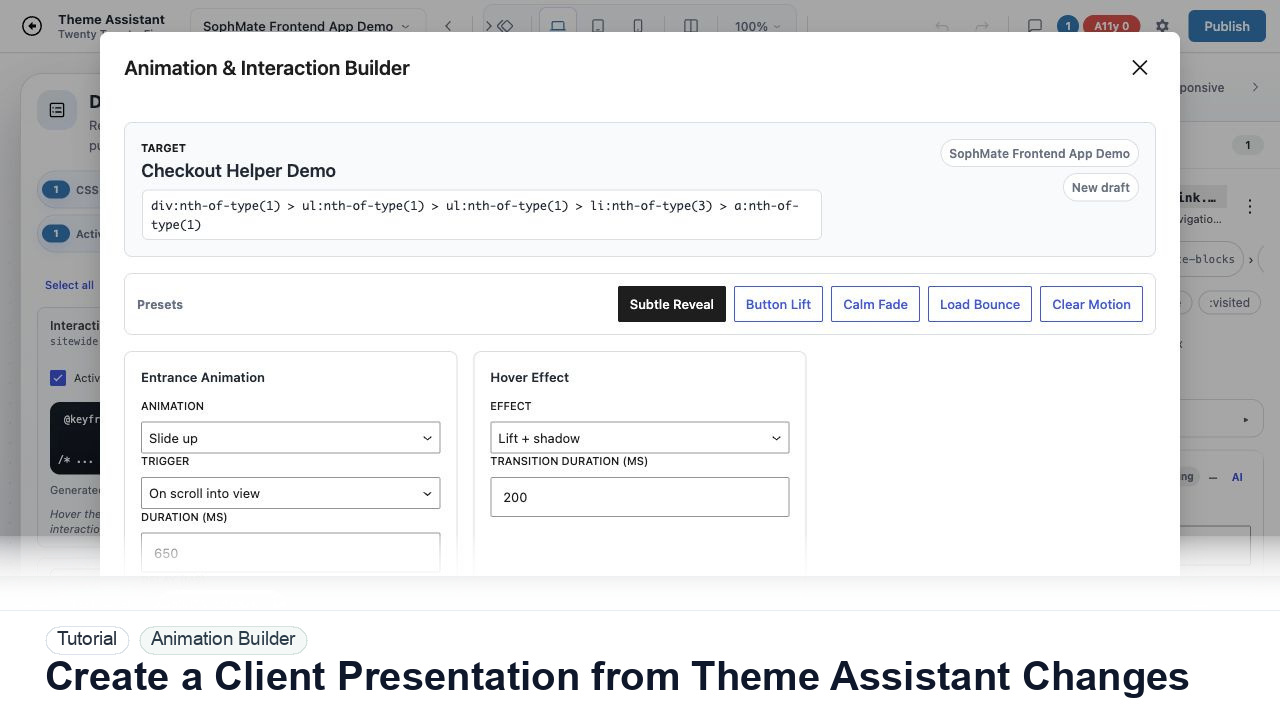
Package Theme Assistant design changes into a client presentation with before-and-after notes, responsive findings, accessibility concerns, and approval status.
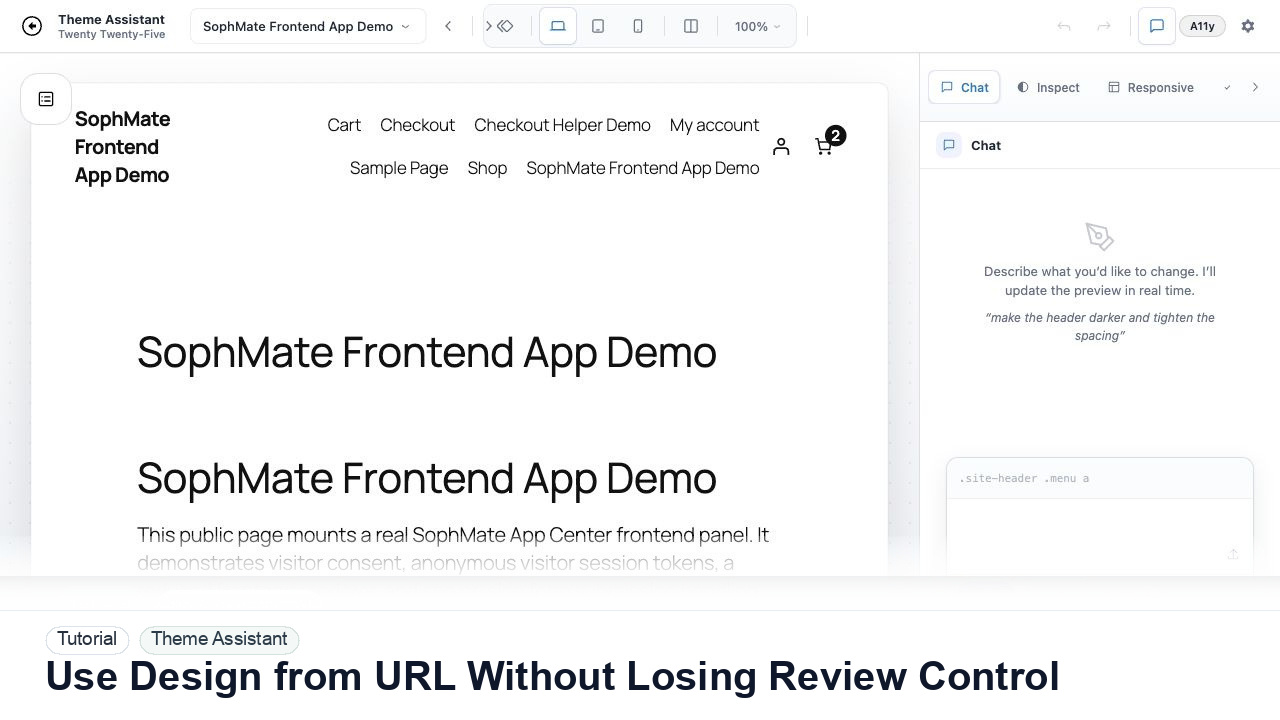
Use Theme Assistant design-reference URLs as inspiration while keeping CSS proposals reviewable, scoped, and aligned with the current WordPress theme.
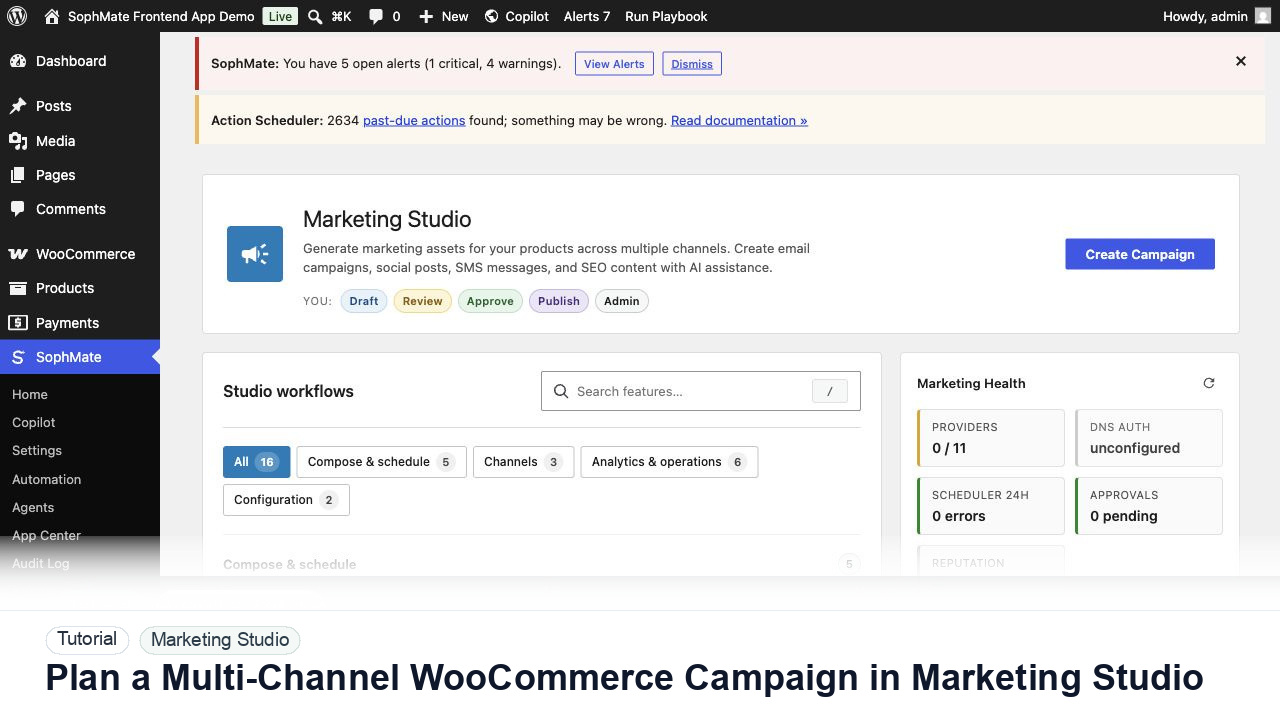
Use Marketing Studio to plan campaign goals, product context, channel drafts, provider health, review status, and next actions for WooCommerce promotions.
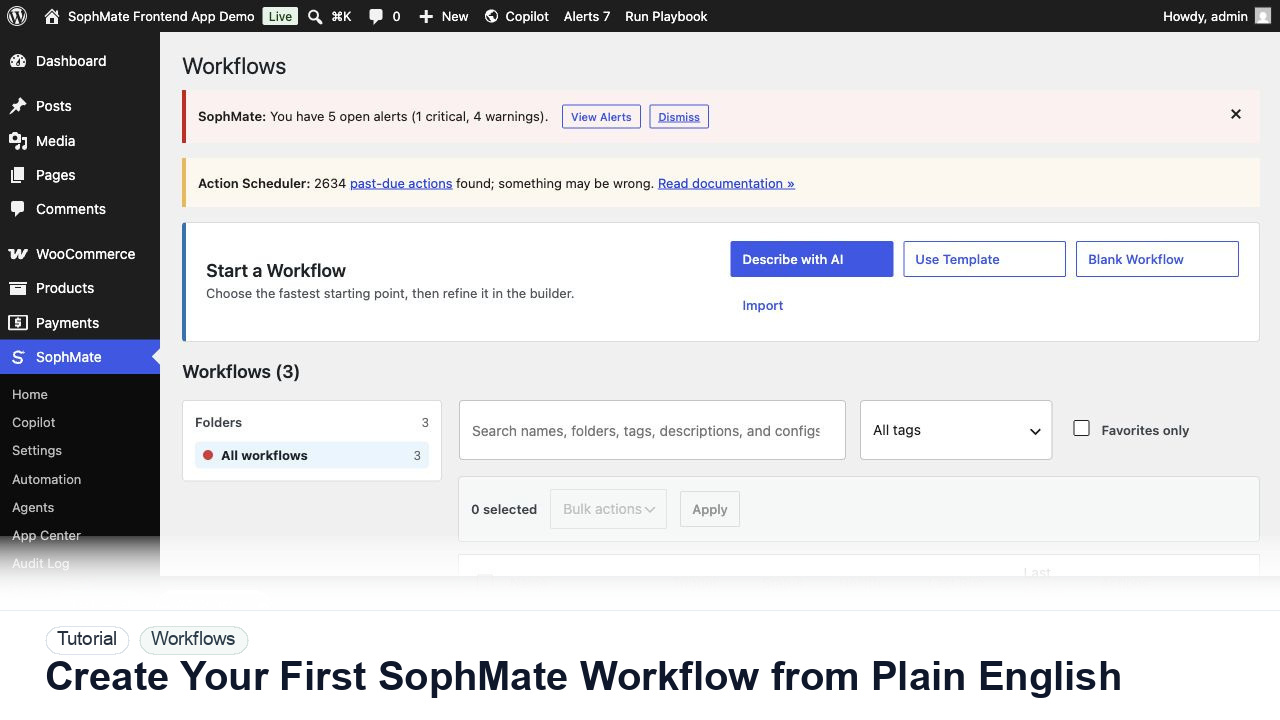
Use SophMate Workflows Describe with AI to turn a plain-English operations idea into a workflow draft with triggers, steps, and review notes.
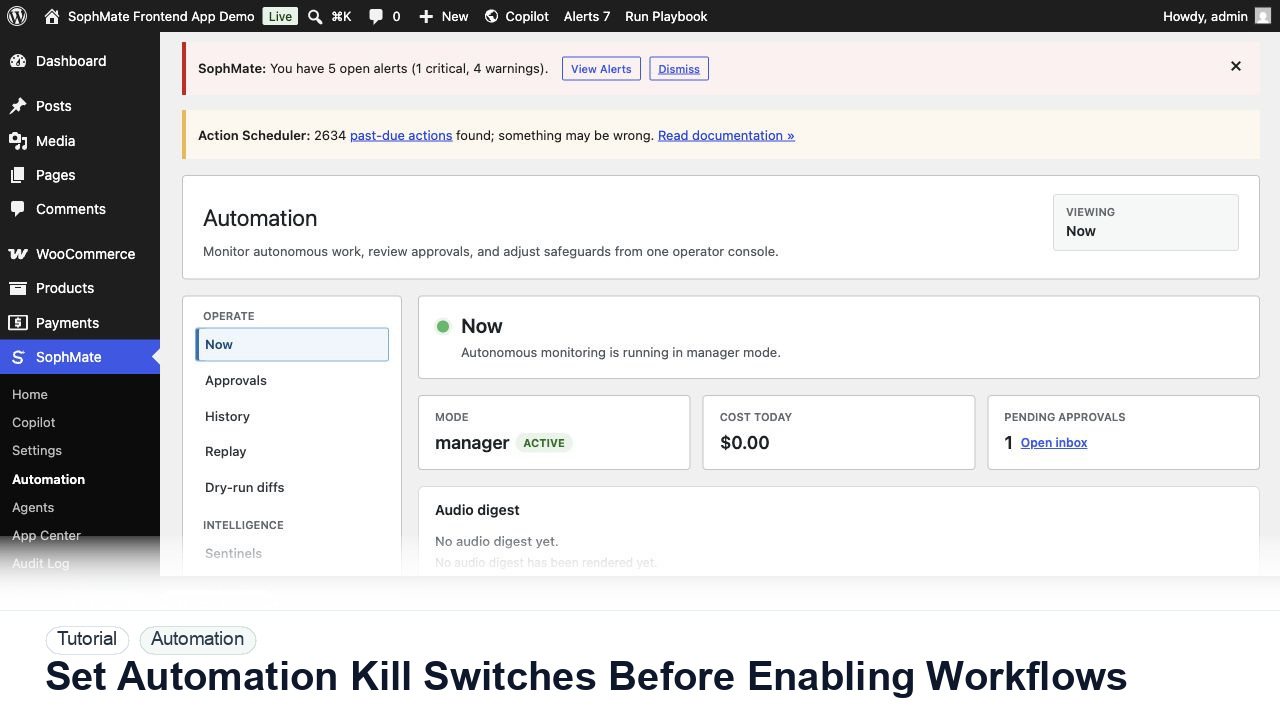
Configure SophMate workflow kill switches and ownership rules before enabling workflows that can affect WooCommerce or WordPress operations.