How to Create Safer Coupons in WooCommerce
Use SophMate Quick Actions to create WooCommerce coupons with limits, exclusions, review notes, and approval before shoppers can use them.
Use SophMate Quick Actions to create WooCommerce coupons with limits, exclusions, review notes, and approval before shoppers can use them.
By the end of this tutorial, you will know how to use SophMate for creating safer WooCommerce coupons while keeping the work reviewable inside WordPress.
A marketer needs a discount code quickly, but the last coupon had no expiration and stacked with another promotion.
WooCommerce coupon settings are powerful, but the limitation is that unsafe defaults are easy to miss: no expiry, unlimited usage, stacking with sale items, or broad product scope. The pain point is not creating a coupon; it is creating one that cannot quietly damage margin.
Use this tutorial to evaluate whether SophMate turns common WooCommerce work into structured, reviewable operations. The value is not speed alone; it is predictable inputs, visible proposed fields, and confirmation after execution.
Prepare this Quick Action from structured fields only. Validate required inputs, show the generated plan, keep data-changing work behind review, and confirm the affected record after execution.
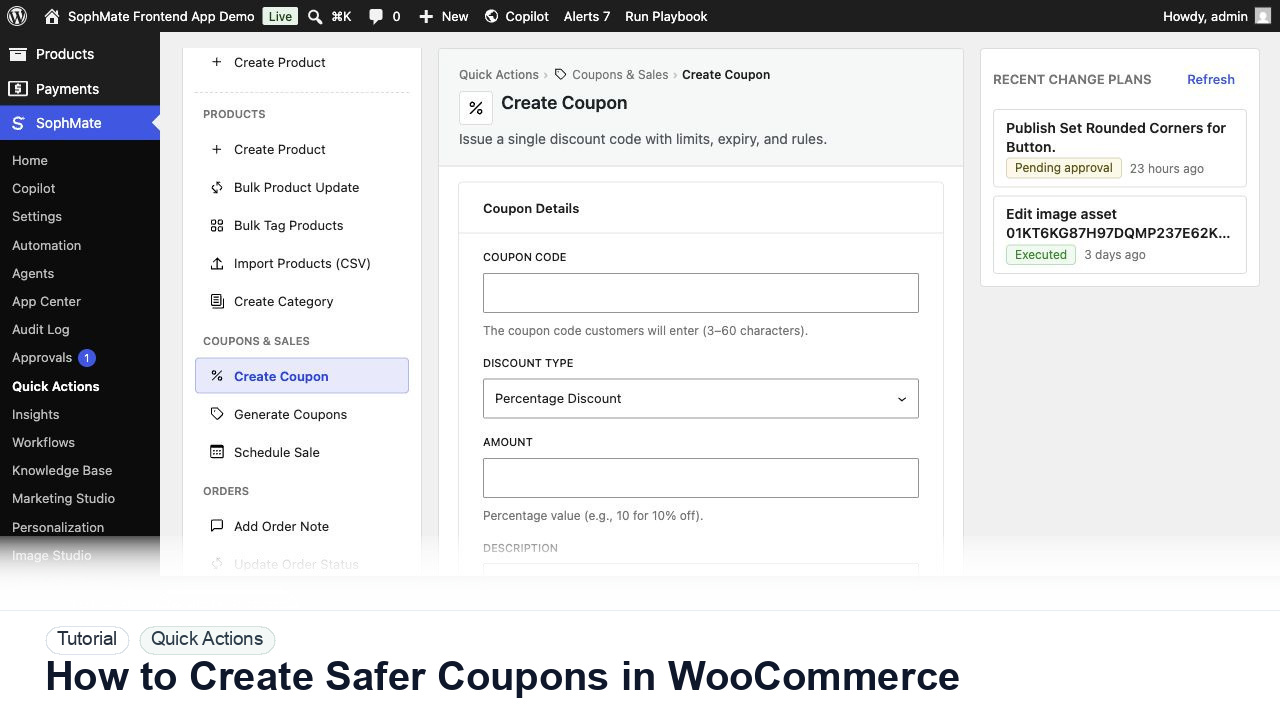
The tutorial image shows the Create Coupon quick action with discount type, amount, limits, and restrictions visible, matching the reviewed WooCommerce coupon workflow.
Structured forms reduce ambiguity, but they still need review when they write WooCommerce or WordPress data.
Define the audience, product scope, discount amount, launch window, and business reason before generating coupon settings.
Open the coupon Quick Action and enter code, discount type, amount, expiration, usage limits, sale-item behavior, and product or category restrictions.
Review whether the coupon can stack, apply to sale items, exceed margin assumptions, or be reused outside the intended campaign.
Use the action plan review to inspect every WooCommerce field before execution. Reject vague or unlimited coupon proposals.
After approval, test the coupon against eligible and ineligible items so customer-facing behavior matches the campaign rules.
The Quick Action is successful when the structured fields produce the intended product, coupon, order, customer, or agent task and any data-changing result is visible in the approval or audit path.
If proposed fields are wrong, reject or revise the plan before execution. If execution already ran, use the audit trail and affected records to prepare a manual correction or rollback plan.
Document the exact structured fields used, expected WooCommerce result, reviewer, and storefront or admin check performed after execution.
The operator running the action owns the draft, while a reviewer owns execution when WordPress or WooCommerce data changes.
Escalate when a Quick Action affects the wrong record type, hides required fields, or produces a plan the reviewer cannot understand.
They reduce ambiguity with structured fields, but they do not remove review needs. Any action that writes WordPress or WooCommerce data should still expose proposed fields and approval status.
No. SophMate should make the work easier to draft, inspect, approve, and repeat. Human review remains necessary when output affects customers, money, published content, privacy, settings, or workflow execution.
Record the owner, input scope, access boundary, approval point, failure modes tested, evidence location, monitoring window, and rollback or stop path.
Execute one low-risk Quick Action, confirm the affected WooCommerce record, and save the exact field set as the model for future structured actions.
Next step
Review the SophMate listing for current package details, screenshots, compatibility notes, and license terms.
Related
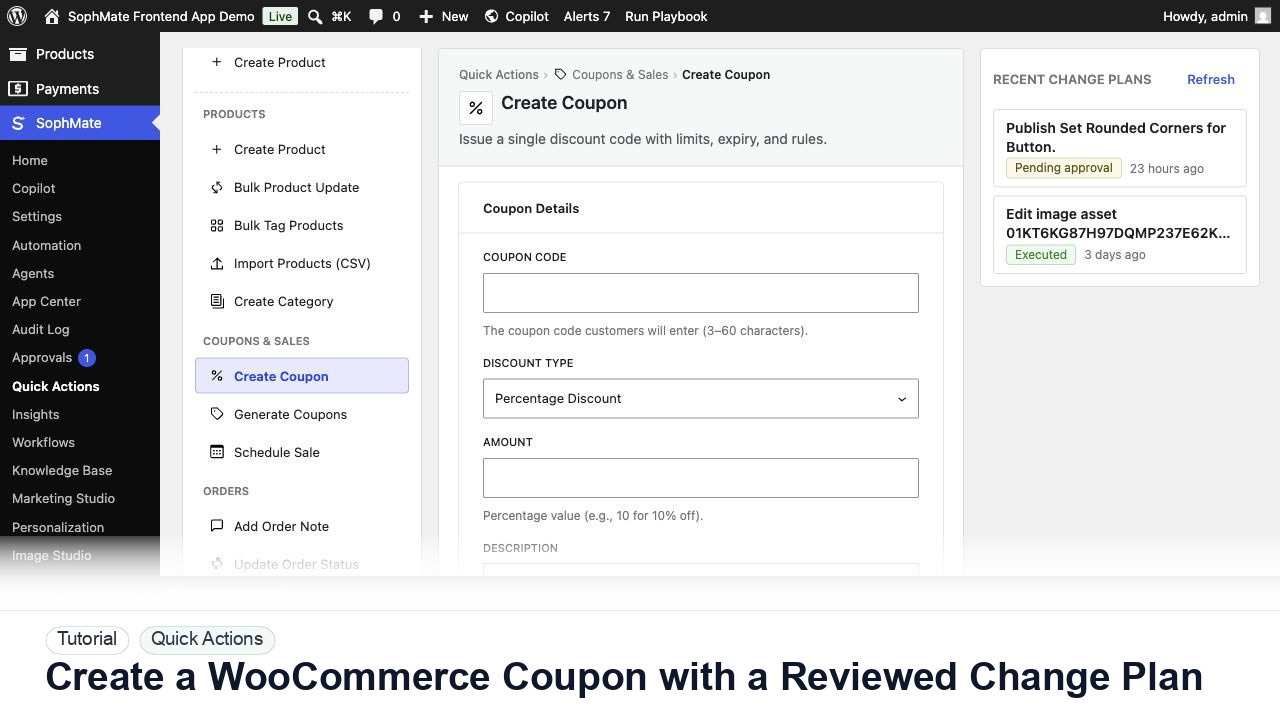
Create a WooCommerce coupon with SophMate, review the generated change plan, and apply the discount only after settings are confirmed.
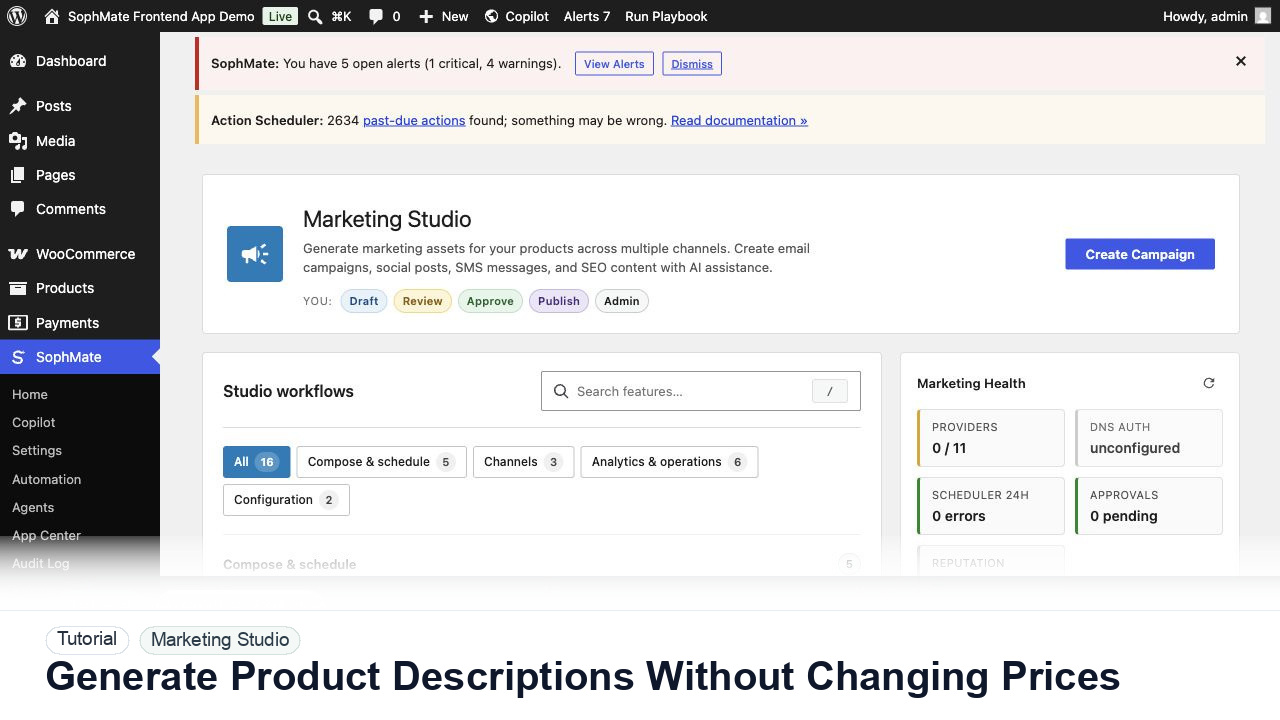
Use SophMate to draft product descriptions, SEO titles, and short descriptions while keeping price, stock, shipping, and variation settings out of scope.
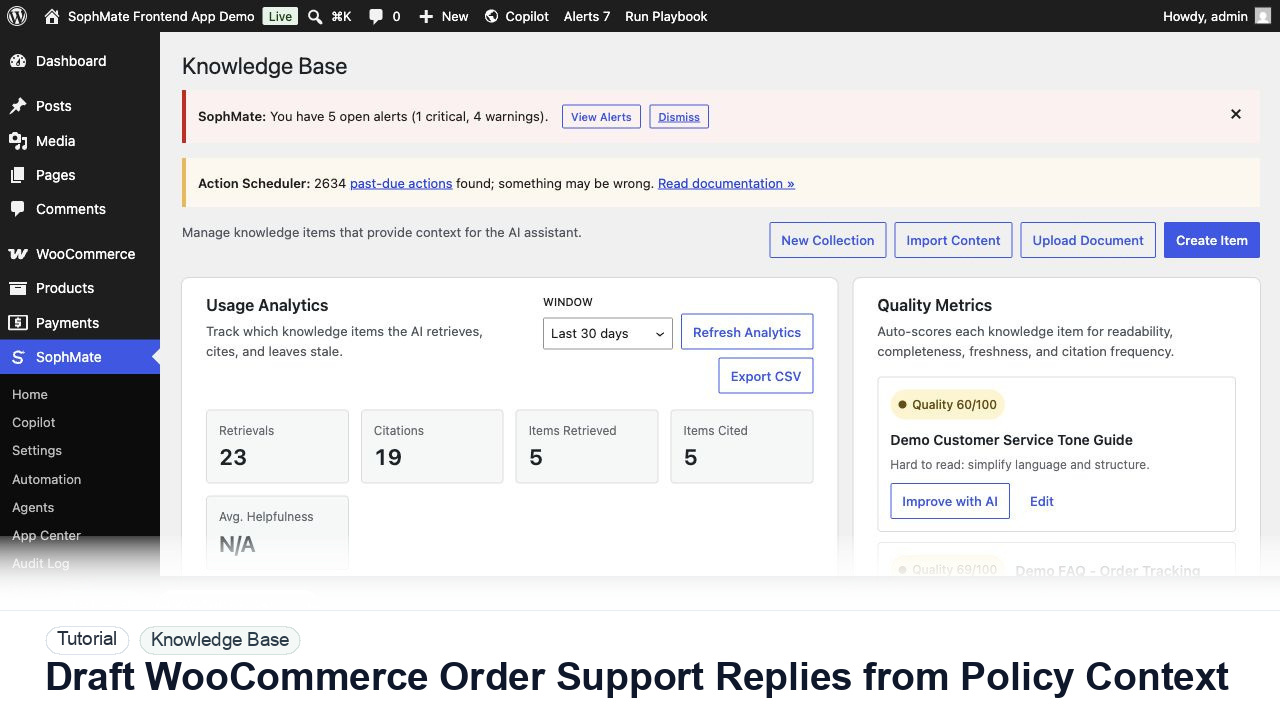
Draft WooCommerce order replies using order context, Knowledge Base policies, tone guides, and review controls before sending anything to a customer.