What Diagnostics, Audit, and Privacy does
Use diagnostics, support bundles, audit logs, retention tools, encrypted provider keys, GDPR-supportive export/erase flows, and safe mode recovery to operate SophMate responsibly.
SophMate is built for WordPress and WooCommerce teams that want useful AI help without turning the site into an invisible automation box. The module keeps the work close to wp-admin, where products, orders, pages, policies, users, and operational history can be reviewed by the people responsible for the site.
Best-fit teams
- Administrators, agencies, and support teams responsible for proving what happened after AI-assisted changes, provider issues, or support escalations.
- Privacy and operations owners who need retention, export, erase, safe mode, and redacted support evidence to be part of the product workflow.
- Teams that want WordPress-native context, permission checks, and audit history instead of a disconnected AI workspace.
- Buyers evaluating whether the module can fit a real operating process, not only produce an impressive demo response.
What teams see in wp-admin
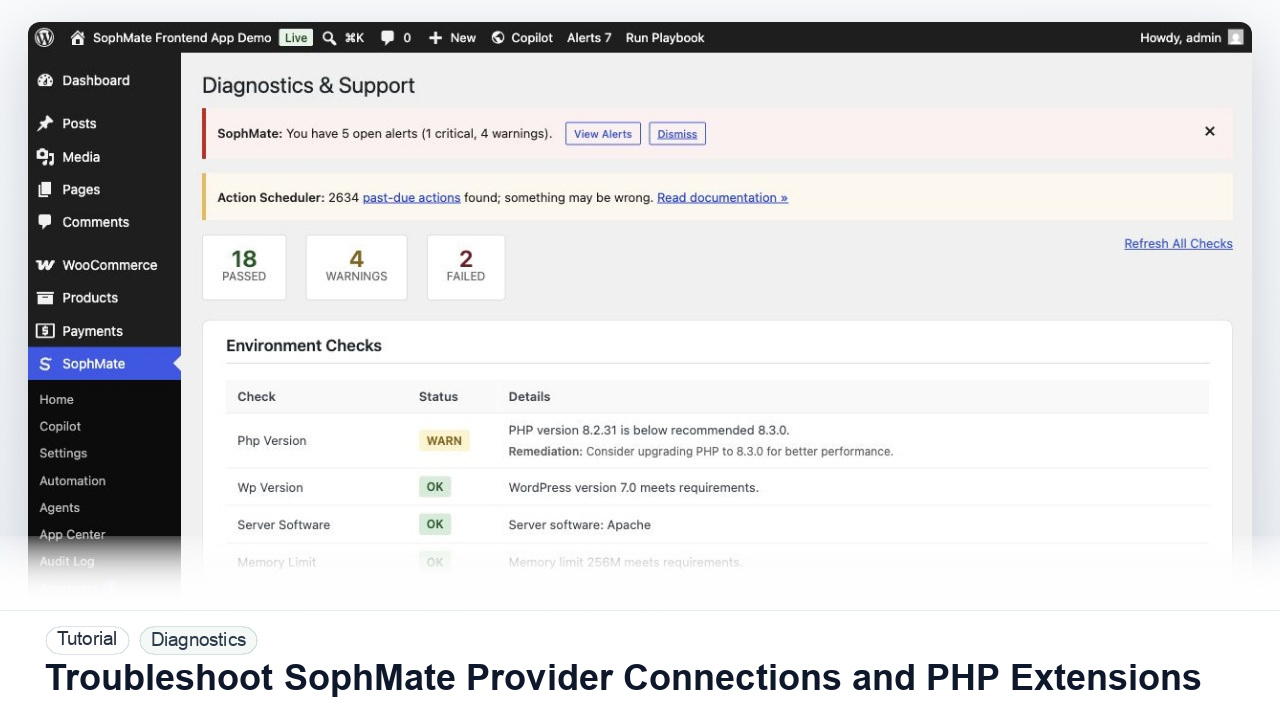
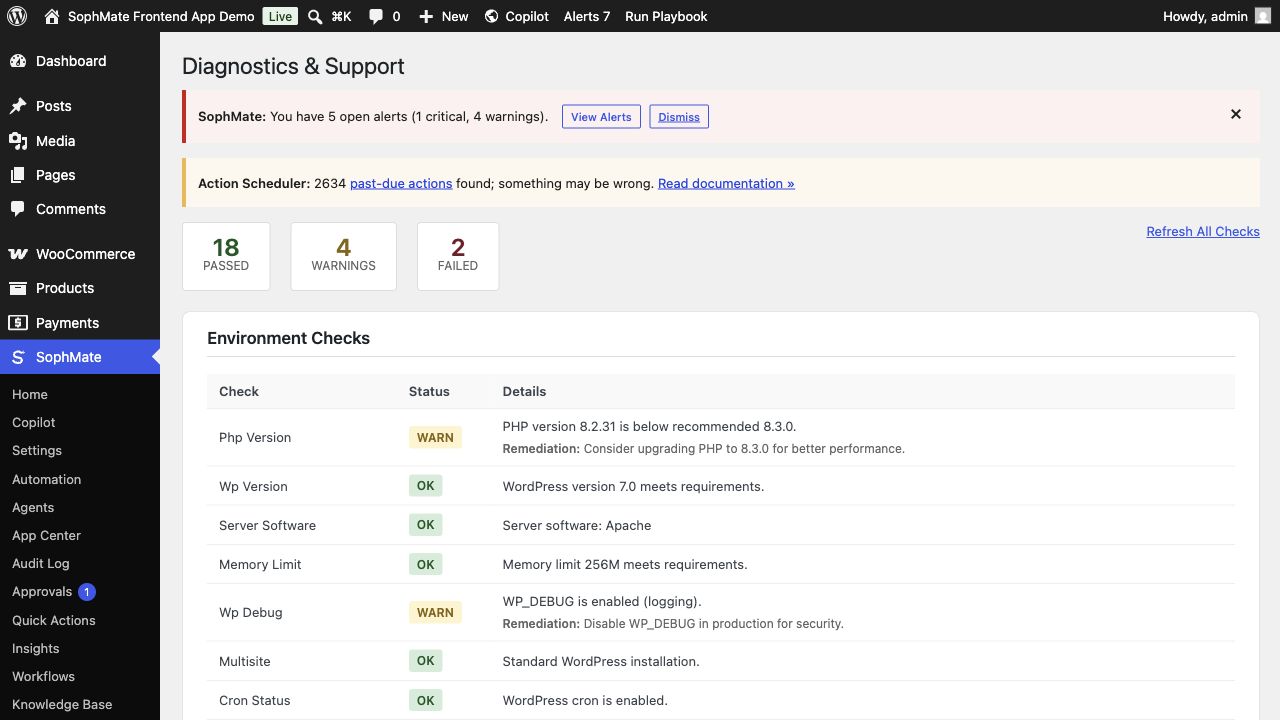
Diagnostics and trust screens show environment checks, connectivity checks, extension status, plugin/theme inventory, support reports, audit records, retention paths, and privacy tooling. These pages are designed for operating the plugin after launch, not only for first install.
Best-fit jobs
- Copy a diagnostics report for a support request.
- Review audit events after an action plan executes.
- Use WordPress privacy export and erase flows when required.
Product capabilities
- Environment and connectivity checks
- Support bundle generation
- Audit event review
- Retention purge tooling
- Safe Mode recovery
Setup prerequisites
- Confirm diagnostics can run, support bundles redact secrets, audit records are retained, and privacy export or erase flows are available.
- Define who reviews support evidence before it leaves the site, especially on stores with customer or regulated data.
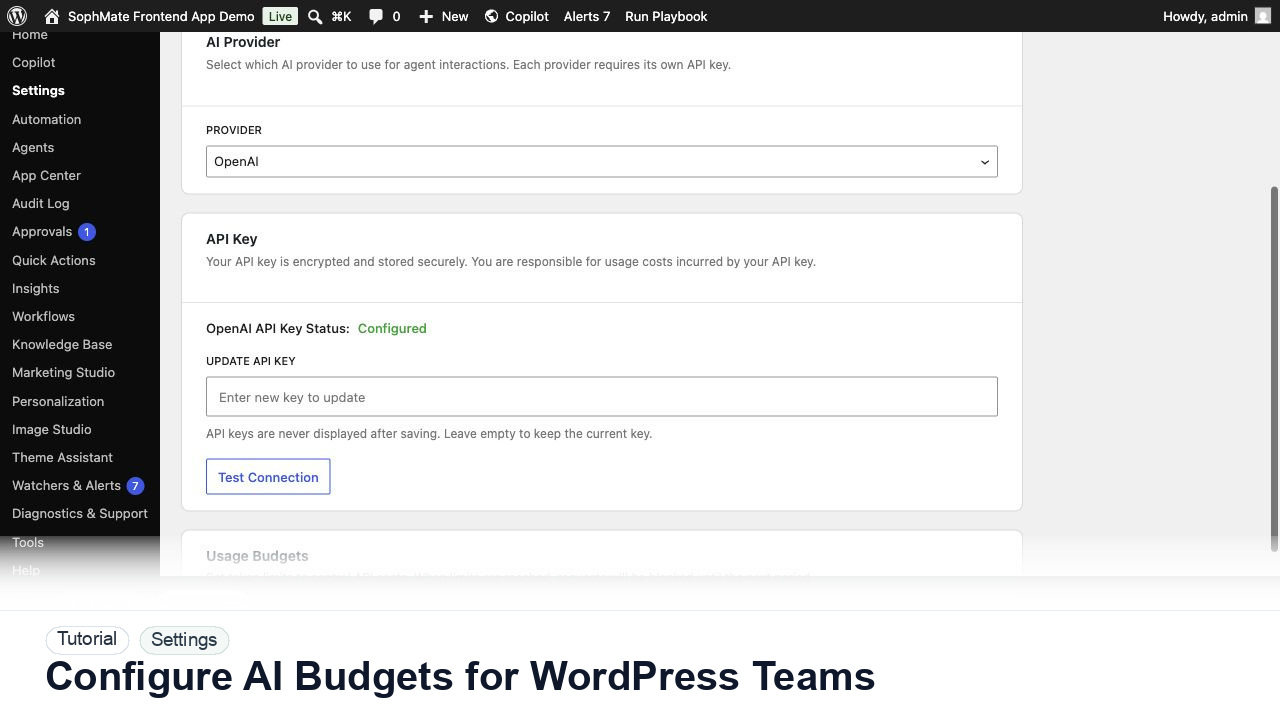
- Set provider budgets and role access before giving users a workflow that can become a site-changing plan.
- Keep staging, backup, or rollback expectations clear whenever the feature can affect public content, commerce data, customer messages, or theme output.
Operating notes
Run diagnostics before contacting support, review audit records after significant AI-assisted changes, and keep retention or privacy actions separate from ordinary content workflows.
Rollout checklist
- Run diagnostics after install, after provider changes, and before support escalation so baseline evidence exists.
- Review audit and retention behavior after the first approved change, privacy request, and support bundle export.
- Name the owner of the first rollout window and schedule a review before making the feature a default team habit.
- Capture what changed during the first run so future administrators can distinguish setup mistakes from product behavior.
Risks and guardrails
- Risk: support bundles can overshare secrets or customer data. Guardrail: redact and review evidence before export.
- Risk: audit and privacy tooling may be ignored until an incident. Guardrail: include them in rollout, offboarding, and monthly governance checks.
- Treat convenience as a rollout risk whenever the feature can write data, contact customers, publish content, or change the storefront.
- Keep permissions, budgets, audit review, and rollback expectations visible during the first production use.
When to use a different path
Do not use diagnostics or support bundles as a data dump. They should explain the environment and issue while keeping secrets and unnecessary customer data out of support channels.
How it stays governed
The important pattern is draft, review, approve, then execute. Read-only questions can stay conversational. Work that affects products, coupons, content, customers, workflows, images, or settings should move through a reviewed plan, workflow run, or publishing step. That is why Diagnostics, Audit, and Privacy belongs beside approval-based action plans, audit and diagnostics controls, and the broader SophMate tutorial library.
Evidence to capture
- Keep environment checks, connectivity result, plugin context, redacted support bundle, audit export, and privacy request evidence.
- Capture the exact time and reproduction path for incidents so support can match logs without receiving secrets.
- Link evidence to the relevant docs, tutorials, or use case when the feature becomes part of a repeatable operating procedure.
- Keep evidence concise enough for support and governance review; avoid exporting secrets or unnecessary customer data.
What to measure after rollout
Track diagnostic failures resolved, support reports created, audit review cadence, privacy export or erase events, and retention jobs completed.
Decision record
- Record diagnostic cadence, audit review owner, retention policy, privacy request owner, and support-bundle export rule.
- Write down the first production scenario, the reviewer, and the evidence that would prove the rollout is working.
- Revisit the decision after the first incident, failed run, support ticket, or policy change rather than letting the original setup become permanent by accident.
Where to go next
Compare this module against the rest of the SophMate feature library, map it to a team scenario in use cases, or start with a practical guide from SophMate tutorials.