What Agents does
Build, test, publish, and monitor AI agents with tools, triggers, runs, goals, coordination, evals, memory, provider settings, and live preview.
SophMate is built for WordPress and WooCommerce teams that want useful AI help without turning the site into an invisible automation box. The module keeps the work close to wp-admin, where products, orders, pages, policies, users, and operational history can be reviewed by the people responsible for the site.
Best-fit teams
- Teams that can define a narrow job for an AI worker, then evaluate traces before exposing it to users or visitors.
- Developers and operations owners who want agents to use approved tools, sources, and memory policies instead of improvised access.
- Teams that want WordPress-native context, permission checks, and audit history instead of a disconnected AI workspace.
- Buyers evaluating whether the module can fit a real operating process, not only produce an impressive demo response.
What teams see in wp-admin
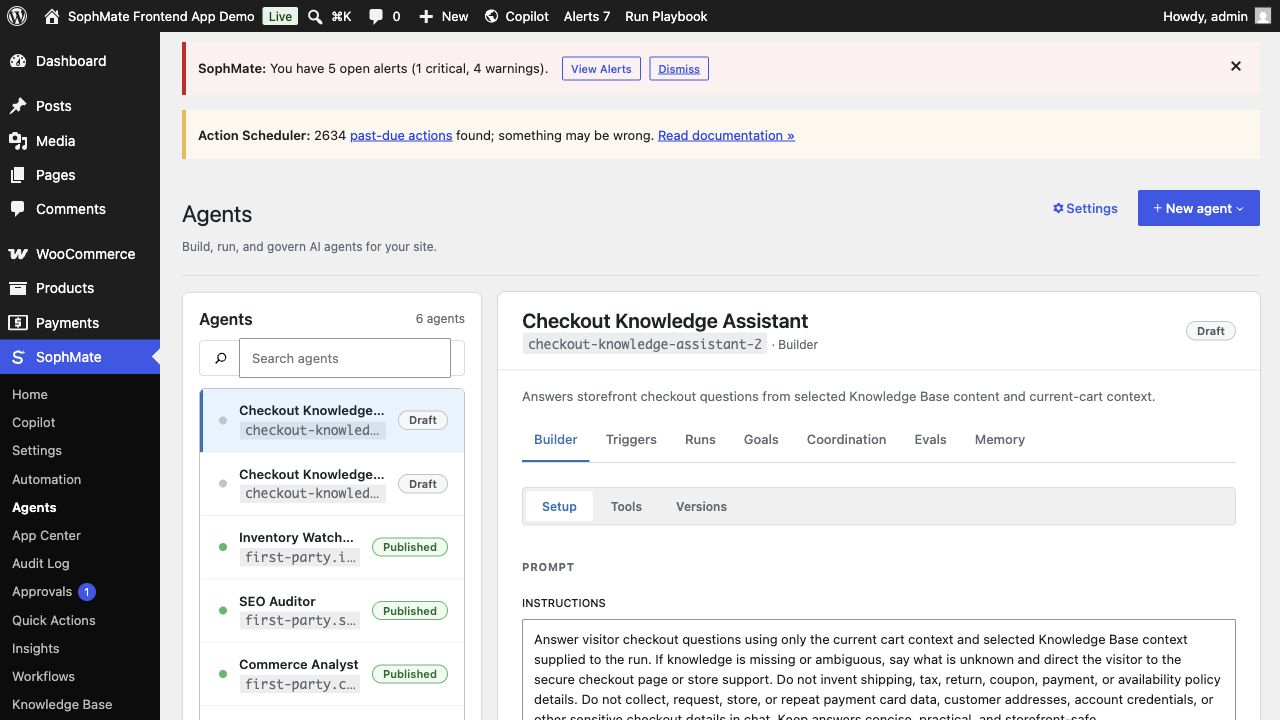
Agents gives builders a workspace for purpose, prompt, tools, triggers, runs, goals, evals, memory, provider settings, and live preview. The strongest use cases start narrow and grow only after traces and eval cases prove the agent can handle real edge cases.
Best-fit jobs
- Create a checkout knowledge assistant grounded in current-cart context and KB items.
- Publish inventory and SEO agents only after evals pass.
- Review run traces and artifacts before widening access.
Product capabilities
- Agent builder
- Triggers and runs
- Goals and coordination
- Evals and memory
- Provider gateway and safety settings
Setup prerequisites
- Define the agent purpose, allowed tools, source material, refusal behavior, memory policy, and reviewer before the first eval run.
- Create eval cases from real edge cases, not only happy-path prompts, before publishing the agent to a wider audience.
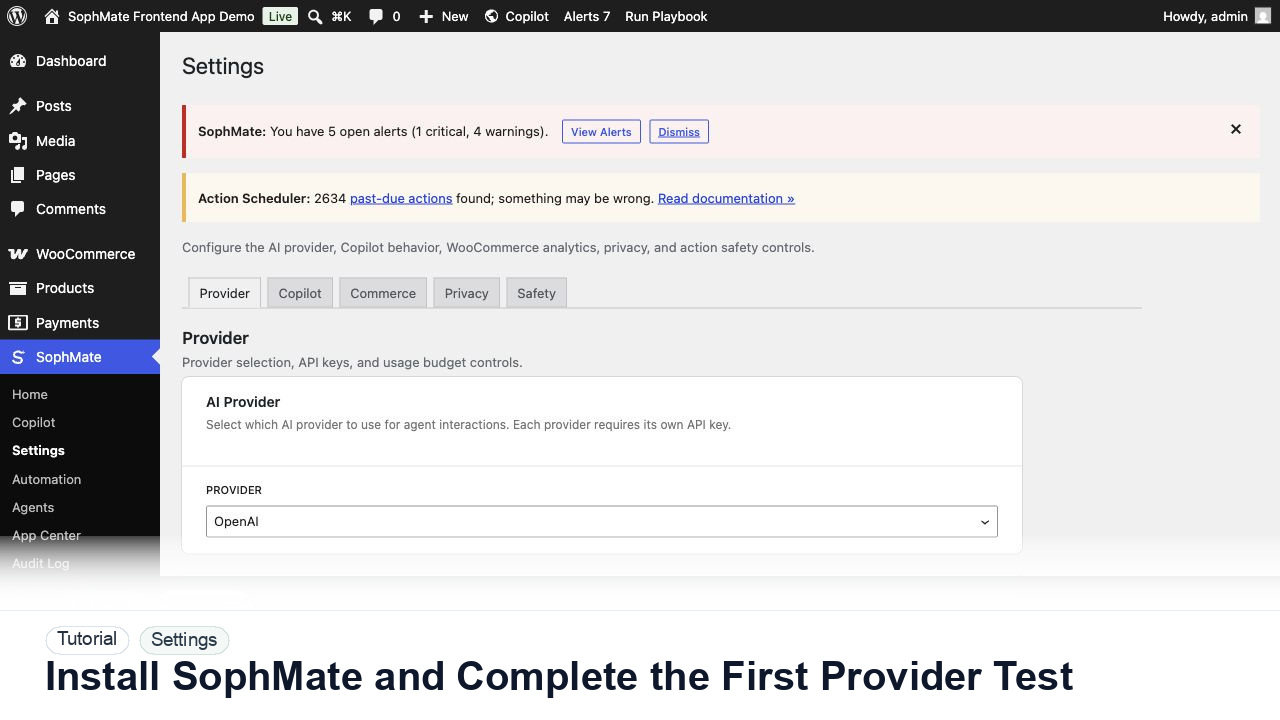
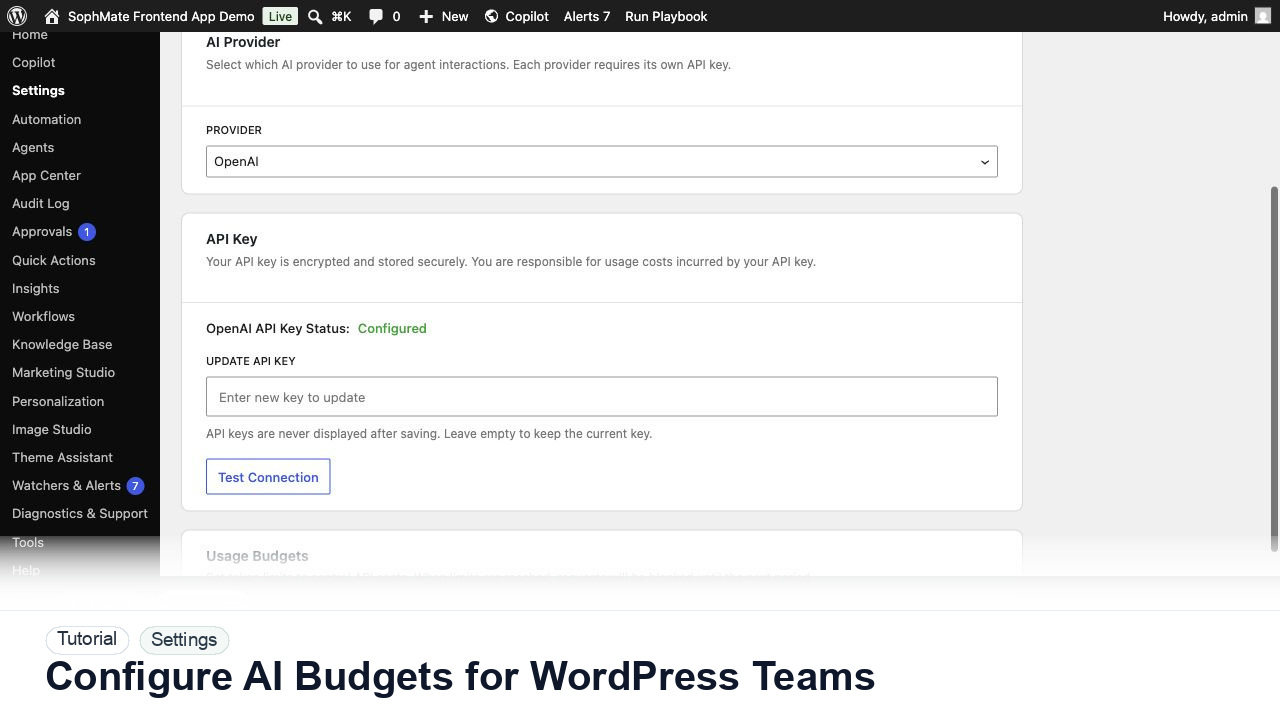
- Set provider budgets and role access before giving users a workflow that can become a site-changing plan.
- Keep staging, backup, or rollback expectations clear whenever the feature can affect public content, commerce data, customer messages, or theme output.
Operating notes
Start with a low-risk example, check the visible output, and promote the pattern only after the team can explain the inputs, review point, owner, and rollback path.
Rollout checklist
- Publish internally first, review traces and failed runs, then widen tool access or visitor exposure in stages.
- Keep an eval suite attached to the agent so prompt, source, or tool changes can be checked before release.
- Name the owner of the first rollout window and schedule a review before making the feature a default team habit.
- Capture what changed during the first run so future administrators can distinguish setup mistakes from product behavior.
Risks and guardrails
- Risk: broad agents may use tools outside their purpose. Guardrail: start with narrow tools, refusal rules, traces, and eval gates.
- Risk: memory or sources can leak private context. Guardrail: define retention, source scope, and reviewer access before publishing.
- Treat convenience as a rollout risk whenever the feature can write data, contact customers, publish content, or change the storefront.
- Keep permissions, budgets, audit review, and rollback expectations visible during the first production use.
When to use a different path
Do not publish broad agents before evals and traces prove the narrow version works. Agents should earn access to tools, memory, and storefront surfaces in stages.
How it stays governed
The important pattern is draft, review, approve, then execute. Read-only questions can stay conversational. Work that affects products, coupons, content, customers, workflows, images, or settings should move through a reviewed plan, workflow run, or publishing step. That is why Agents belongs beside approval-based action plans, audit and diagnostics controls, and the broader SophMate tutorial library.
Evidence to capture
- Save agent version, prompt, tools, sources, eval results, run traces, refusals, failed tool calls, and reviewer notes.
- Capture why access was expanded or restricted after each monitoring window.
- Link evidence to the relevant docs, tutorials, or use case when the feature becomes part of a repeatable operating procedure.
- Keep evidence concise enough for support and governance review; avoid exporting secrets or unnecessary customer data.
What to measure after rollout
Track eval pass rate, failed runs, support handoffs, tool-call errors, hallucination reports, and whether narrow agents stay within their intended purpose.
Decision record
- Record agent purpose, allowed tools, source scope, eval threshold, memory policy, and release stage before publishing.
- Write down the first production scenario, the reviewer, and the evidence that would prove the rollout is working.
- Revisit the decision after the first incident, failed run, support ticket, or policy change rather than letting the original setup become permanent by accident.
Where to go next
Compare this module against the rest of the SophMate feature library, map it to a team scenario in use cases, or start with a practical guide from SophMate tutorials.