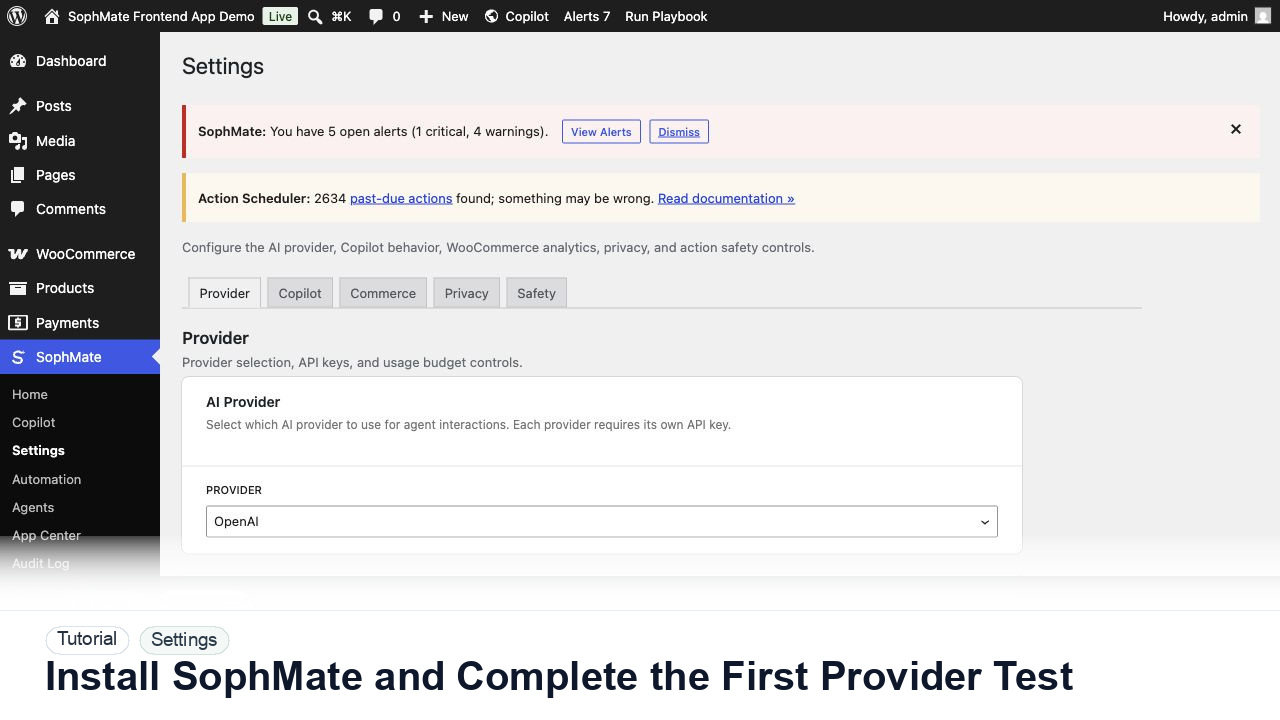
Install SophMate and Complete the First Provider Test
Install SophMate, add an OpenAI or Anthropic provider key, run the connection test, and confirm budgets before users begin AI-assisted work.
Tutorial tag
Related SophMate tutorials. Tag archives stay noindex until they are curated into high-value search pages.
Install SophMate, add an OpenAI or Anthropic provider key, run the connection test, and confirm budgets before users begin AI-assisted work.
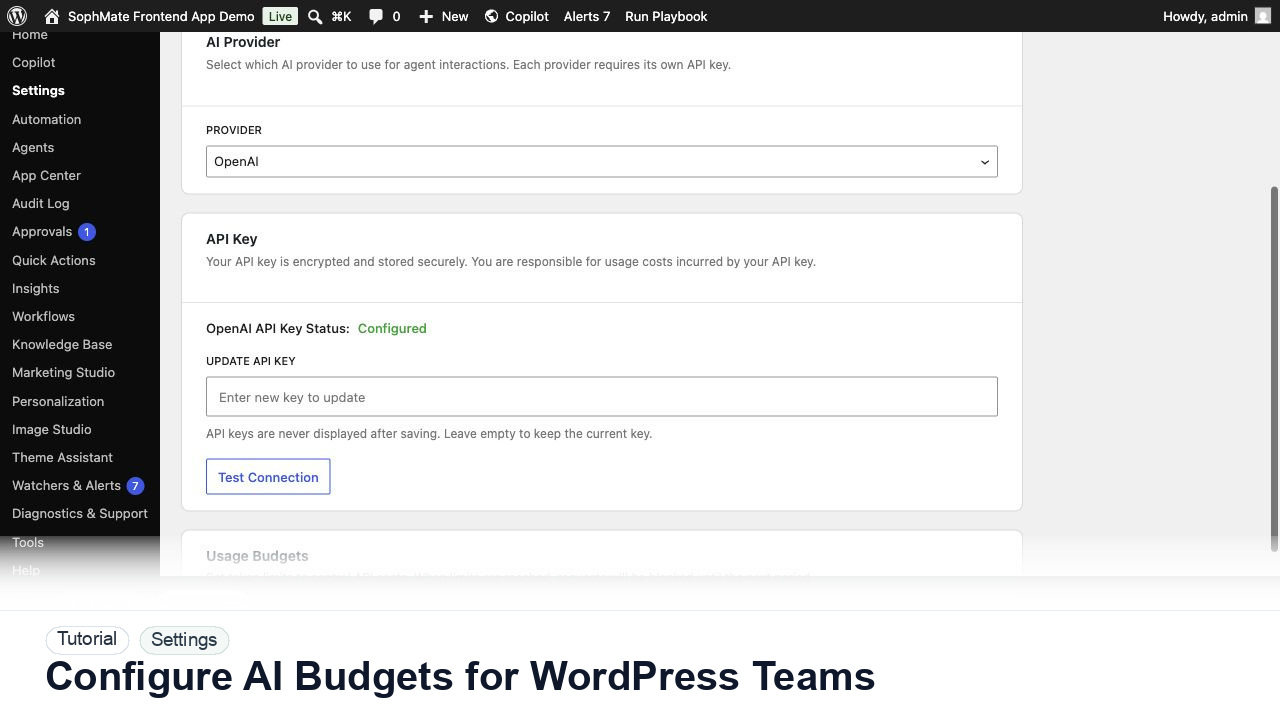
Set SophMate monthly and per-user budget limits so AI usage stays predictable across administrators, editors, support staff, and agencies.
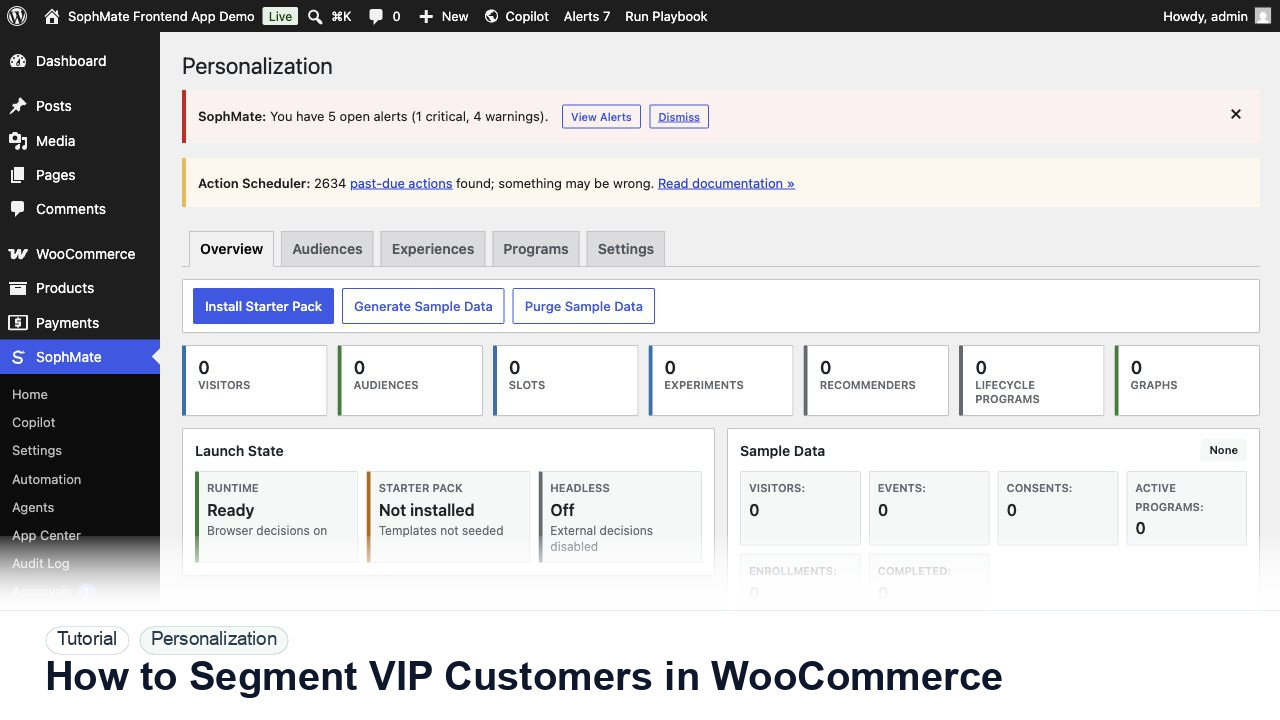
Use SophMate to segment WooCommerce VIP customers with purchase behavior, consent, campaign intent, and privacy-safe personalization.
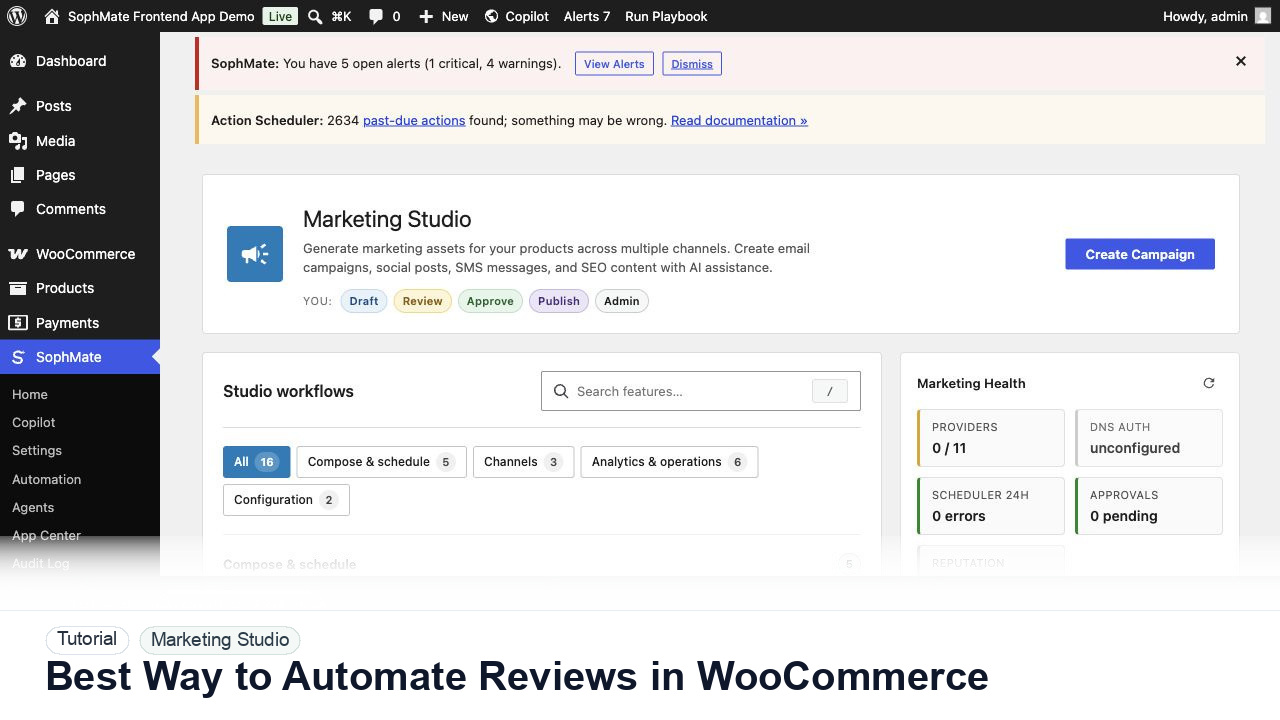
Use SophMate to automate WooCommerce review requests with delivery timing, consent, product context, and support-safe exclusions.
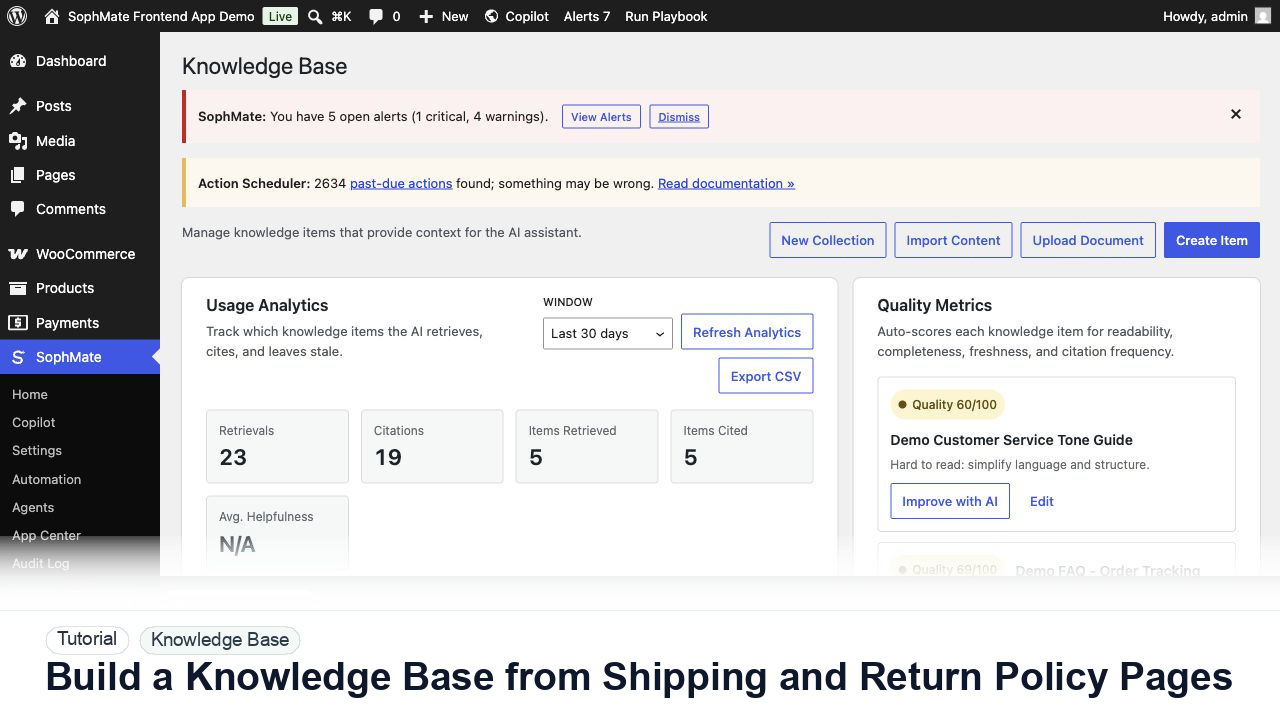
Import WordPress shipping and return policy pages into SophMate Knowledge Base so support replies and agents can cite the correct source.
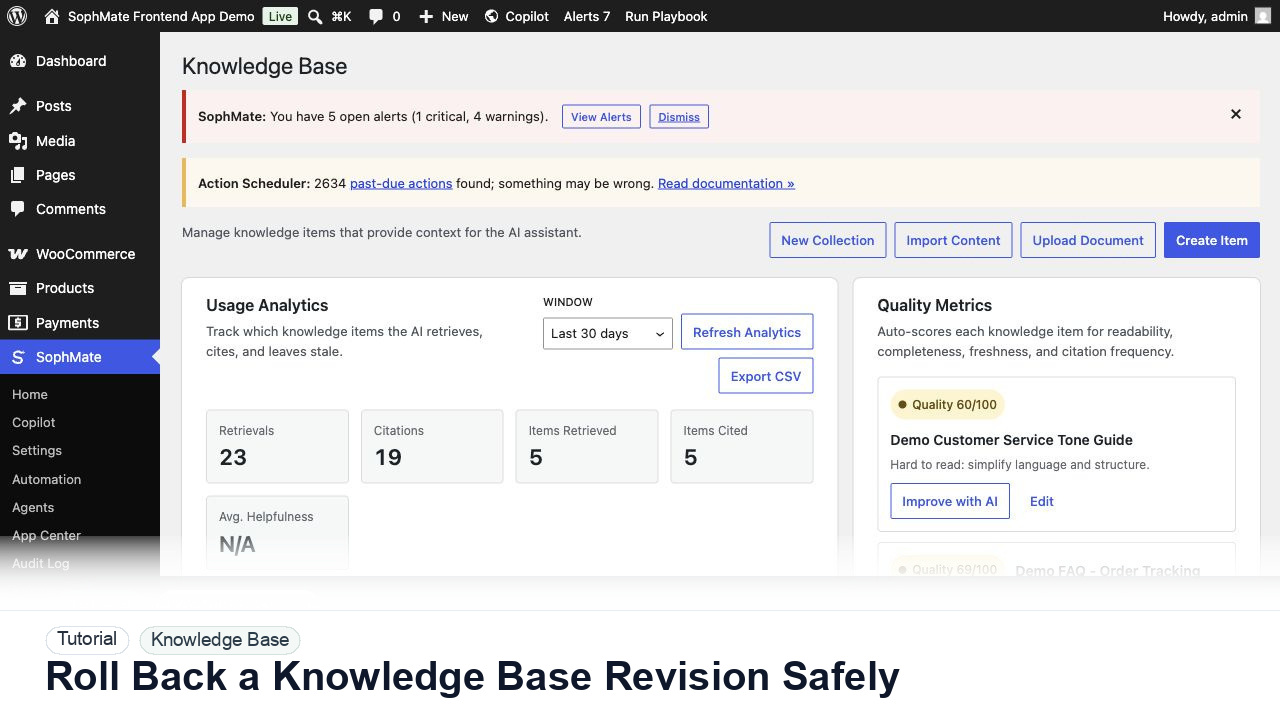
Use SophMate Knowledge Base revision history to recover from a bad policy edit while preserving the audit trail and a new rollback revision.
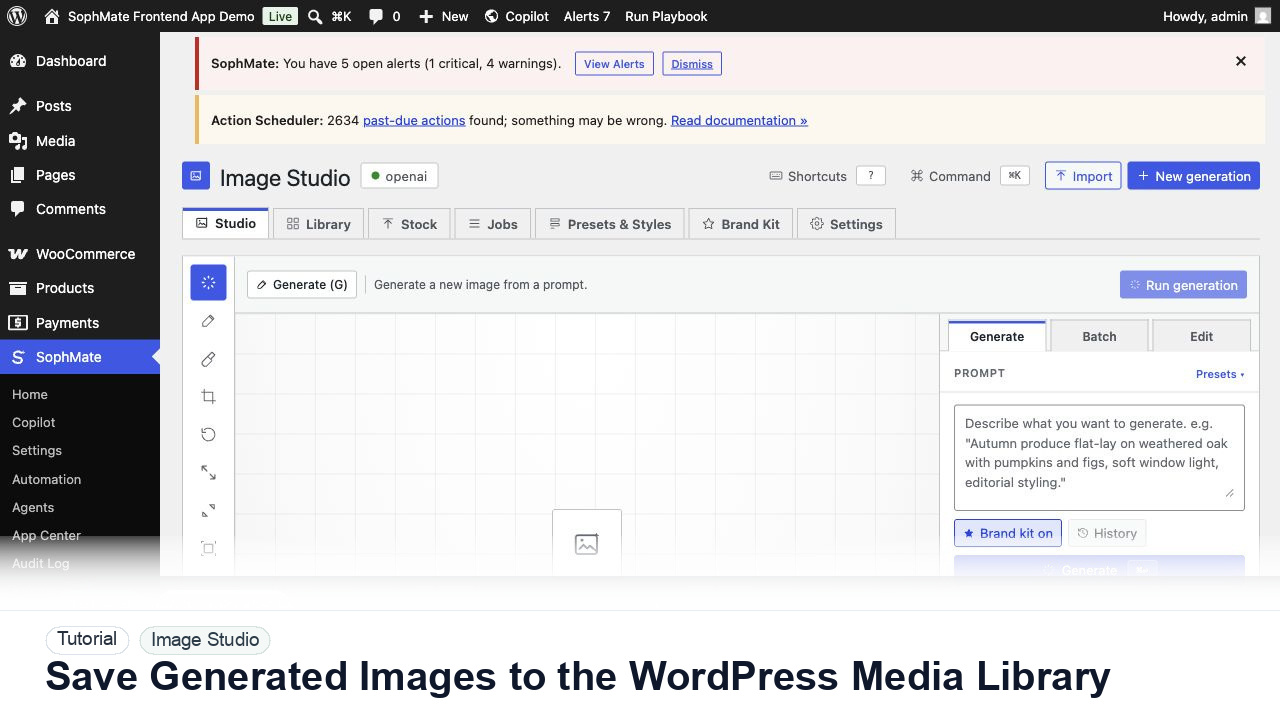
Move approved Image Studio outputs into the WordPress Media Library with metadata, alt text, and publishing intent.
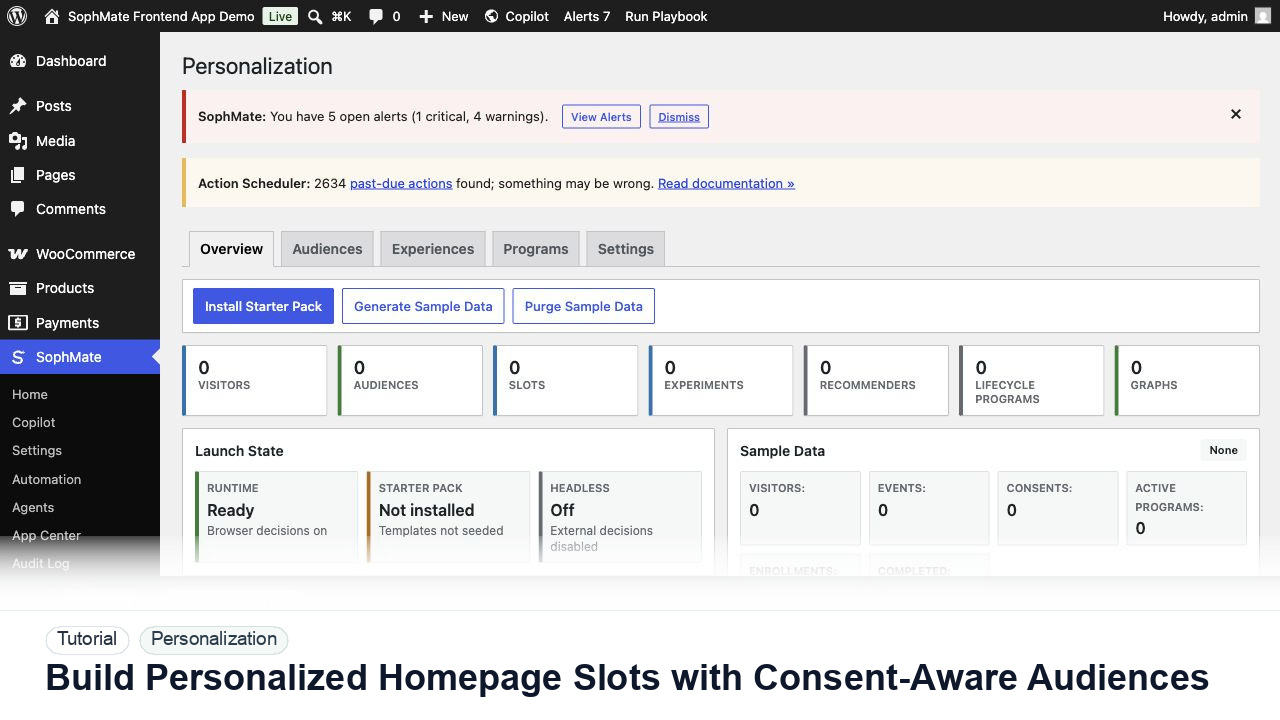
Create a personalization audience, assign it to a homepage slot, and keep privacy and explainability controls visible before launch.
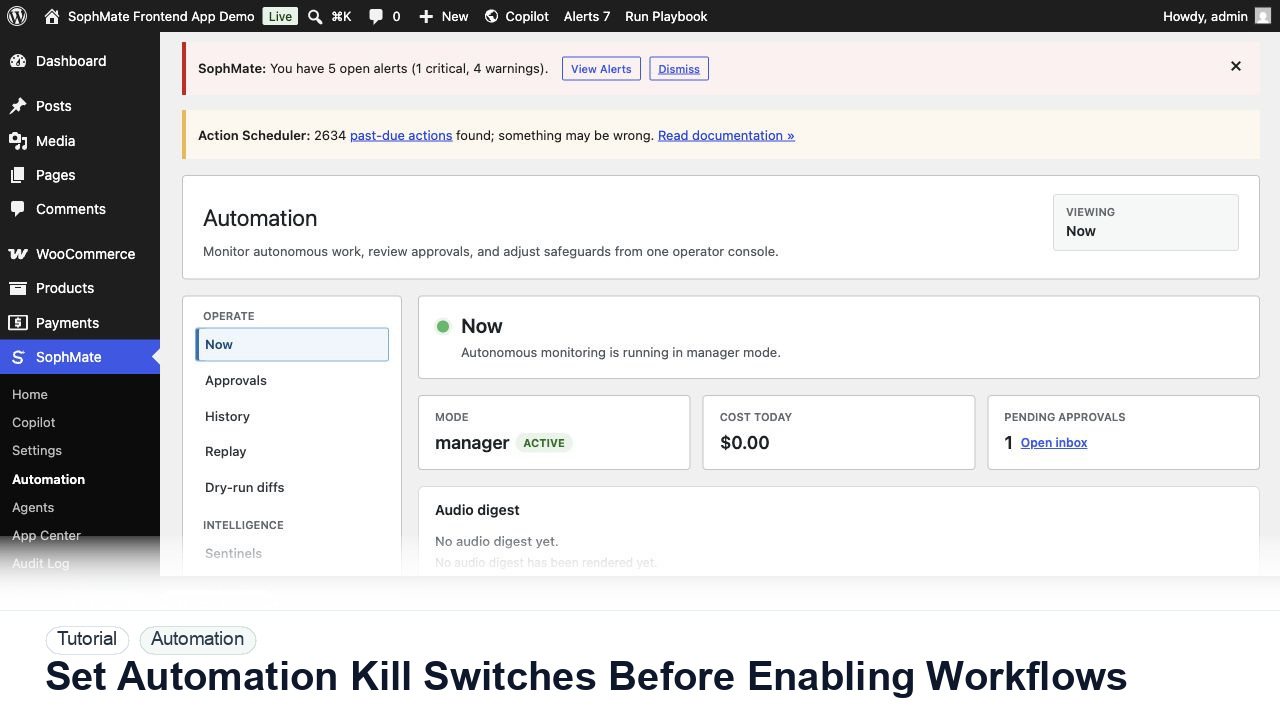
Configure SophMate workflow kill switches and ownership rules before enabling workflows that can affect WooCommerce or WordPress operations.