How to Segment VIP Customers in WooCommerce
Use SophMate to segment WooCommerce VIP customers with purchase behavior, consent, campaign intent, and privacy-safe personalization.
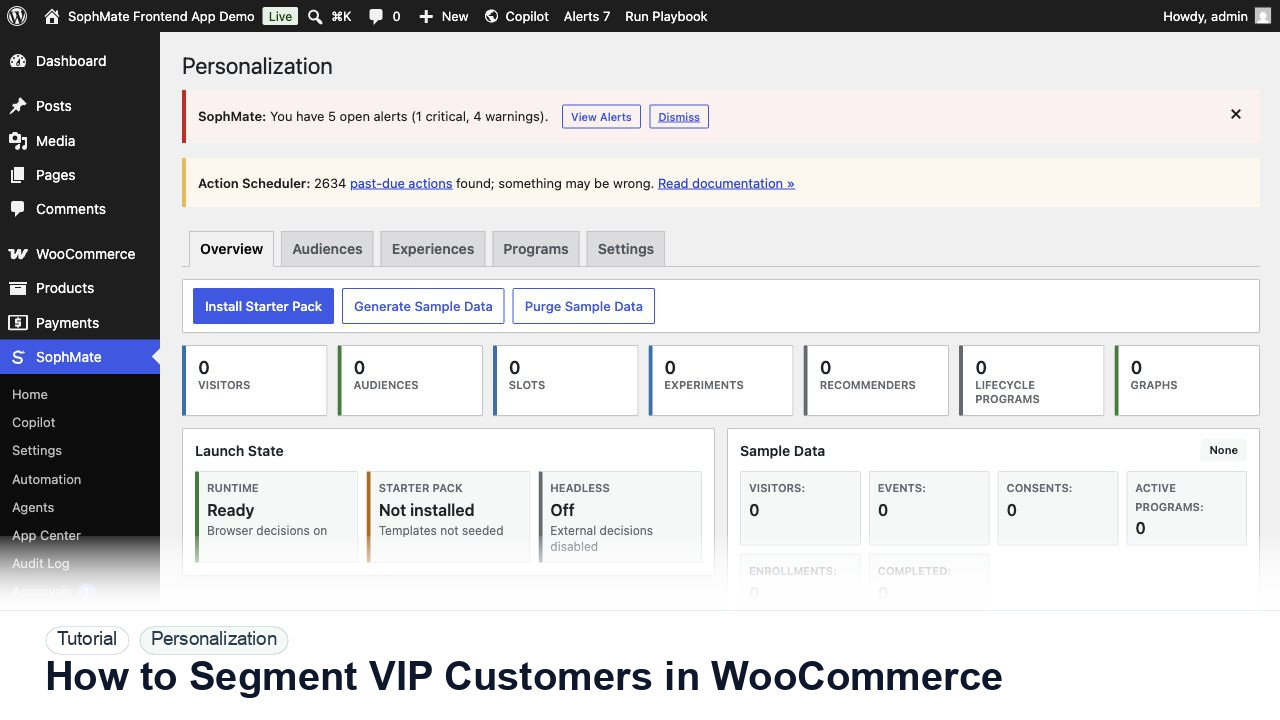
Use SophMate to segment WooCommerce VIP customers with purchase behavior, consent, campaign intent, and privacy-safe personalization.
By the end of this tutorial, you will know how to use SophMate for segmenting WooCommerce VIP customers while keeping the work reviewable inside WordPress.
A growth team wants to send better offers to loyal customers without exposing private customer data or creating unfair, unclear targeting rules.
WooCommerce customer data can support loyalty work, but the limitation is that VIP labels become risky when they are vague, privacy-sensitive, or impossible to explain. A useful segment needs measurable behavior and channel consent.
Use this tutorial to evaluate whether SophMate can personalize responsibly. Buyers should look for consent-aware audiences, fallback content, sensitive-page exclusions, explainability, experiment evidence, and privacy-owner review.
Review this personalization slot before launch. Check consent state, audience logic, fallback content, sensitive-page exclusions, experiment metric, and privacy-owner approval.
The tutorial image shows the Personalization dashboard because audience, slot, sample data, graph health, and launch readiness need to be reviewed together.
Keep fallbacks valid and avoid sensitive traits or sensitive pages unless the privacy model explicitly allows the use case.
Use measurable criteria such as lifetime value, repeat purchases, product category affinity, recent activity, or loyalty status. Avoid vague labels that cannot be explained.
Confirm whether the audience can be used for email, onsite personalization, support prioritization, or reporting before creating campaign output.
Use SophMate Personalization or Marketing Studio to draft an audience rule and preview sample members before activation.
Ask Marketing Studio for copy that rewards loyalty without revealing internal scores or making promises unavailable to other customer groups.
Track conversion, unsubscribes, support reactions, discount cost, and audience drift before reusing the segment.
The personalization workflow is successful when fallback content works, audience logic is explainable, privacy review is complete, and experiment results guide the next decision.
If audience logic or consent behavior is unclear, disable the slot, serve fallback content, and review experiment evidence before relaunch.
Document audience rule, slot, fallback content, consent behavior, sensitive-page exclusions, explainability notes, and experiment success metric.
A growth owner should review experiment results, while a privacy owner reviews sensitive audience, consent, and fallback decisions before launch.
Escalate when audience rules, sensitive pages, consent state, or experiment interpretation affect privacy or customer trust.
No. Use consent-aware, explainable audience rules and avoid sensitive traits or sensitive pages unless the privacy owner has approved the use case.
No. SophMate should make the work easier to draft, inspect, approve, and repeat. Human review remains necessary when output affects customers, money, published content, privacy, settings, or workflow execution.
Record the owner, input scope, access boundary, approval point, failure modes tested, evidence location, monitoring window, and rollback or stop path.
Launch the slot to a narrow audience or staging surface first, then compare fallback behavior, consent handling, and experiment evidence before broader exposure.
Next step
Review the SophMate listing for current package details, screenshots, compatibility notes, and license terms.
Related
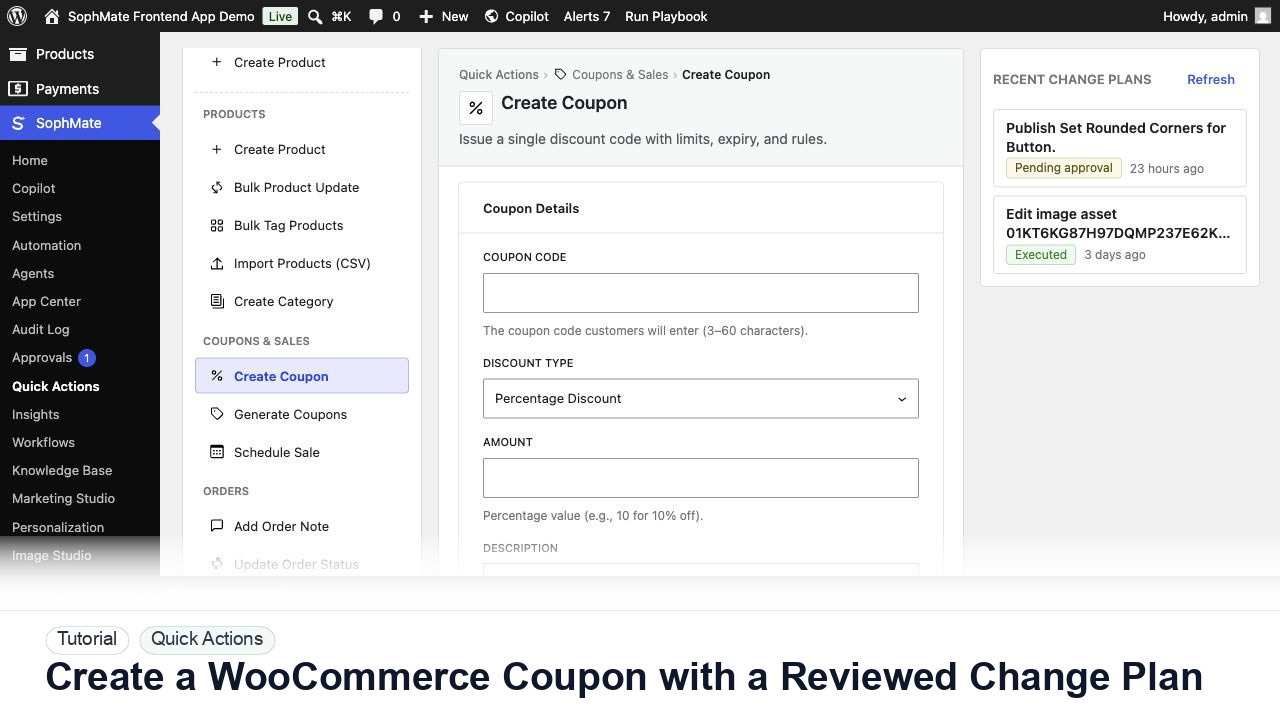
Create a WooCommerce coupon with SophMate, review the generated change plan, and apply the discount only after settings are confirmed.
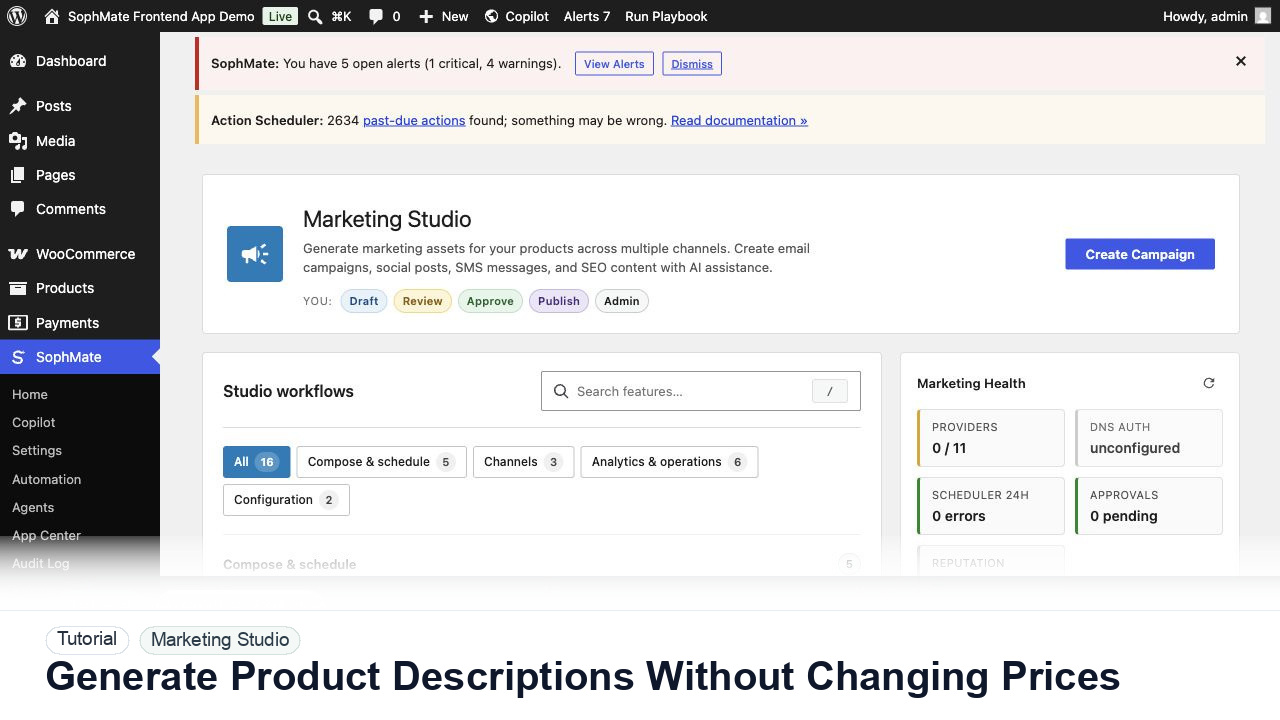
Use SophMate to draft product descriptions, SEO titles, and short descriptions while keeping price, stock, shipping, and variation settings out of scope.
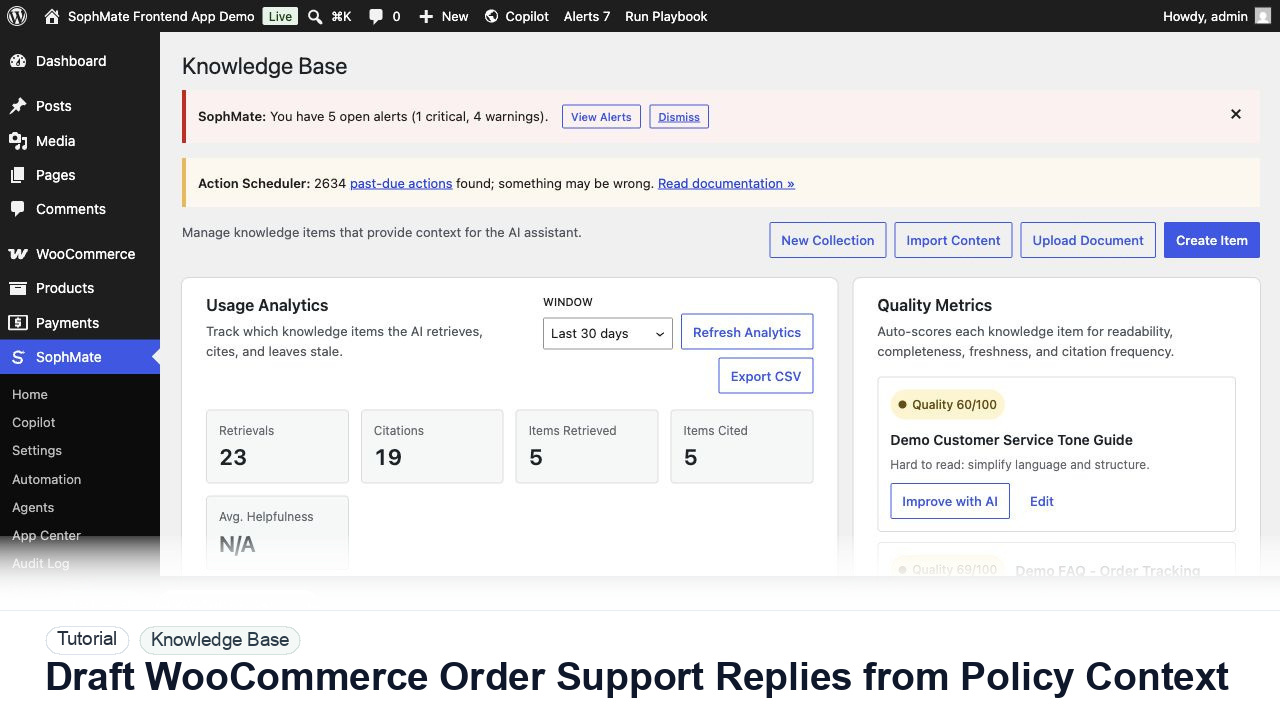
Draft WooCommerce order replies using order context, Knowledge Base policies, tone guides, and review controls before sending anything to a customer.