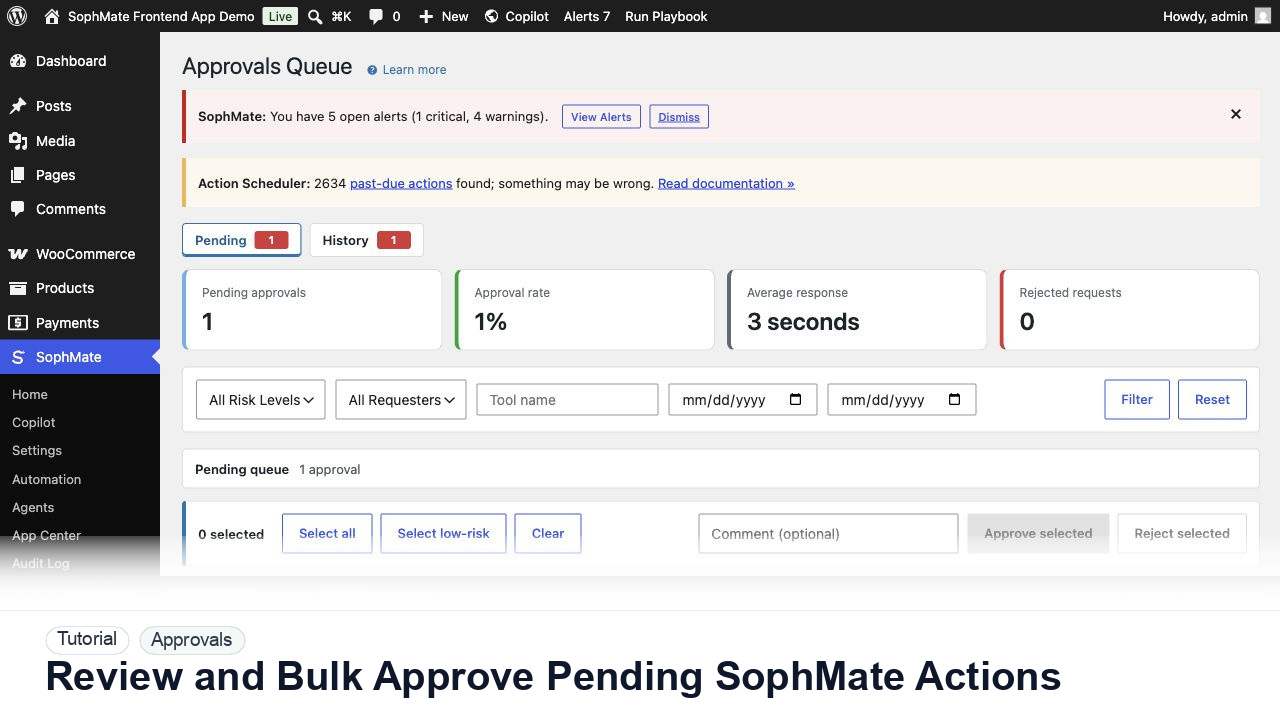
Review and Bulk Approve Pending SophMate Actions
Use the Approvals queue to review pending action plans, delegate review, bulk approve low-risk work, and avoid accidental high-risk approval.
Tutorial tag
Related SophMate tutorials. Tag archives stay noindex until they are curated into high-value search pages.
Use the Approvals queue to review pending action plans, delegate review, bulk approve low-risk work, and avoid accidental high-risk approval.
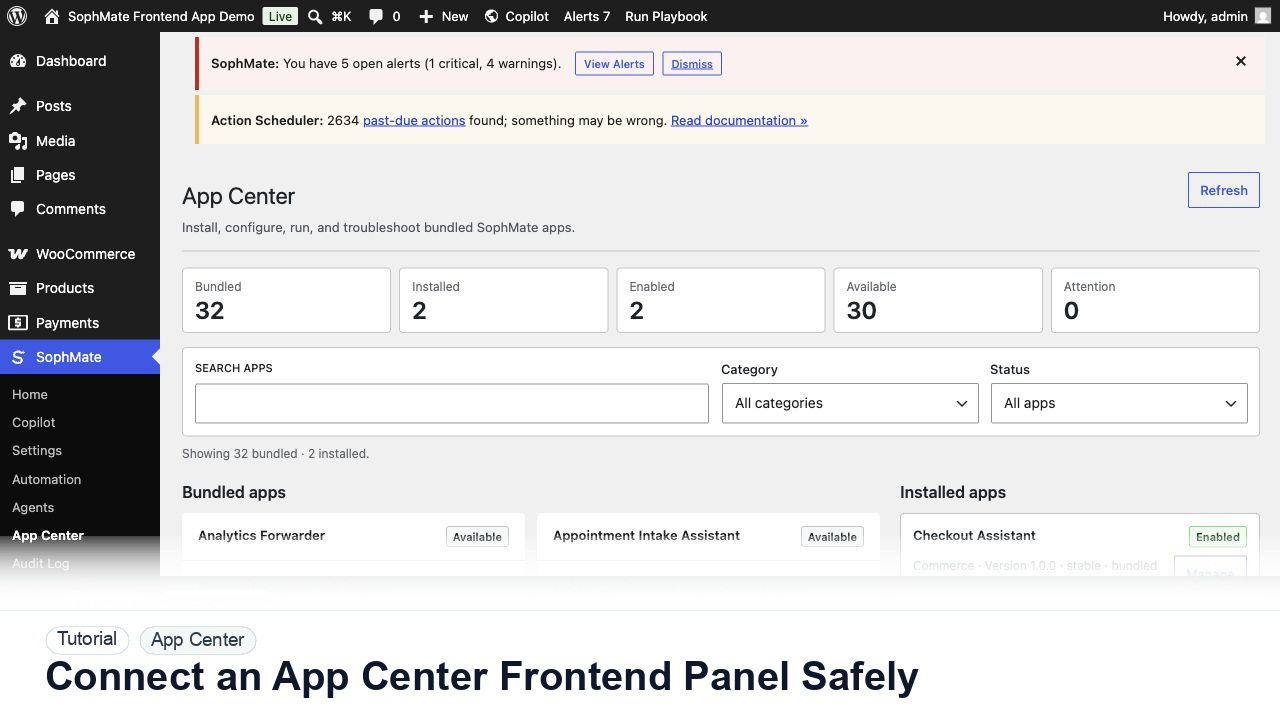
Use SophMate App Center to evaluate a visitor-facing app panel, review capabilities, and keep frontend behavior separate from core plugin updates.
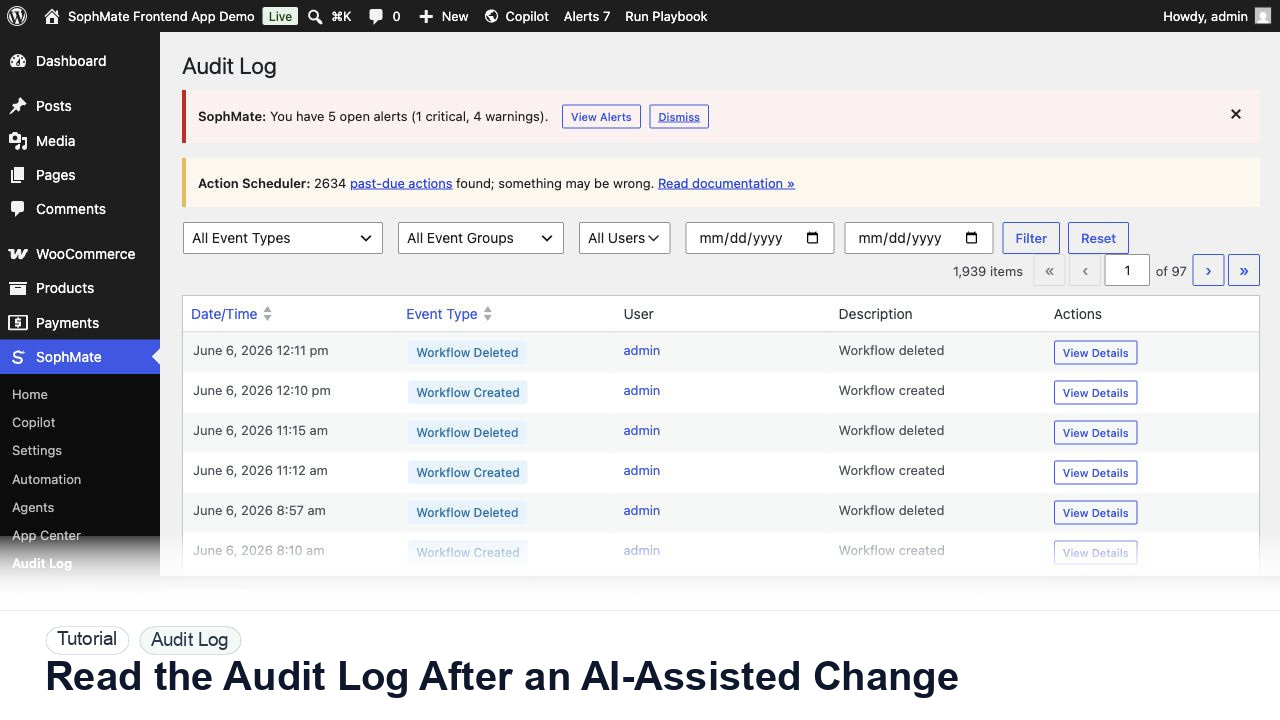
Use the SophMate Audit Log to verify who proposed, approved, executed, failed, retried, exported, or purged AI-assisted work.
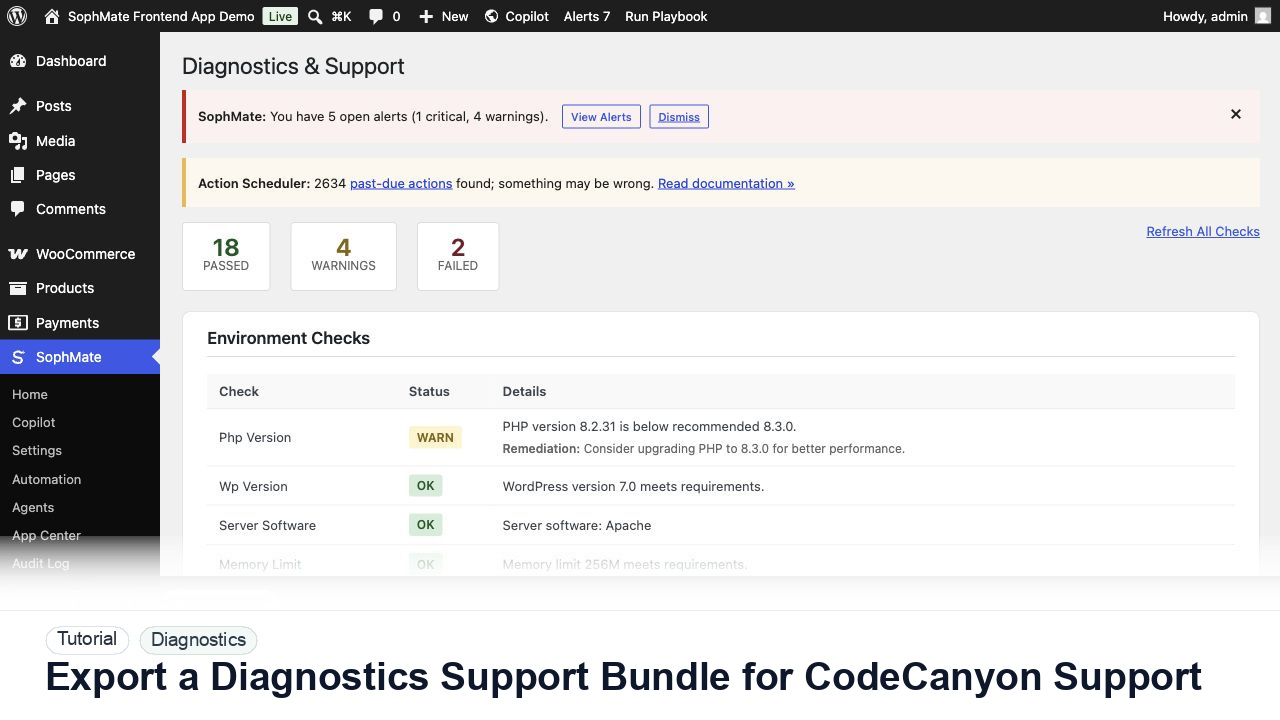
Use SophMate Diagnostics and Support to check environment status, provider connectivity, PHP extensions, plugin inventory, and support bundle data before contacting support.
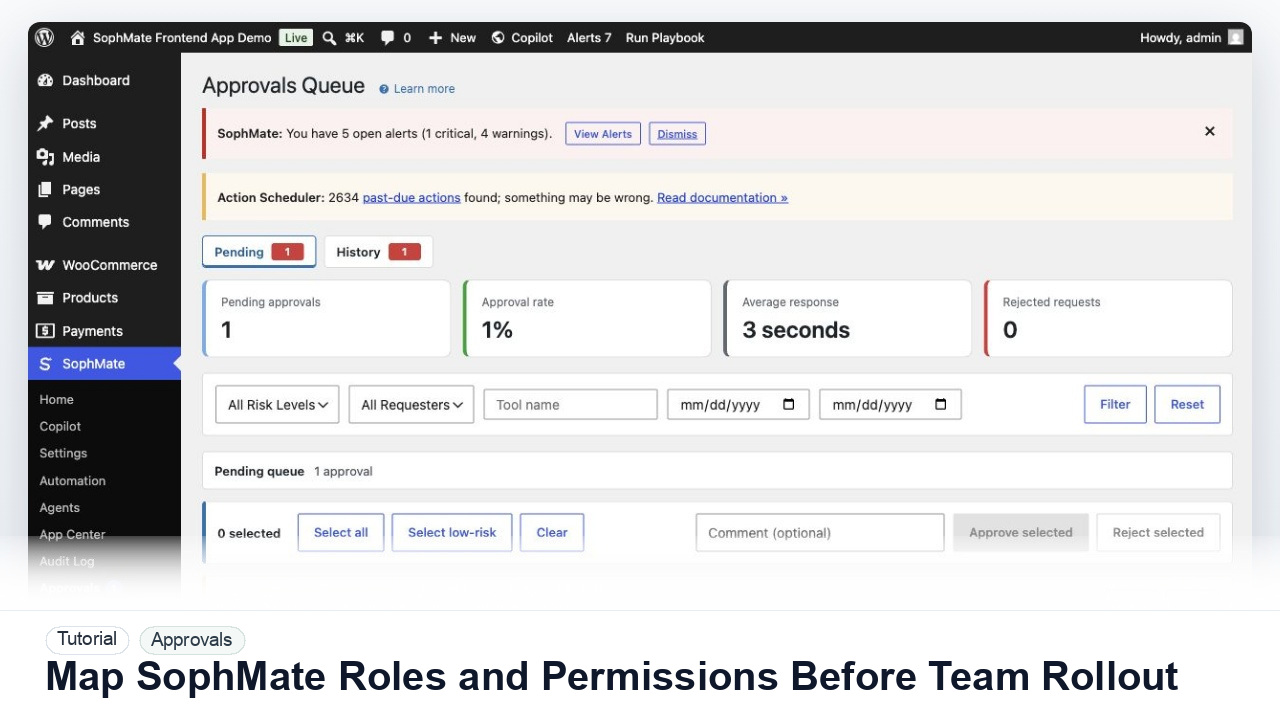
Map administrators, editors, marketers, support users, agency operators, and developers to SophMate capabilities before opening AI workflows to a wider team.
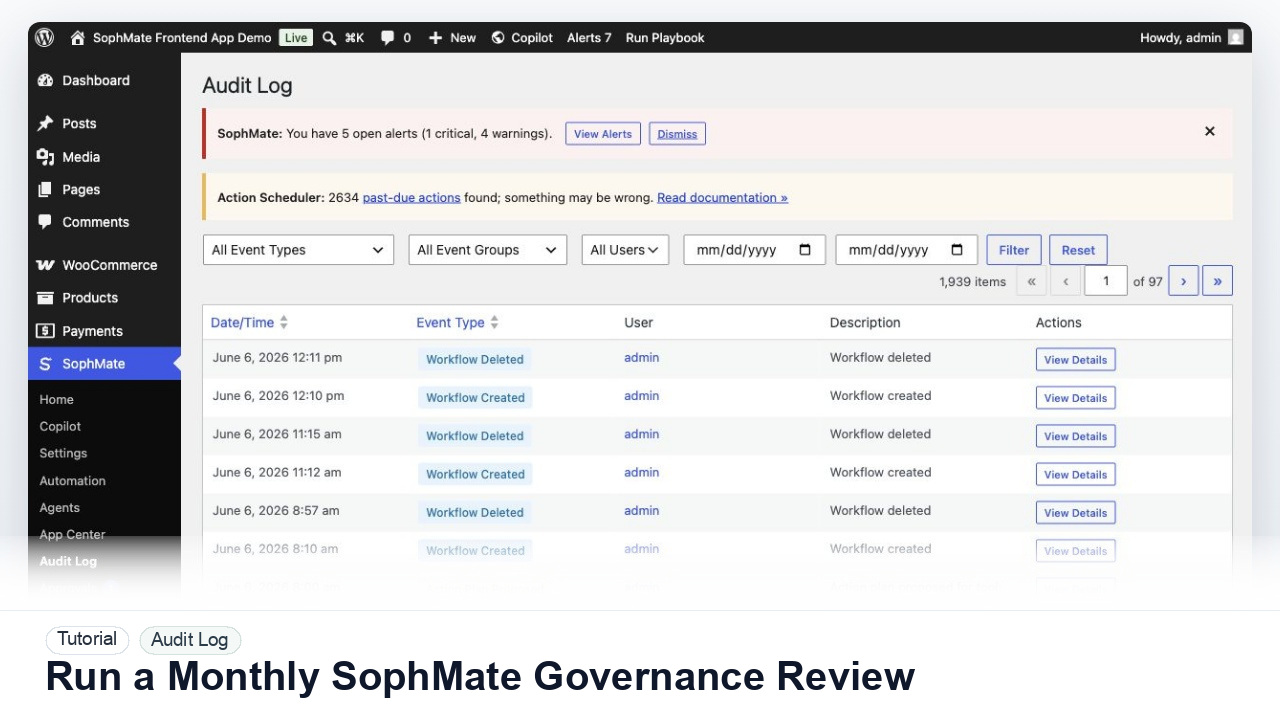
Review SophMate budgets, provider ownership, roles, approvals, audit logs, Knowledge Base quality, workflows, agents, and support readiness once a month.
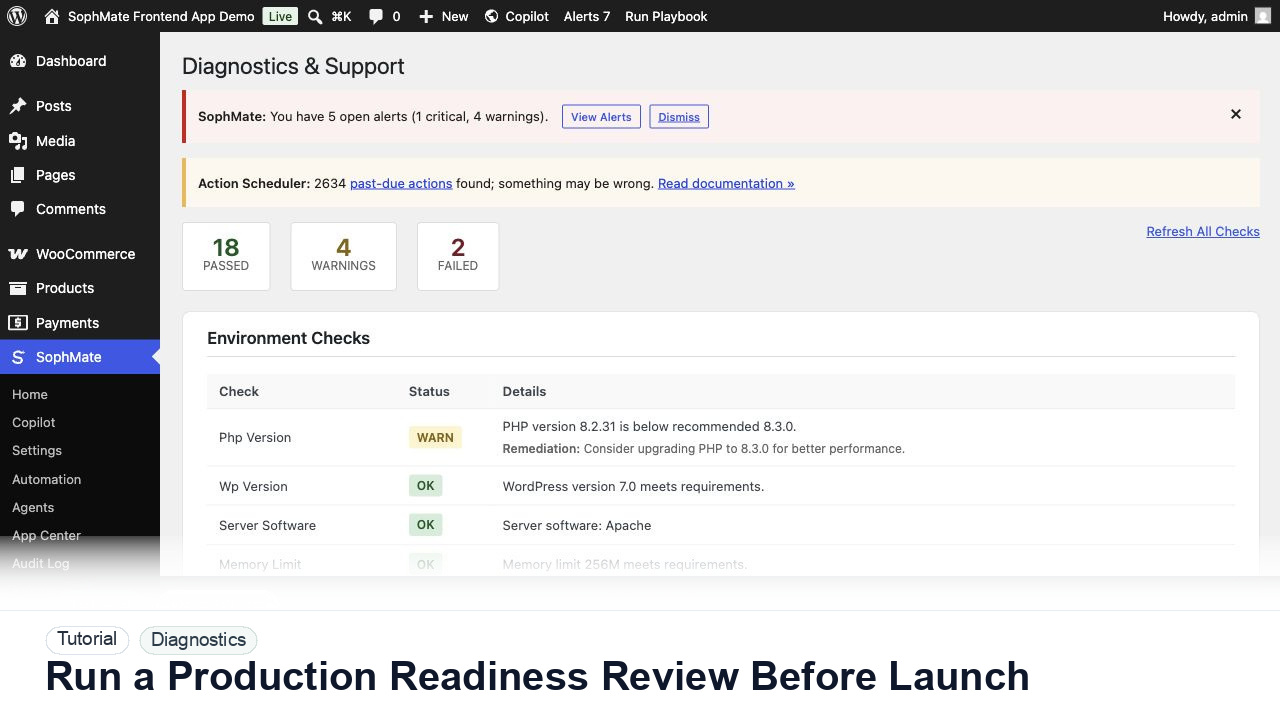
Review SophMate provider setup, budgets, mail, database, cache, queue, diagnostics, support contacts, and CodeCanyon links before a landing or plugin launch.
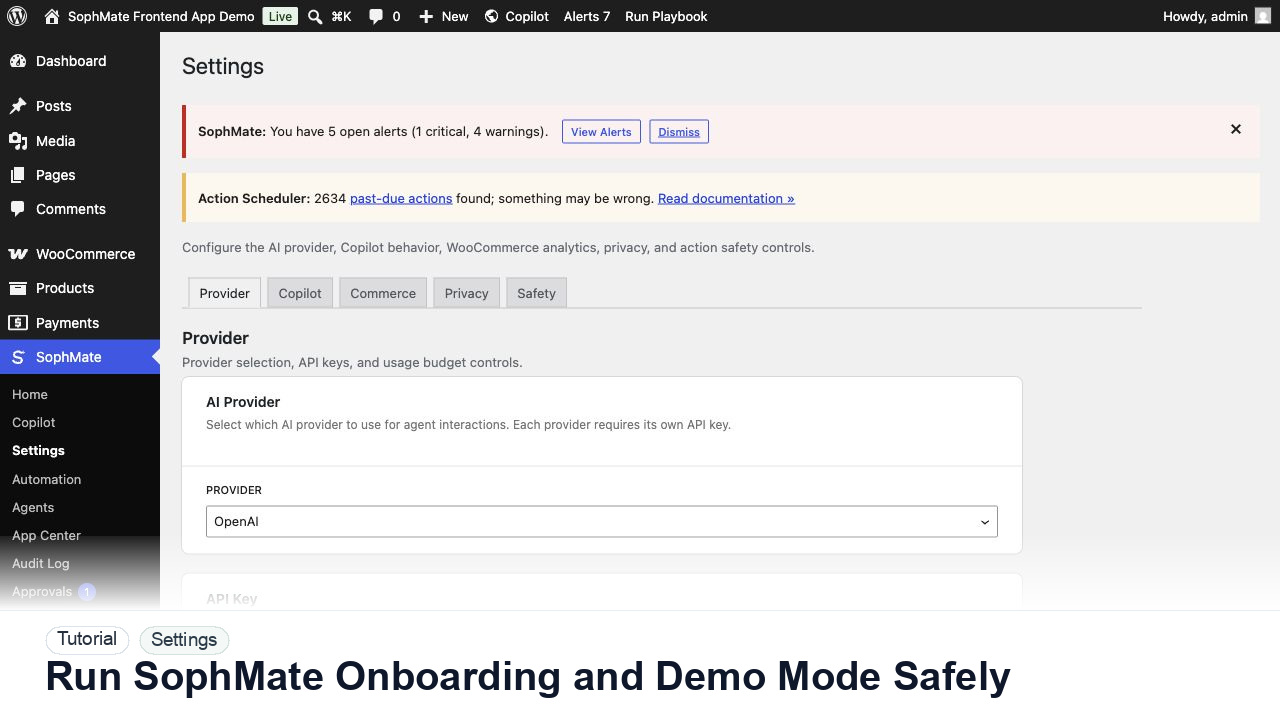
Use SophMate onboarding, sample data, and demo workflows to train operators without confusing test records with production work.
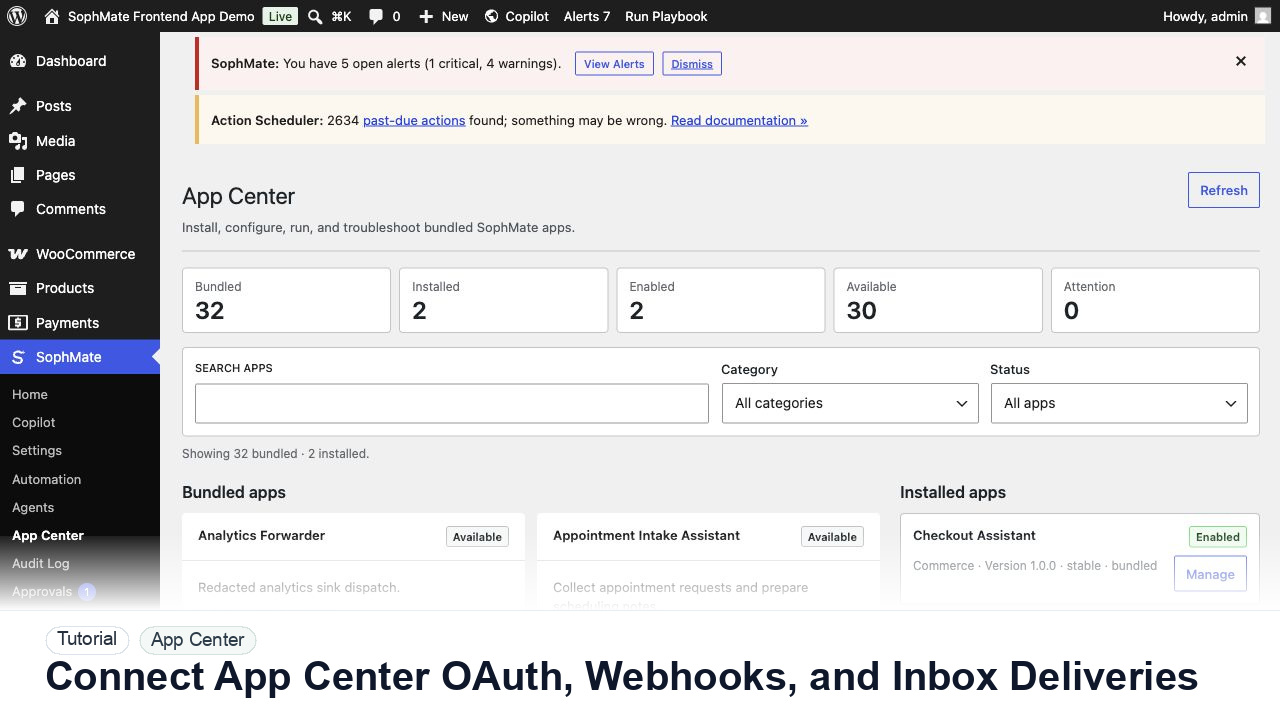
Connect App Center OAuth accounts, inbound webhooks, inbox deliveries, channel messages, and analytics events with support-safe evidence.