Use Quick Actions for Products Coupons and Order Notes
Use SophMate Quick Actions to create products, generate coupons, apply tags, update order notes, draft emails, and run agent triggers with clear review paths.
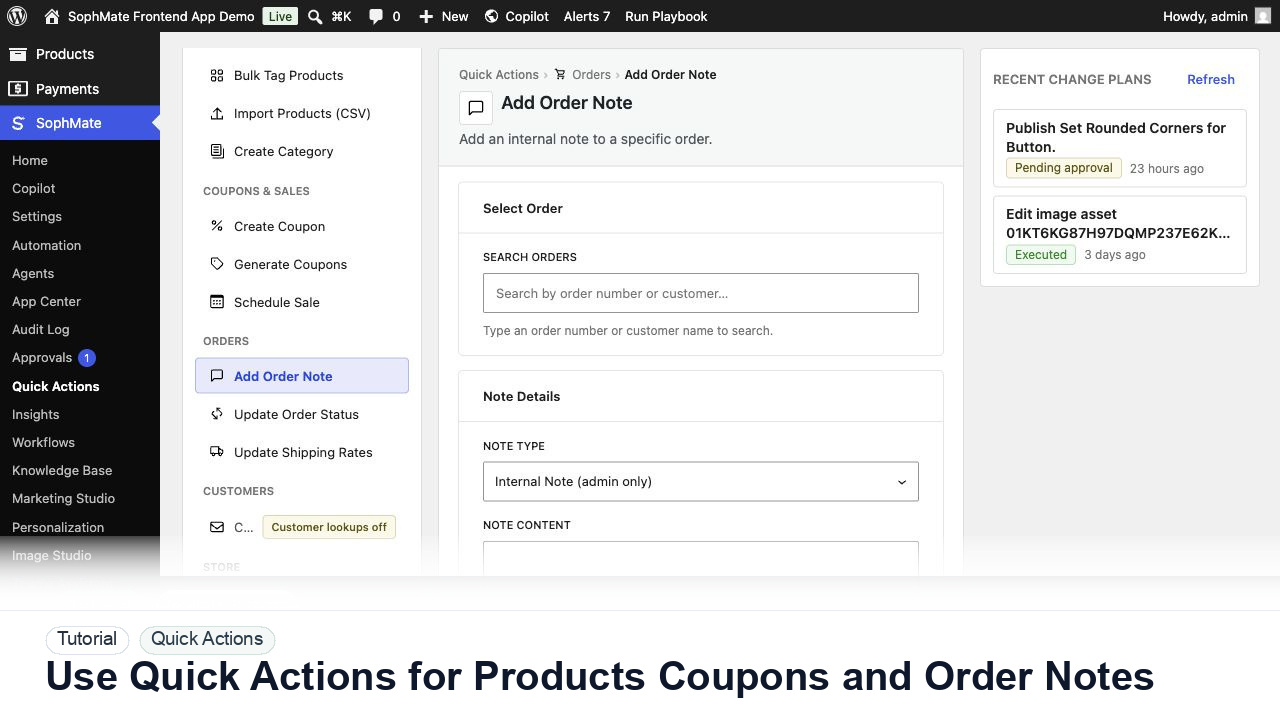
Use SophMate Quick Actions to create products, generate coupons, apply tags, update order notes, draft emails, and run agent triggers with clear review paths.
By the end of this tutorial, you will know how to use SophMate for SophMate Quick Actions while keeping the work reviewable inside WordPress.
A store admin wants common WooCommerce tasks in one screen instead of moving between products, orders, coupons, and support tools.
Use this tutorial to evaluate whether SophMate turns common WooCommerce work into structured, reviewable operations. The value is not speed alone; it is predictable inputs, visible proposed fields, and confirmation after execution.
Prepare this Quick Action from structured fields only. Validate required inputs, show the generated plan, keep data-changing work behind review, and confirm the affected record after execution.
The tutorial image shows the Create Coupon quick action with discount type, amount, limits, and restrictions visible, matching the reviewed WooCommerce coupon workflow.
Structured forms reduce ambiguity, but they still need review when they write WooCommerce or WordPress data.
Quick Actions are grouped by products, coupons and sales, orders, customers, store, and agents. Pick the group that matches the record type.
Use forms for SKU, category, coupon amount, order note, customer email, or sale dates. Structured input reduces prompt ambiguity.
Some actions require mentions, customer mentions, or agent capability. If an action is hidden or gated, fix permissions rather than bypassing review.
Actions that change store data should create or respect action plans. Read the plan before execution.
If a Quick Action becomes a repeated workflow, convert the pattern into a playbook or workflow so it is easier to run consistently.
The Quick Action is successful when the structured fields produce the intended product, coupon, order, customer, or agent task and any data-changing result is visible in the approval or audit path.
If proposed fields are wrong, reject or revise the plan before execution. If execution already ran, use the audit trail and affected records to prepare a manual correction or rollback plan.
Document the exact structured fields used, expected WooCommerce result, reviewer, and storefront or admin check performed after execution.
The operator running the action owns the draft, while a reviewer owns execution when WordPress or WooCommerce data changes.
Escalate when a Quick Action affects the wrong record type, hides required fields, or produces a plan the reviewer cannot understand.
They reduce ambiguity with structured fields, but they do not remove review needs. Any action that writes WordPress or WooCommerce data should still expose proposed fields and approval status.
No. SophMate should make the work easier to draft, inspect, approve, and repeat. Human review remains necessary when output affects customers, money, published content, privacy, settings, or workflow execution.
Record the owner, input scope, access boundary, approval point, failure modes tested, evidence location, monitoring window, and rollback or stop path.
Execute one low-risk Quick Action, confirm the affected WooCommerce record, and save the exact field set as the model for future structured actions.
Next step
Review the SophMate listing for current package details, screenshots, compatibility notes, and license terms.
Related
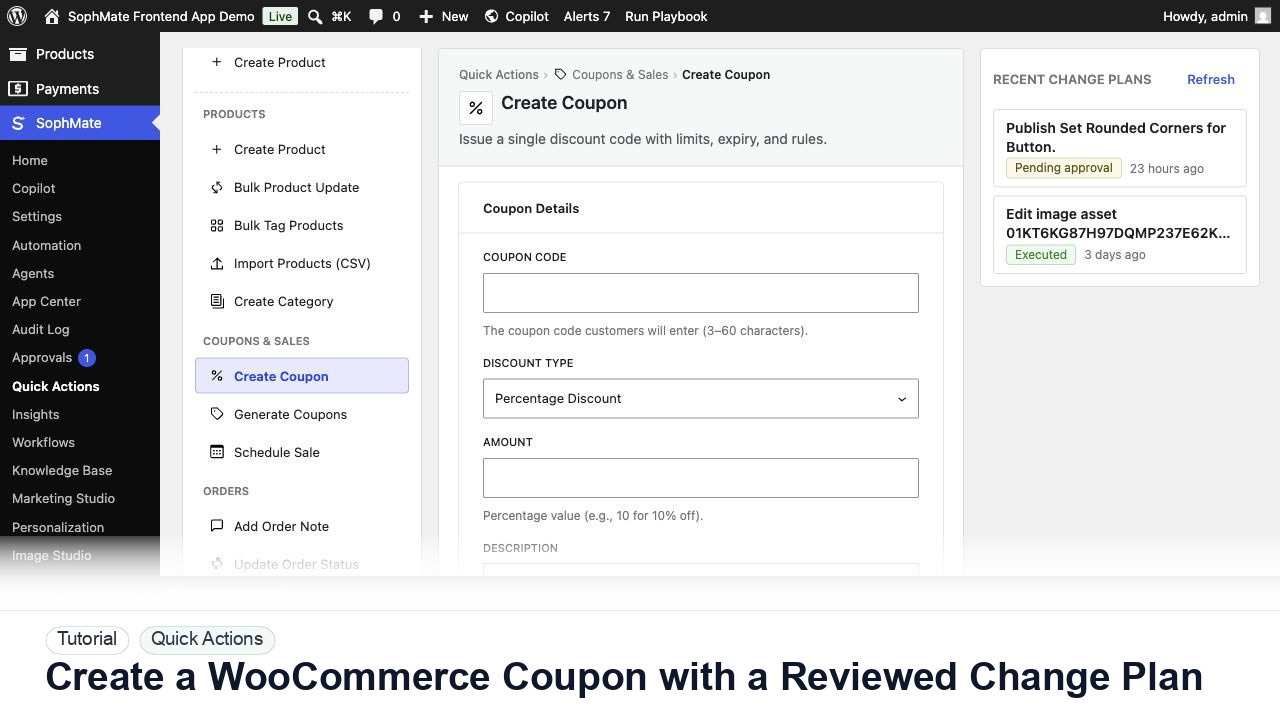
Create a WooCommerce coupon with SophMate, review the generated change plan, and apply the discount only after settings are confirmed.
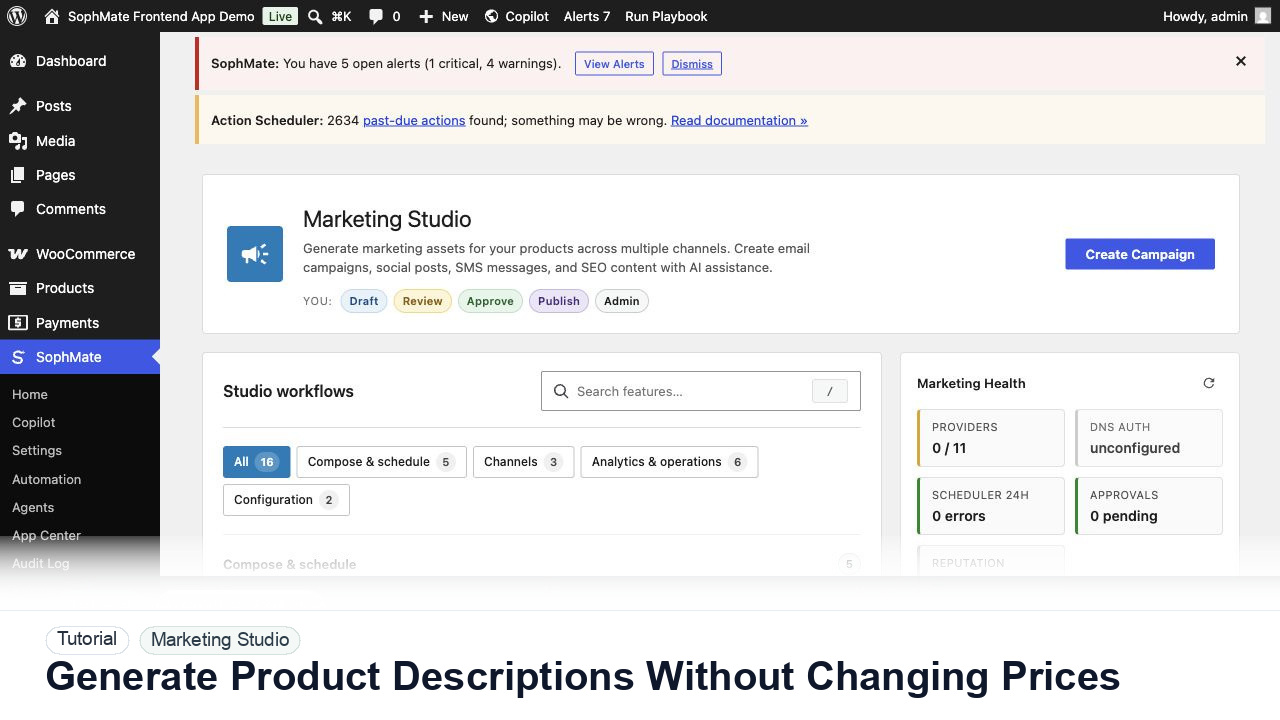
Use SophMate to draft product descriptions, SEO titles, and short descriptions while keeping price, stock, shipping, and variation settings out of scope.
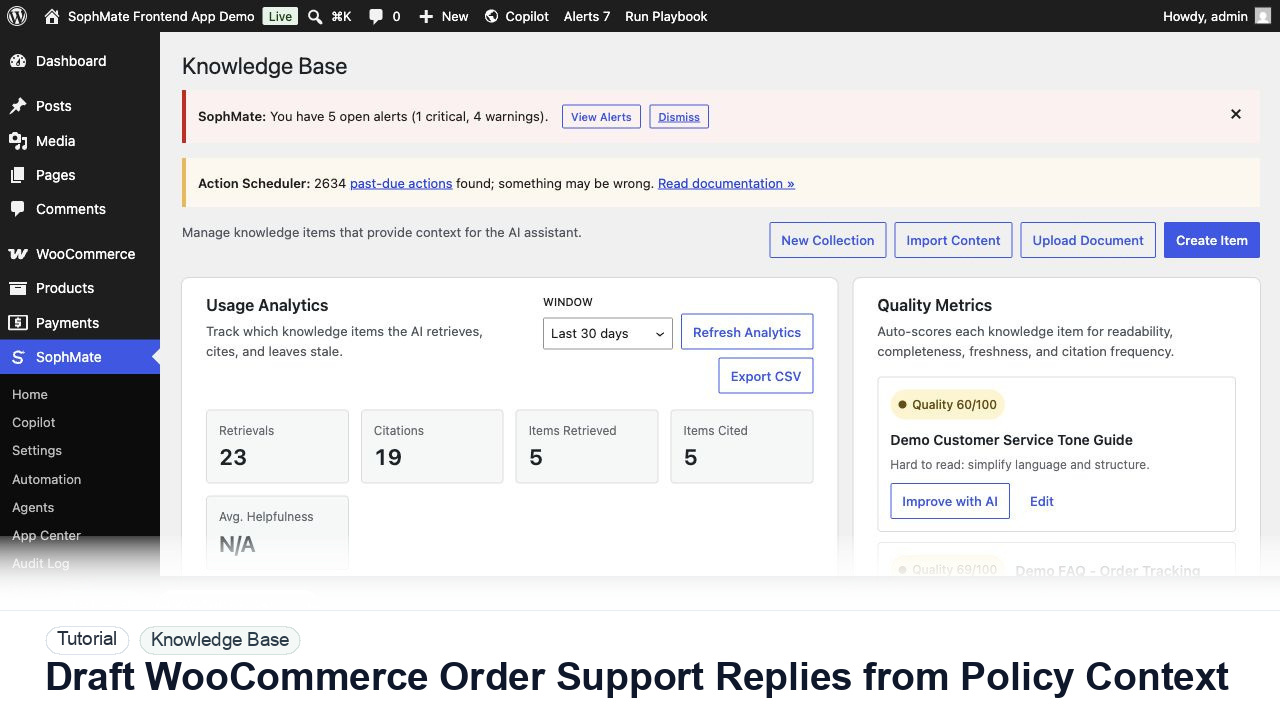
Draft WooCommerce order replies using order context, Knowledge Base policies, tone guides, and review controls before sending anything to a customer.