Prepare a Staging Site Before Enabling SophMate Automation
Use a staging WordPress site to test SophMate workflows, watchers, agents, approvals, and kill switches before enabling automation on production.
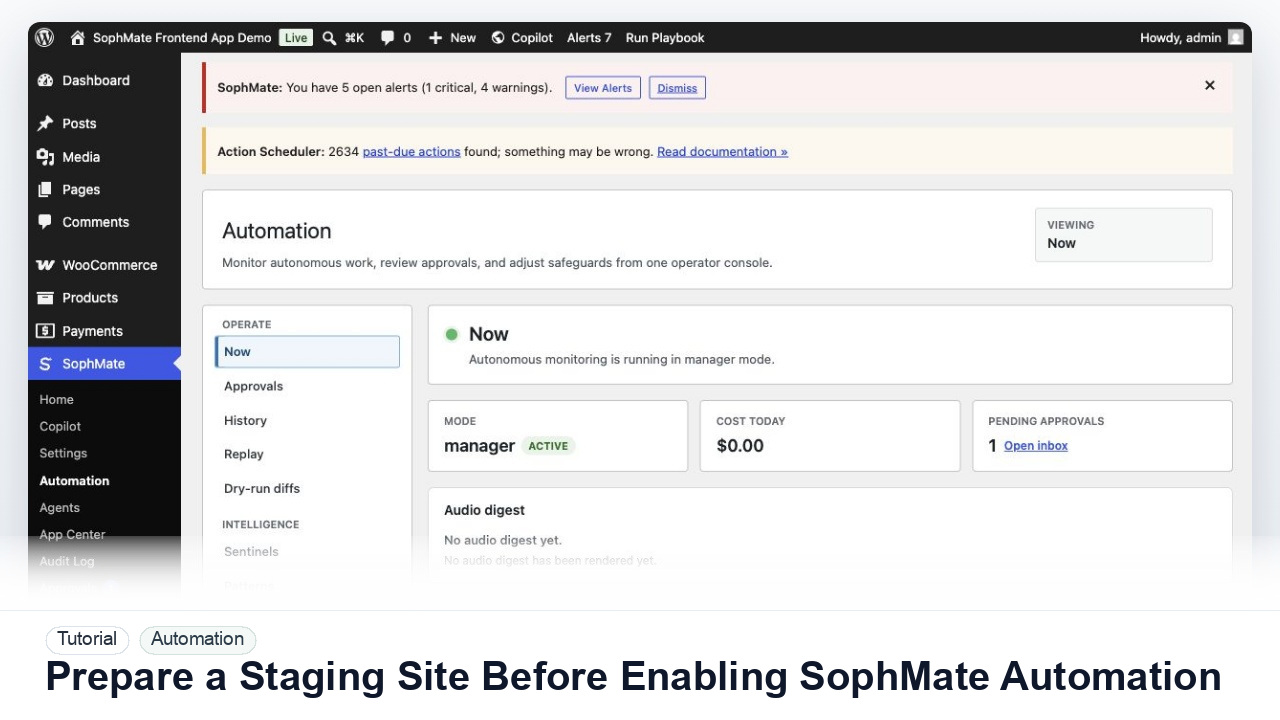
Use a staging WordPress site to test SophMate workflows, watchers, agents, approvals, and kill switches before enabling automation on production.
By the end of this tutorial, you will know how to use SophMate for SophMate staging automation setup while keeping the work reviewable inside WordPress.
An operations lead wants to test workflow behavior with realistic WooCommerce data before allowing automation to run on the production store.
The tutorial image shows SophMate Automation context where active tasks, activity, audio digest controls, and category kill switches are reviewed before production rollout.
Use staging, kill switches, approval gates, and narrow production scope before enabling automation that can affect customers, products, content, or settings.
Use a recent staging copy with representative products, orders, policies, users, and theme state. Redact or anonymize customer data when the staging process requires it.
Use staging-safe provider budgets, disabled customer email sends, and clear environment labels so test workflow output cannot be mistaken for production activity.
Start with summaries, diagnostics, watchers, and report drafts. Confirm the workflow reads the expected data before any write-capable step is tested.
Create one low-risk action plan, approve it with a staging reviewer, then pause the related automation category to verify the team knows the stop path.
Move the workflow to production only after documenting owner, trigger, approval point, first production scope, expected output, and rollback behavior.
The automation workflow is successful when staging behavior is understood, kill switches work, first production scope is narrow, and owners can explain what will run next.
Document the staging URL or environment label, data freshness, redaction rules, provider budget, mail suppression setting, tested workflow, approval behavior, kill switch result, and first production scope.
The operations lead or site administrator should own staging tests before each meaningful automation rollout, major plugin update, or new agent launch. Keep the cadence tied to production risk rather than a calendar alone.
Escalate when staging cannot safely mirror the production behavior, customer-facing sends cannot be suppressed, or workflow output differs between staging and production in a way the team cannot explain.
Run this workflow on a low-risk example first. Once the result is easy to review and explain, decide whether it should become a repeatable playbook, workflow, watcher, agent, or documented team process.
Next step
Review the SophMate listing for current package details, screenshots, compatibility notes, and license terms.
Related
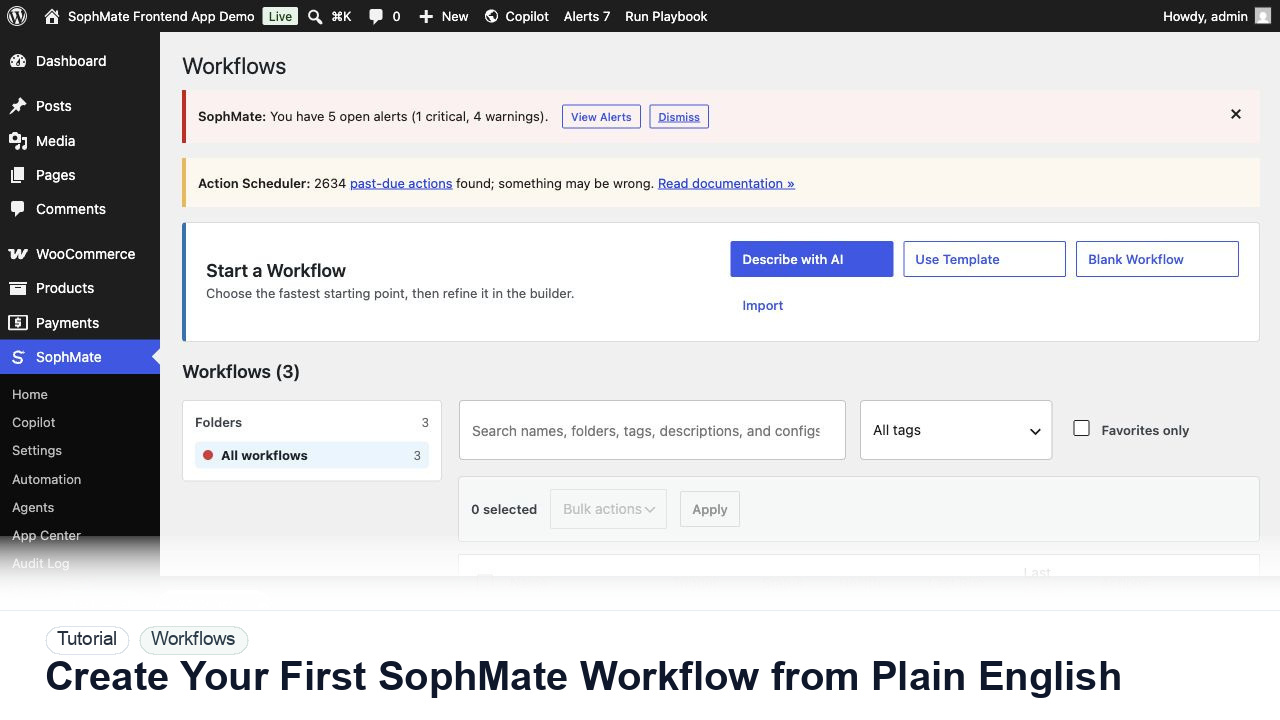
Use SophMate Workflows Describe with AI to turn a plain-English operations idea into a workflow draft with triggers, steps, and review notes.
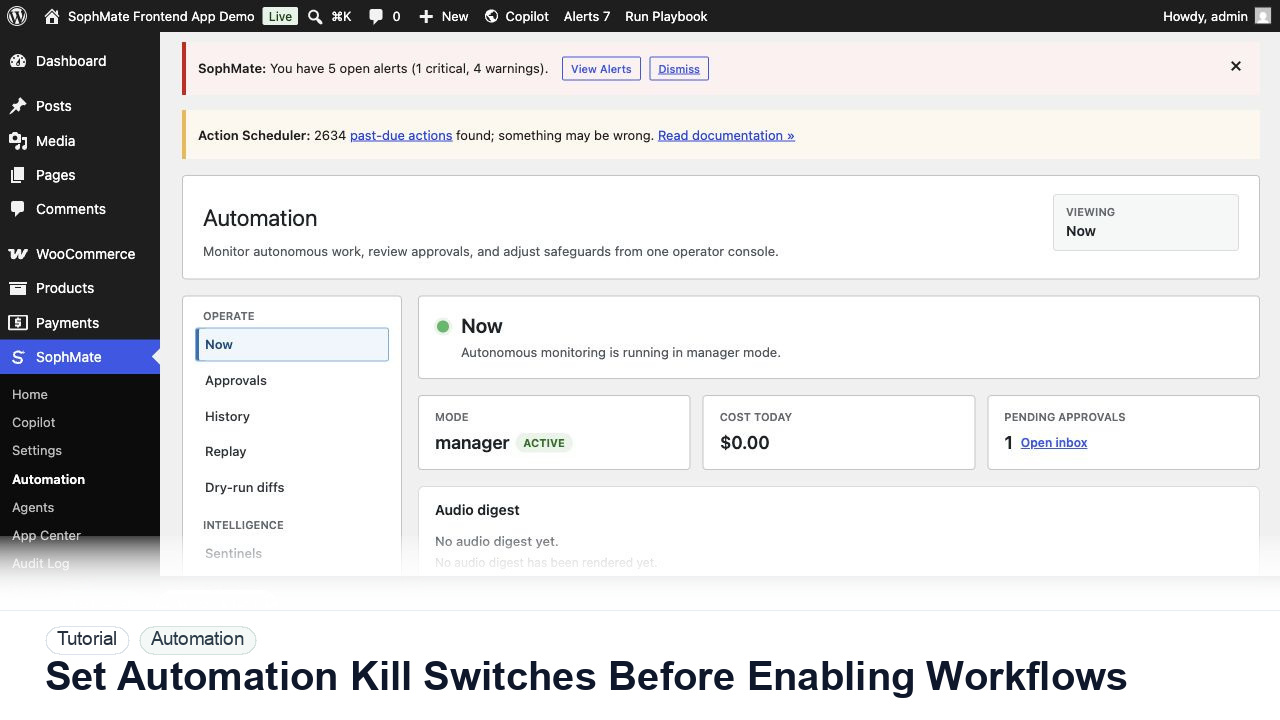
Configure SophMate automation kill switches and ownership rules before enabling workflows that can affect WooCommerce or WordPress operations.
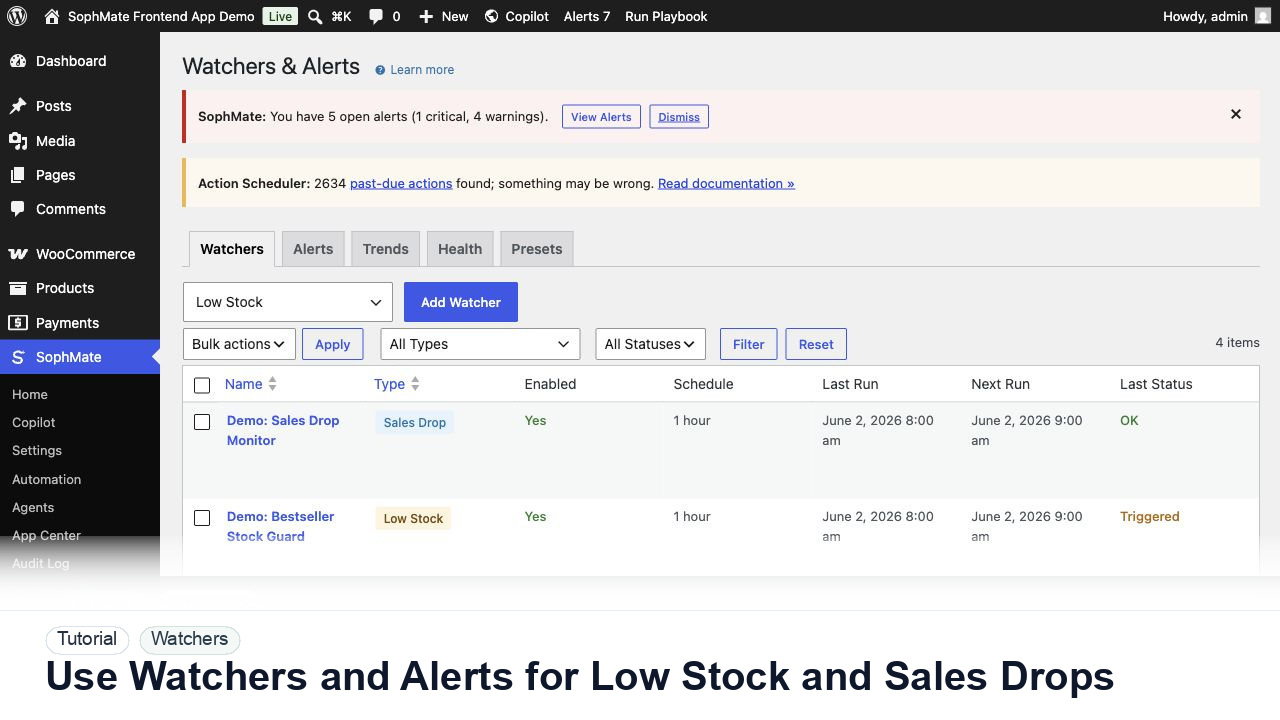
Configure SophMate Watchers for low-stock and sales-drop signals, then route alerts into the right review or workflow path.