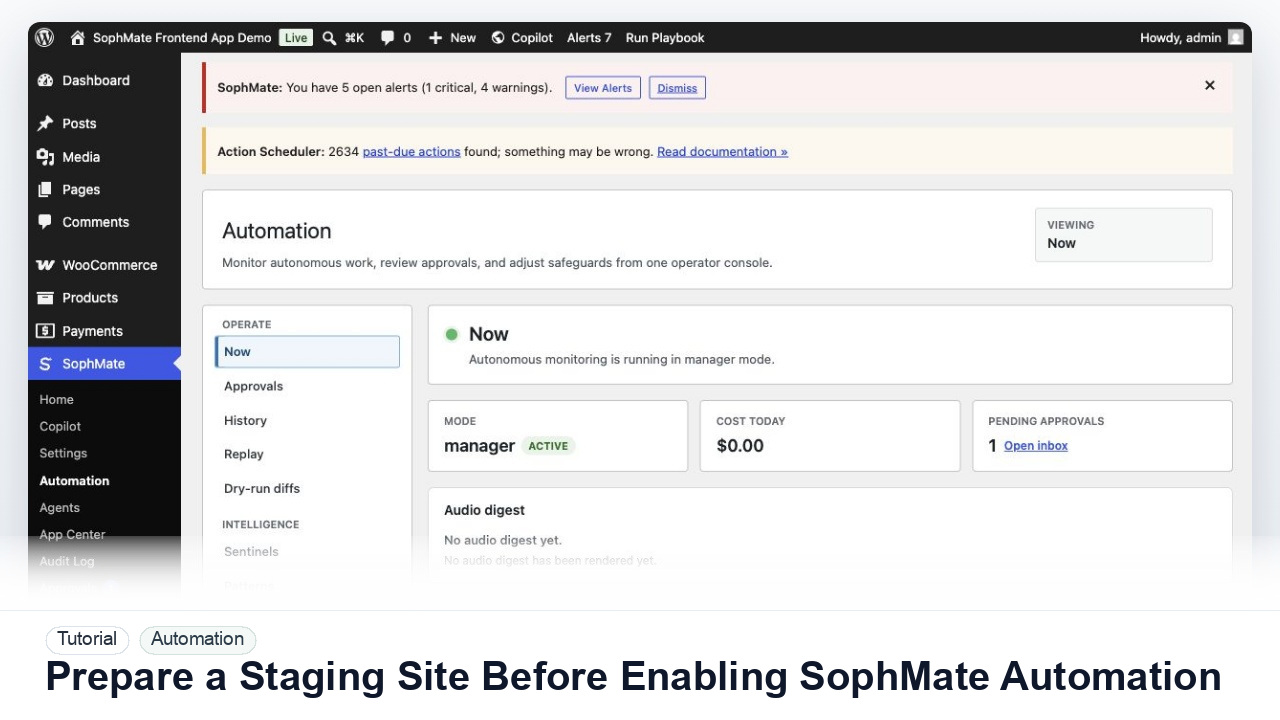
Prepare a Staging Site Before Enabling SophMate Automation
Use a staging WordPress site to test SophMate workflows, watchers, agents, approvals, and kill switches before enabling automation on production.
Tutorial category
Create workflows from plain English, manage watchers, review approval queues, run agents, and keep automated work visible and controllable.
Use a staging WordPress site to test SophMate workflows, watchers, agents, approvals, and kill switches before enabling automation on production.
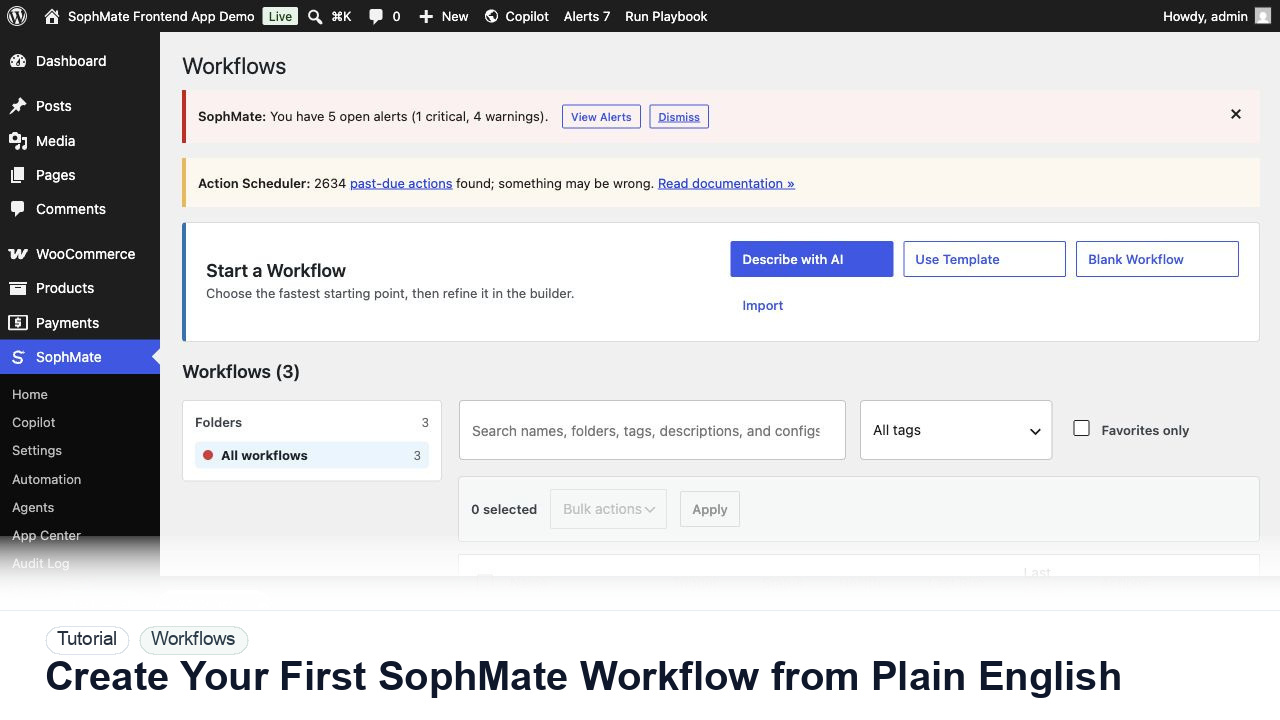
Use SophMate Workflows Describe with AI to turn a plain-English operations idea into a workflow draft with triggers, steps, and review notes.
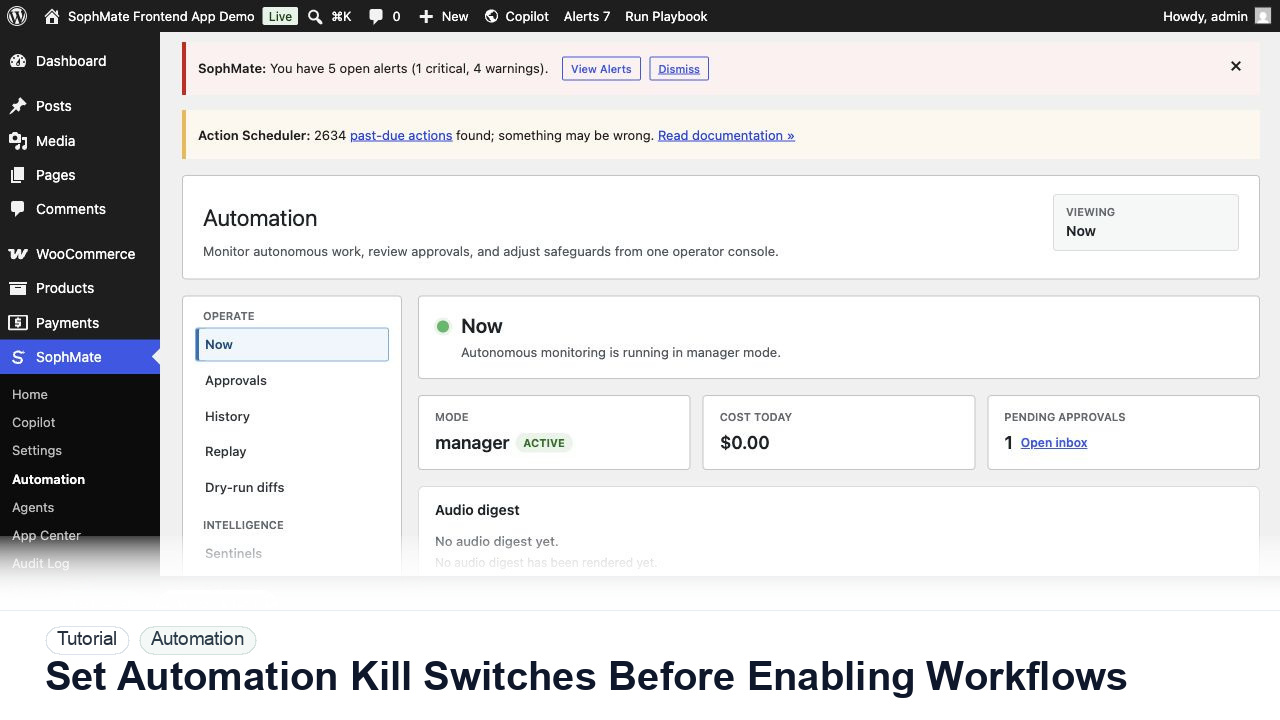
Configure SophMate automation kill switches and ownership rules before enabling workflows that can affect WooCommerce or WordPress operations.
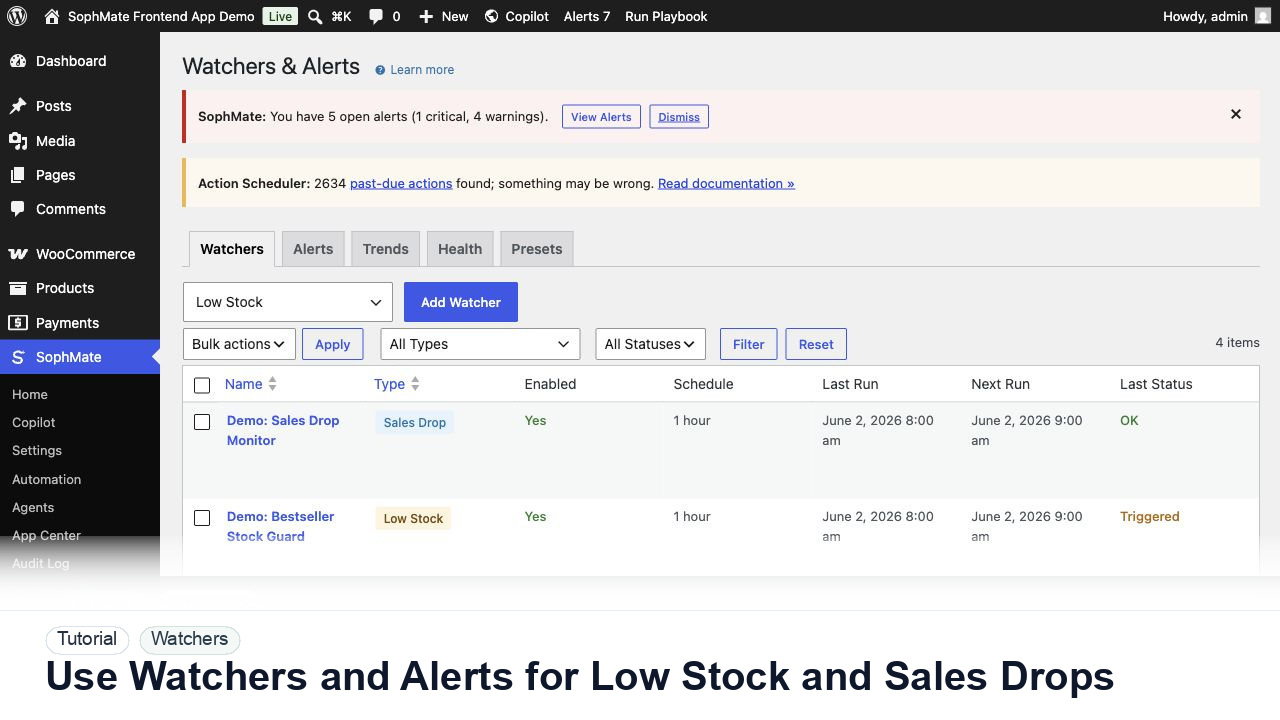
Configure SophMate Watchers for low-stock and sales-drop signals, then route alerts into the right review or workflow path.
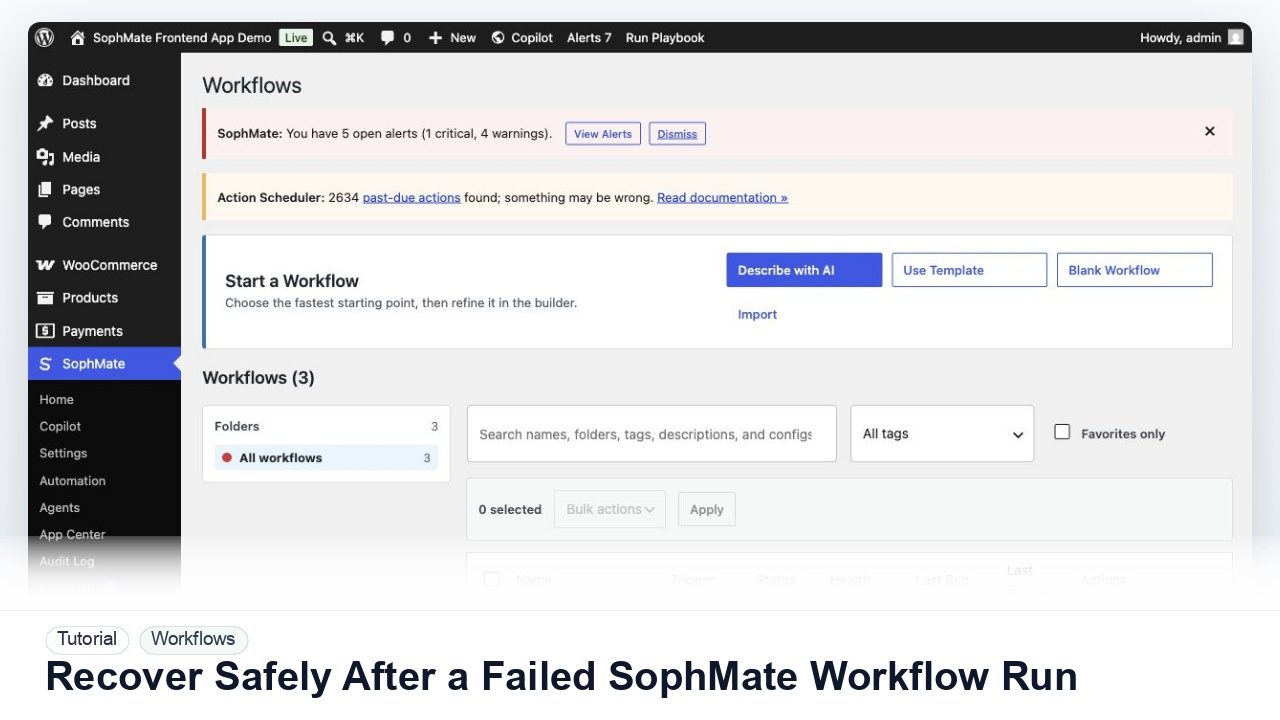
Use SophMate run history, audit events, approval status, and kill switches to investigate a failed workflow without creating duplicate or unsafe follow-up actions.
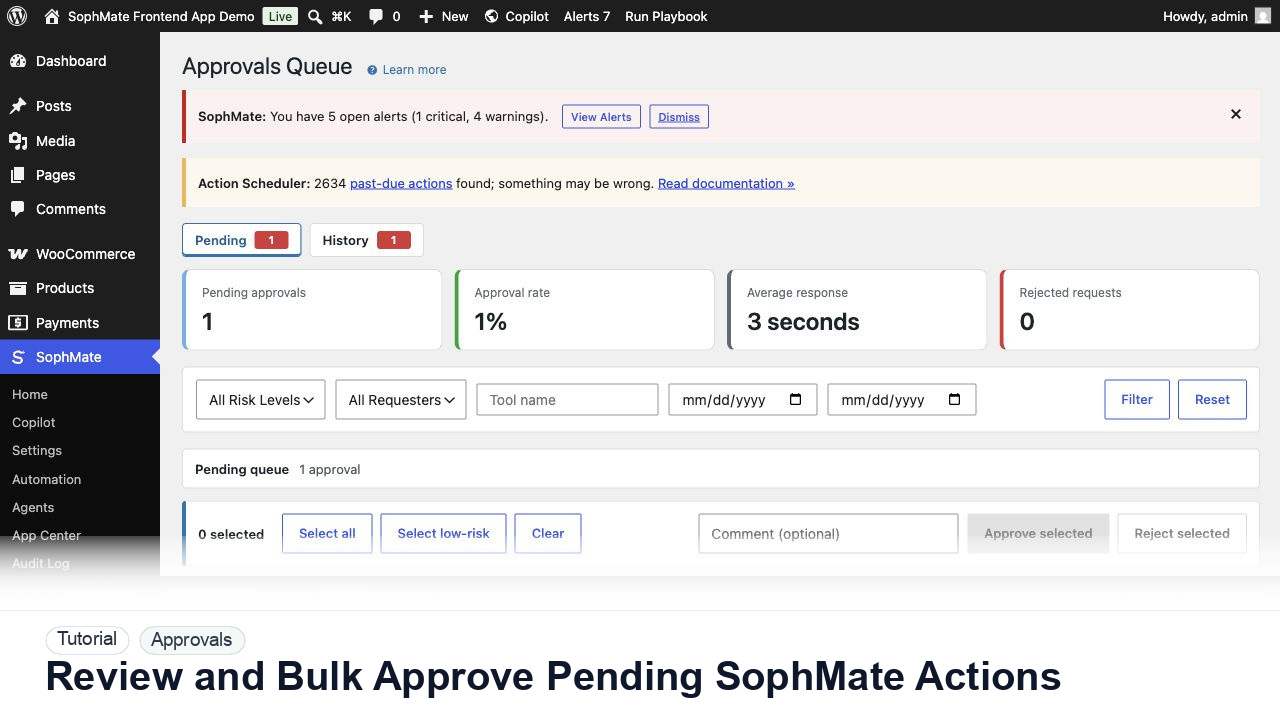
Use the Approvals queue to review pending action plans, delegate review, bulk approve low-risk work, and avoid accidental high-risk approval.
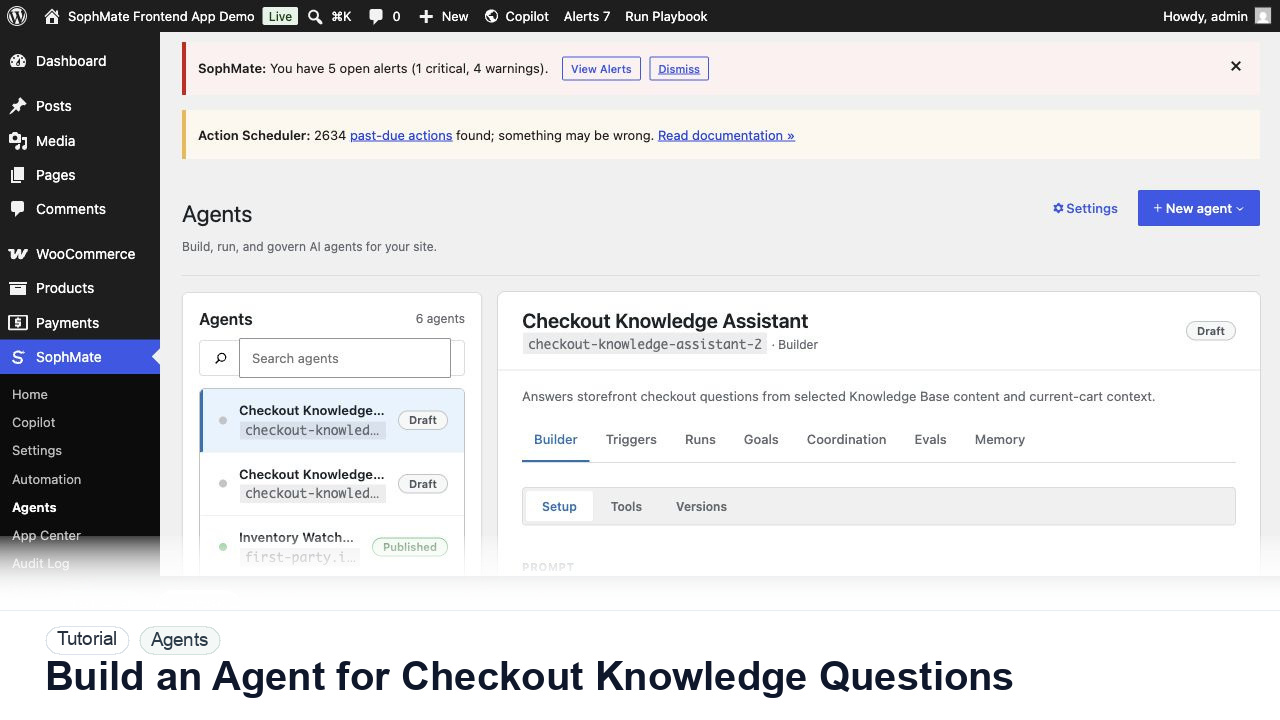
Create a SophMate agent that answers checkout questions from current cart context and selected Knowledge Base content without inventing policy details.
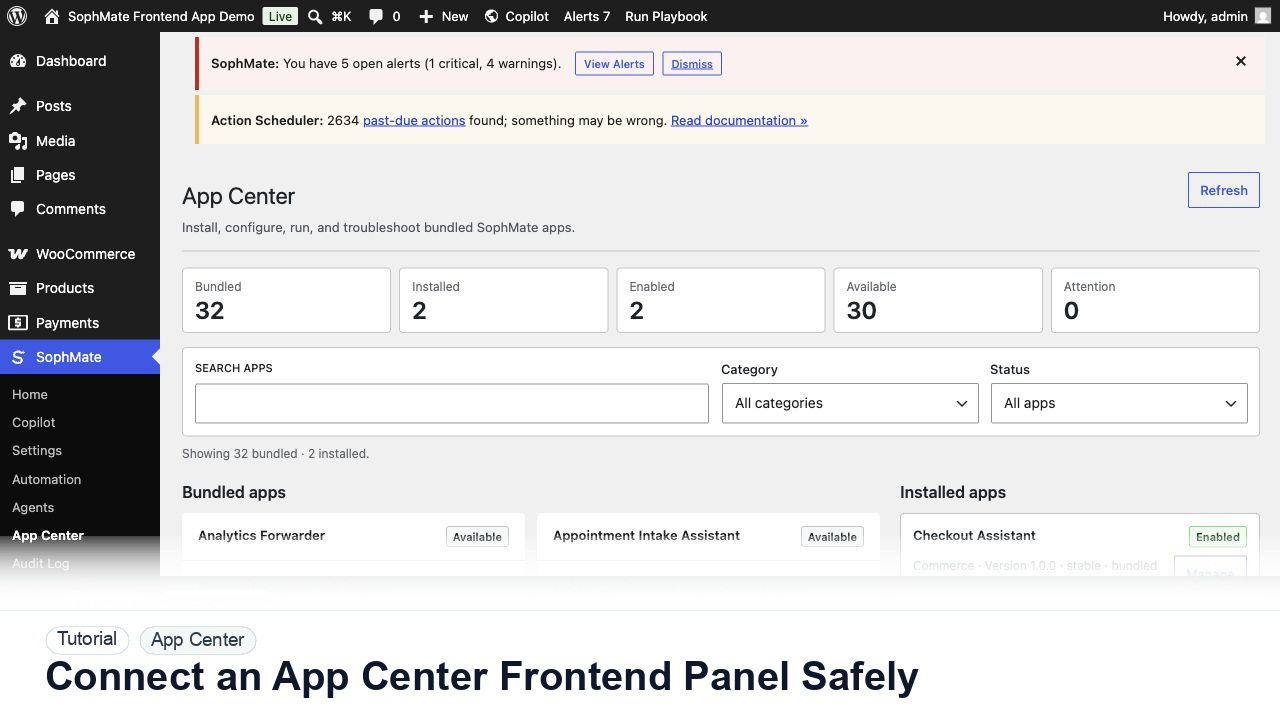
Use SophMate App Center to evaluate a visitor-facing app panel, review capabilities, and keep frontend behavior separate from core plugin updates.
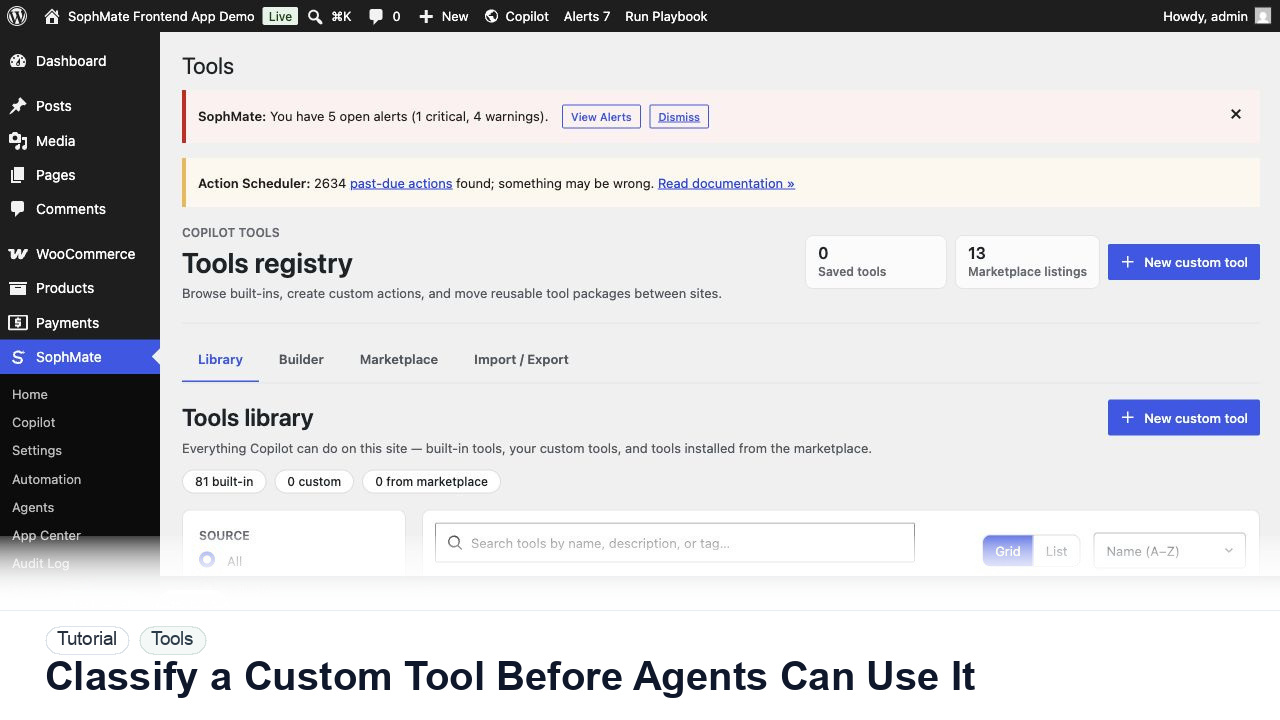
Review a custom SophMate tool by schema, permissions, risk level, visibility, and audit behavior before exposing it to agents or workflows.