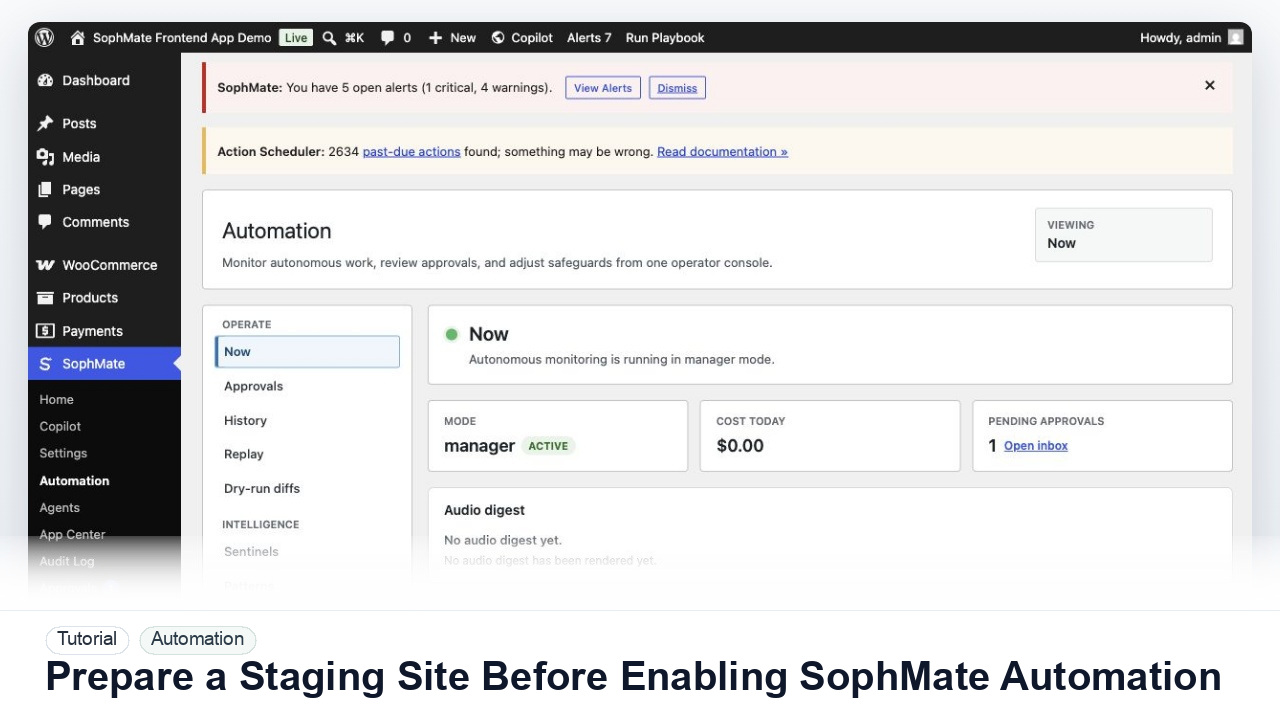
Prepare a Staging Site Before Enabling SophMate Workflows
Use a staging WordPress site to test SophMate workflows, watchers, agents, approvals, and kill switches before production rollout.
Tutorial tag
Related SophMate tutorials. Tag archives stay noindex until they are curated into high-value search pages.
Use a staging WordPress site to test SophMate workflows, watchers, agents, approvals, and kill switches before production rollout.
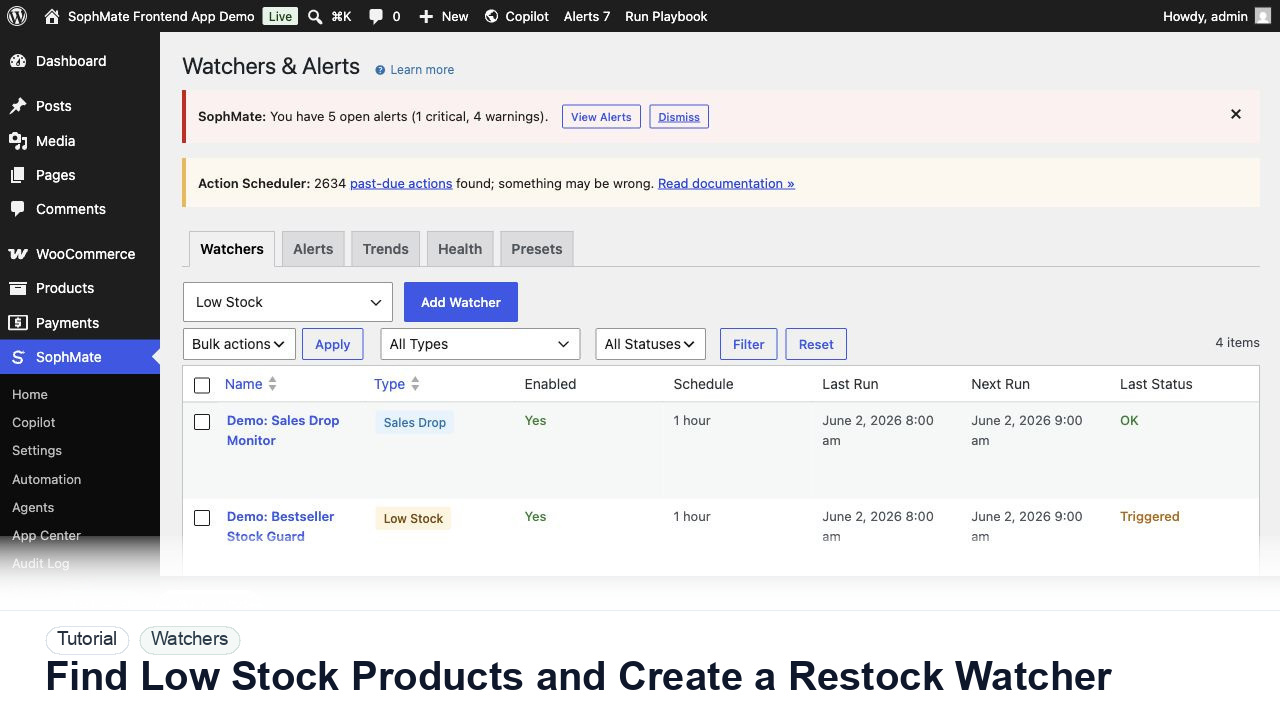
Use SophMate to find low-stock WooCommerce products, prioritize restock risk, and create a watcher so future inventory problems surface automatically.
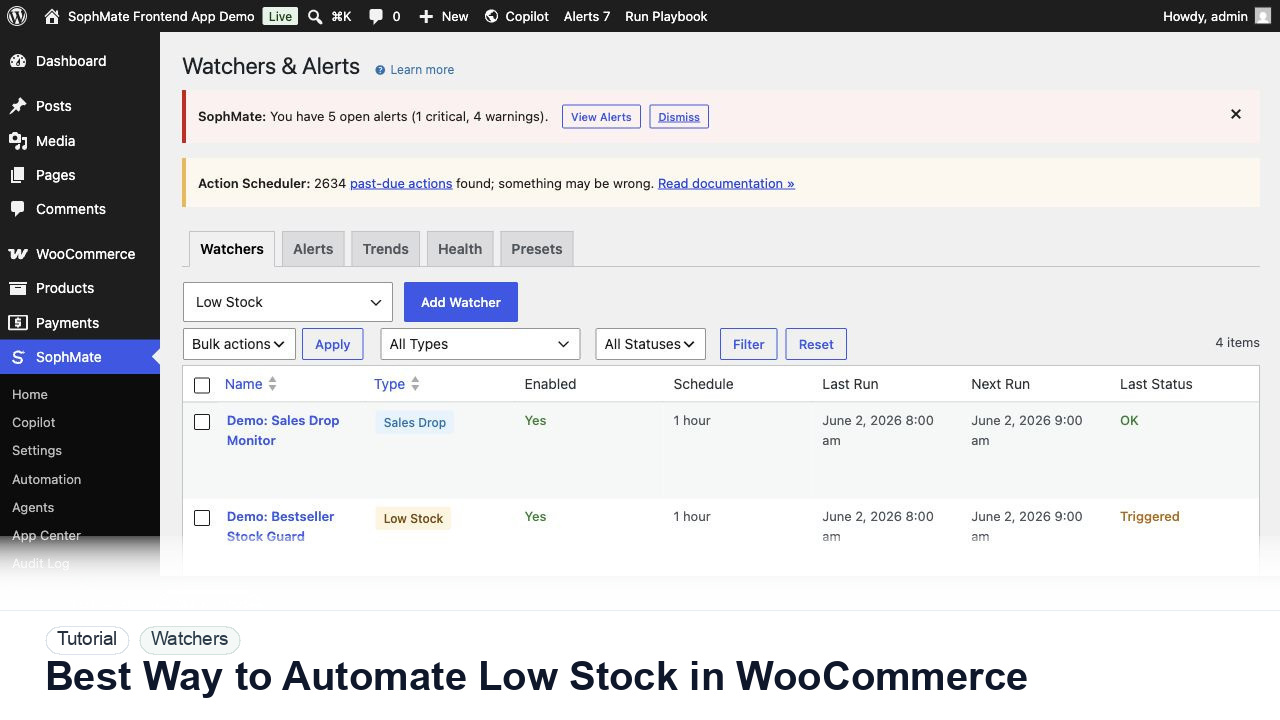
Use SophMate watchers and workflows to automate WooCommerce low-stock follow-up without creating noisy alerts or unapproved actions.
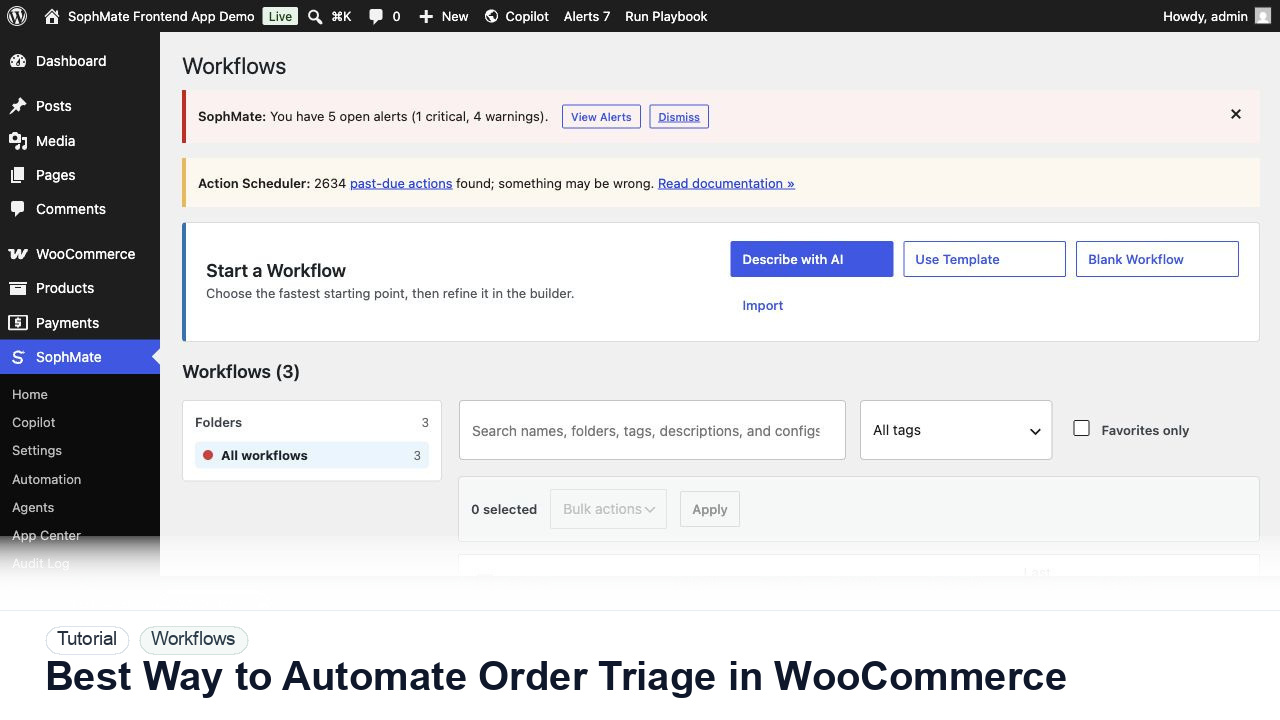
Use SophMate workflows to automate WooCommerce order triage for delayed, failed, high-value, or exception-heavy orders.
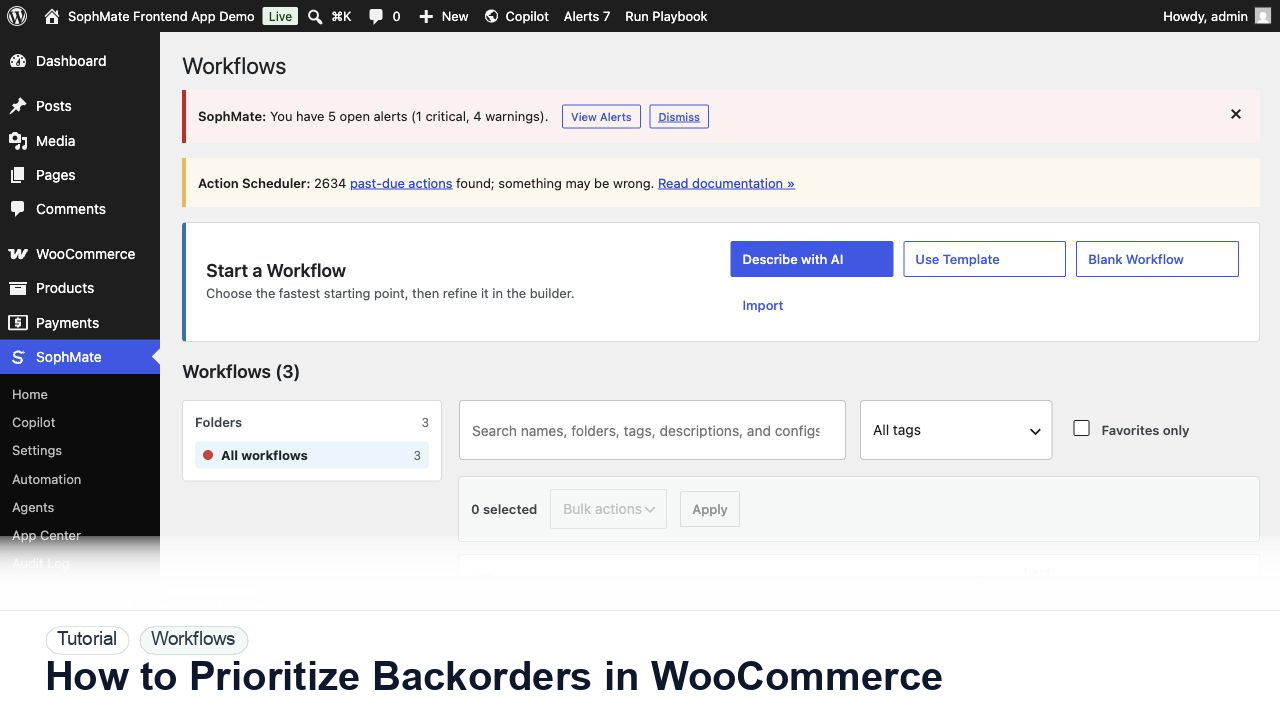
Use SophMate to prioritize WooCommerce backorders by customer impact, product availability, promised dates, and support risk.
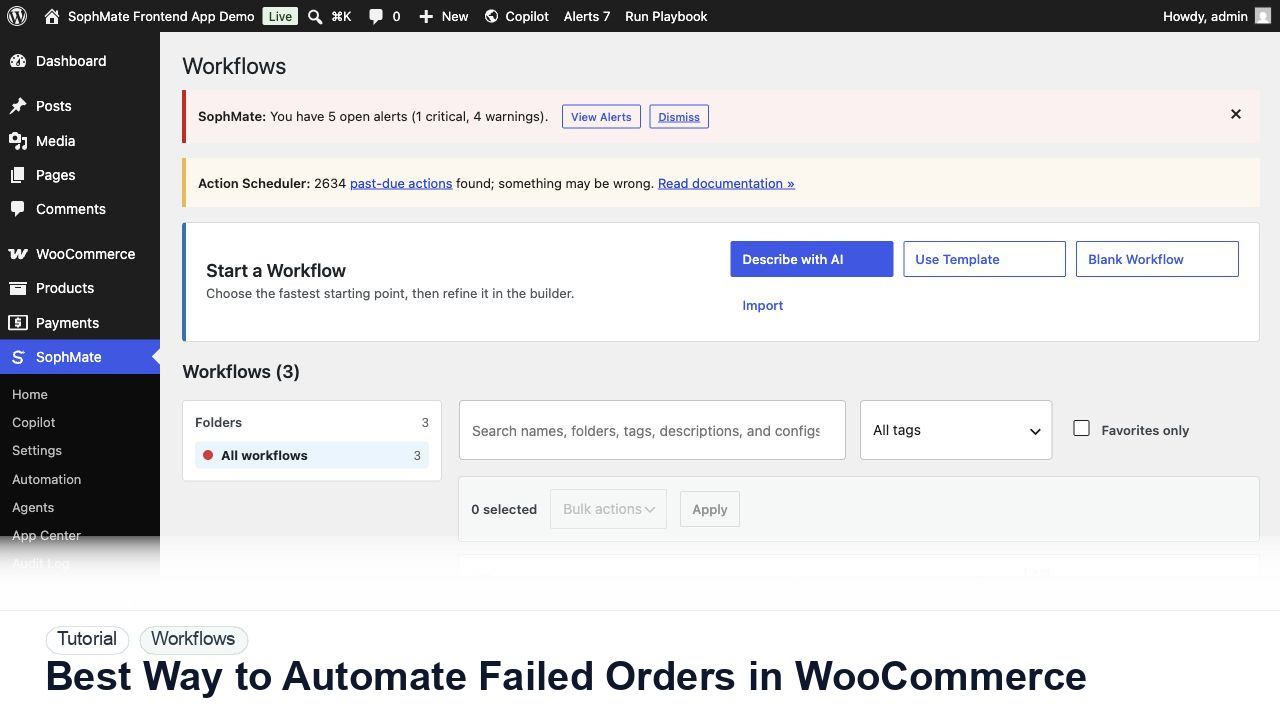
Use SophMate workflows to automate WooCommerce failed-order triage without sending risky emails or changing order state silently.
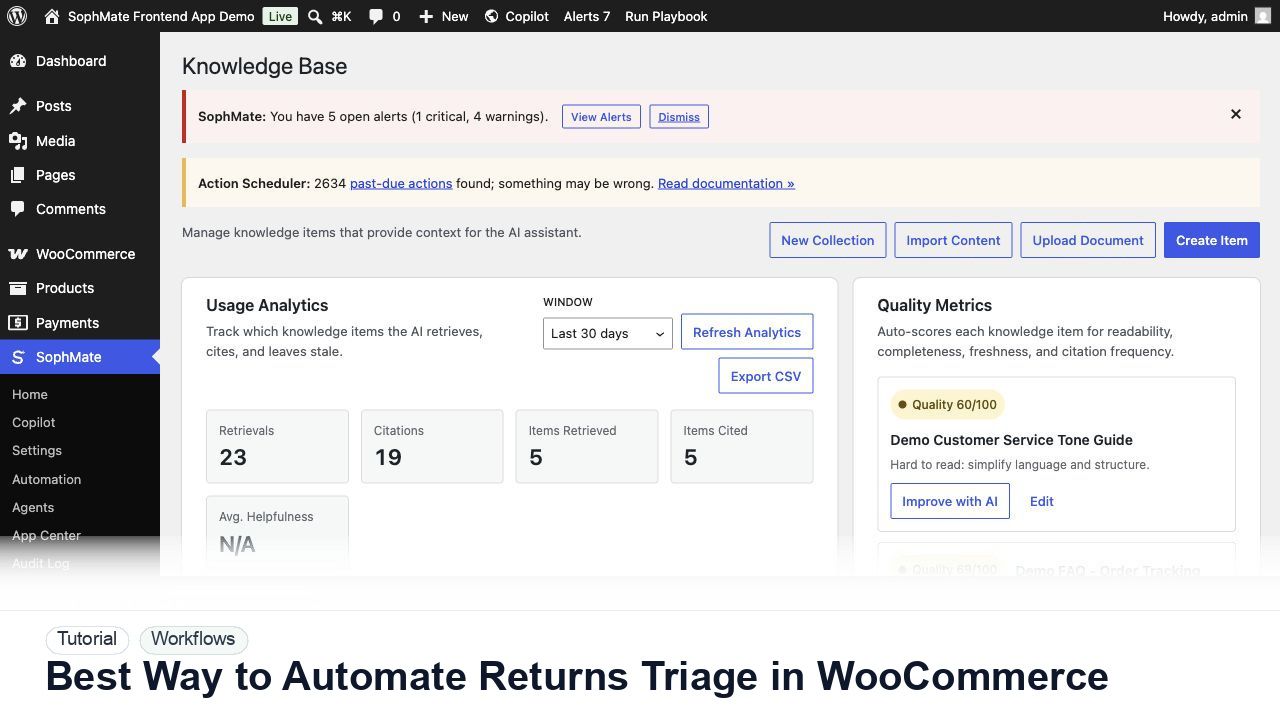
Use SophMate to automate WooCommerce returns triage with policy checks, reason categories, support drafts, and approval gates.
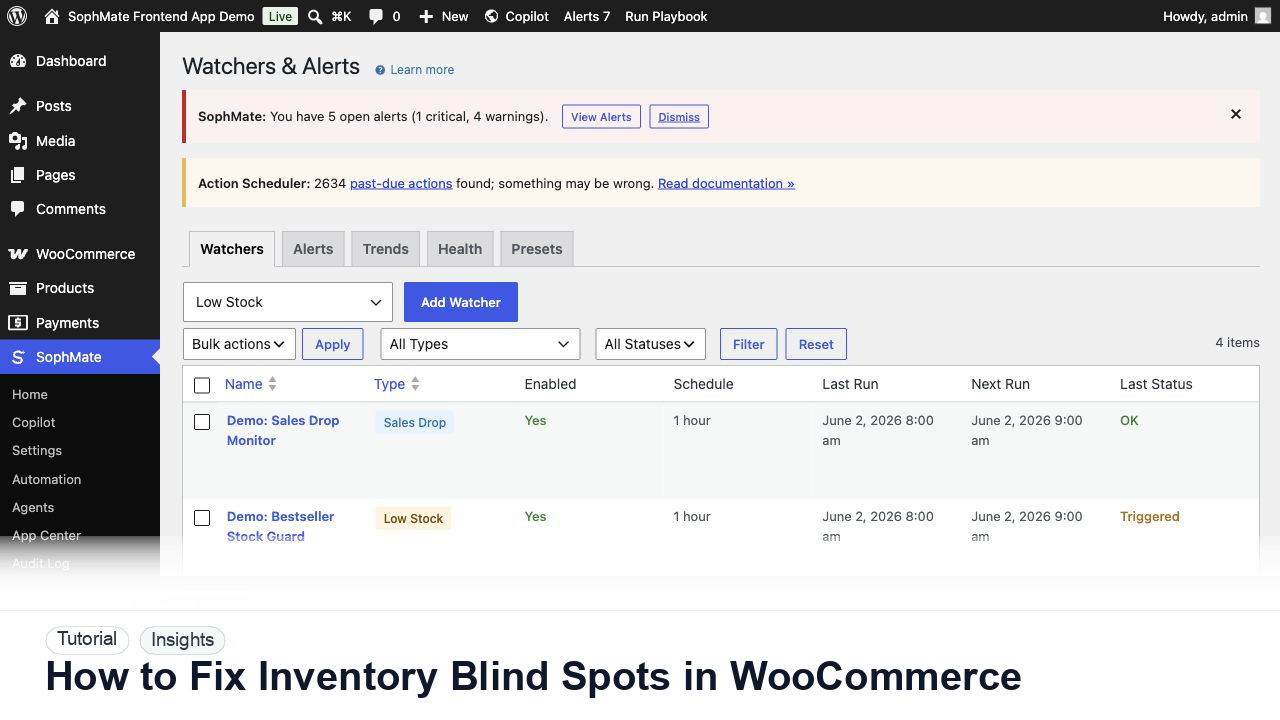
Use SophMate to fix WooCommerce inventory blind spots by combining stock, sales velocity, campaigns, and watcher alerts.
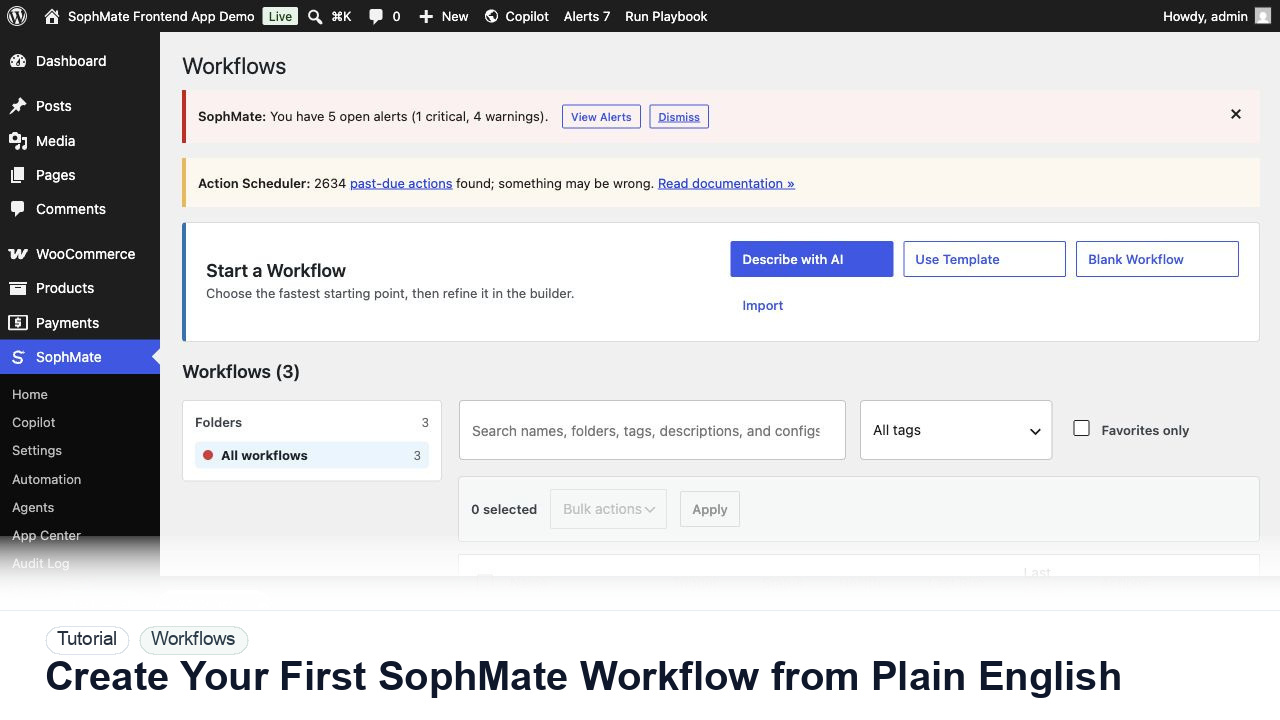
Use SophMate Workflows Describe with AI to turn a plain-English operations idea into a workflow draft with triggers, steps, and review notes.