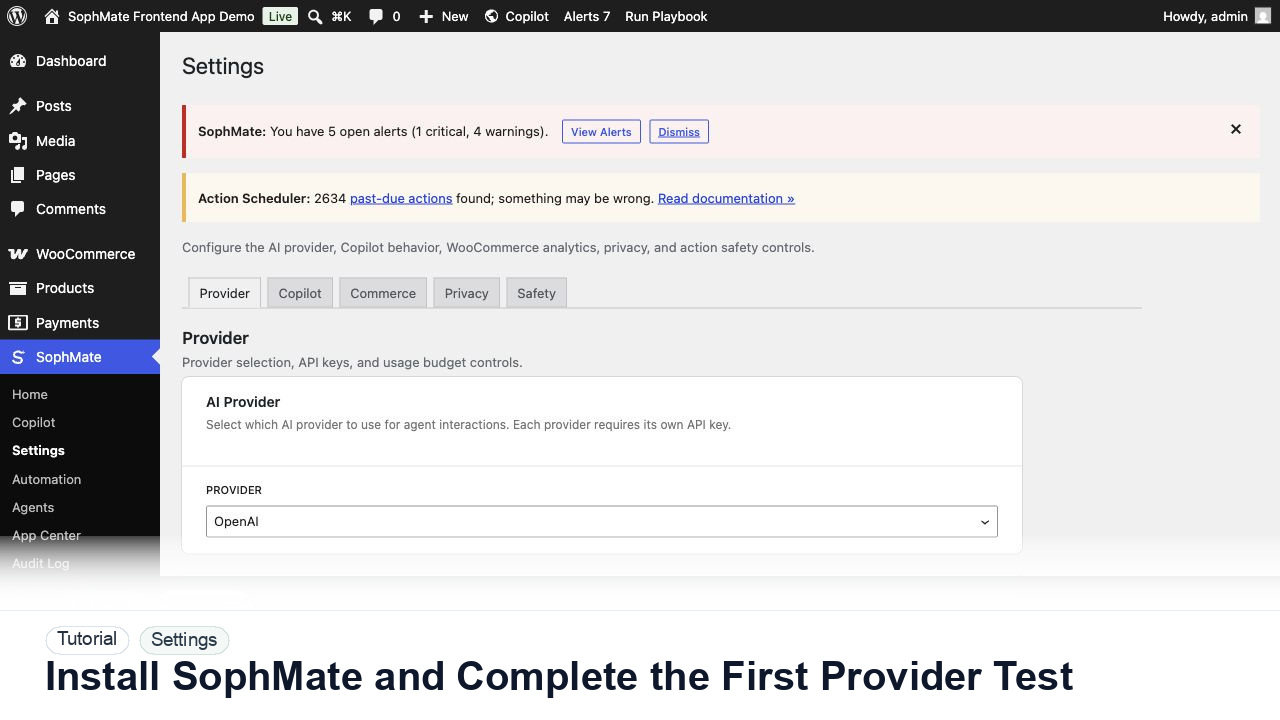
Install SophMate and Complete the First Provider Test
Install SophMate, add an OpenAI or Anthropic provider key, run the connection test, and confirm budgets before users begin AI-assisted work.
Tutorial tag
Related SophMate tutorials. Tag archives stay noindex until they are curated into high-value search pages.
Install SophMate, add an OpenAI or Anthropic provider key, run the connection test, and confirm budgets before users begin AI-assisted work.
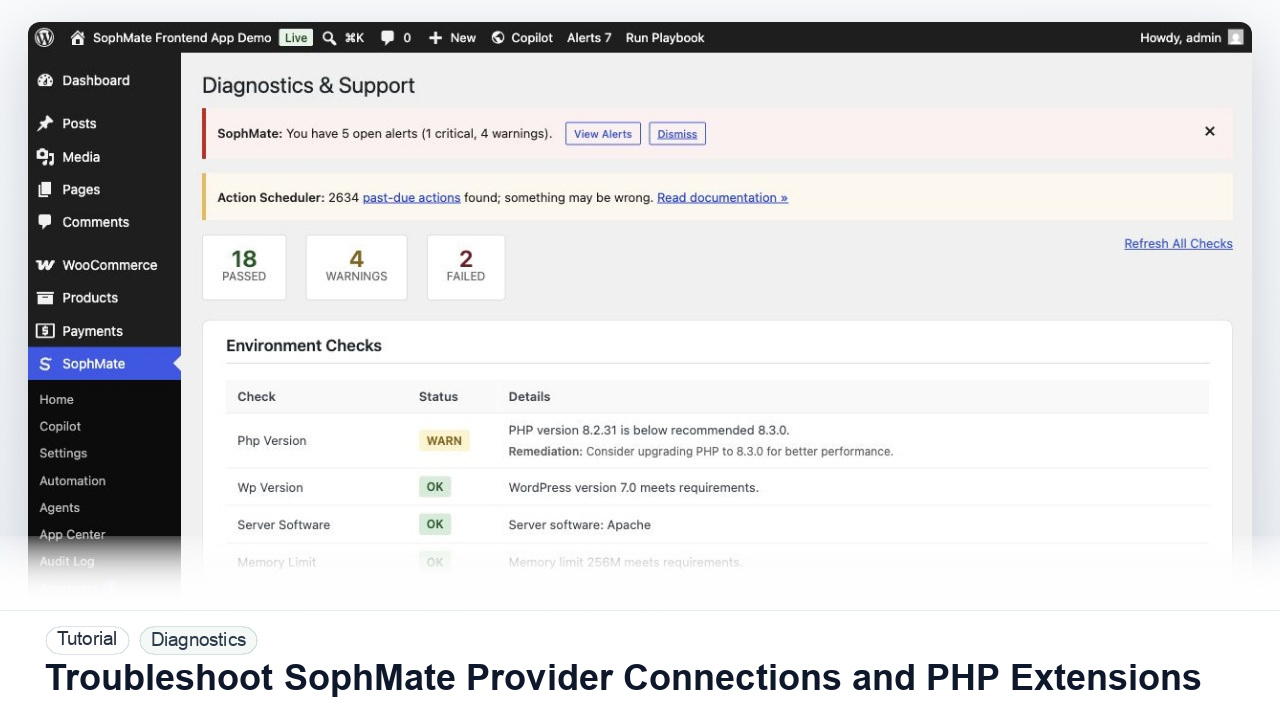
Diagnose failed provider tests, missing PHP extensions, outbound HTTPS problems, and environment warnings before users rely on SophMate workflows.
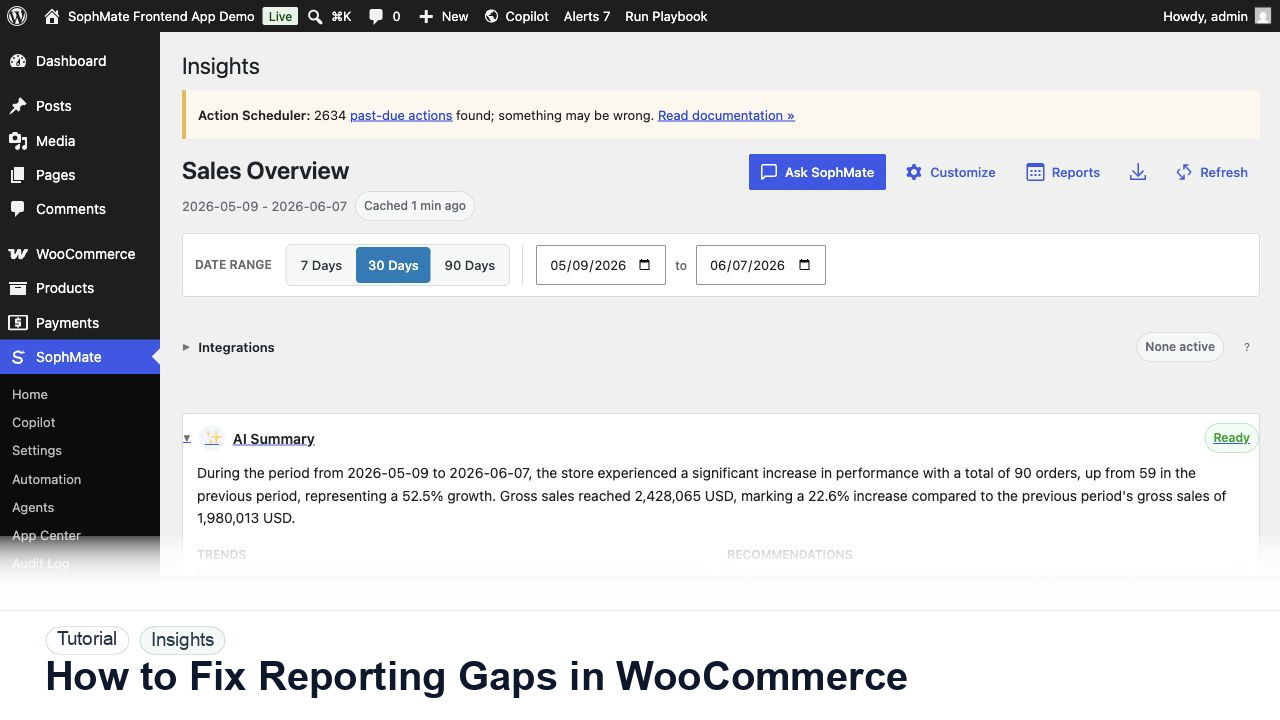
Use SophMate to fix WooCommerce reporting gaps by combining KPIs, refund context, campaign notes, and AI summary caveats.
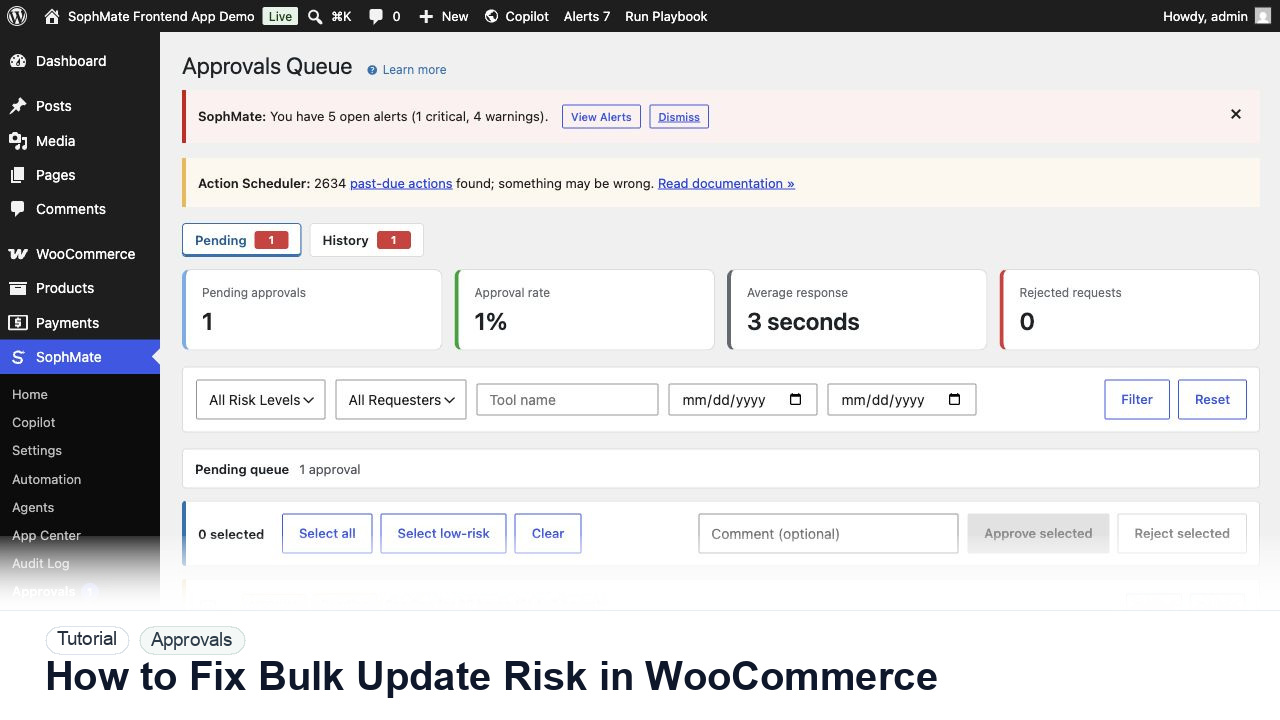
Use SophMate approvals to fix WooCommerce bulk update risk with dry runs, affected records, rollback evidence, and reviewer ownership.
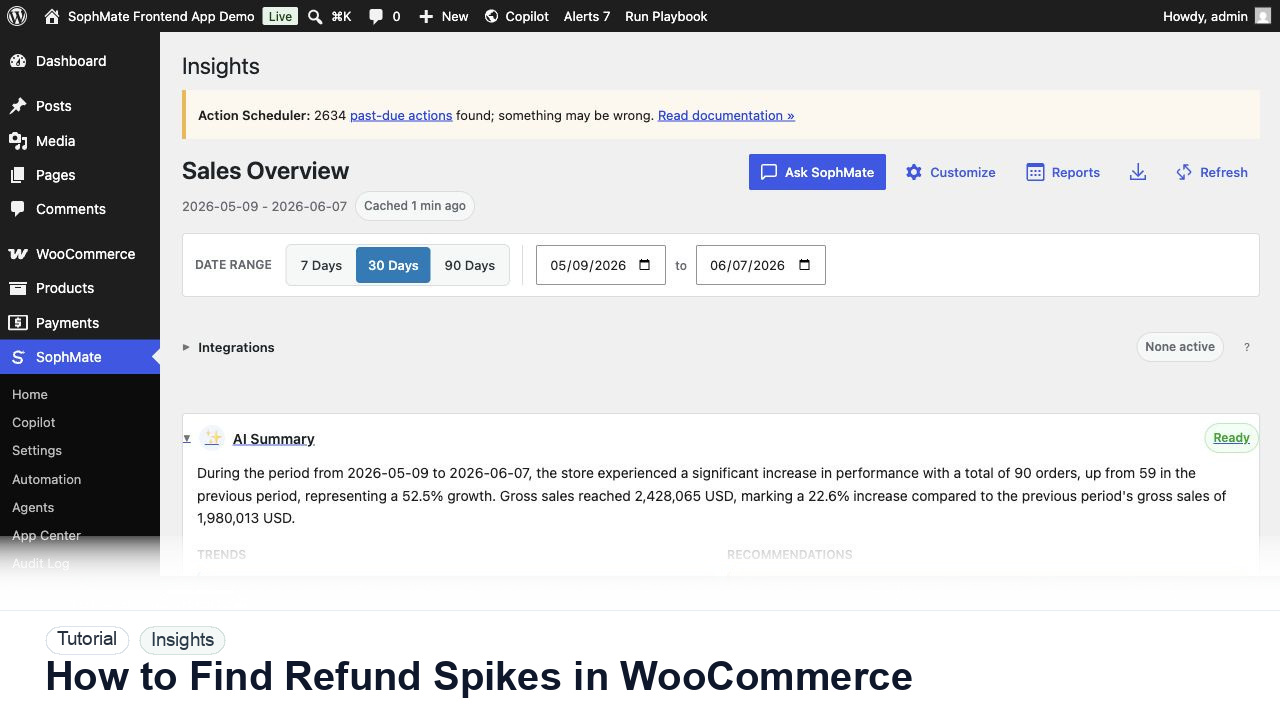
Use SophMate Insights to find WooCommerce refund spikes by product, campaign, date range, reason, and support context.
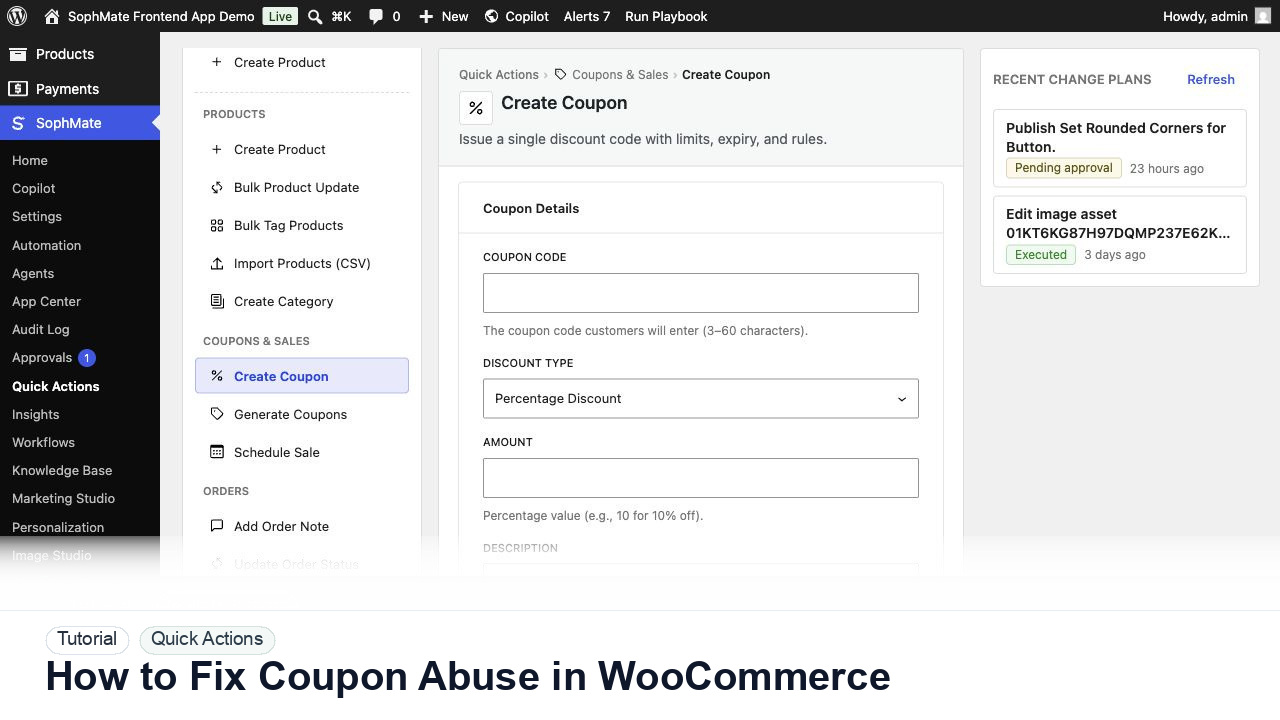
Use SophMate to fix WooCommerce coupon abuse by reviewing usage patterns, stacking rules, limits, and approval-backed changes.
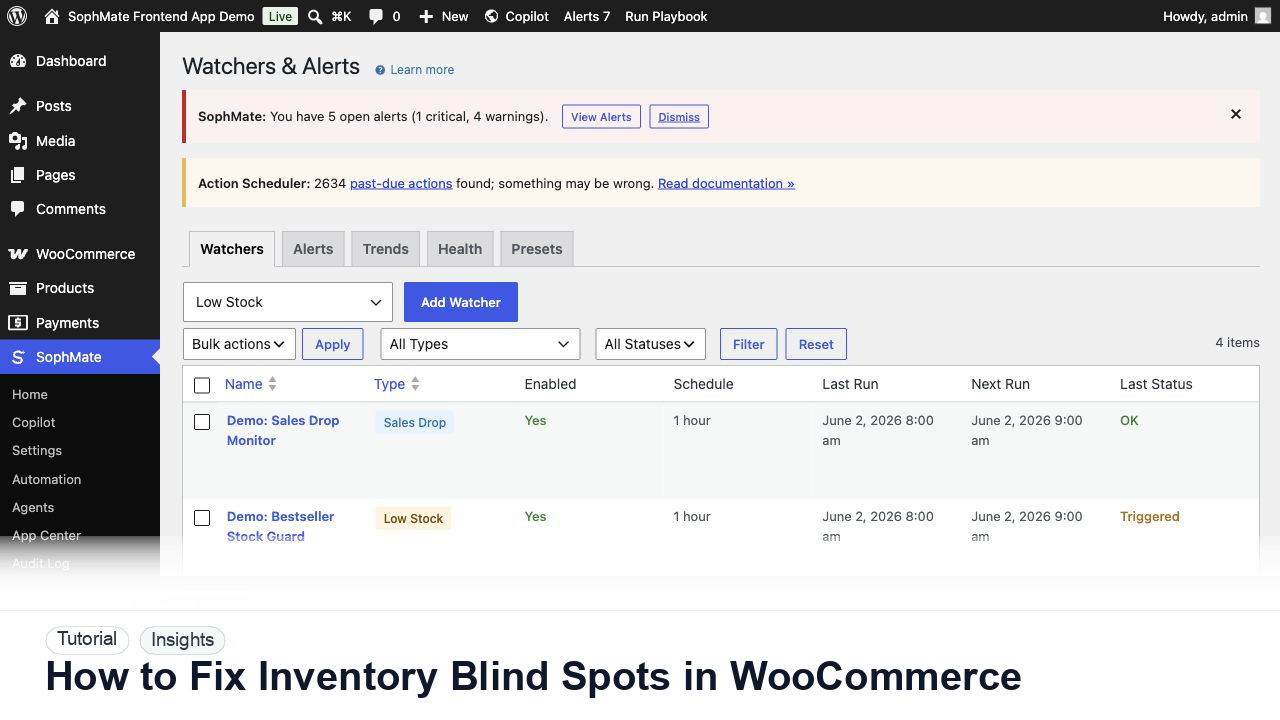
Use SophMate to fix WooCommerce inventory blind spots by combining stock, sales velocity, campaigns, and watcher alerts.
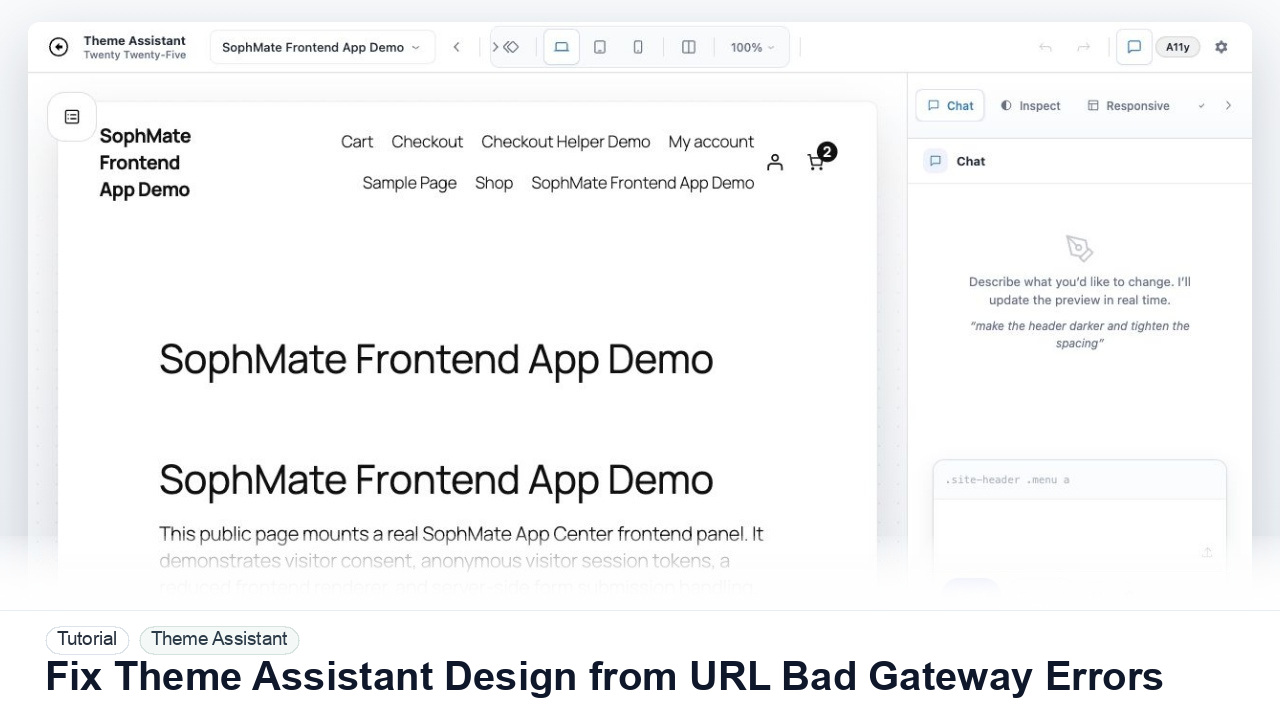
Troubleshoot Theme Assistant design-reference URLs that return 502 Bad Gateway, blocked fetches, SSL errors, login walls, or unusable page snapshots.
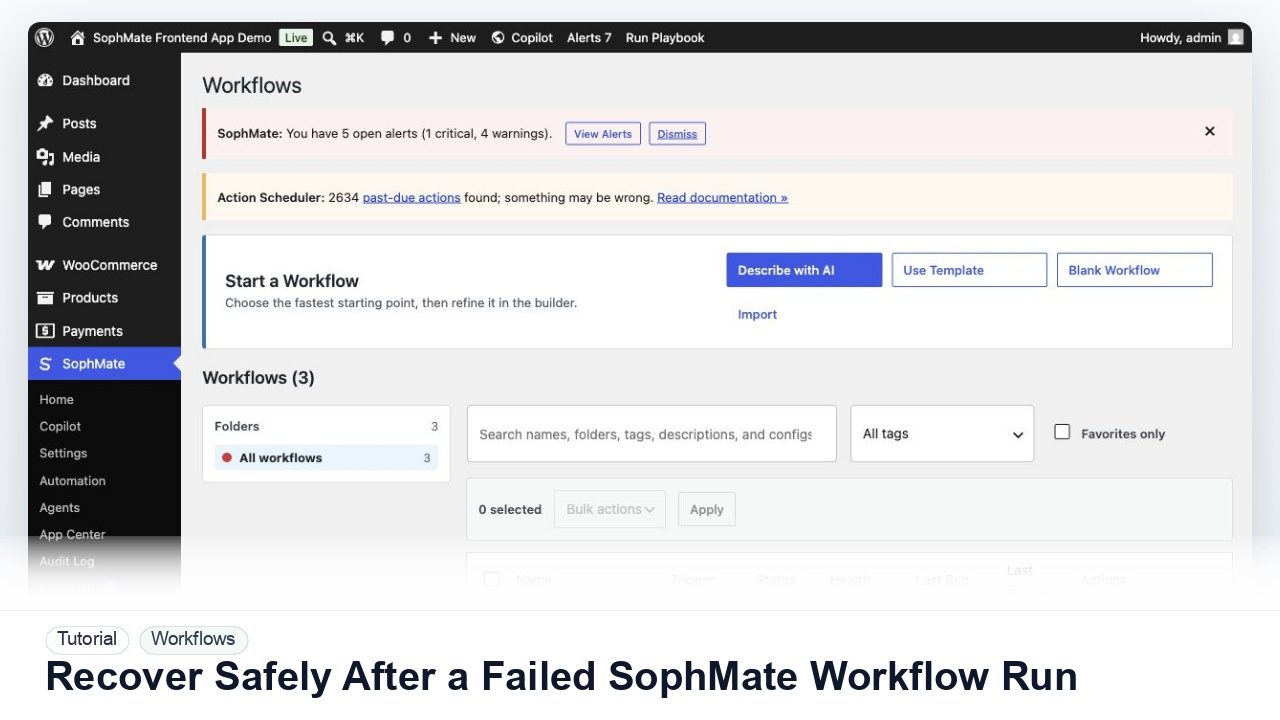
Use SophMate run history, audit events, approval status, and kill switches to investigate a failed workflow without creating duplicate or unsafe follow-up actions.