Getting started 6 min read Mar 31, 2026

Run SophMate Onboarding and Demo Mode Safely

Use SophMate onboarding, sample data, and demo workflows to train operators without confusing test records with production work.
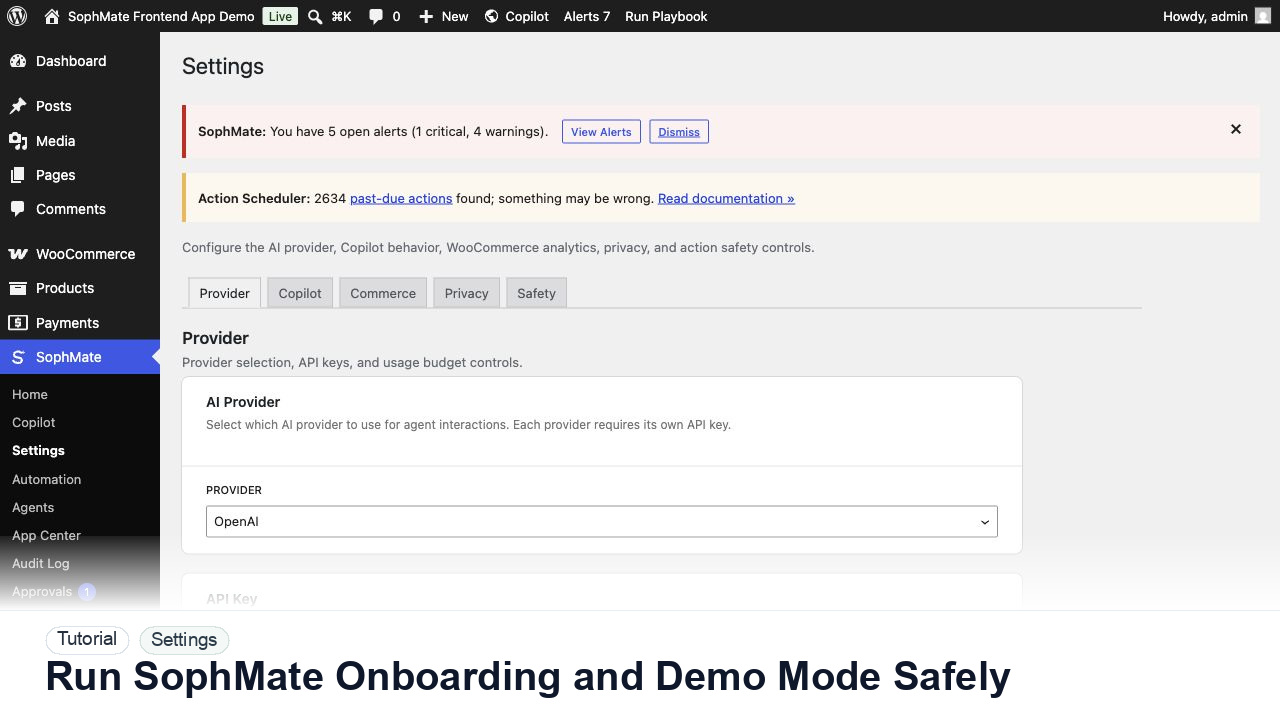
SophMate tutorial image for Run SophMate Onboarding and Demo Mode Safely showing the related wp-admin workflow context.

Outcome

By the end of this tutorial, you will know how to use SophMate for SophMate onboarding demo mode while keeping the work reviewable inside WordPress.

Scenario

A site owner wants to show SophMate to support, marketing, and agency users before those users touch production records.

Buyer evaluation note

Use this tutorial to evaluate whether SophMate treats setup as an operational control. A buyer or agency lead should be able to verify provider ownership, budget limits, diagnostics, support routing, and rollout blockers before inviting the team.

When not to use this workflow

  • Do not invite more users when provider tests, budgets, diagnostics, support routing, or role ownership are unresolved.
  • Do not use a personal or shared provider key for a production client site.
  • Do not use this workflow to bypass the normal owner, reviewer, or approval path for production changes.
  • Defer the workflow when the source data, permission boundary, rollback owner, or customer impact cannot be explained.

Example operator request

Check whether SophMate setup is ready for first use. Verify provider status, encrypted key ownership, diagnostics, budgets, roles, and anything that should block team rollout.

What the image shows

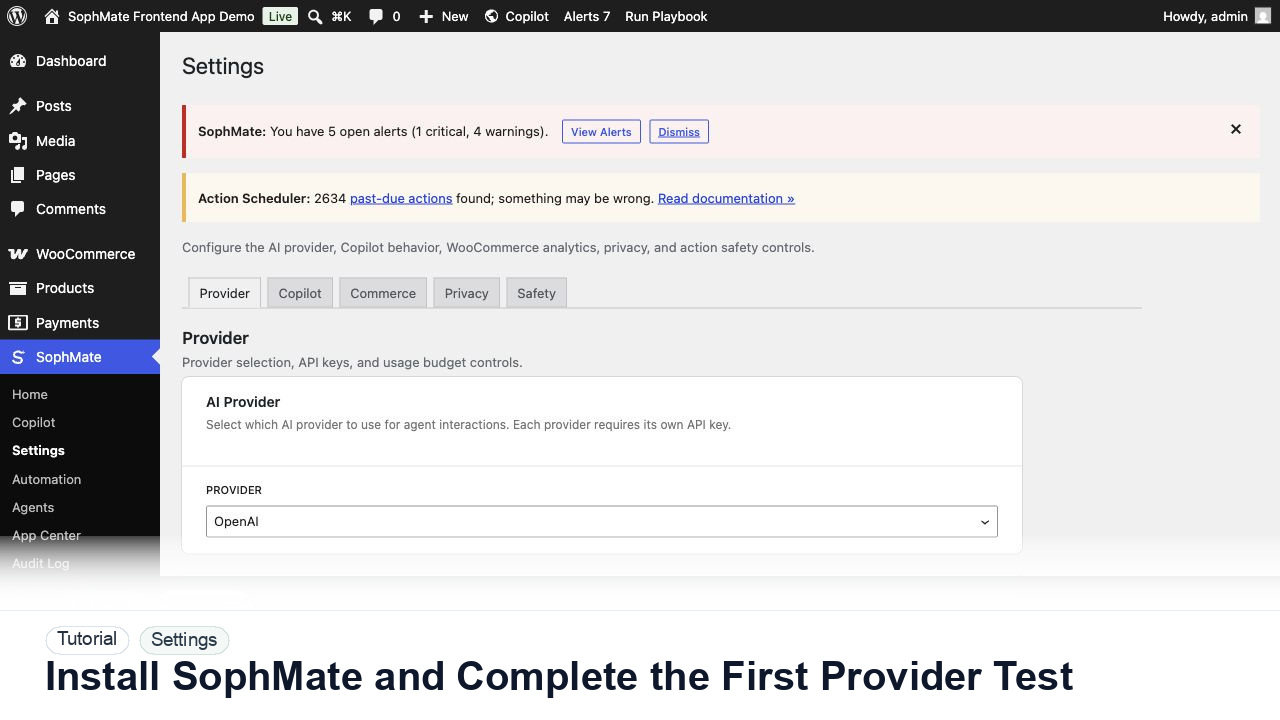
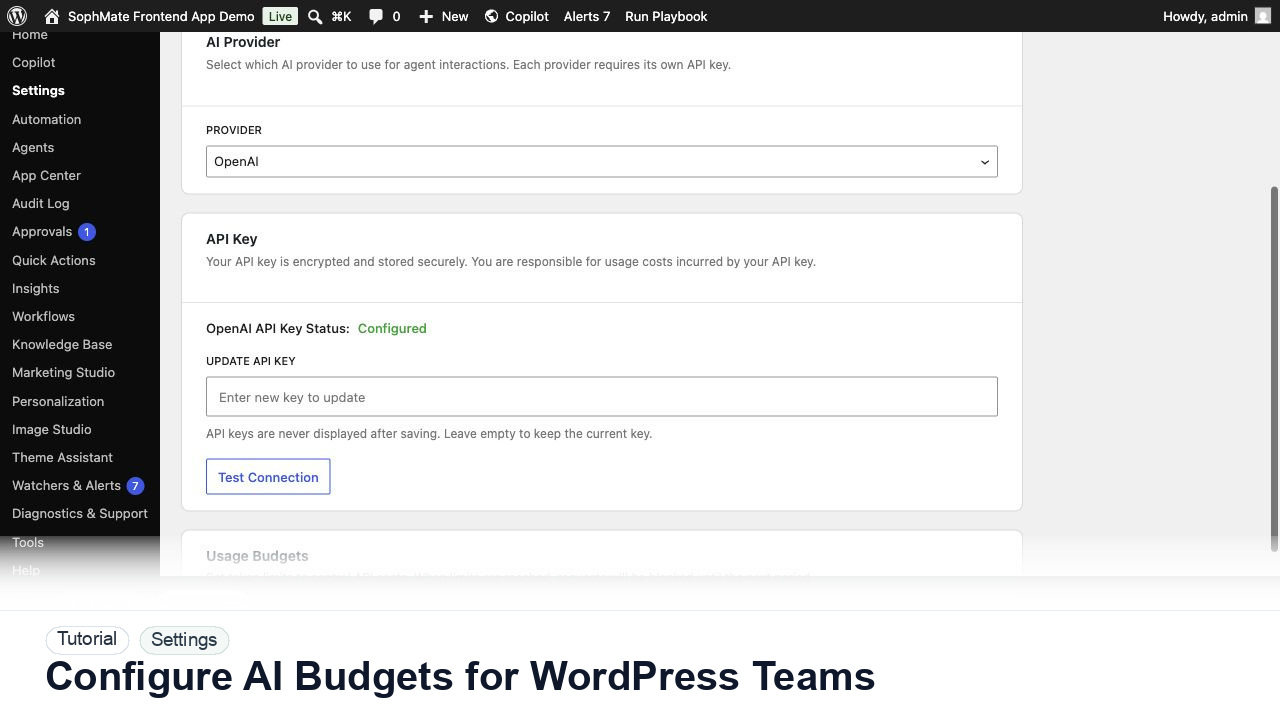
The tutorial image focuses on the SophMate Settings provider tab, where the AI provider, encrypted API key status, connection test, and first-run setup controls are visible.

Before you begin

  • Know who owns the provider account, billing, budget cap, diagnostics review, and support handoff before inviting non-admin users.
  • Use a site-specific provider key or client-owned provider account rather than a shared personal key.
  • Confirm SophMate is active, diagnostics do not show blocking failures, and the current user role can open the relevant SophMate module.
  • Check provider, budget, privacy, and approval settings before asking SophMate to draft or execute work.
  • Keep customer data, API keys, purchase codes, and private credentials out of prompts unless this workflow explicitly requires and permits that context.

Access and data boundary

  • Restrict provider credentials, budget changes, role mapping, and diagnostics to administrators or delegated operations owners.
  • Treat provider keys and billing details as secrets; capture only test status and ownership notes in setup records.
  • Use the least-privileged SophMate role that can complete the review, and keep administrator-only access limited to setup, provider, billing, diagnostics, and high-risk approval work.
  • Prefer record IDs, short excerpts, and redacted screenshots over full customer records, payment details, provider keys, purchase codes, or raw server logs.

Guardrail

Do not share provider keys in prompts, screenshots, or support requests. Use Diagnostics for status evidence and keep budget changes owned by an administrator.

Common mistakes to avoid

  • Testing provider setup with a shared personal API key instead of a site or client-owned key.
  • Skipping the connection test and discovering outbound HTTPS or extension problems during a live workflow.
  • Sending diagnostics screenshots that expose secrets instead of using the support-safe report.

Step 1: Open the onboarding path

Start from the SophMate onboarding or settings surface and confirm the site label, provider status, diagnostics state, and launch checklist before generating examples.

Step 2: Use clearly marked sample data

Generate only the demo records needed for training, such as sample visitors, events, policies, or workflow examples. Keep fake names and obvious labels so no one mistakes them for live customers.

Step 3: Train by role

Show administrators provider and budget checks, support users cited replies, marketers campaigns and images, and operators approvals or workflows. Do not give every role the same example.

Step 4: Purge demo data after review

When training ends, remove sample visitors, temporary policies, demo workflow runs, and screenshots that could later confuse audit or support review.

Step 5: Record the rollout decision

Document which modules are ready for real users, which remain administrator-only, and which need staging, approval, or privacy review first.

Review checklist

  • Demo data is visibly separate from production data.
  • Each role sees only relevant SophMate workflows.
  • Temporary sample data is purged or retained with a named reason.

Production readiness

  • Verify provider tests, budget limits, role access, diagnostics, and support owner before inviting more users.
  • Confirm no provider keys, billing details, or private account data appear in screenshots or notes.
  • Run the workflow first on a narrow, low-risk record or page before expanding scope.
  • Confirm the reviewer, approval rule, and evidence location before any production-changing action runs.

Failure modes to test

  • Test failed provider connection, exhausted budget, blocked role, missing extension, and diagnostics warning states before inviting more users.
  • Confirm setup evidence remains useful when the provider test fails.
  • Test the path where the user lacks permission, required context is missing, or the reviewer rejects the result.
  • Confirm the failed state leaves an audit record, visible owner, and clear next action instead of a silent or ambiguous outcome.

Success signal

The setup is working when the provider test passes, diagnostics show expected connectivity, budgets are configured, and no support-ready evidence exposes the provider key.

Post-run monitoring

  • Watch provider-test health, budget consumption, blocked users, and diagnostics warnings for the first operating window.
  • Confirm no user reports missing access or unexpected provider errors after setup.
  • Review the audit log, diagnostics, and affected WordPress records shortly after the first run.
  • Record any confusing output, missing source context, permission issue, cost spike, or reviewer correction before repeating the workflow.

Safe expansion criteria

  • Provider, budget, role, diagnostics, and support-routing checks are stable after initial users start working.
  • The setup path works without exposing secrets or requiring administrator-only workarounds.
  • The first run has a documented owner, evidence, review result, and stop path.
  • A second operator can repeat the workflow from the notes without relying on hidden context.

Rollback or stop path

If setup or budget behavior is wrong, pause team rollout, lower limits, rotate affected keys, and rerun diagnostics before enabling more users.

What to document

Document provider ownership, budget owner, connection-test result, diagnostics status, and who may change settings later.

Owner and cadence

A site administrator should own this setup and revisit it after provider, budget, hosting, or team-access changes.

Escalate when

Escalate when diagnostics continue to fail after provider, budget, and hosting checks are verified.

Common questions

What should I do if the provider test fails?

Use diagnostics to separate key, billing, model access, PHP extension, DNS, SSL, firewall, and outbound HTTPS issues. Do not rotate keys repeatedly before the failure category is understood.

Does this workflow remove the need for human review?

No. SophMate should make the work easier to draft, inspect, approve, and repeat. Human review remains necessary when output affects customers, money, published content, privacy, settings, or workflow execution.

What should be documented before expanding the workflow?

Record the owner, input scope, access boundary, approval point, failure modes tested, evidence location, monitoring window, and rollback or stop path.

Next action

Complete one provider test, one diagnostics pass, and one budget review before inviting the next user group into SophMate.

Next step

Bring this workflow into your WordPress site

Review the SophMate listing for current package details, screenshots, compatibility notes, and license terms.

View on CodeCanyon

Related

More from Getting started

Pro