Import Knowledge Documents and Review Analytics
Upload Knowledge Base documents, organize collections, improve items with AI, review revisions, and export analytics before support answers rely on them.
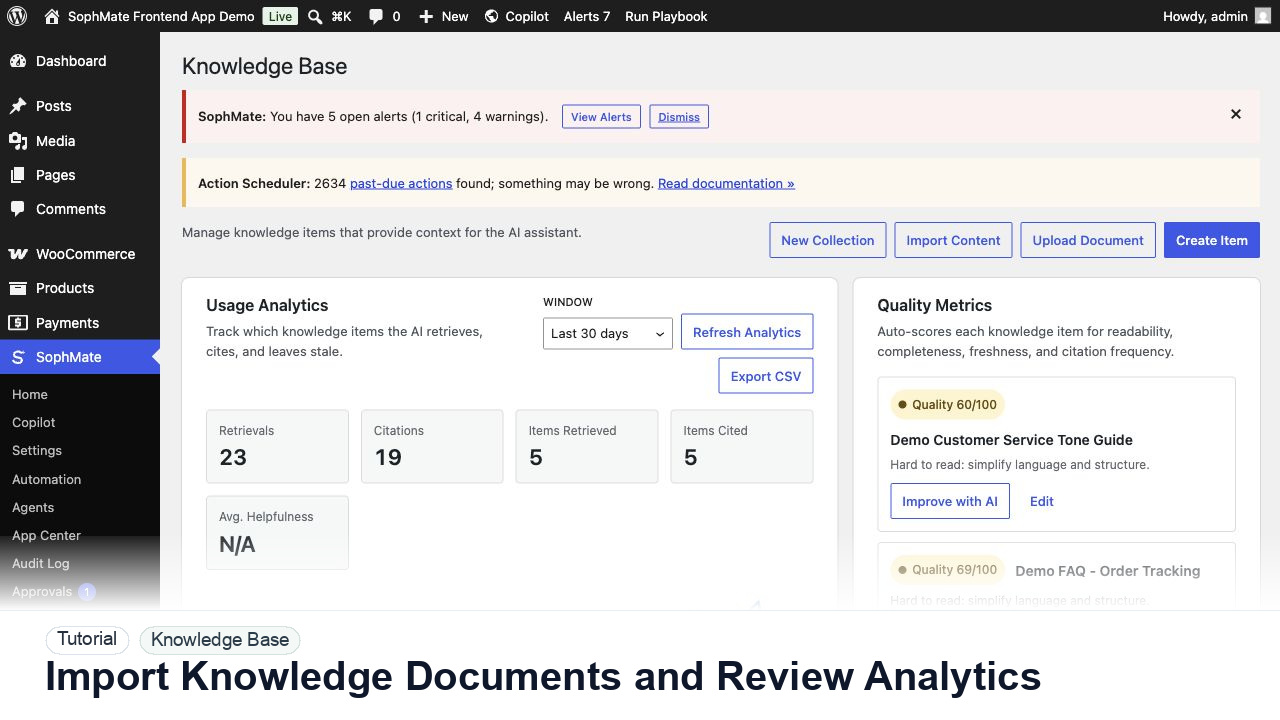
Upload Knowledge Base documents, organize collections, improve items with AI, review revisions, and export analytics before support answers rely on them.
By the end of this tutorial, you will know how to use SophMate for SophMate Knowledge Base document import while keeping the work reviewable inside WordPress.
A support team wants Copilot to answer policy questions from uploaded PDFs and pages without citing stale or private source material.
Use this tutorial to evaluate whether SophMate can answer from approved business sources instead of generic AI memory. Buyers should look for source ownership, sync quality, citation checks, stale-content handling, and policy-review cadence.
Draft an answer using only current Knowledge Base sources. Show the cited source, identify stale or conflicting policy text, and suggest source edits instead of guessing.
The tutorial image shows Knowledge Base collections, quality signals, usage analytics, and policy items because cited answers depend on the quality of source material.
If SophMate cannot cite a current source, improve the Knowledge Base item before relying on the answer.
Create or select a collection for policy, product, support, or internal procedure content, then name the owner and review cadence.
Import only current documents that operators should cite. Avoid uploading full archives when one policy page or PDF section is enough.
Use AI improvement to clarify titles, summaries, tags, and excerpts, then inspect the revision before publishing the source.
Ask realistic support questions and confirm answers cite the intended item instead of older policy, generic site content, or unsupported assumptions.
Use analytics and export data to find low-quality answers, unused collections, outdated items, and sources that need rollback or deletion.
The Knowledge Base workflow is successful when Copilot or an agent cites the expected source, the answer matches the current policy, and weak source material is improved instead of hidden by prompting.
If citations are stale or wrong, stop using the answer, update the source item, rerun sync or reindexing, and retest before support teams rely on it.
Document source page, collection, sync mode, quality notes, citation test, and any policy owner who must approve future changes.
A support lead or policy owner should review Knowledge Base workflows after policy changes and during regular support-quality review.
Escalate when policy ownership is unclear, citations point to stale sources, or agents depend on content that no team member can approve.
Stop and inspect the source material. Missing or weak citations usually mean the Knowledge Base item needs clearer headings, fresher policy text, or a narrower collection.
No. SophMate should make the work easier to draft, inspect, approve, and repeat. Human review remains necessary when output affects customers, money, published content, privacy, settings, or workflow execution.
Record the owner, input scope, access boundary, approval point, failure modes tested, evidence location, monitoring window, and rollback or stop path.
Run one citation test against the approved source, revise the Knowledge Base item if the answer is weak, and only then let Copilot or agents rely on it.
Next step
Review the SophMate listing for current package details, screenshots, compatibility notes, and license terms.
Related
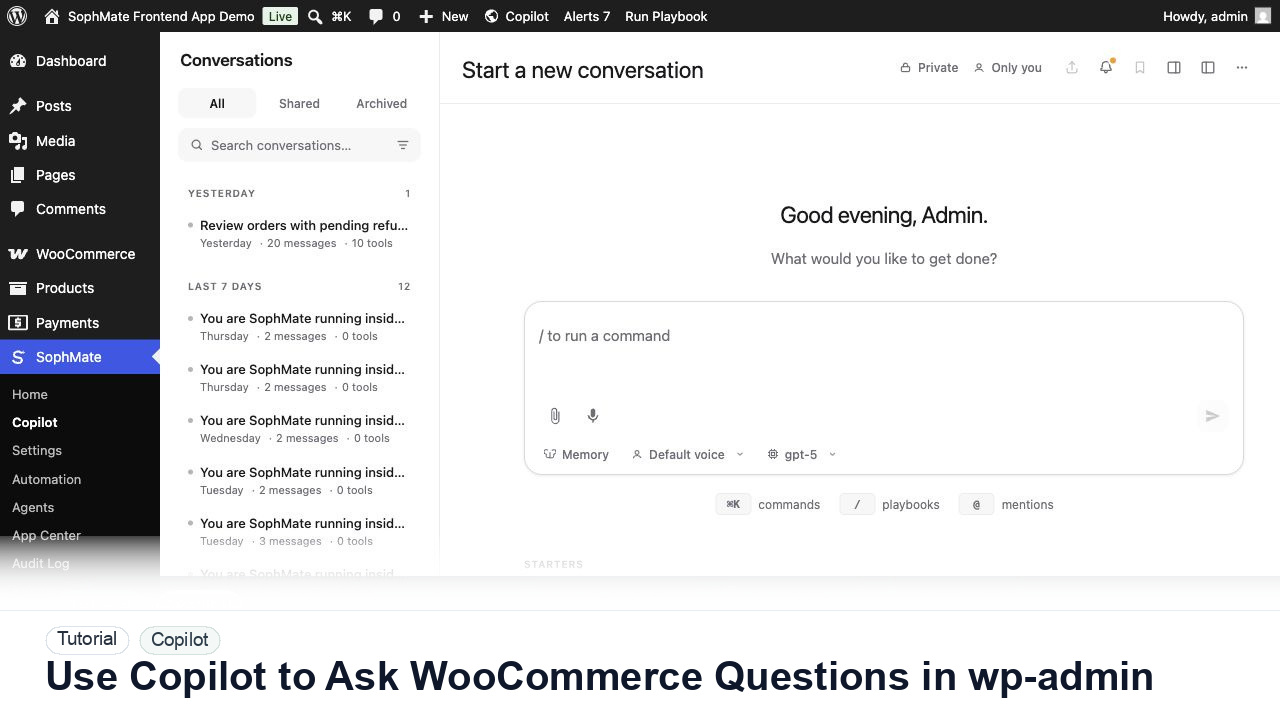
Ask SophMate Copilot about WooCommerce sales, orders, refunds, products, and next steps without leaving the WordPress admin screen.
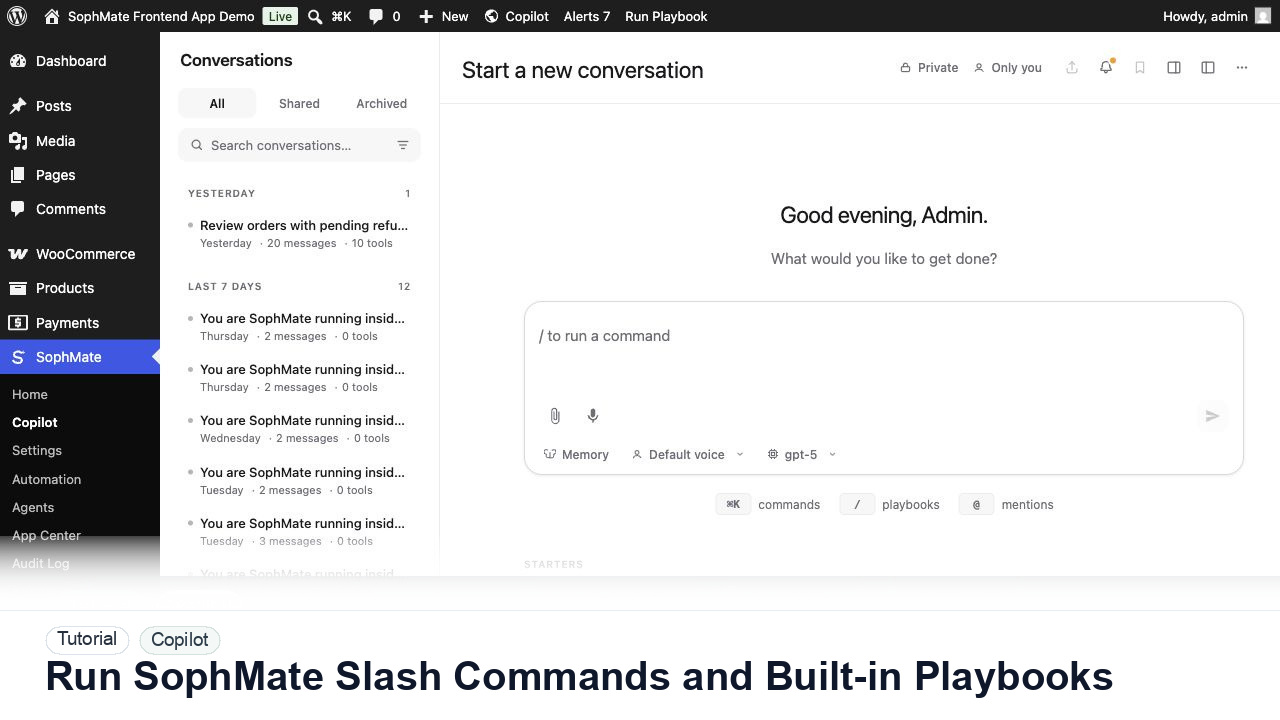
Use slash commands such as weekly summaries, low-stock checks, coupon builders, support replies, and campaign briefs directly from Copilot.
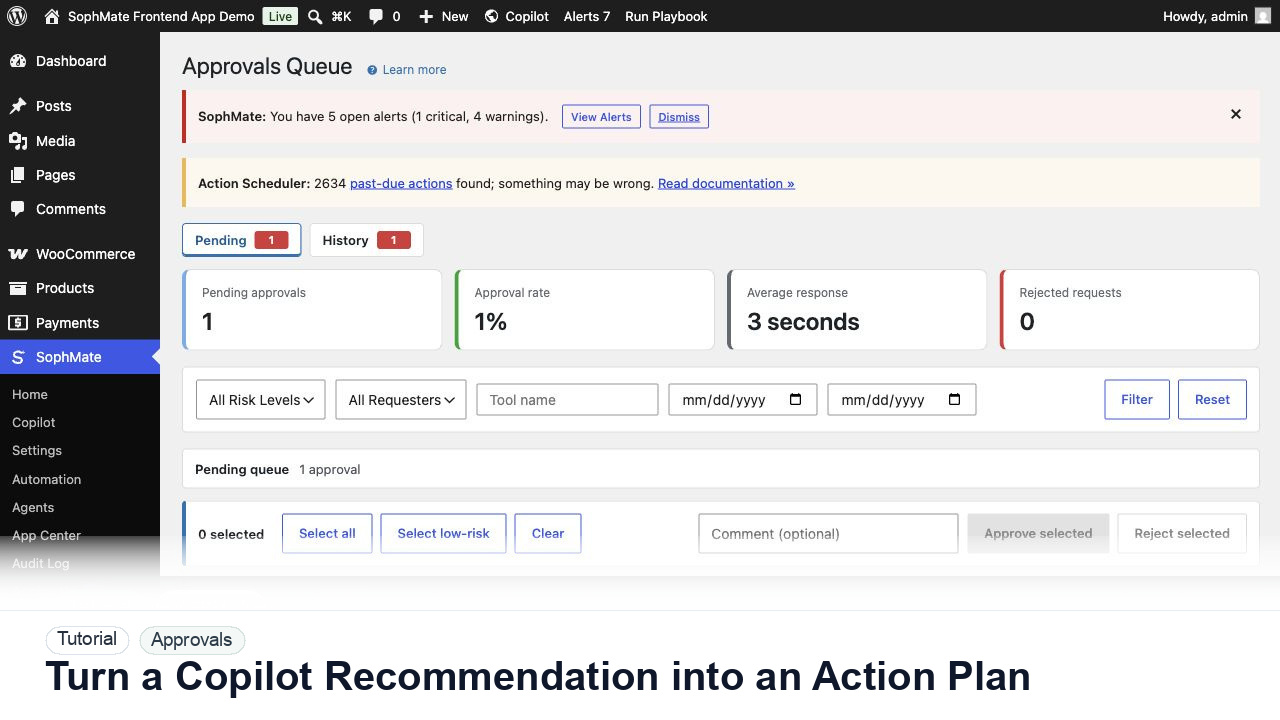
Convert a Copilot recommendation into a SophMate action plan with risk level, diff preview, reviewer notes, and approval before execution.