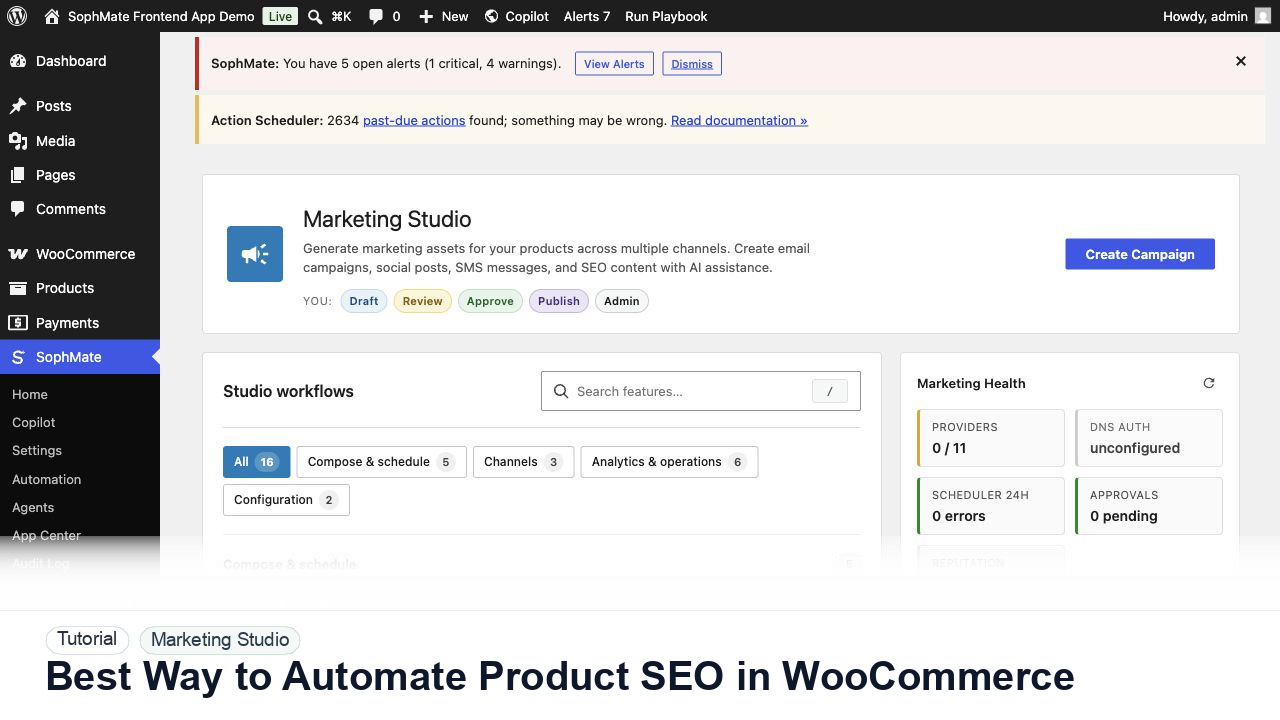
Best Way to Automate Product SEO in WooCommerce
Use SophMate to automate WooCommerce product SEO refreshes while keeping claims, metadata, and commercial fields under review.
Tutorial tag
Related SophMate tutorials. Tag archives stay noindex until they are curated into high-value search pages.
Use SophMate to automate WooCommerce product SEO refreshes while keeping claims, metadata, and commercial fields under review.
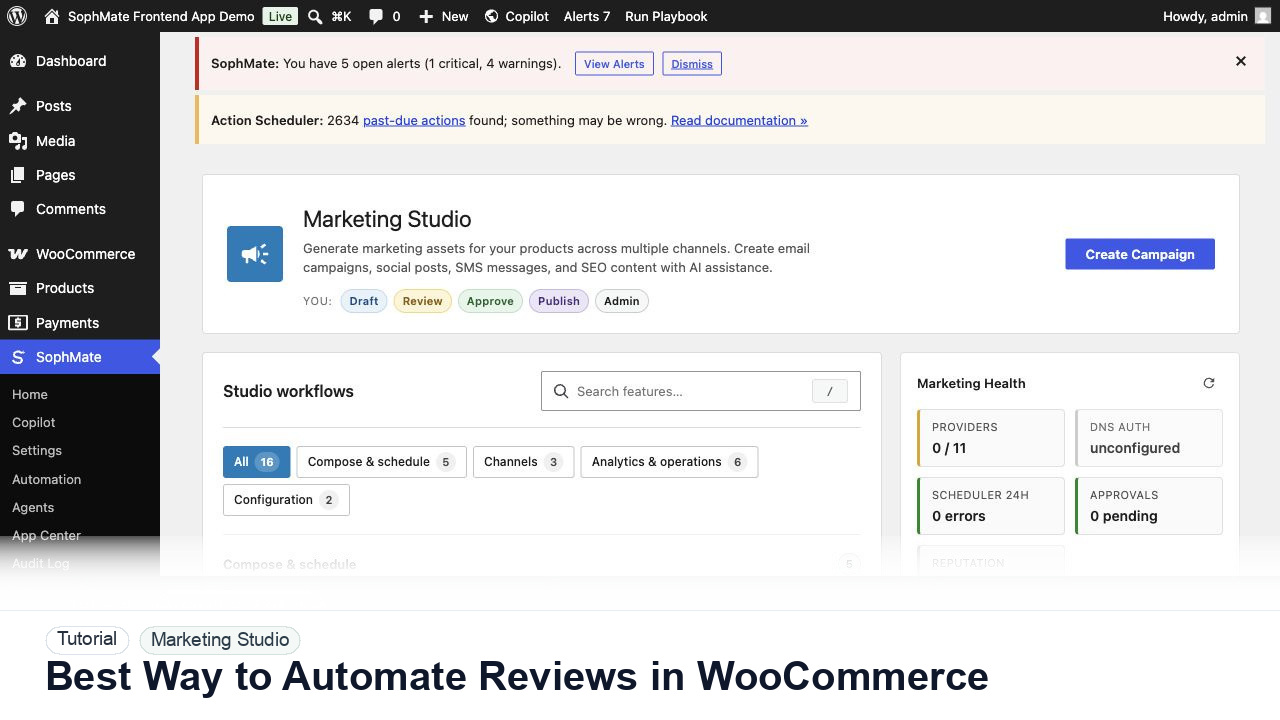
Use SophMate to automate WooCommerce review requests with delivery timing, consent, product context, and support-safe exclusions.
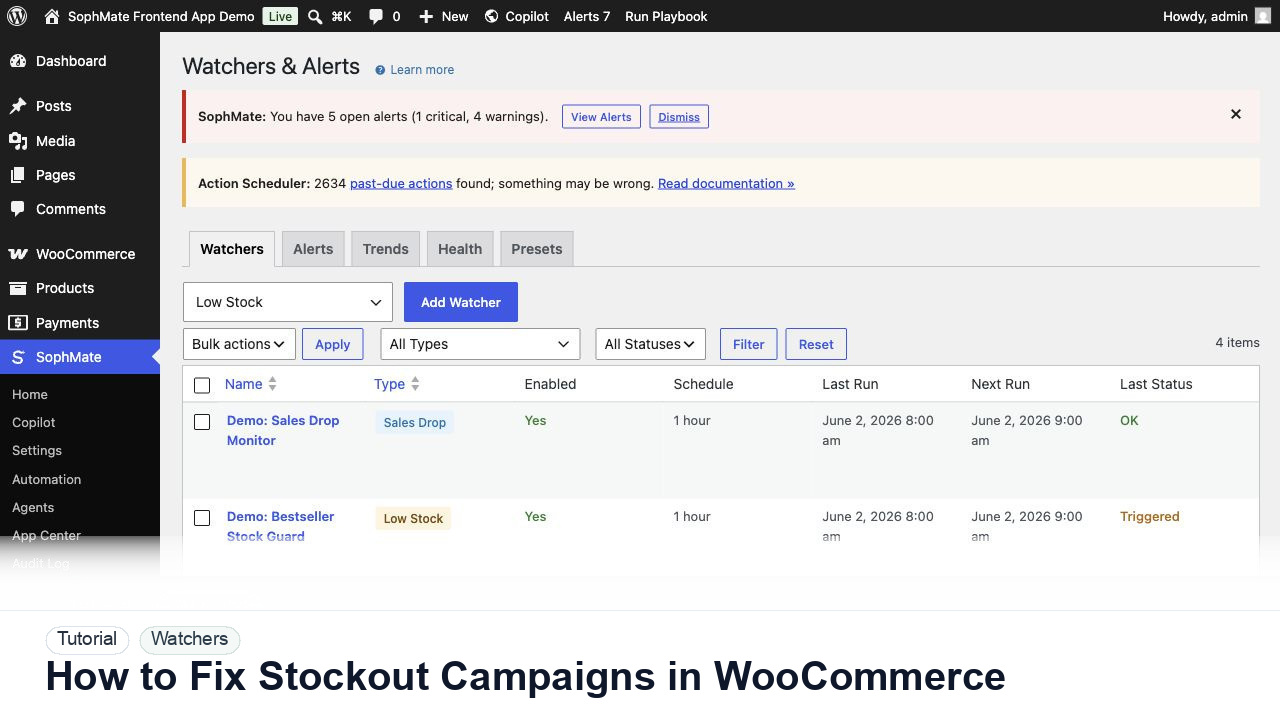
Use SophMate to fix WooCommerce campaigns that keep promoting low-stock or out-of-stock products.
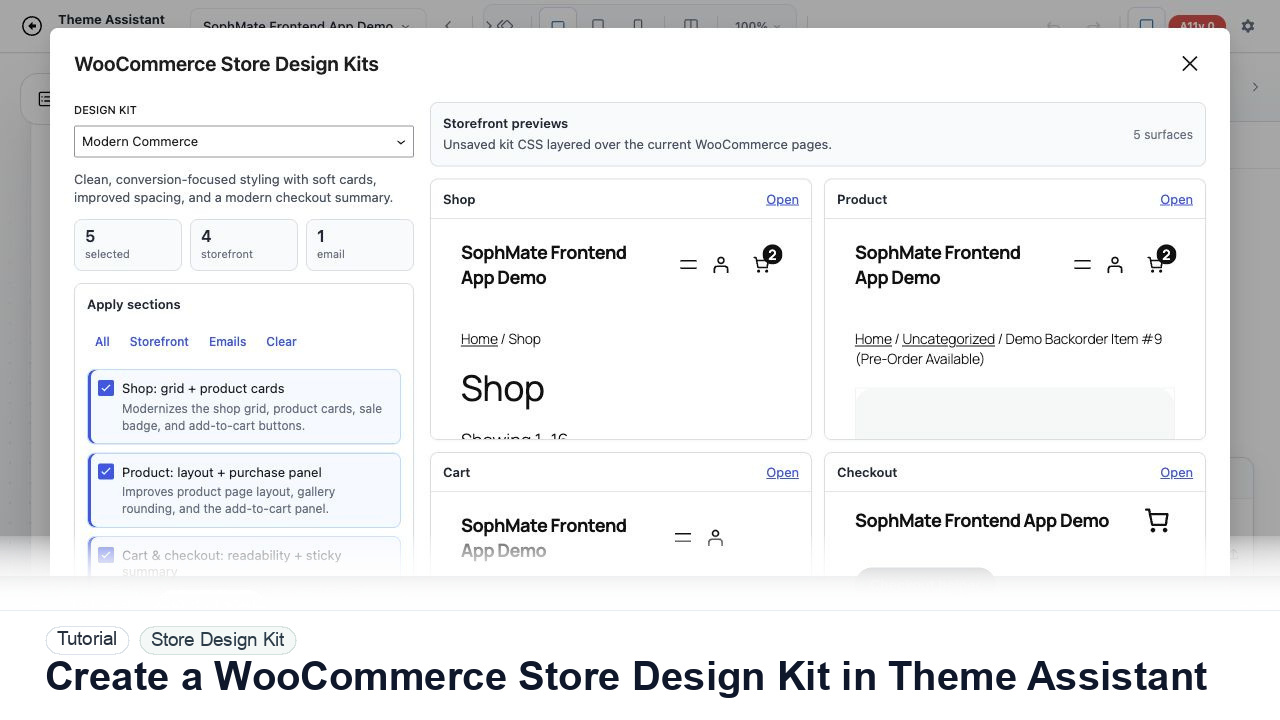
Use Theme Assistant to gather tokens, page patterns, product-card styling, checkout cues, and reusable CSS guidance for a WooCommerce design kit.
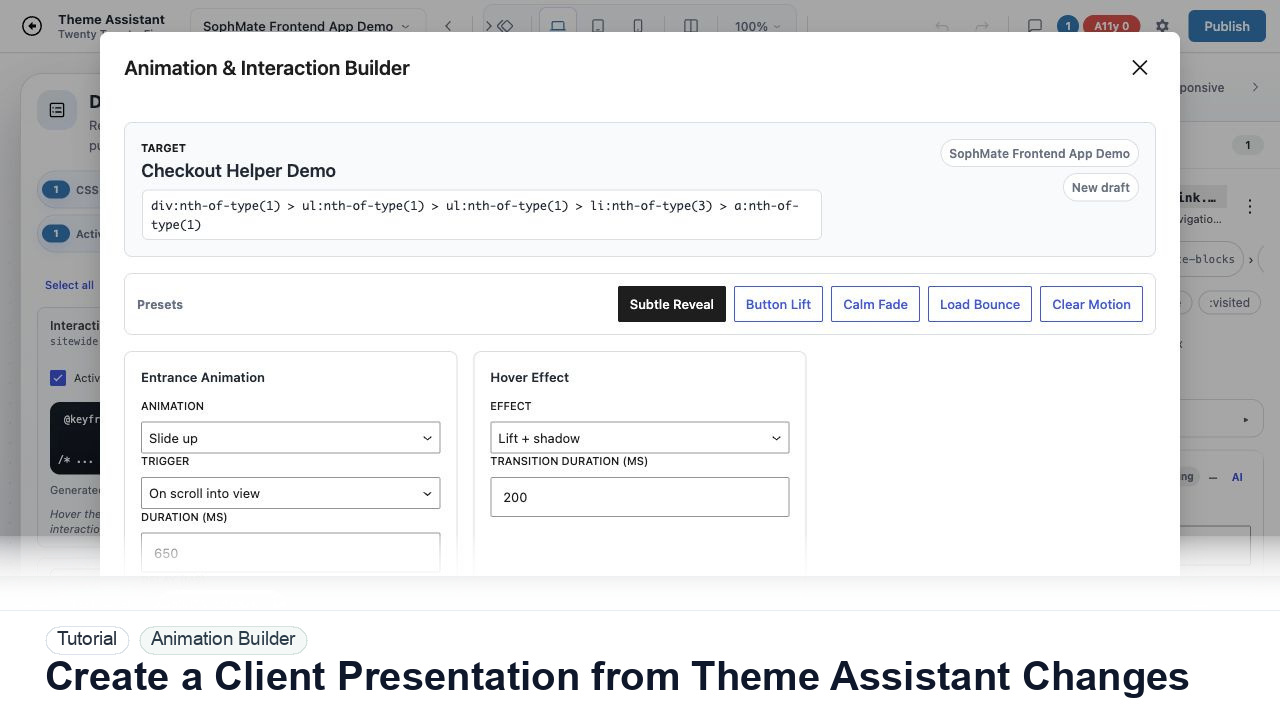
Package Theme Assistant design changes into a client presentation with before-and-after notes, responsive findings, accessibility concerns, and approval status.
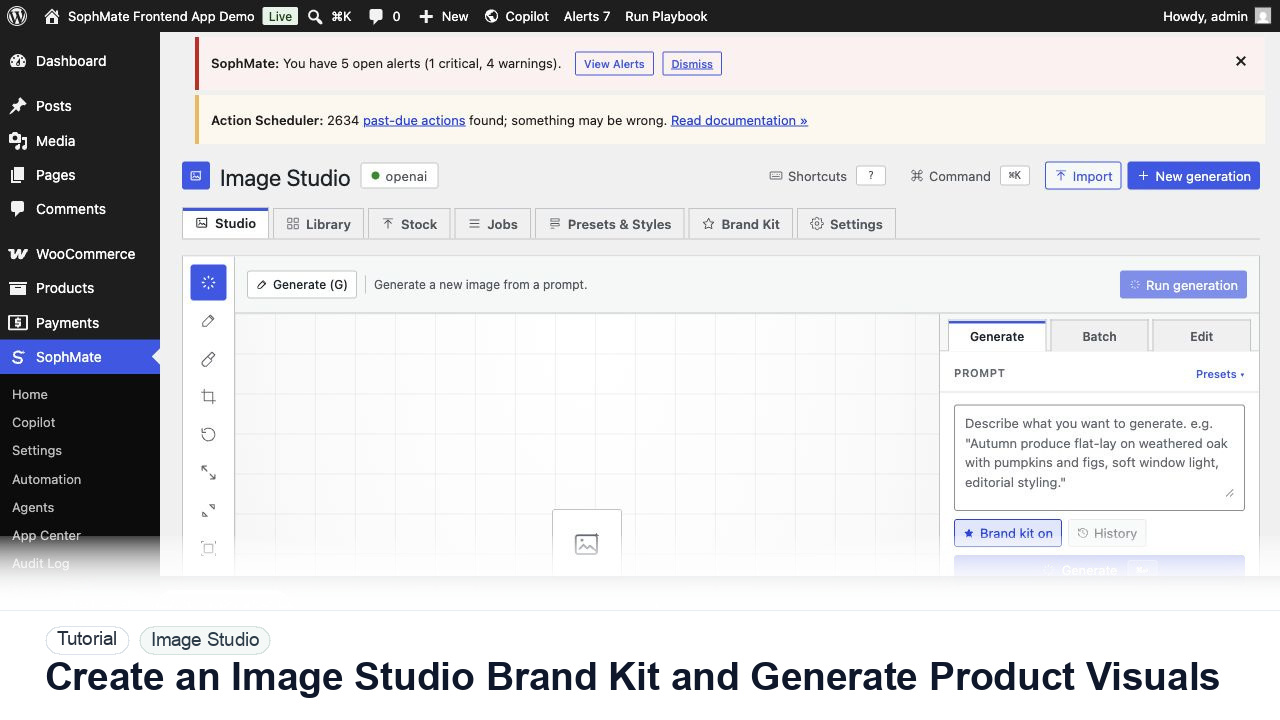
Create an Image Studio brand kit, write a product visual prompt, generate a draft, and keep image publishing under review.
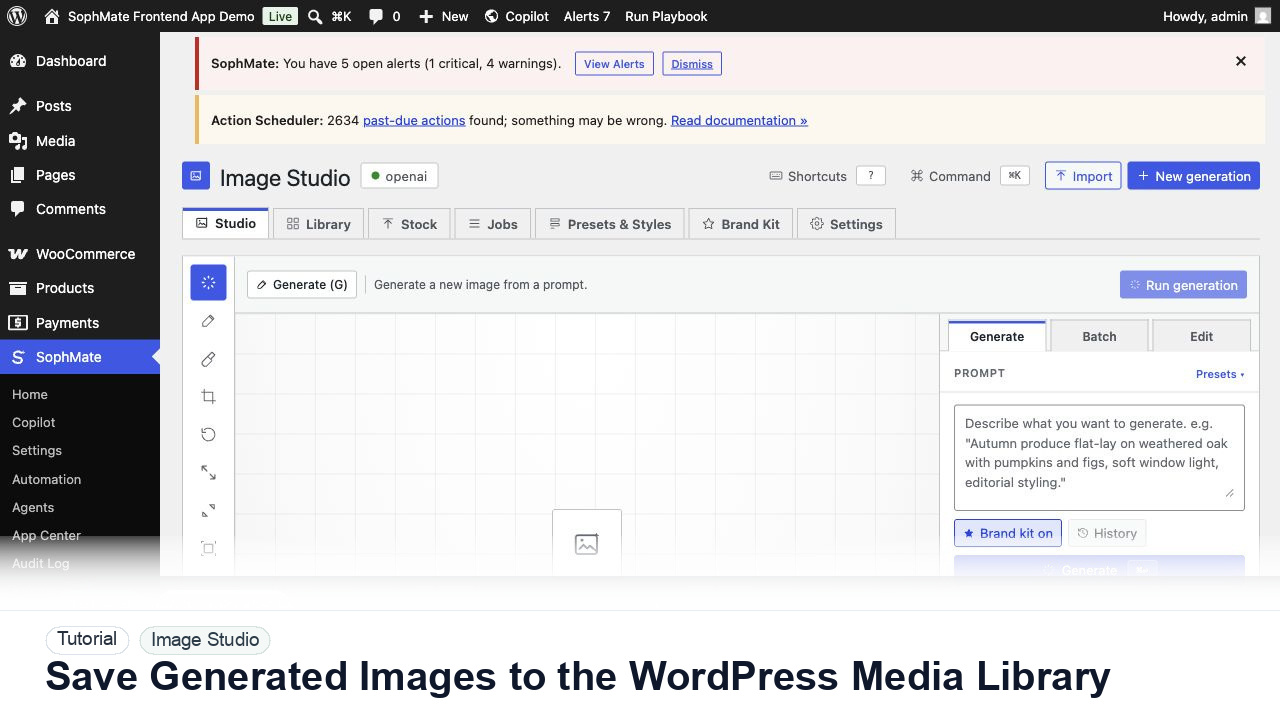
Move approved Image Studio outputs into the WordPress Media Library with metadata, alt text, and publishing intent.
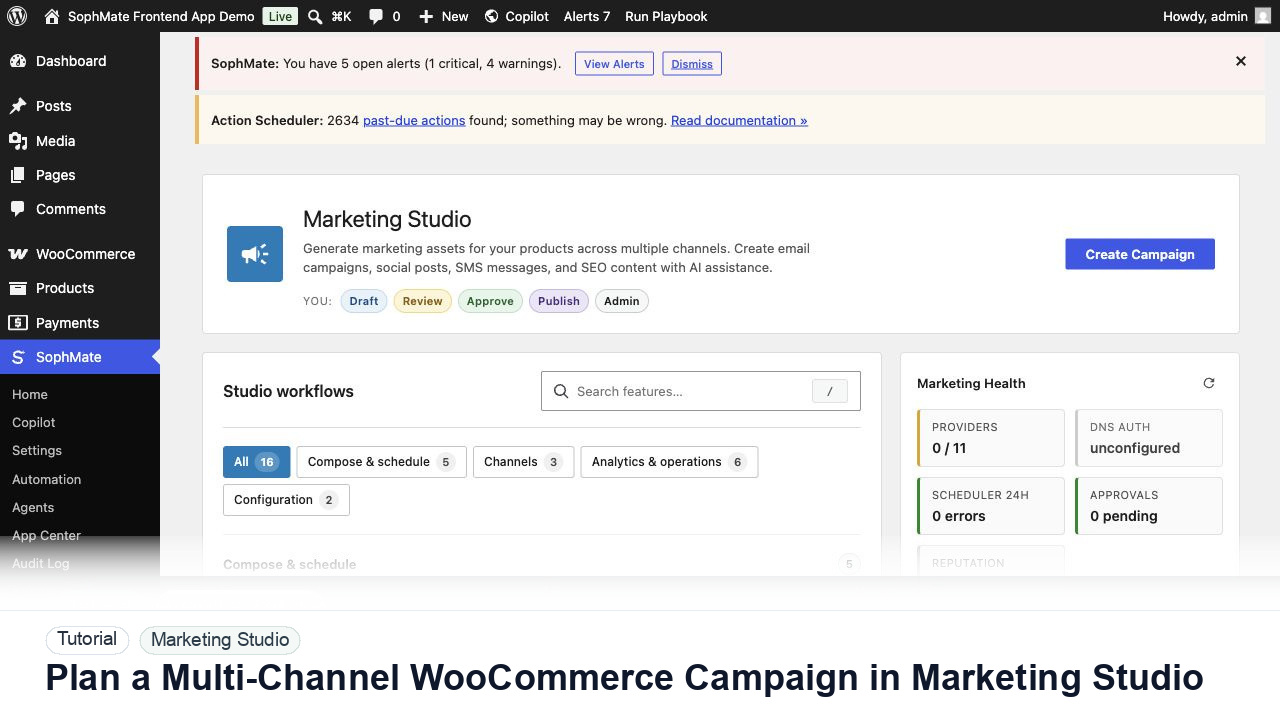
Use Marketing Studio to plan campaign goals, product context, channel drafts, provider health, review status, and next actions for WooCommerce promotions.
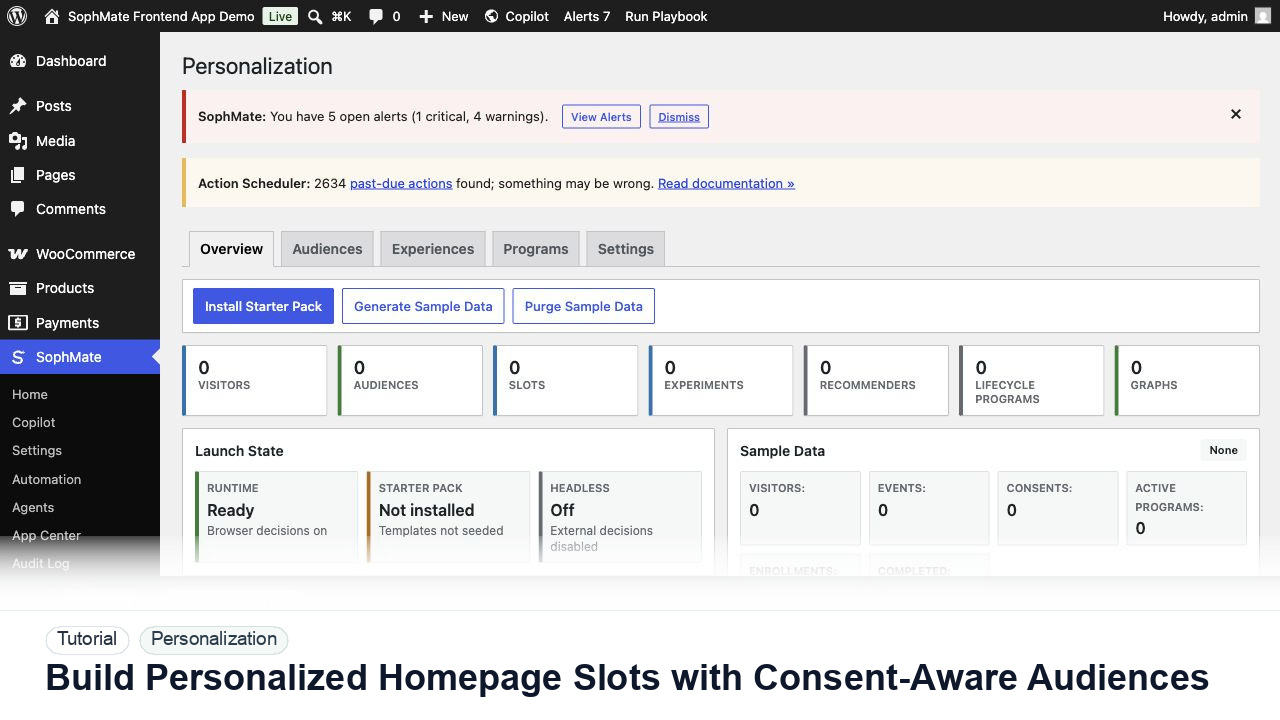
Create a personalization audience, assign it to a homepage slot, and keep privacy and explainability controls visible before launch.