Use-case summary
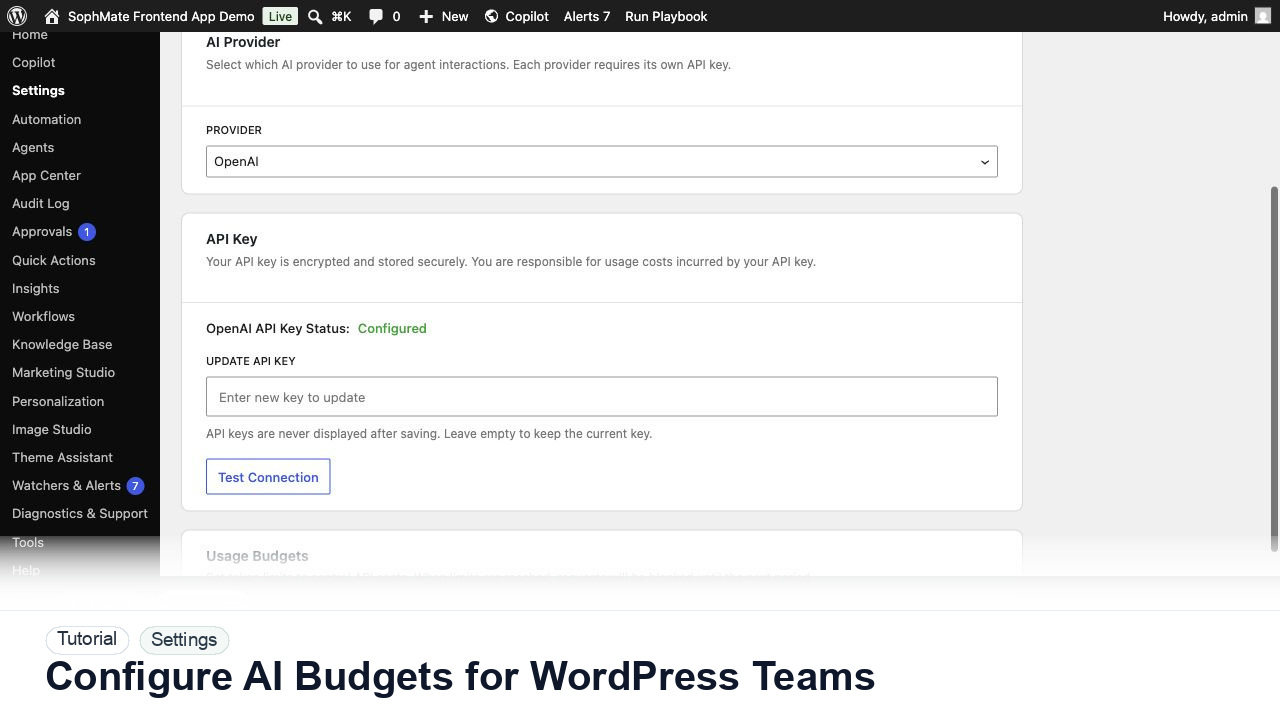
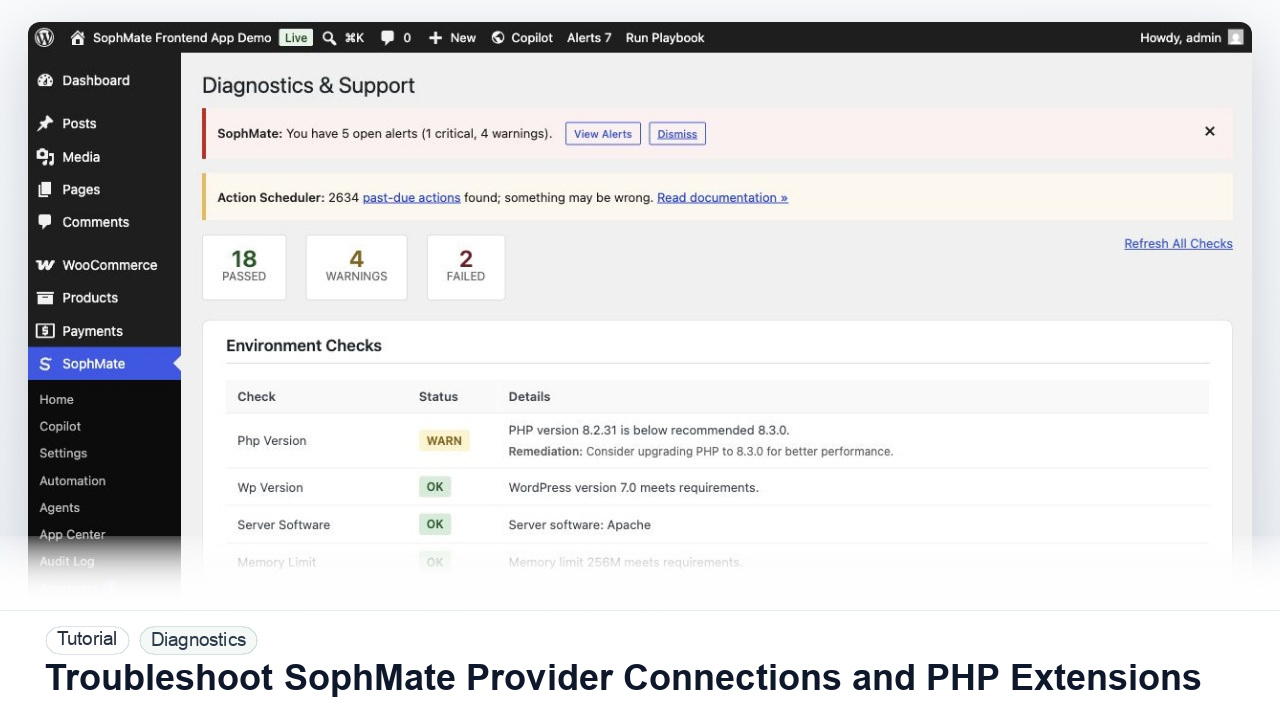
Run SophMate with encrypted keys, data-retention settings, audit trails, privacy export and erase support, and diagnostics that avoid exposing secrets.
This use case is for Privacy admins who need AI assistance inside WordPress but still need review, ownership, and traceability. SophMate is useful here because the work happens near the site data, WooCommerce context, policies, and operational controls rather than in a separate generic chat window.
Practical rollout
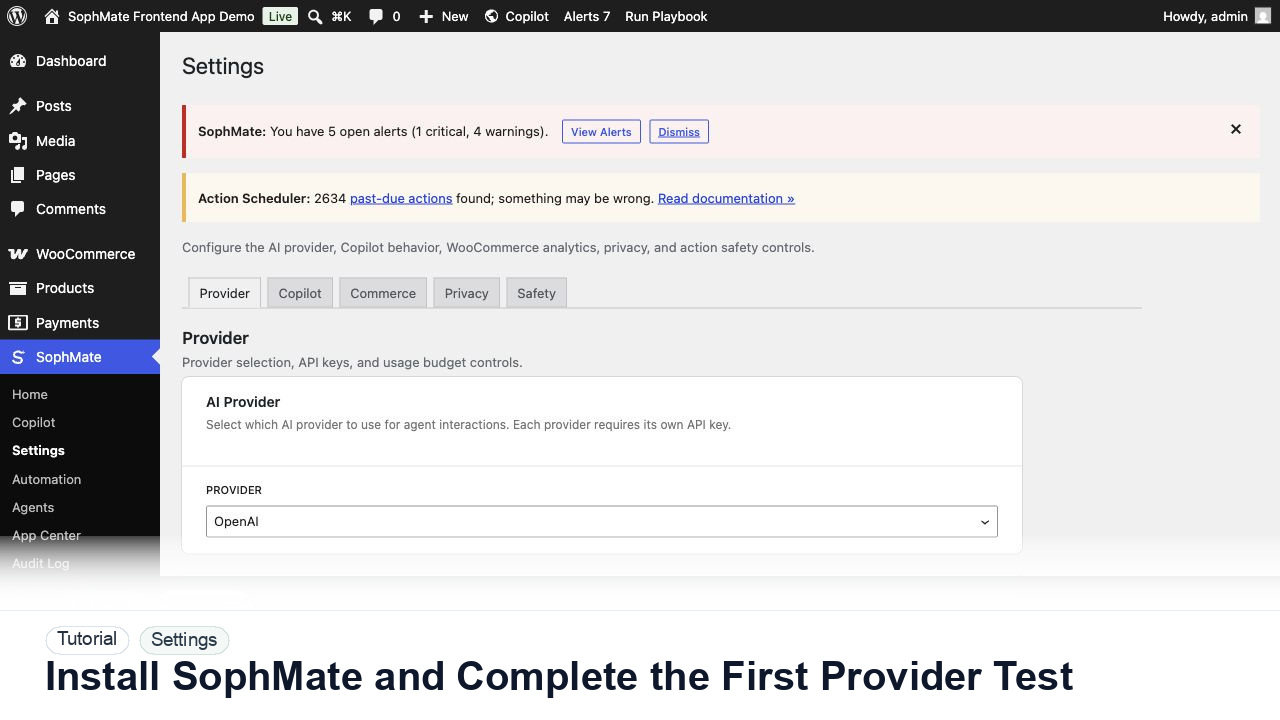
Review provider key ownership, retention settings, export/erase flows, audit events, diagnostics reports, and support-bundle contents before enabling broad team access.
SophMate modules involved
- Settings
- Audit Log
- Privacy Tools
- Diagnostics
- Retention
Recommended rollout
Start with one repeatable workflow that has a clear owner. Run it manually first, review the output, and only then decide whether it should become a playbook, watcher, workflow, or agent. Keep provider budgets, approval policy, and audit review in place before inviting a wider team.
Decision boundary
Diagnostics and support bundles should explain issues without disclosing API keys, unnecessary personal data, or private customer records.
First 30 days
Spend the first month validating encrypted key handling, retention settings, audit events, support bundles, privacy export and erase paths, and who may view sensitive operational data.
Handoff model
The privacy owner should approve retention, export, erase, diagnostics, and support-bundle processes. Other teams should not loosen data controls to make prompts easier.
Success criteria
- The workflow saves time without hiding decision-making.
- Changes that affect customers, store data, or published content are reviewed.
- The team can explain what SophMate used as context and where the final decision was recorded.
Related paths
Review the complete feature library, browse SophMate tutorials, compare alternatives in comparisons, and contact the team through support when a pre-sale or implementation question needs clarification.