Schedule Playbooks with Parameters and Failure Review
Schedule SophMate playbooks with parameters, owners, dry runs, retries, and failure review before using recurring workflows on client sites.
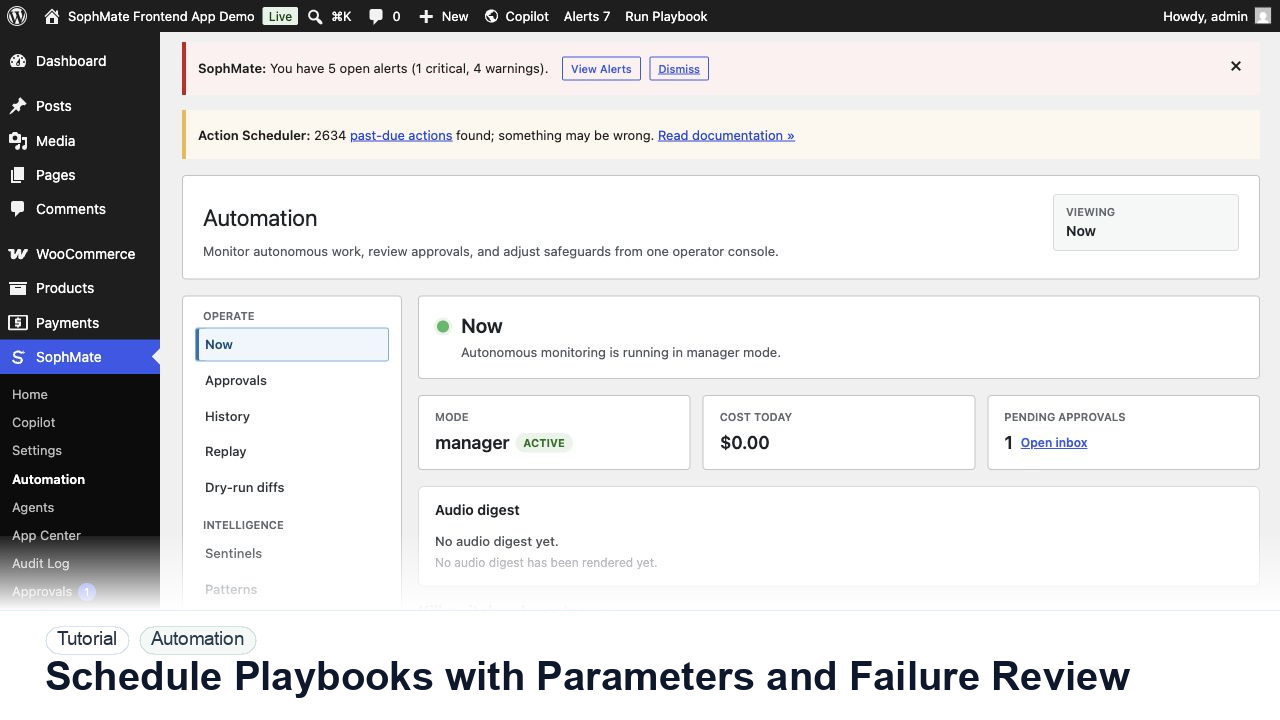
Schedule SophMate playbooks with parameters, owners, dry runs, retries, and failure review before using recurring workflows on client sites.
By the end of this tutorial, you will know how to use SophMate for SophMate playbook schedules while keeping the work reviewable inside WordPress.
An agency wants a monthly client reporting playbook and a weekly support summary playbook to run without becoming unreviewed workflow execution.
Use this tutorial to evaluate whether SophMate workflows start with operational maturity instead of unattended writes. The product signal is clear triggers, owners, approval points, alerts, cost expectations, run evidence, and kill switches.
Convert this recurring task into a safe first workflow. Start with read-only or notification-only output, define trigger, owner, approval point, failure alert, cost expectation, and kill switch.
The tutorial image shows Workflows so the reader can connect the plain-English workflow idea to triggers, templates, run history, and health checks.
Start with notification and summary outputs before enabling write actions or unattended execution.
Schedule only playbooks that have already been run manually with reviewed inputs, useful output, and clear owner feedback.
Set site, audience, date range, product category, report type, approval requirement, and notification owner explicitly instead of relying on prompt memory.
Run the playbook once with schedule parameters and inspect output, budget impact, missing data, and whether approvals are required.
Document retry rules, skipped-run behavior, quiet hours, owner notification, and when a repeated failure should pause the schedule.
Treat scheduled playbook results as drafts until the owner accepts them, especially when they mention customers, campaigns, reports, or WooCommerce actions.
The workflow is successful when the first run is observable, expected artifacts are produced, costs are understandable, failures have owners, and write actions stay behind approval until proven safe.
If output is noisy, duplicated, delayed, or unsafe, disable the workflow or watcher category, preserve run history, and restart only after owner review.
Document trigger, owner, run history, expected output, approval point, failure response, and kill switch owner.
The workflow owner should inspect first runs immediately and review active workflows or watchers on a regular operations cadence.
Escalate when workflows may write data, repeat failures, miss critical alerts, or run without a clear owner.
Usually no. Start with read-only, staging, notification-only, or approval-gated behavior until trigger scope, owner response, failure handling, and run history are proven.
No. SophMate should make the work easier to draft, inspect, approve, and repeat. Human review remains necessary when output affects customers, money, published content, privacy, settings, or workflow execution.
Record the owner, input scope, access boundary, approval point, failure modes tested, evidence location, monitoring window, and rollback or stop path.
Run the first version as read-only, simulation, or notification-only, then review alerts, costs, audit records, and kill switch behavior before allowing writes.
Next step
Review the SophMate listing for current package details, screenshots, compatibility notes, and license terms.
Related
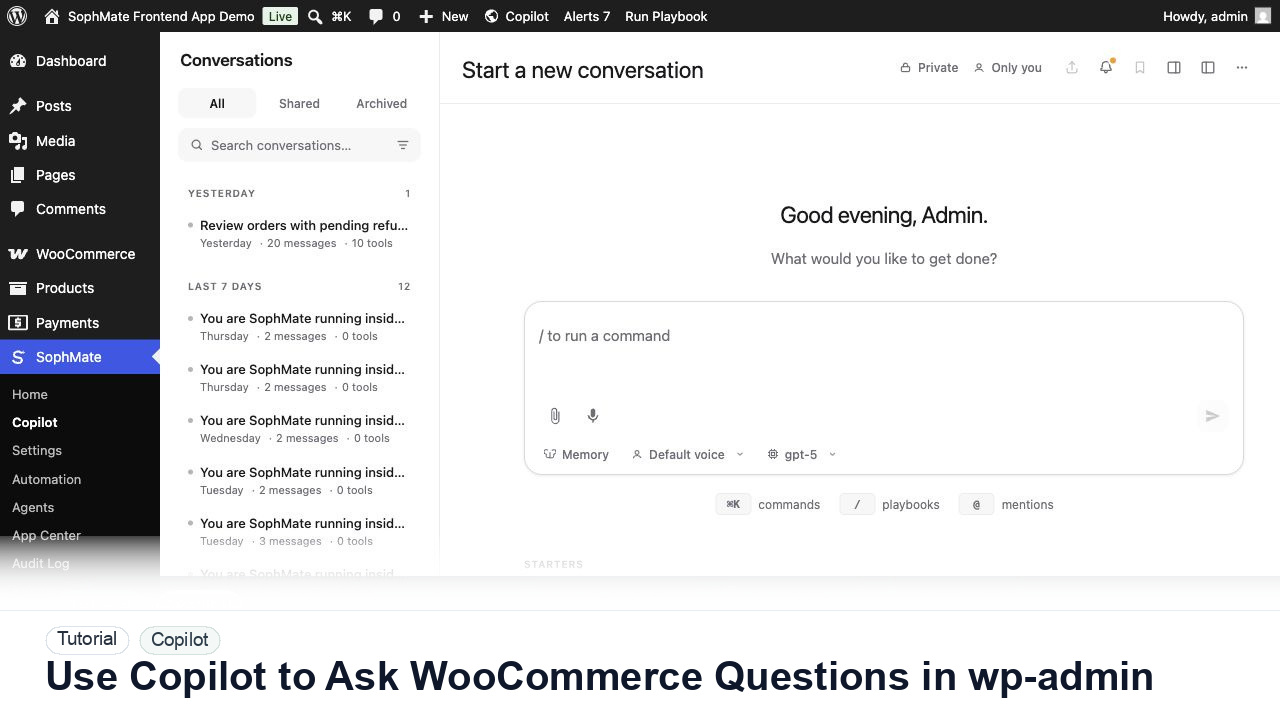
Ask SophMate Copilot about WooCommerce sales, orders, refunds, products, and next steps without leaving the WordPress admin screen.
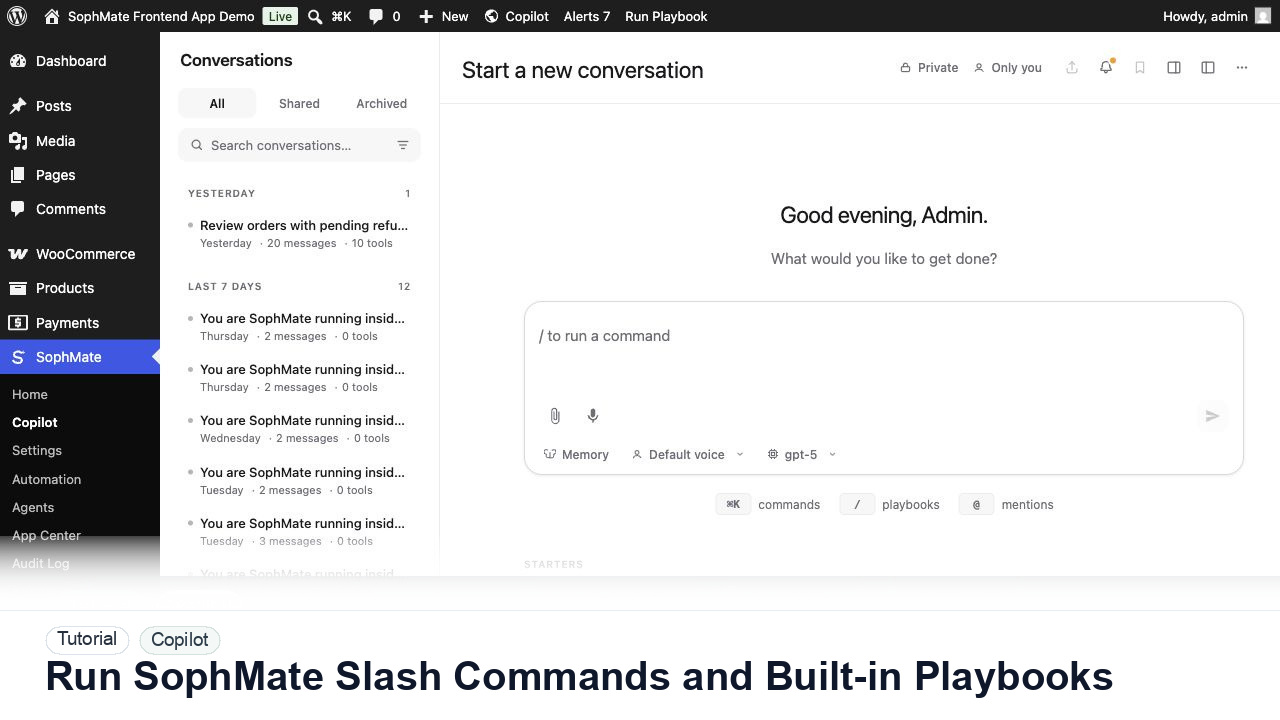
Use slash commands such as weekly summaries, low-stock checks, coupon builders, support replies, and campaign briefs directly from Copilot.
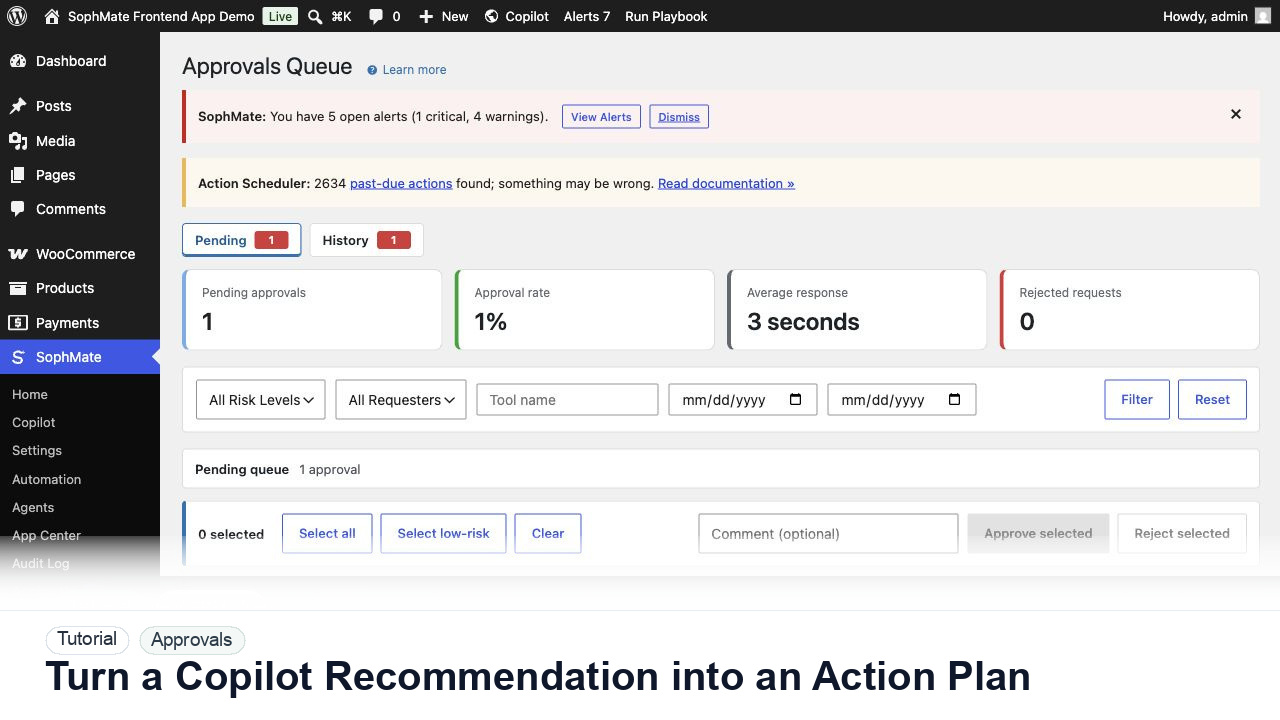
Convert a Copilot recommendation into a SophMate action plan with risk level, diff preview, reviewer notes, and approval before execution.