Connect App Center OAuth, Webhooks, and Inbox Deliveries
Connect App Center OAuth accounts, inbound webhooks, inbox deliveries, channel messages, and analytics events with support-safe evidence.
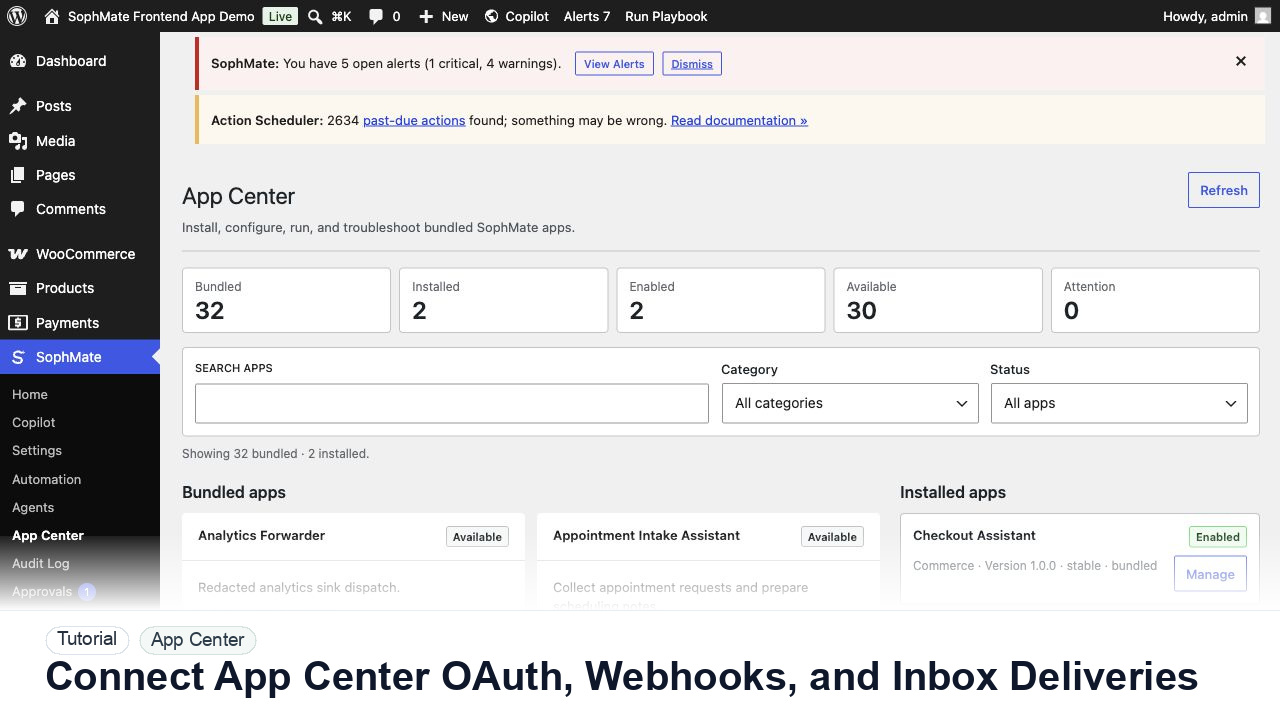
Connect App Center OAuth accounts, inbound webhooks, inbox deliveries, channel messages, and analytics events with support-safe evidence.
By the end of this tutorial, you will know how to use SophMate for SophMate App Center integrations while keeping the work reviewable inside WordPress.
A developer is wiring a support inbox and external channel into SophMate and needs to prove the integration is safe before enabling jobs.
Use this tutorial to evaluate whether SophMate visitor-facing apps expose permissions and failure states clearly. The adoption signal is reviewed manifests, scoped data capture, consent behavior, job-failure handling, and audit records.
Review this app or frontend panel before activation. Check manifest permissions, data captured, visitor fallback states, job failures, consent behavior, and audit records.
The tutorial image shows App Center context where installed apps, bundled apps, frontend panels, capability grants, and custom app registration are reviewed.
Do not expose custom capabilities to visitors, agents, or workflows until roles, permissions, schemas, and risk level are clear.
Connect only accounts owned by the site, client, or integration owner. Do not use a personal account that cannot be rotated or revoked later.
For webhooks and inbox deliveries, send only the fields the app needs. Avoid full message bodies, order details, or customer data when an ID and lookup path are enough.
Send sample webhook, inbox, and channel events. Confirm authentication, replay behavior, duplicate handling, failure logging, and audit records.
Check that app analytics events explain useful operational state without logging secrets, tokens, or private customer records.
Record how to revoke OAuth, pause deliveries, rotate webhook secrets, and replay a narrow event safely if a delivery fails.
The App Center workflow is successful when the app renders with a safe fallback, permissions match the manifest, visitor data handling is understood, and jobs leave useful operational records.
If a custom capability behaves unexpectedly, disable the app or tool, revoke visitor/agent access, preserve audit evidence, and retest schema plus permissions.
Document manifest or tool schema, permissions, data captured, risk classification, fallback behavior, and audit fields.
The developer owns schema and integration behavior, while the administrator owns permission, risk, and visitor-facing placement.
Escalate when custom capabilities read sensitive data, write WordPress records, call external services, or expose visitor-facing behavior.
It needs a clear schema or manifest, least-privilege permissions, negative tests, fallback states, audit fields, and an owner who can disable it quickly.
No. SophMate should make the work easier to draft, inspect, approve, and repeat. Human review remains necessary when output affects customers, money, published content, privacy, settings, or workflow execution.
Record the owner, input scope, access boundary, approval point, failure modes tested, evidence location, monitoring window, and rollback or stop path.
Enable the app on the smallest useful surface, verify permission-denied and provider-unavailable states, then review audit records before expanding placement.
Next step
Review the SophMate listing for current package details, screenshots, compatibility notes, and license terms.
Related
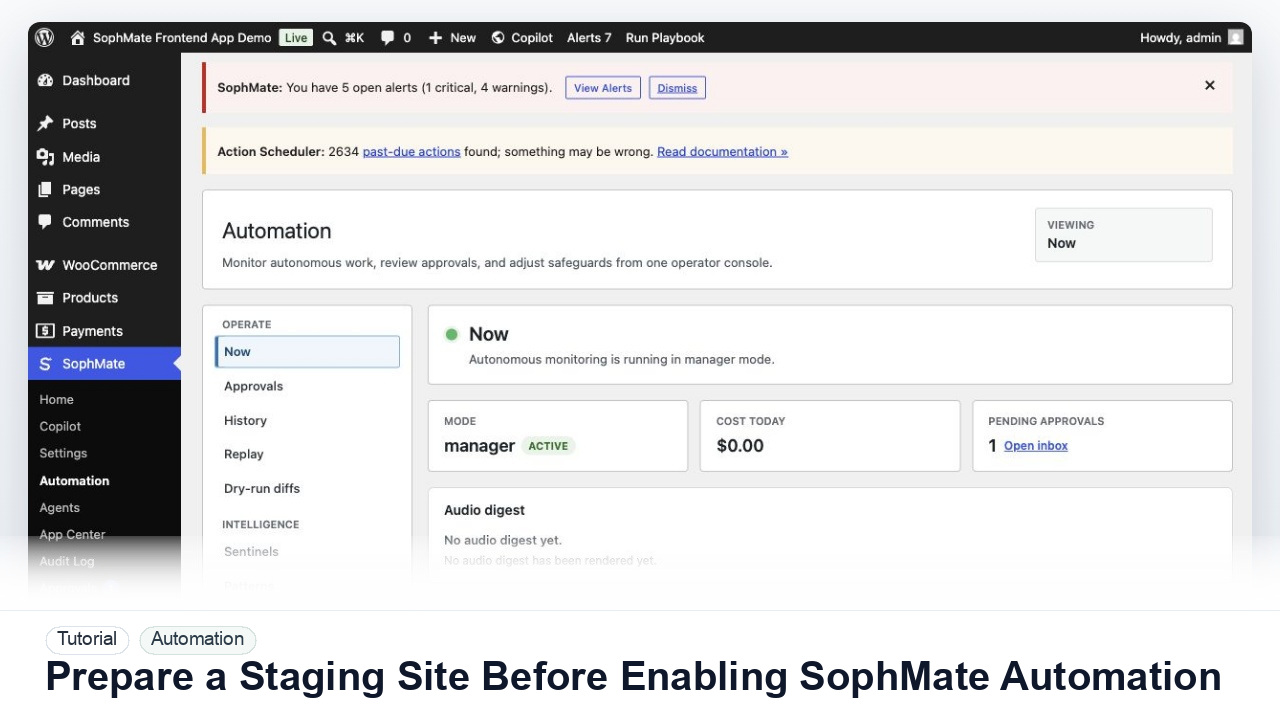
Use a staging WordPress site to test SophMate workflows, watchers, agents, approvals, and kill switches before production rollout.
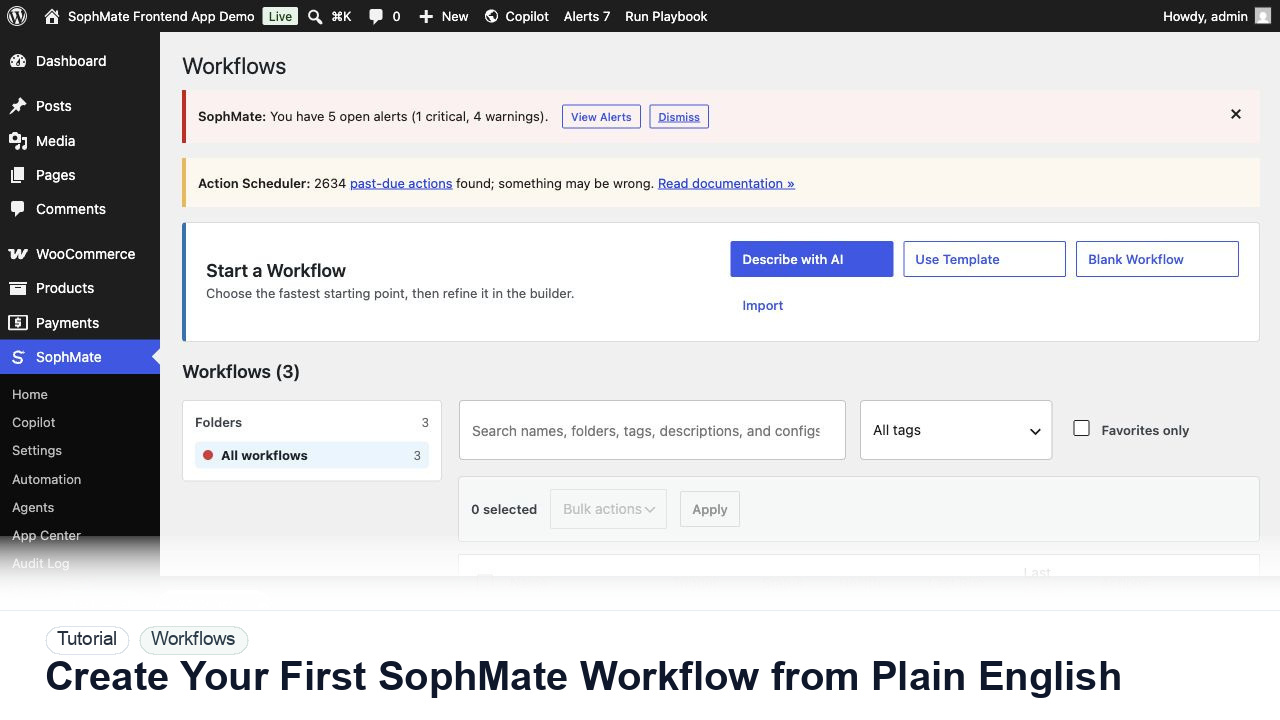
Use SophMate Workflows Describe with AI to turn a plain-English operations idea into a workflow draft with triggers, steps, and review notes.
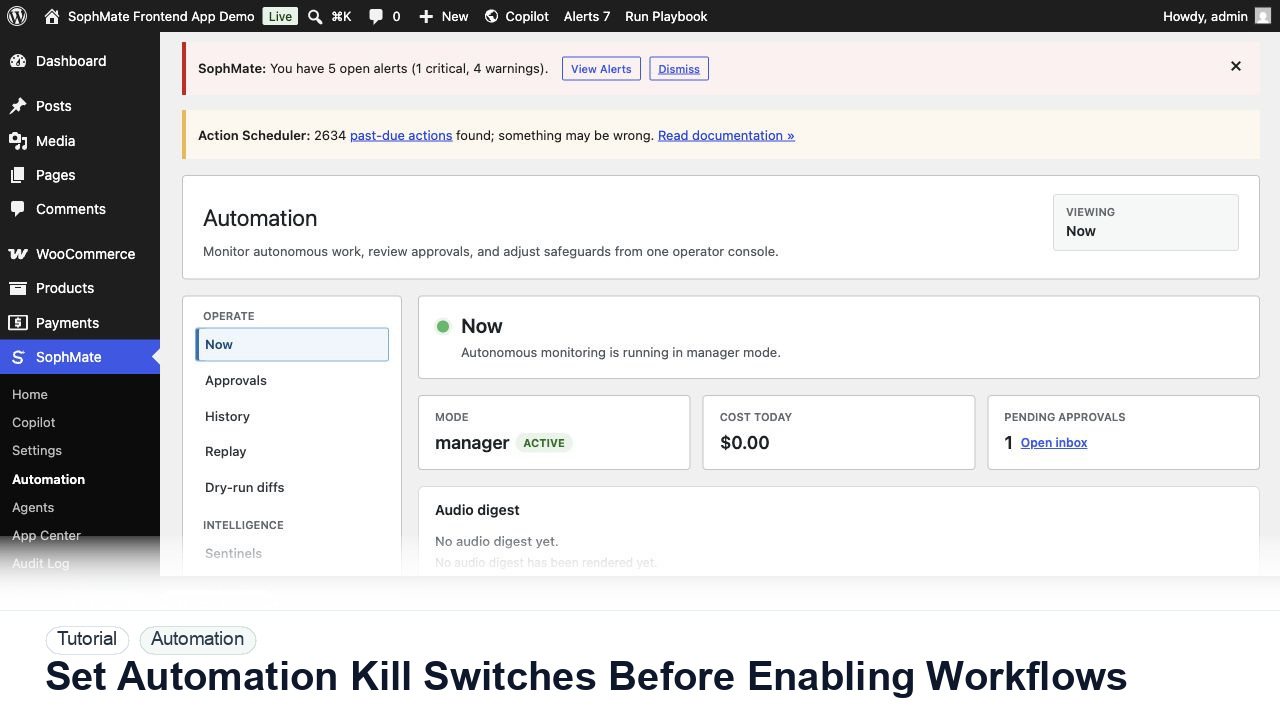
Configure SophMate workflow kill switches and ownership rules before enabling workflows that can affect WooCommerce or WordPress operations.