Workflows and operations 6 min read Mar 18, 2026

Configure Workflow Scheduler and Browser Push Maintenance

Review workflow schedules, browser push notifications, Action Scheduler queues, locks, missed runs, and maintenance windows before relying on scheduled workflow execution.
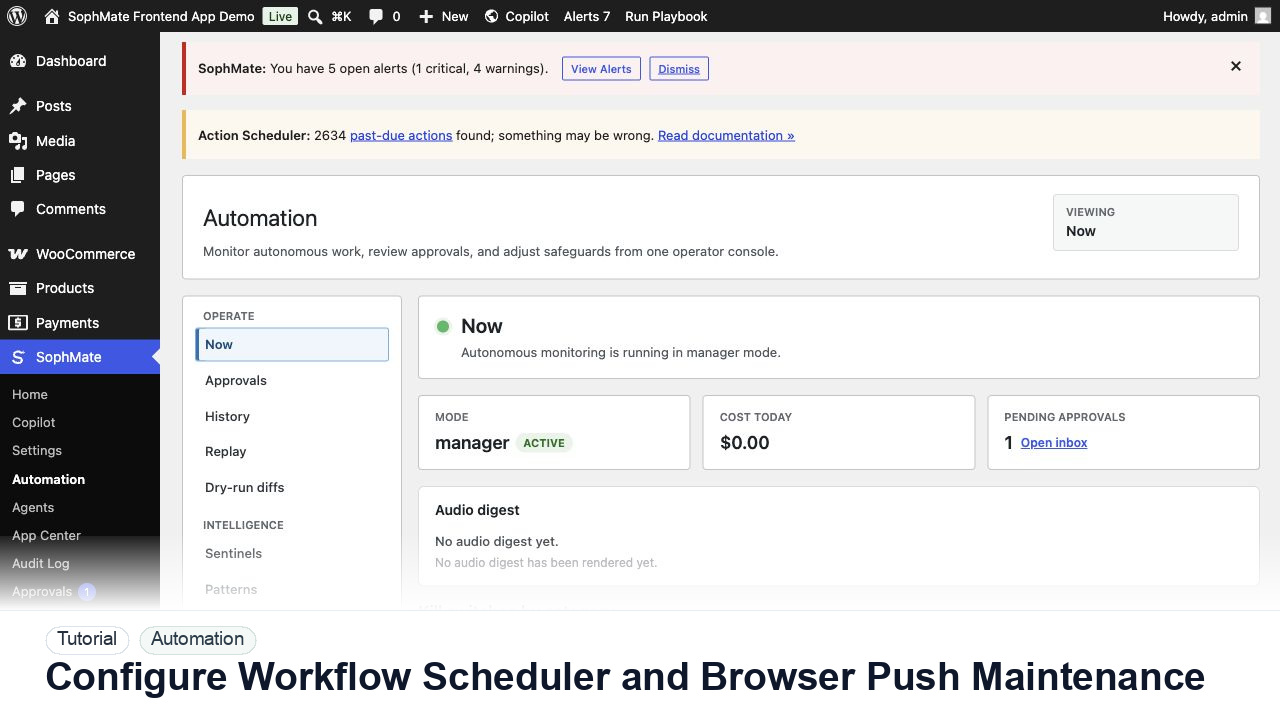
SophMate tutorial image for Configure Workflow Scheduler and Browser Push Maintenance showing the related wp-admin workflow context.

Outcome

By the end of this tutorial, you will know how to use SophMate for SophMate workflow scheduler while keeping the work reviewable inside WordPress.

Scenario

A store owner wants scheduled workflows to run overnight and alert an operator when a run needs review or intervention.

Buyer evaluation note

Use this tutorial to evaluate whether SophMate workflows start with operational maturity instead of unattended writes. The product signal is clear triggers, owners, approval points, alerts, cost expectations, run evidence, and kill switches.

When not to use this workflow

  • Do not automate a process the team cannot run and explain manually.
  • Do not enable write actions when trigger scope, owner response, failure notification, or kill switch behavior is untested.
  • Do not use this workflow to bypass the normal owner, reviewer, or approval path for production changes.
  • Defer the workflow when the source data, permission boundary, rollback owner, or customer impact cannot be explained.

Example operator request

Convert this recurring task into a safe first workflow. Start with read-only or notification-only output, define trigger, owner, approval point, failure alert, cost expectation, and kill switch.

What the image shows

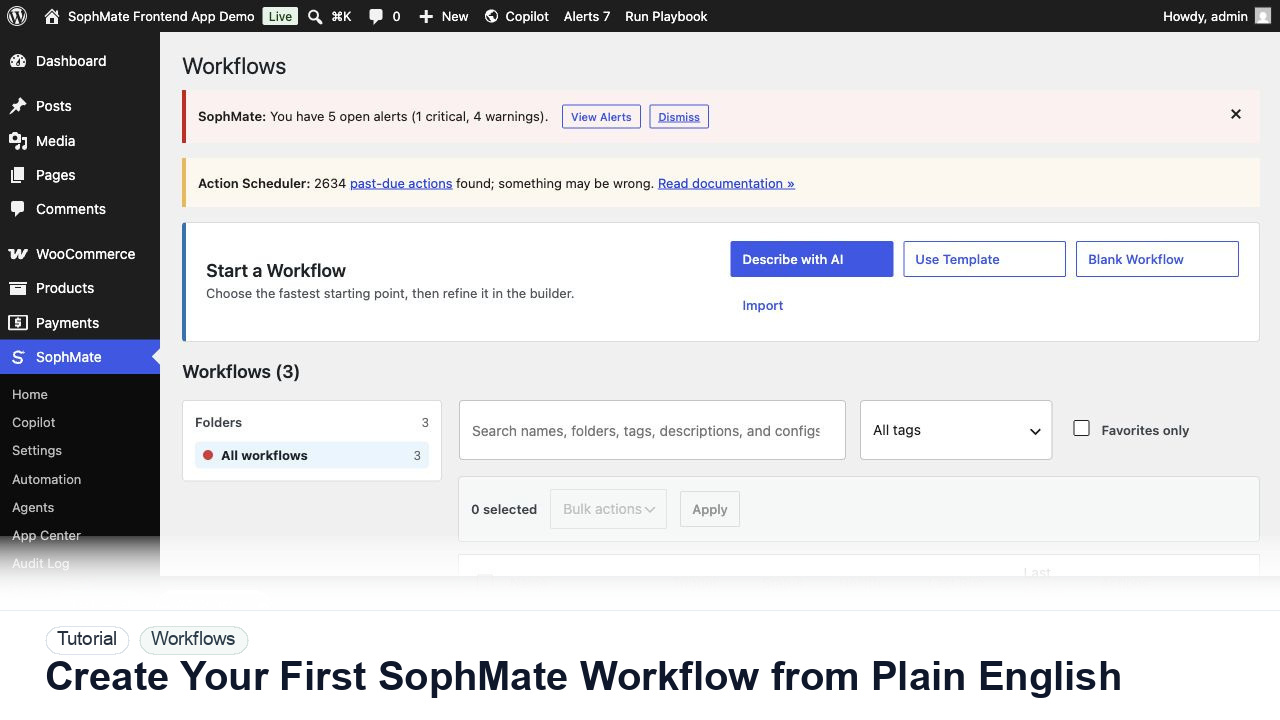
The tutorial image shows Workflows so the reader can connect the plain-English workflow idea to triggers, templates, run history, and health checks.

Before you begin

  • Write down trigger scope, owner, expected output, approval point, failure alert, cost expectation, and kill switch before the first run.
  • Start in staging, simulation, read-only, or notification-only mode unless the workflow has already passed a narrower review.
  • Confirm SophMate is active, diagnostics do not show blocking failures, and the current user role can open the relevant SophMate module.
  • Check provider, budget, privacy, and approval settings before asking SophMate to draft or execute work.
  • Keep customer data, API keys, purchase codes, and private credentials out of prompts unless this workflow explicitly requires and permits that context.

Access and data boundary

  • Start with staging, simulation, notification-only, or read-only access before granting workflows write-capable access to production records.
  • Limit triggers to named record types, owners, schedules, and failure notifications so workflow scope cannot expand through vague input scope.
  • Use the least-privileged SophMate role that can complete the review, and keep administrator-only access limited to setup, provider, billing, diagnostics, and high-risk approval work.
  • Prefer record IDs, short excerpts, and redacted screenshots over full customer records, payment details, provider keys, purchase codes, or raw server logs.

Guardrail

Start with notification and summary outputs before enabling write actions or unattended execution.

Common mistakes to avoid

  • Turning a vague manual process into a workflow before the owner and failure path are clear.
  • Enabling write actions before summaries, simulations, and approvals have been tested.
  • Ignoring run history after the first successful execution.

Step 1: Confirm scheduler prerequisites

Check WordPress cron, Action Scheduler availability, queue tables, timezone, safe mode, and the workflow kill switch before enabling recurring runs.

Step 2: Map schedule purpose to owner

Every schedule should have a business reason, cadence, expected runtime, retry rule, and person responsible for missed-run review.

Step 3: Subscribe only responsible operators

Browser push should go to people who can act on the alert, not every administrator. Include failure, approval-needed, and paused states.

Step 4: Review locks and stuck jobs

Inspect currently running jobs, stale locks, repeated failures, and skipped ticks before changing the schedule.

Step 5: Create a maintenance window

Pause or narrow schedules during updates, migrations, provider incidents, high-traffic sales windows, and database maintenance.

Review checklist

  • Cron and queue health are confirmed.
  • Push alerts have a responsible owner.
  • Maintenance windows pause risky schedules.

Production readiness

  • Run the first version in staging, simulation, notification-only, or read-only mode before enabling write behavior.
  • Confirm trigger, owner, run history, retry behavior, kill switch, and failure notification path.
  • Run the workflow first on a narrow, low-risk record or page before expanding scope.
  • Confirm the reviewer, approval rule, and evidence location before any production-changing action runs.

Failure modes to test

  • Test duplicate triggers, delayed jobs, retry exhaustion, noisy alerts, missing owner, failed notification, and kill-switch behavior.
  • Confirm queued, running, and scheduled work behaves predictably when workflow execution is paused.
  • Test the path where the user lacks permission, required context is missing, or the reviewer rejects the result.
  • Confirm the failed state leaves an audit record, visible owner, and clear next action instead of a silent or ambiguous outcome.

Success signal

The workflow is successful when the first run is observable, expected artifacts are produced, costs are understandable, failures have owners, and write actions stay behind approval until proven safe.

Post-run monitoring

  • Review first-run artifacts, failures, retries, duplicate prevention, alert noise, cost, and owner response time.
  • Watch queued, running, and scheduled states before adding write actions or increasing scope.
  • Review the audit log, diagnostics, and affected WordPress records shortly after the first run.
  • Record any confusing output, missing source context, permission issue, cost spike, or reviewer correction before repeating the workflow.

Safe expansion criteria

  • First-run history shows expected output, manageable alert volume, known cost, and clear failure handling.
  • Write actions remain disabled or approval-gated until simulation and owner review pass.
  • The first run has a documented owner, evidence, review result, and stop path.
  • A second operator can repeat the workflow from the notes without relying on hidden context.

Rollback or stop path

If output is noisy, duplicated, delayed, or unsafe, disable the workflow or watcher category, preserve run history, and restart only after owner review.

What to document

Document trigger, owner, run history, expected output, approval point, failure response, and kill switch owner.

Owner and cadence

The workflow owner should inspect first runs immediately and review active workflows or watchers on a regular operations cadence.

Escalate when

Escalate when workflows may write data, repeat failures, miss critical alerts, or run without a clear owner.

Common questions

Should the first workflow write production data?

Usually no. Start with read-only, staging, notification-only, or approval-gated behavior until trigger scope, owner response, failure handling, and run history are proven.

Does this workflow remove the need for human review?

No. SophMate should make the work easier to draft, inspect, approve, and repeat. Human review remains necessary when output affects customers, money, published content, privacy, settings, or workflow execution.

What should be documented before expanding the workflow?

Record the owner, input scope, access boundary, approval point, failure modes tested, evidence location, monitoring window, and rollback or stop path.

Next action

Run the first version as read-only, simulation, or notification-only, then review alerts, costs, audit records, and kill switch behavior before allowing writes.

Next step

Bring this workflow into your WordPress site

Review the SophMate listing for current package details, screenshots, compatibility notes, and license terms.

View on CodeCanyon

Related

More from Workflows and operations

Pro