Build Personalization Audiences, Slots, and Lifecycle Programs
Create Personalization audiences, variants, slots, recommenders, experiments, and lifecycle programs with consent-aware fallbacks.
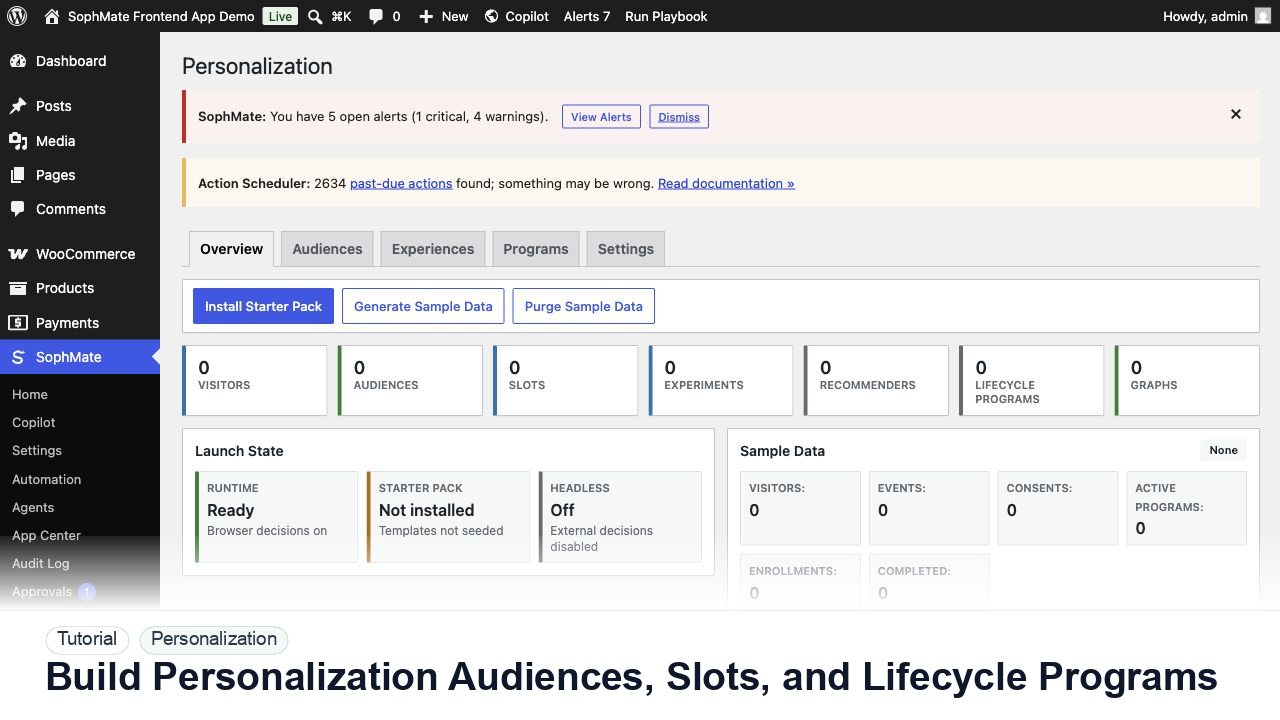
Create Personalization audiences, variants, slots, recommenders, experiments, and lifecycle programs with consent-aware fallbacks.
By the end of this tutorial, you will know how to use SophMate for SophMate personalization lifecycle programs while keeping the work reviewable inside WordPress.
A growth team wants returning visitors, cart abandoners, and post-purchase customers to see different content without losing consent or fallback discipline.
Use this tutorial to evaluate whether SophMate can personalize responsibly. Buyers should look for consent-aware audiences, fallback content, sensitive-page exclusions, explainability, experiment evidence, and privacy-owner review.
Review this personalization slot before launch. Check consent state, audience logic, fallback content, sensitive-page exclusions, experiment metric, and privacy-owner approval.
The tutorial image shows the Personalization dashboard because audience, slot, sample data, graph health, and launch readiness need to be reviewed together.
Keep fallbacks valid and avoid sensitive traits or sensitive pages unless the privacy model explicitly allows the use case.
Build an audience from explainable behavior such as returning visitors, category interest, lifecycle stage, or cart state. Avoid sensitive traits.
Choose a slot, write default content that works for everyone, then add variants only after the fallback is acceptable.
Use recommenders and lifecycle programs only when the entry rule, goal event, exit condition, and owner are clear.
Set a measurable goal and guardrail metrics such as complaints, latency, refunds, unsubscribe rate, or support contact rate.
Wait for enough evidence, then record whether the audience, slot, recommender, or lifecycle program should continue, pause, or change.
The personalization workflow is successful when fallback content works, audience logic is explainable, privacy review is complete, and experiment results guide the next decision.
If audience logic or consent behavior is unclear, disable the slot, serve fallback content, and review experiment evidence before relaunch.
Document audience rule, slot, fallback content, consent behavior, sensitive-page exclusions, explainability notes, and experiment success metric.
A growth owner should review experiment results, while a privacy owner reviews sensitive audience, consent, and fallback decisions before launch.
Escalate when audience rules, sensitive pages, consent state, or experiment interpretation affect privacy or customer trust.
No. Use consent-aware, explainable audience rules and avoid sensitive traits or sensitive pages unless the privacy owner has approved the use case.
No. SophMate should make the work easier to draft, inspect, approve, and repeat. Human review remains necessary when output affects customers, money, published content, privacy, settings, or workflow execution.
Record the owner, input scope, access boundary, approval point, failure modes tested, evidence location, monitoring window, and rollback or stop path.
Launch the slot to a narrow audience or staging surface first, then compare fallback behavior, consent handling, and experiment evidence before broader exposure.
Next step
Review the SophMate listing for current package details, screenshots, compatibility notes, and license terms.
Related
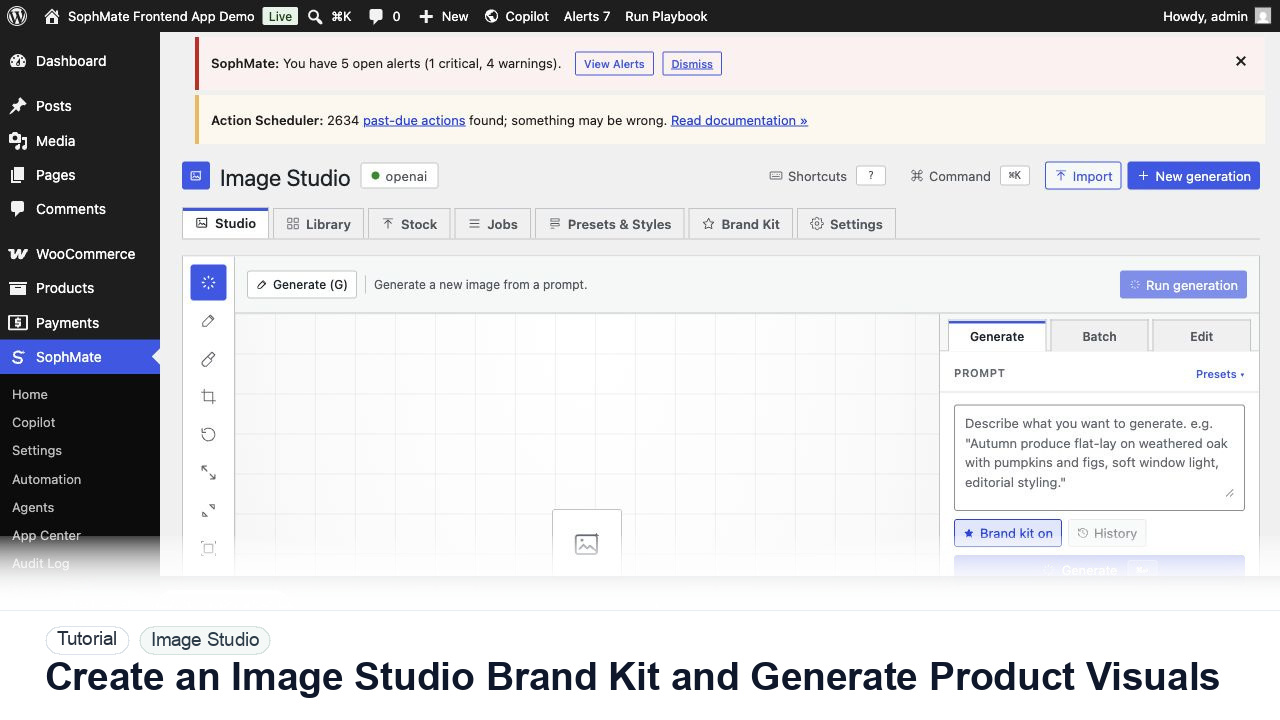
Create an Image Studio brand kit, write a product visual prompt, generate a draft, and keep image publishing under review.
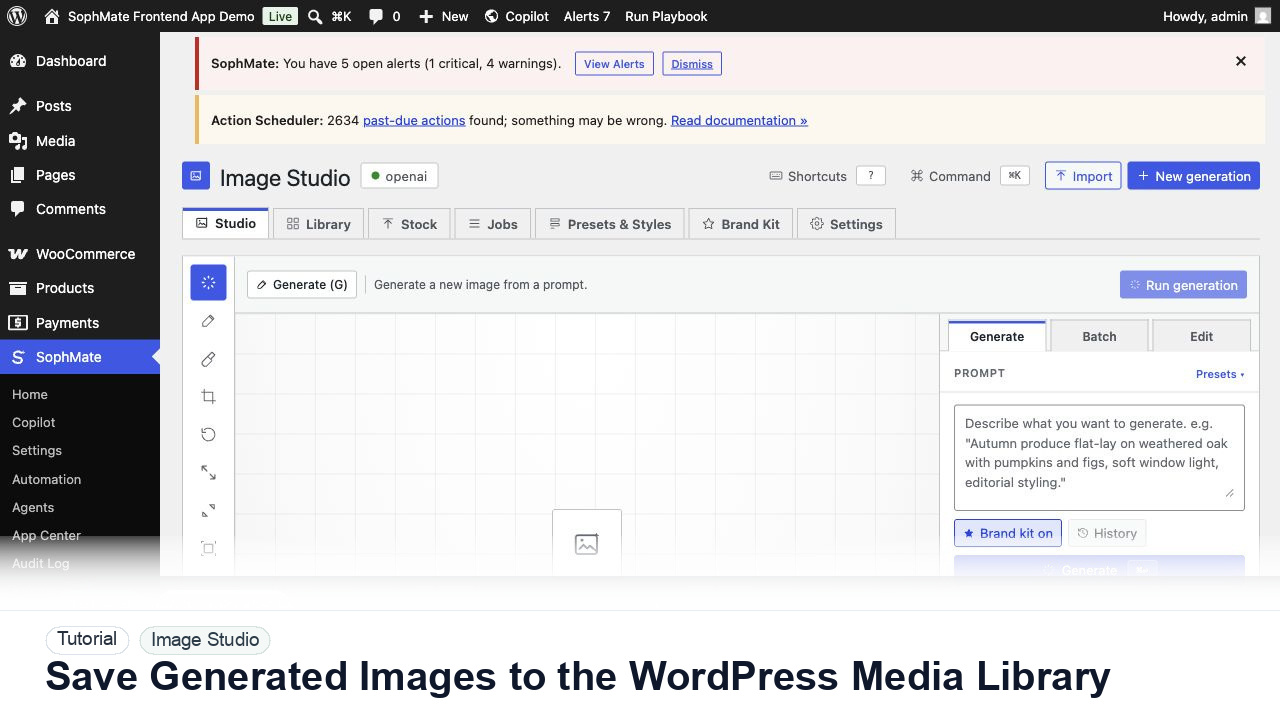
Move approved Image Studio outputs into the WordPress Media Library with metadata, alt text, and publishing intent.
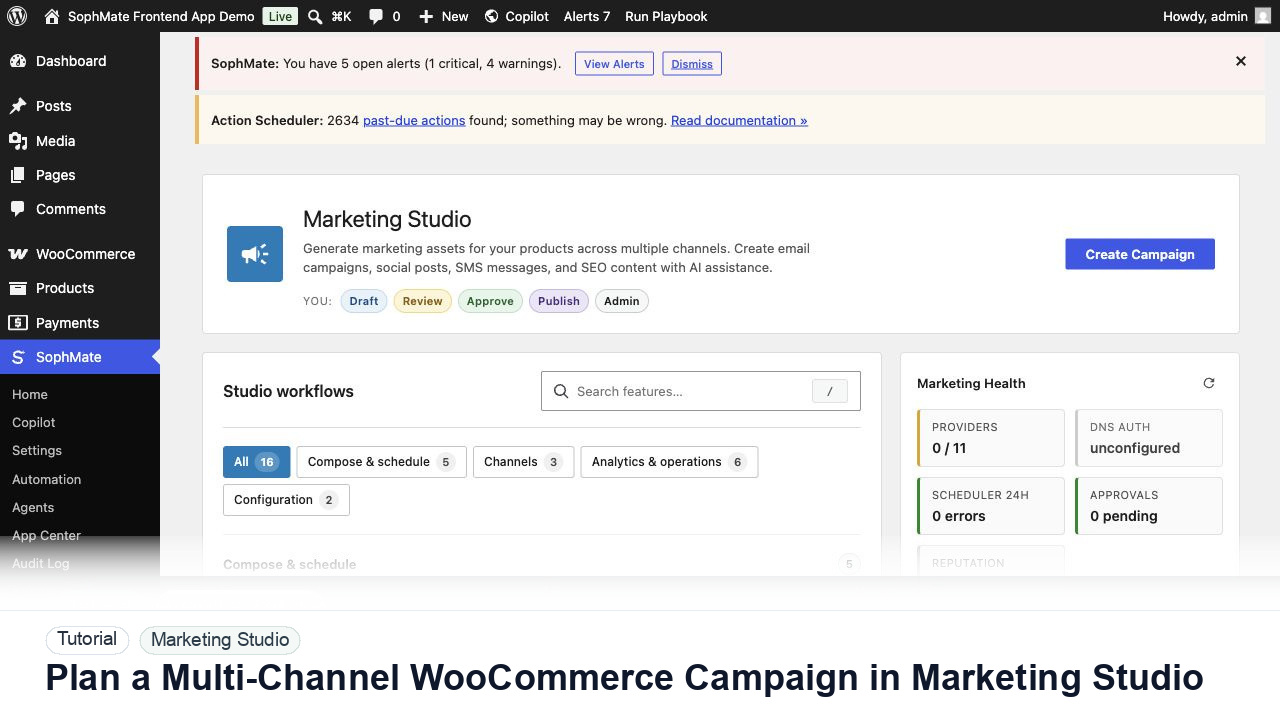
Use Marketing Studio to plan campaign goals, product context, channel drafts, provider health, review status, and next actions for WooCommerce promotions.