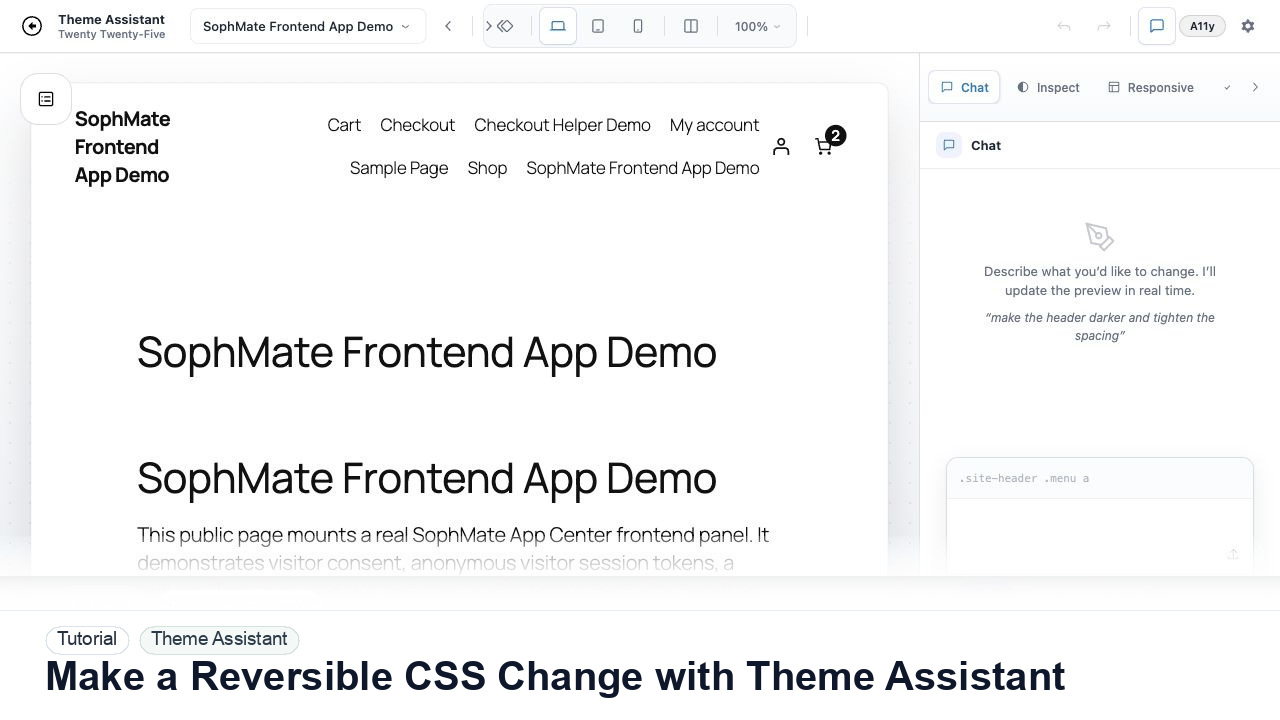
Make a Reversible CSS Change with Theme Assistant
Use Theme Assistant to request a CSS refinement, inspect the preview, review generated CSS, and keep the change reversible through history.
Tutorial tag
Related SophMate tutorials. Tag archives stay noindex until they are curated into high-value search pages.
Use Theme Assistant to request a CSS refinement, inspect the preview, review generated CSS, and keep the change reversible through history.
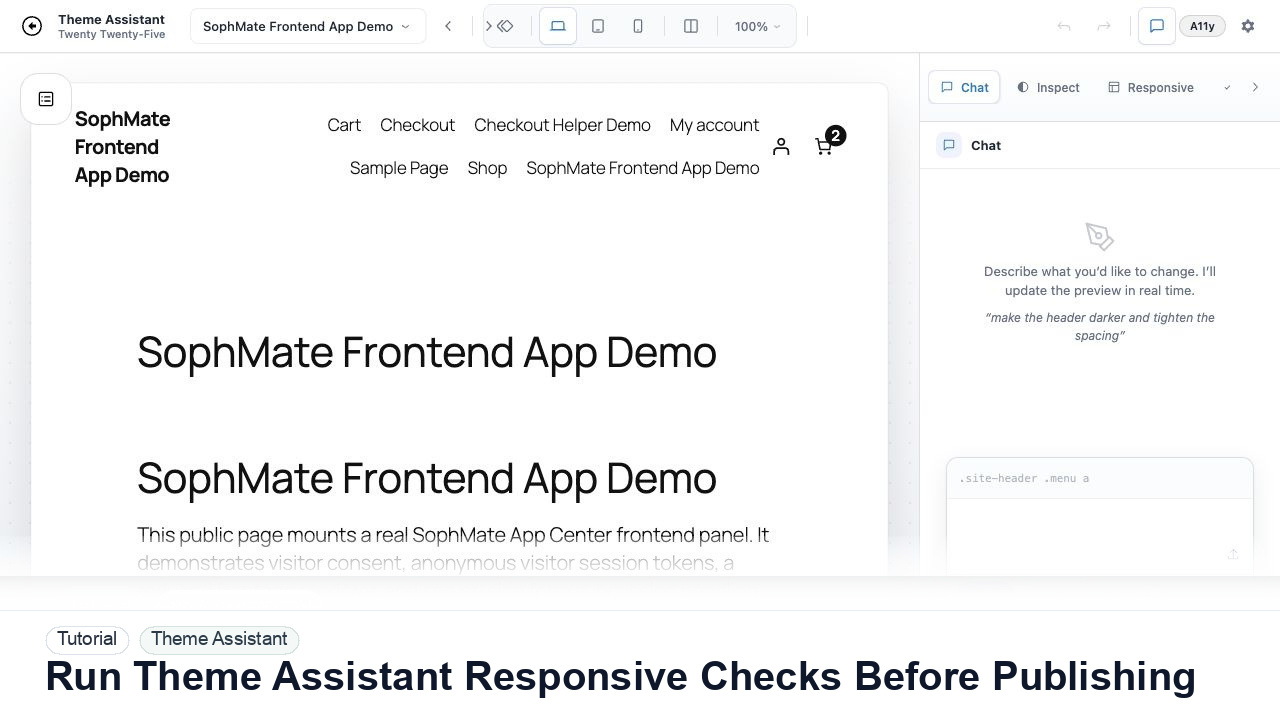
Switch Theme Assistant between desktop, tablet, and mobile views to catch spacing, navigation, overflow, and CTA issues before publishing CSS.
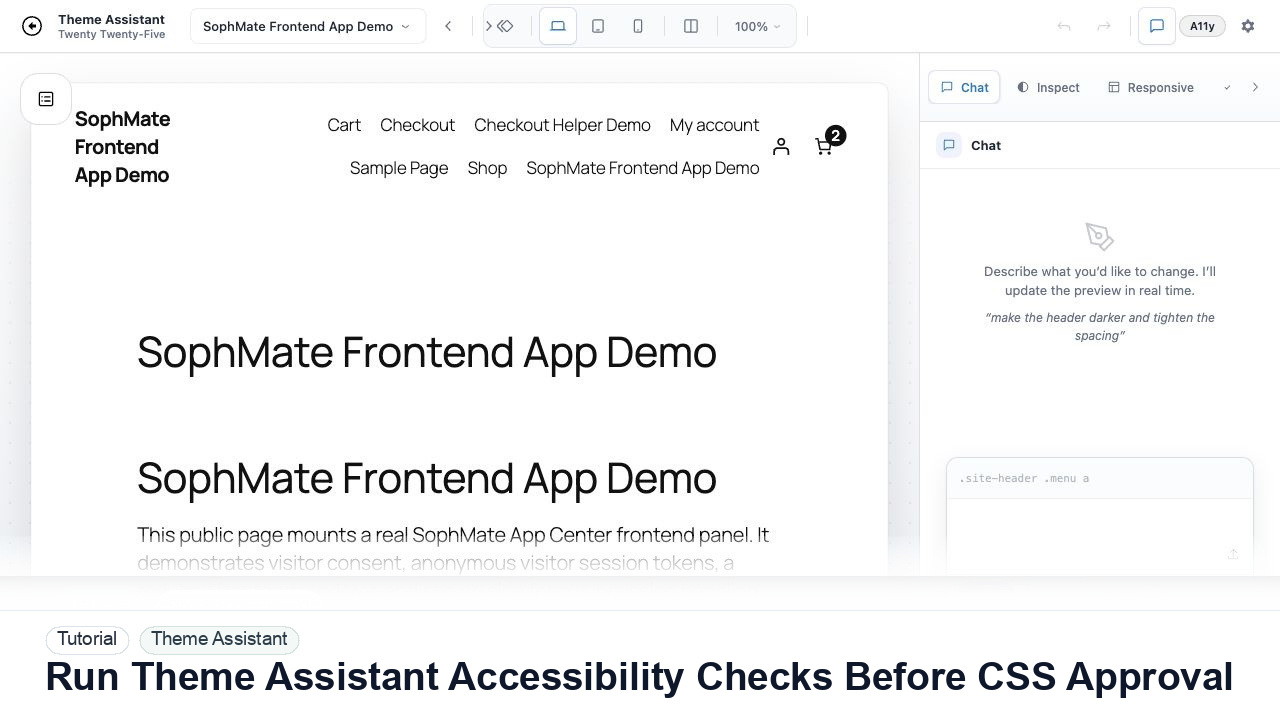
Use Theme Assistant accessibility checks to review contrast, hierarchy, spacing, and tap-target concerns before approving AI-generated CSS.
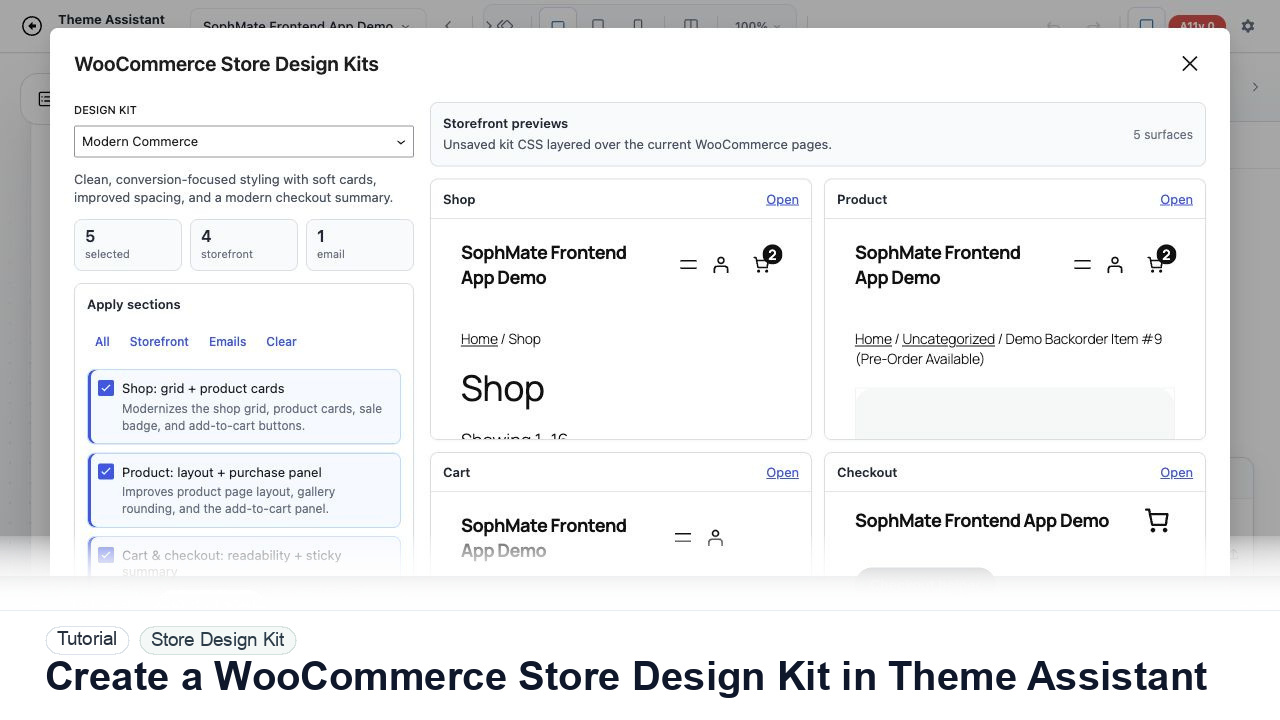
Use Theme Assistant to gather tokens, page patterns, product-card styling, checkout cues, and reusable CSS guidance for a WooCommerce design kit.
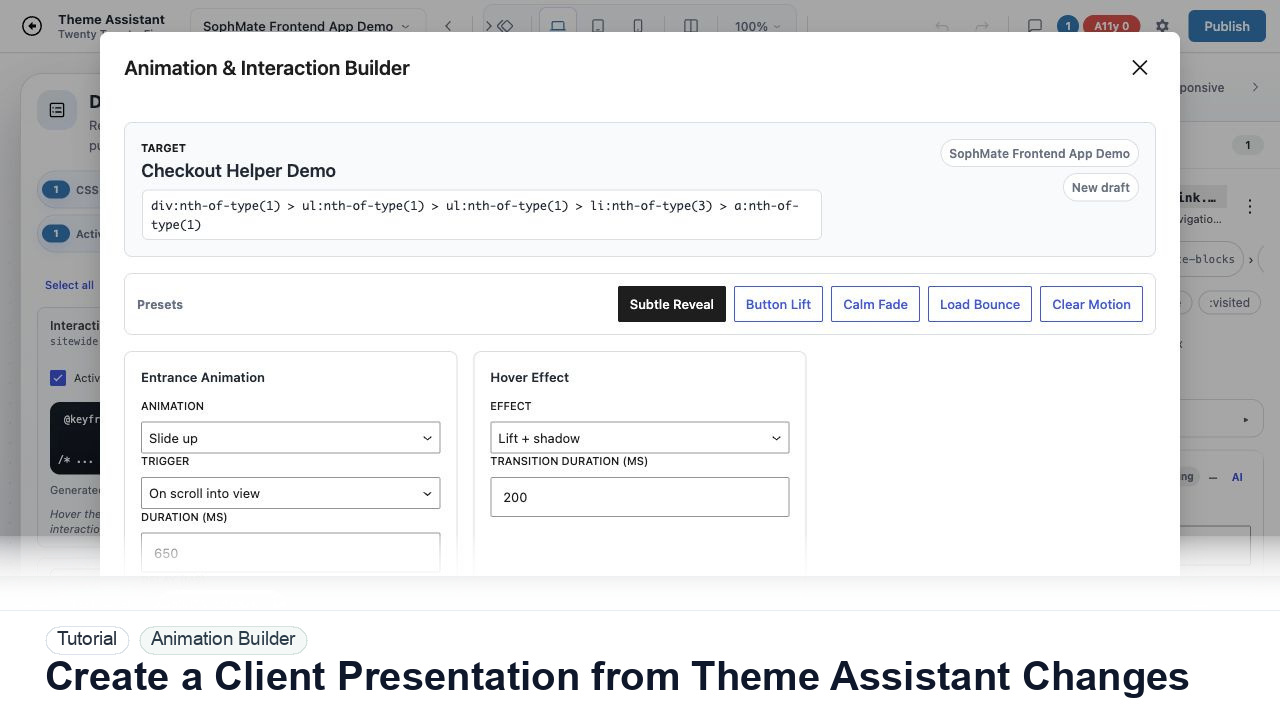
Package Theme Assistant design changes into a client presentation with before-and-after notes, responsive findings, accessibility concerns, and approval status.
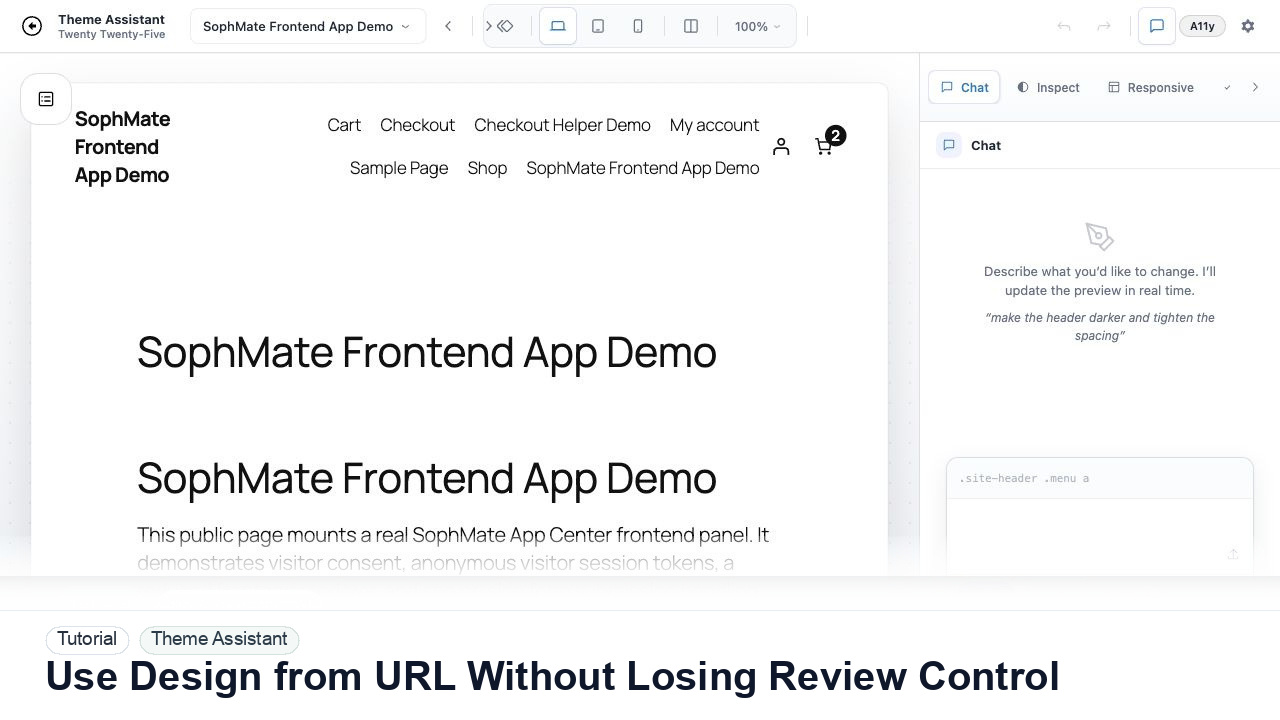
Use Theme Assistant design-reference URLs as inspiration while keeping CSS proposals reviewable, scoped, and aligned with the current WordPress theme.
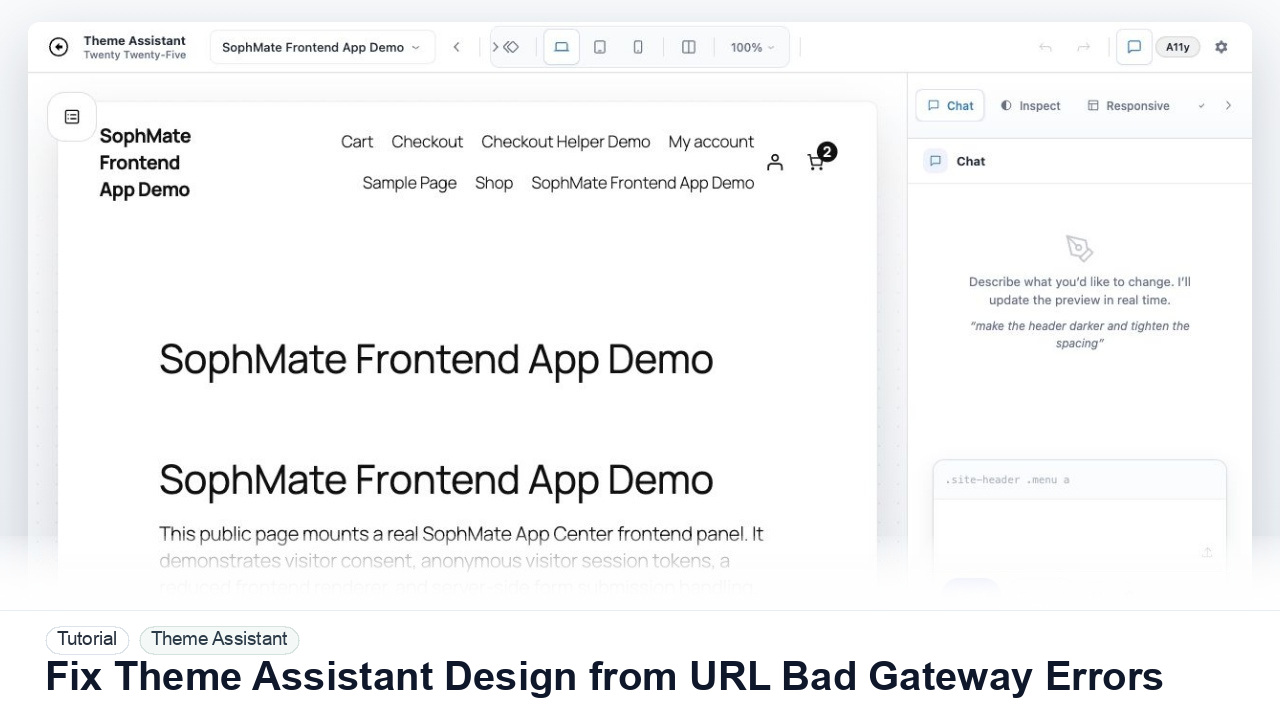
Troubleshoot Theme Assistant design-reference URLs that return 502 Bad Gateway, blocked fetches, SSL errors, login walls, or unusable page snapshots.
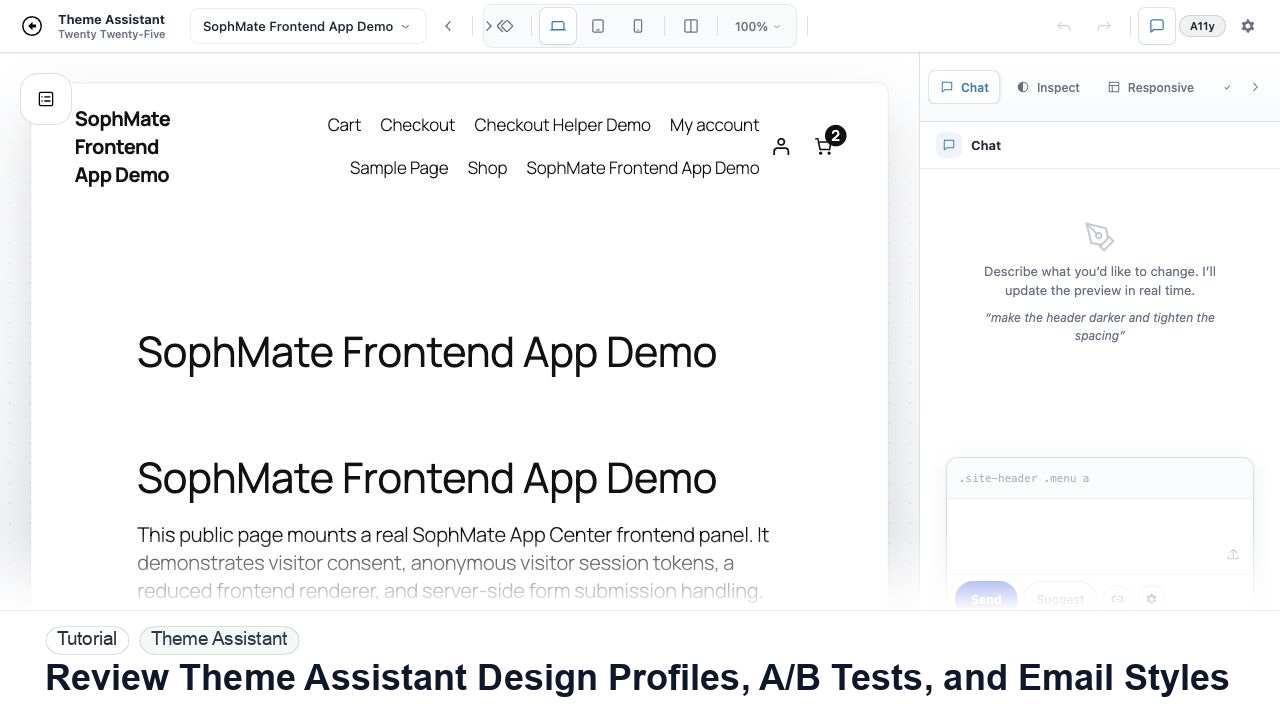
Review Theme Assistant design profiles, A/B tests, WooCommerce email styles, template drafts, and theme-switch migration before publication.
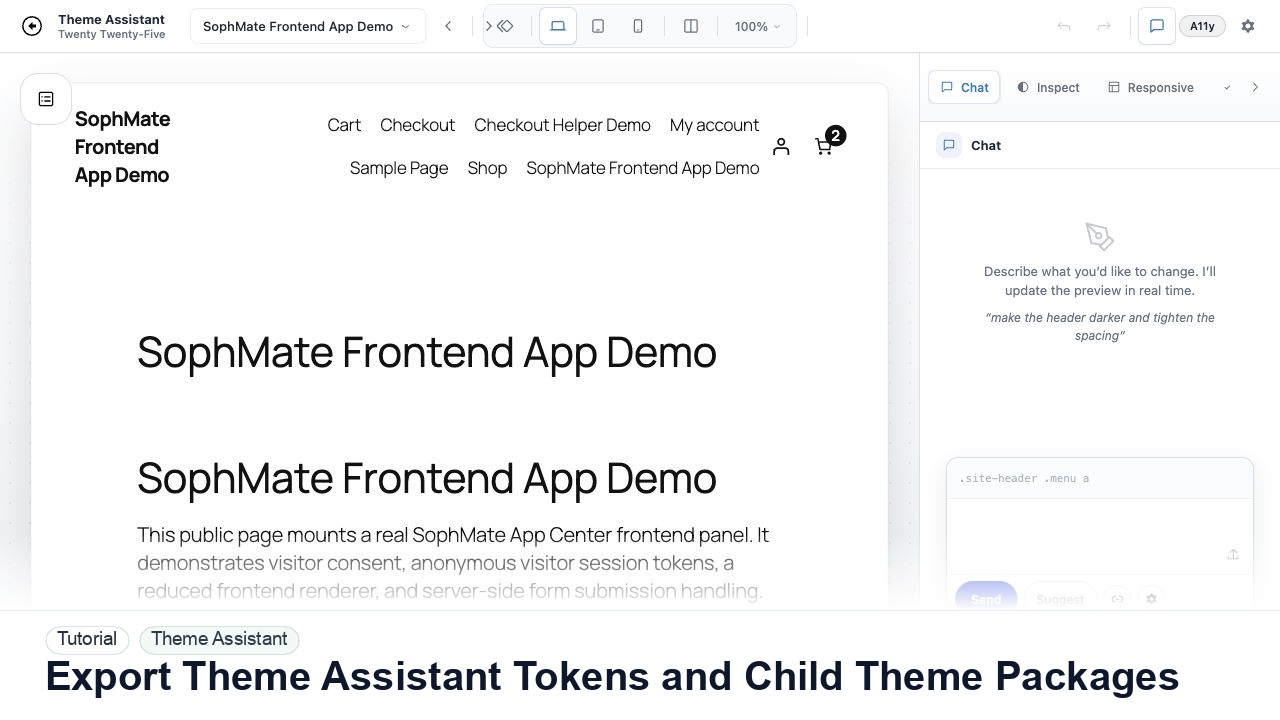
Export Theme Assistant tokens and child theme packages with review notes, rollback paths, and migration checks before handing work to developers.