Review Sales Trends in SophMate Insights
Use SophMate Insights to review WooCommerce net sales, orders, average order value, refunds, profit, goals, AI summaries, and report exports.
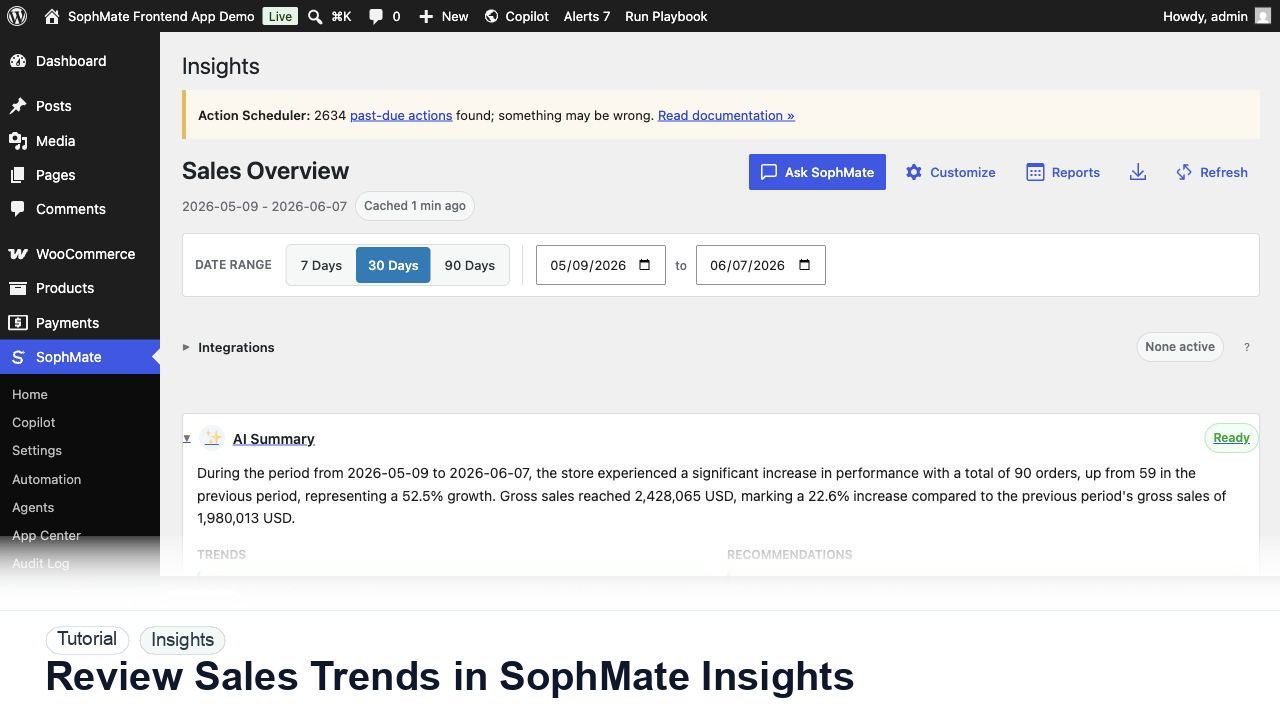
Use SophMate Insights to review WooCommerce net sales, orders, average order value, refunds, profit, goals, AI summaries, and report exports.
By the end of this tutorial, you will know how to use SophMate for WooCommerce AI analytics while keeping the work reviewable inside WordPress.
A founder wants to understand whether a recent campaign raised revenue or only shifted discounts into lower-margin orders.
Use this tutorial to evaluate whether SophMate keeps WooCommerce reporting reviewable rather than turning AI summaries into business authority. Reports should preserve date range, refund, discount, margin, attribution, export, and approval context.
Review these WooCommerce sales trends for decision support. Compare date range, refunds, discounts, margin context, attribution caveats, and recommend only reviewed next steps.
The tutorial image shows SophMate Insights context where sales trends, refunds, margin, goals, AI summaries, exports, and report schedules are reviewed before business decisions are made.
Treat AI summaries as decision support, not approval to change prices, coupons, stock, campaigns, customer segments, or financial reporting.
Go to SophMate > Insights and choose the date range that matches the decision. Compare seven, thirty, and ninety-day windows when seasonality matters.
Net sales, order count, average order value, refunds, gross profit, and margin should be read as a group. A single rising number can hide a margin problem.
Ask SophMate to explain the pattern, then verify the claims against visible charts, product reports, and date filters.
If the result suggests a coupon, product update, or customer segment, route it through Marketing Studio or an action plan.
Use report schedules or a workflow to create a repeatable operations check instead of relying on ad hoc review.
The reporting workflow is successful when the date range, refunds, margin context, attribution caveats, export evidence, and approval handoff are clear before any business action follows.
If report context is incomplete or misleading, stop any campaign, coupon, stock, pricing, or customer-impacting follow-up until the date range, source data, refunds, margin assumptions, and owner review are corrected.
Document report date range, timezone, comparison window, refund and discount context, attribution caveats, export location, summary owner, and any approved follow-up action.
The store owner, finance owner, or marketing lead should review reports before decisions. Use this workflow after campaigns, monthly reviews, seasonal spikes, or unusual refund and margin changes.
Escalate when reports drive pricing, stock, coupon, campaign, client billing, financial, or customer-impacting decisions and source data, attribution, refunds, or margin assumptions are unclear.
No. Insights is decision support for operators. Accounting, tax, margin close, and financial reporting should stay in the systems and review processes responsible for those records.
No. SophMate should make the work easier to draft, inspect, approve, and repeat. Human review remains necessary when output affects customers, money, published content, privacy, settings, or workflow execution.
Record the owner, input scope, access boundary, approval point, failure modes tested, evidence location, monitoring window, and rollback or stop path.
Use this report once as a decision review baseline. If it leads to a coupon, campaign, stock, pricing, or client-reporting decision, route that follow-up through the relevant approval or campaign workflow and keep the export attached to the decision record.
Next step
Review the SophMate listing for current package details, screenshots, compatibility notes, and license terms.
Related
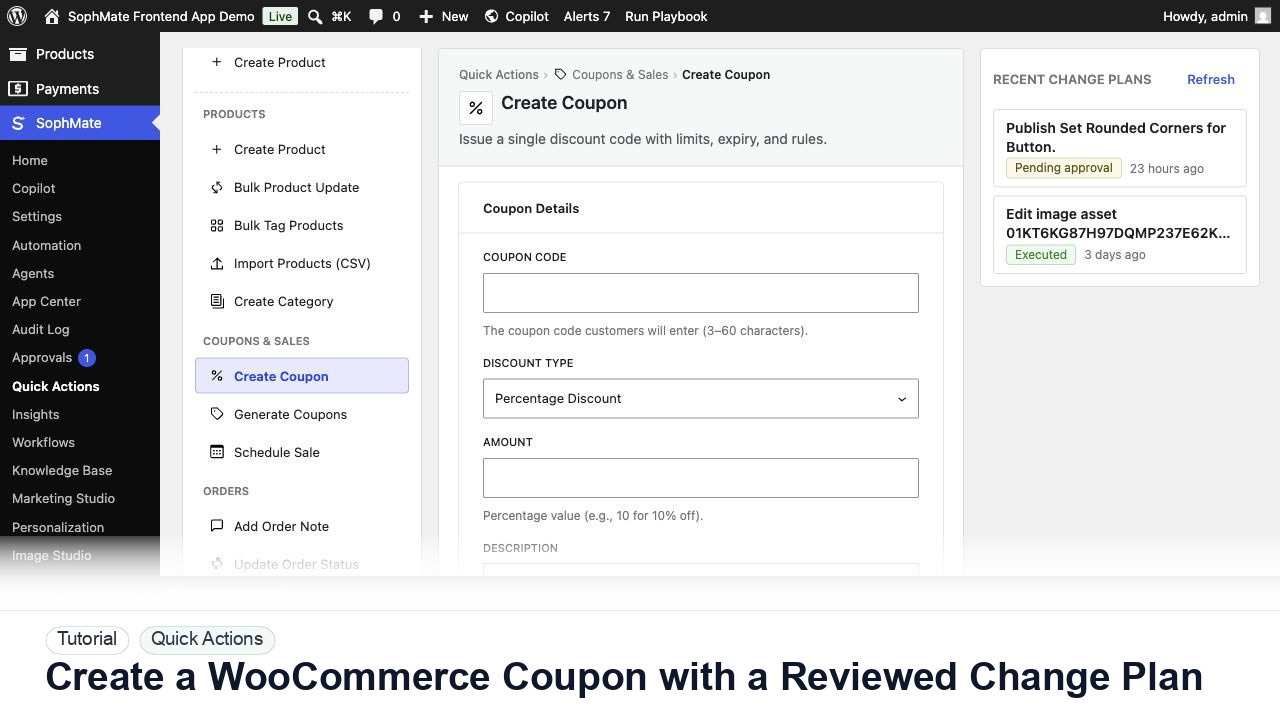
Create a WooCommerce coupon with SophMate, review the generated change plan, and apply the discount only after settings are confirmed.
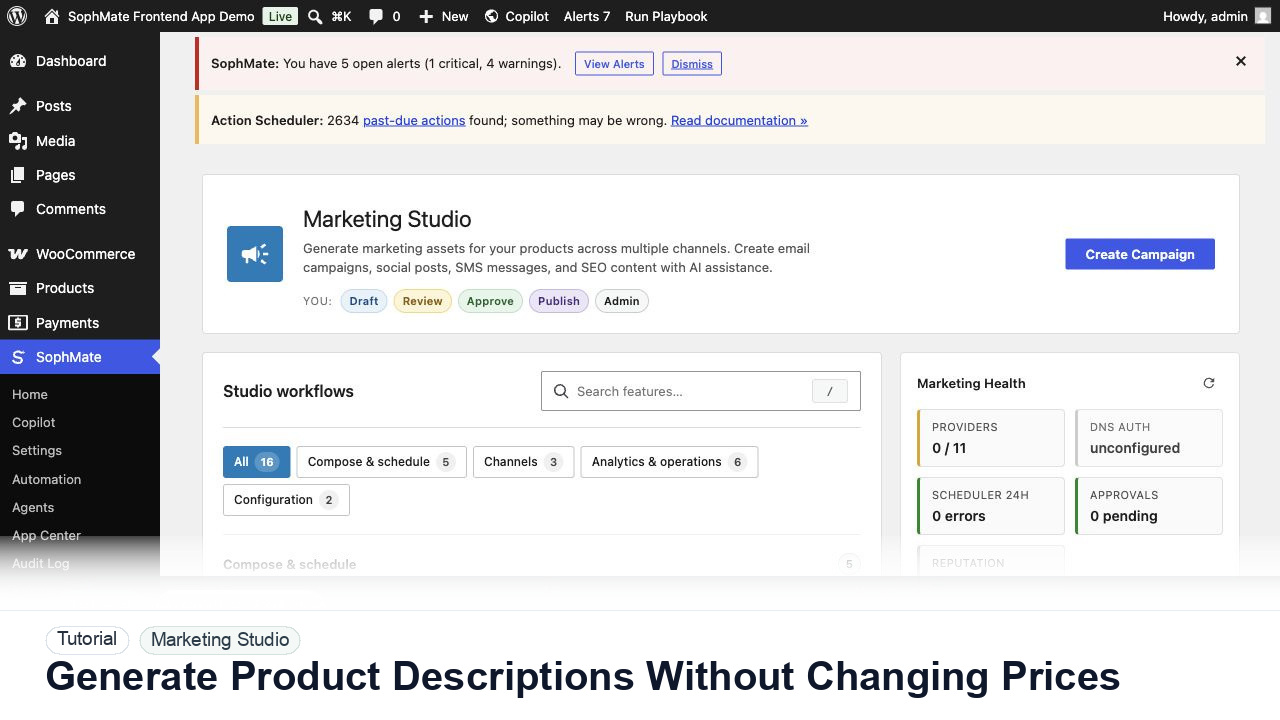
Use SophMate to draft product descriptions, SEO titles, and short descriptions while keeping price, stock, shipping, and variation settings out of scope.
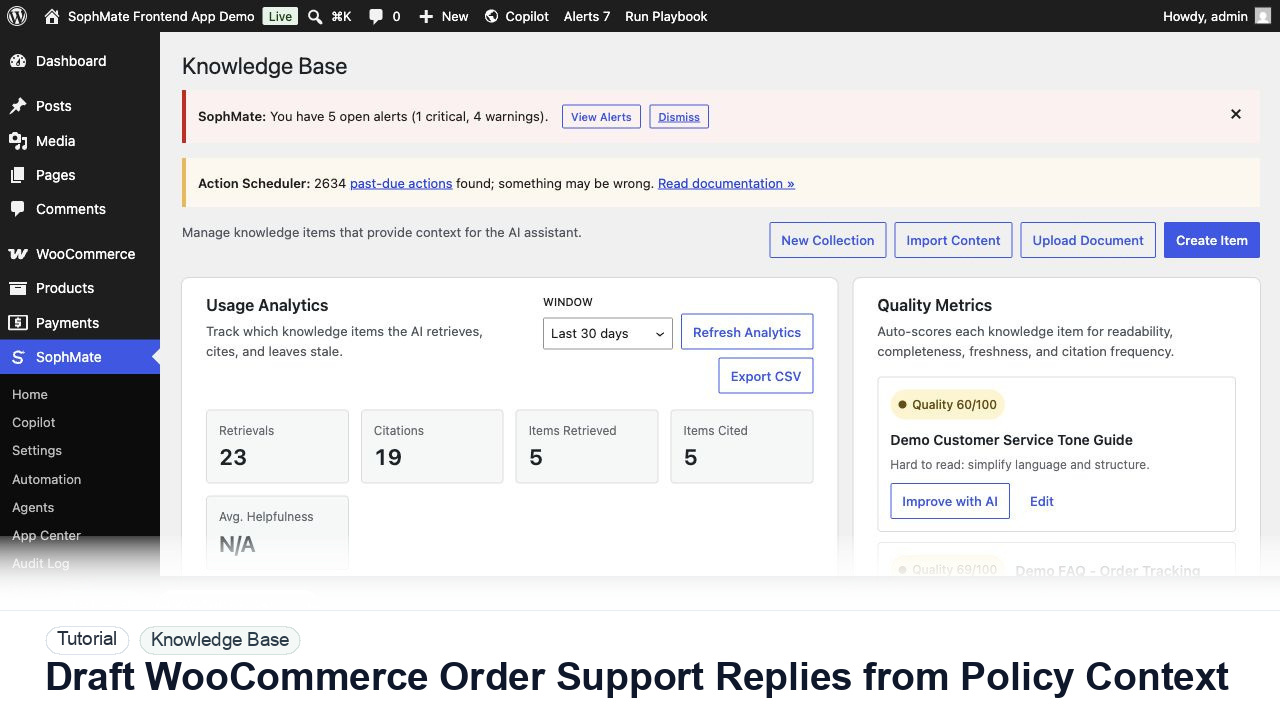
Draft WooCommerce order replies using order context, Knowledge Base policies, tone guides, and review controls before sending anything to a customer.