How to Answer Refund Questions in WooCommerce
Use SophMate to draft WooCommerce refund replies from order context, Knowledge Base policy sources, tone rules, and human review.
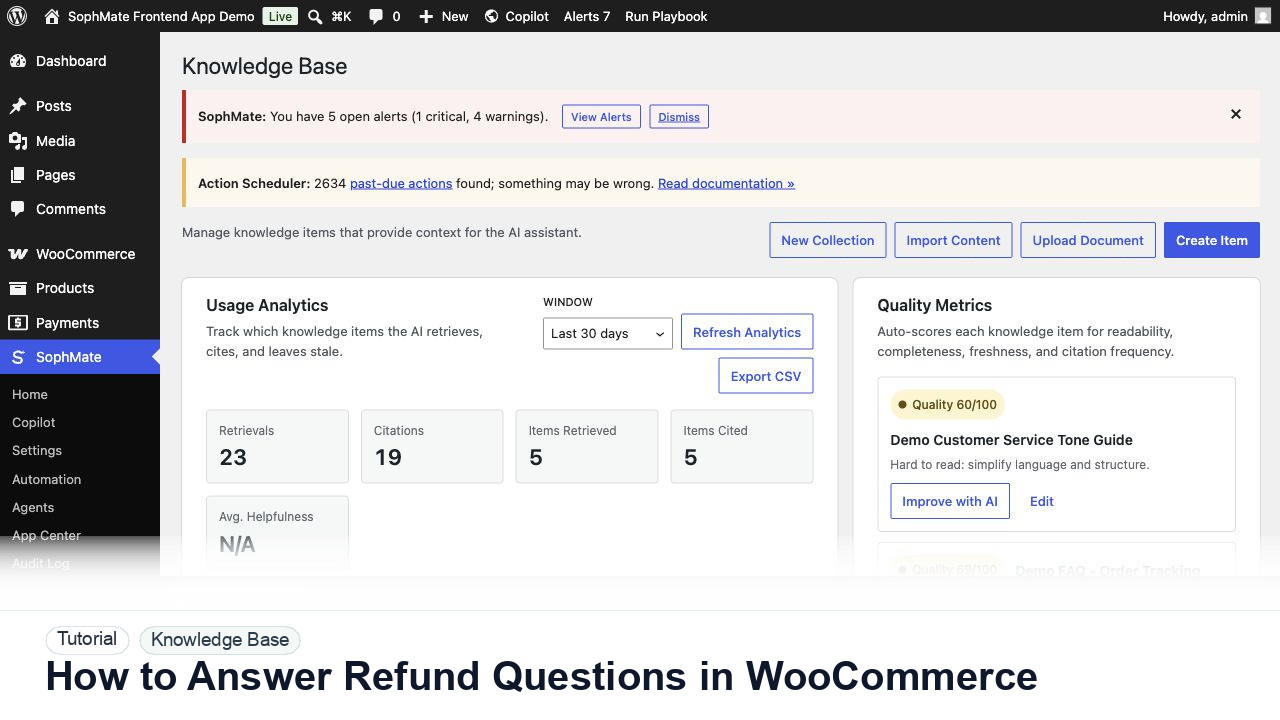
Use SophMate to draft WooCommerce refund replies from order context, Knowledge Base policy sources, tone rules, and human review.
By the end of this tutorial, you will know how to use SophMate for answering WooCommerce refund questions while keeping the work reviewable inside WordPress.
A customer asks why a refund has not arrived yet, and the support user needs a reply that reflects the order status and store policy.
WooCommerce order data explains what happened, but it does not automatically produce a policy-safe customer reply. The limitation is the gap between order status, refund timing, support authority, and what the customer can be promised.
Use this tutorial to evaluate whether SophMate can answer from approved business sources instead of generic AI memory. Buyers should look for source ownership, sync quality, citation checks, stale-content handling, and policy-review cadence.
Draft an answer using only current Knowledge Base sources. Show the cited source, identify stale or conflicting policy text, and suggest source edits instead of guessing.
The tutorial image shows Knowledge Base collections, quality signals, usage analytics, and policy items because cited answers depend on the quality of source material.
If SophMate cannot cite a current source, improve the Knowledge Base item before relying on the answer.
Start from the WooCommerce order or Copilot with the order ID, payment state, refund state, shipping status, and customer message.
Confirm the Knowledge Base includes the current refund window, processing timeline, exceptions, and escalation rules before asking for the reply.
Ask SophMate for a customer-ready draft that cites the relevant policy and separates confirmed facts from suggested next steps.
Check whether the reply promises money, credits, replacements, legal outcomes, or timelines that the support user cannot approve.
Use the approved wording in your helpdesk or order note flow, then record any escalation or policy gap for future Knowledge Base cleanup.
The Knowledge Base workflow is successful when Copilot or an agent cites the expected source, the answer matches the current policy, and weak source material is improved instead of hidden by prompting.
If citations are stale or wrong, stop using the answer, update the source item, rerun sync or reindexing, and retest before support teams rely on it.
Document source page, collection, sync mode, quality notes, citation test, and any policy owner who must approve future changes.
A support lead or policy owner should review Knowledge Base workflows after policy changes and during regular support-quality review.
Escalate when policy ownership is unclear, citations point to stale sources, or agents depend on content that no team member can approve.
Stop and inspect the source material. Missing or weak citations usually mean the Knowledge Base item needs clearer headings, fresher policy text, or a narrower collection.
No. SophMate should make the work easier to draft, inspect, approve, and repeat. Human review remains necessary when output affects customers, money, published content, privacy, settings, or workflow execution.
Record the owner, input scope, access boundary, approval point, failure modes tested, evidence location, monitoring window, and rollback or stop path.
Run one citation test against the approved source, revise the Knowledge Base item if the answer is weak, and only then let Copilot or agents rely on it.
Next step
Review the SophMate listing for current package details, screenshots, compatibility notes, and license terms.
Related
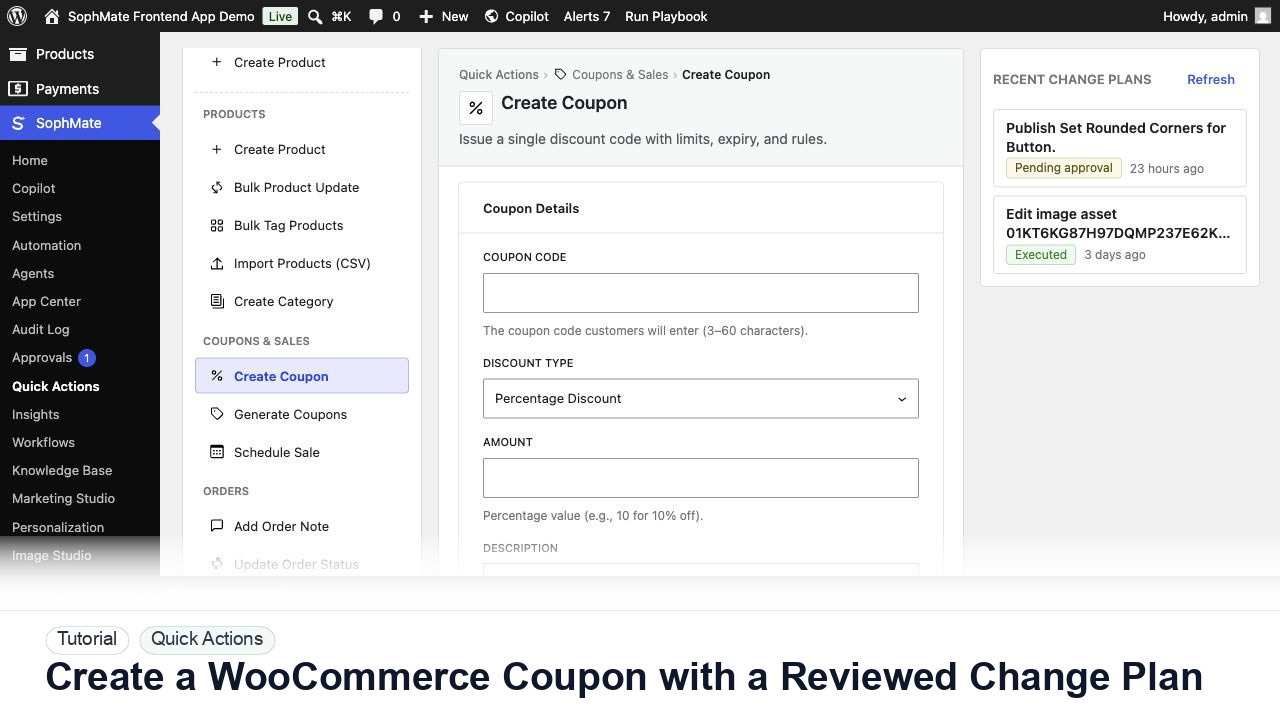
Create a WooCommerce coupon with SophMate, review the generated change plan, and apply the discount only after settings are confirmed.
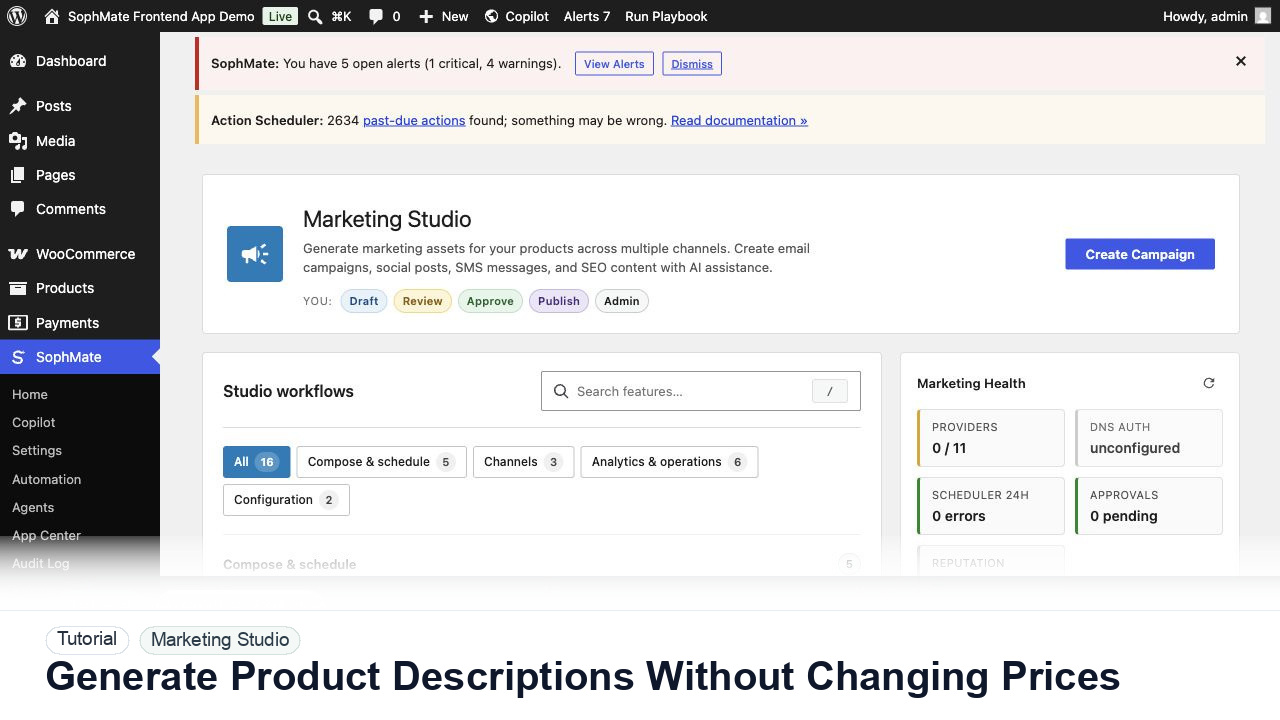
Use SophMate to draft product descriptions, SEO titles, and short descriptions while keeping price, stock, shipping, and variation settings out of scope.
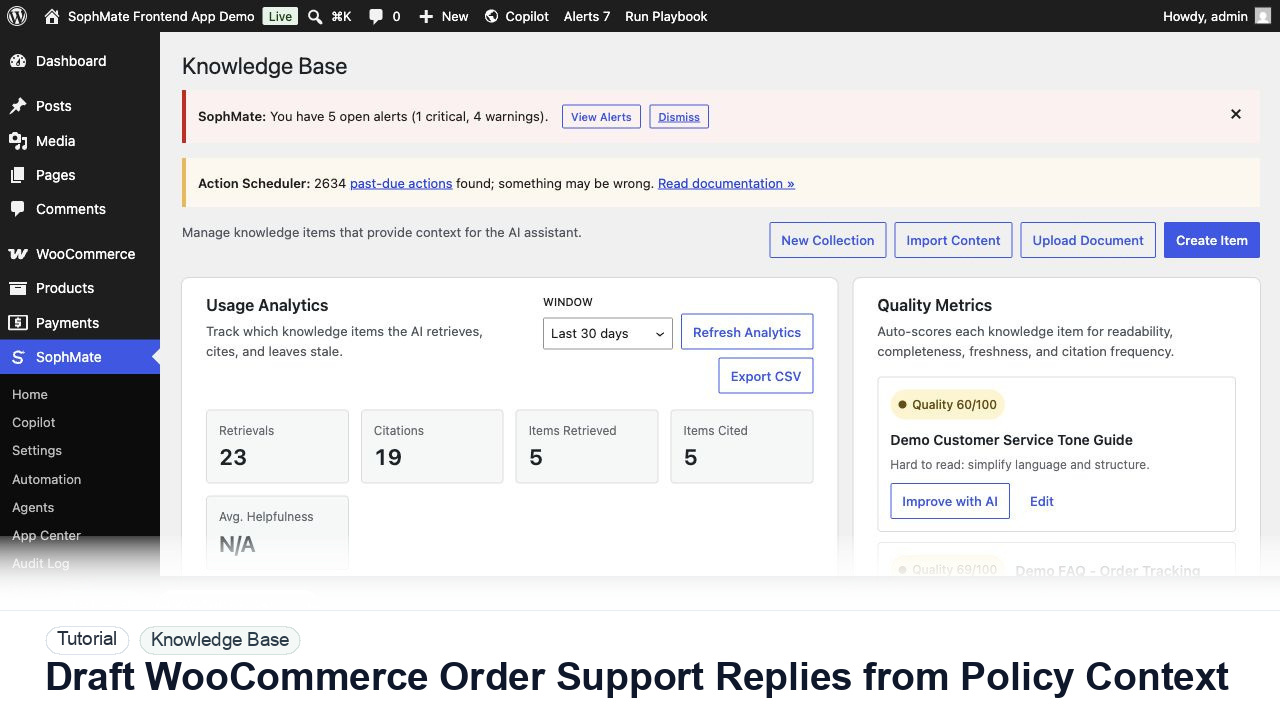
Draft WooCommerce order replies using order context, Knowledge Base policies, tone guides, and review controls before sending anything to a customer.