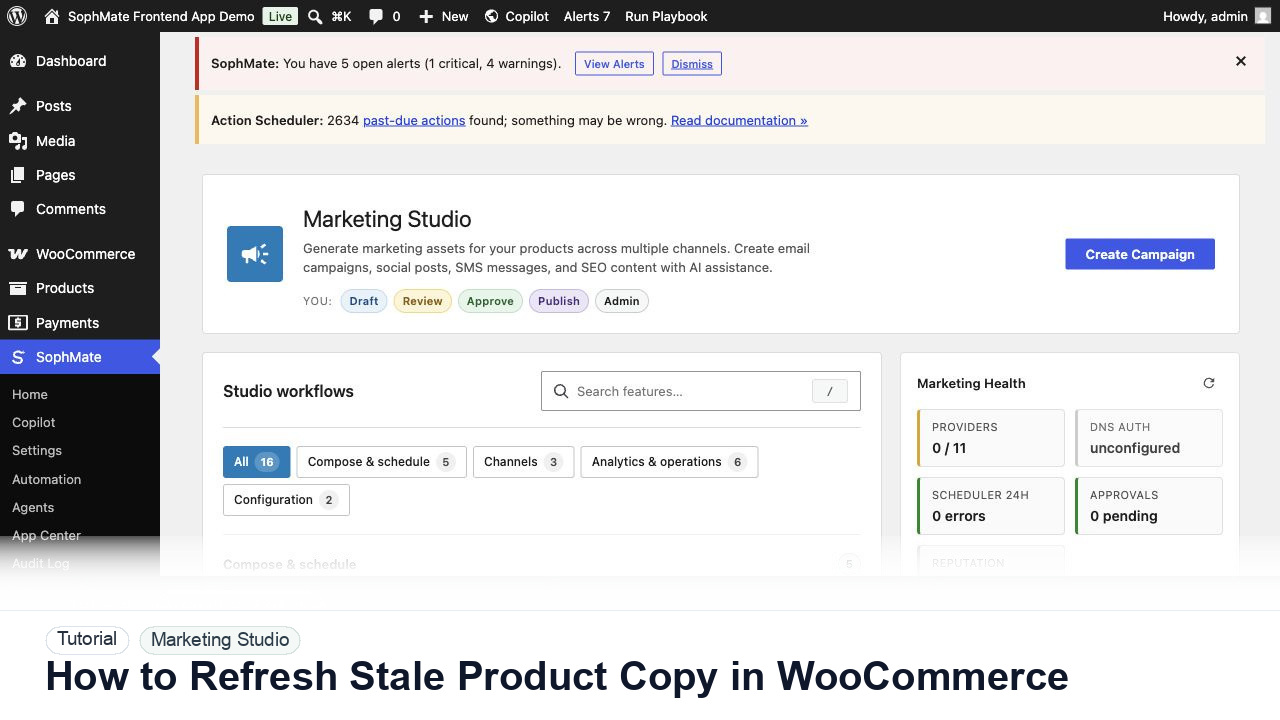
How to Refresh Stale Product Copy in WooCommerce
Use SophMate to refresh stale WooCommerce product descriptions while protecting price, stock, shipping, and variation fields.
Tutorial tag
Related SophMate tutorials. Tag archives stay noindex until they are curated into high-value search pages.
Use SophMate to refresh stale WooCommerce product descriptions while protecting price, stock, shipping, and variation fields.
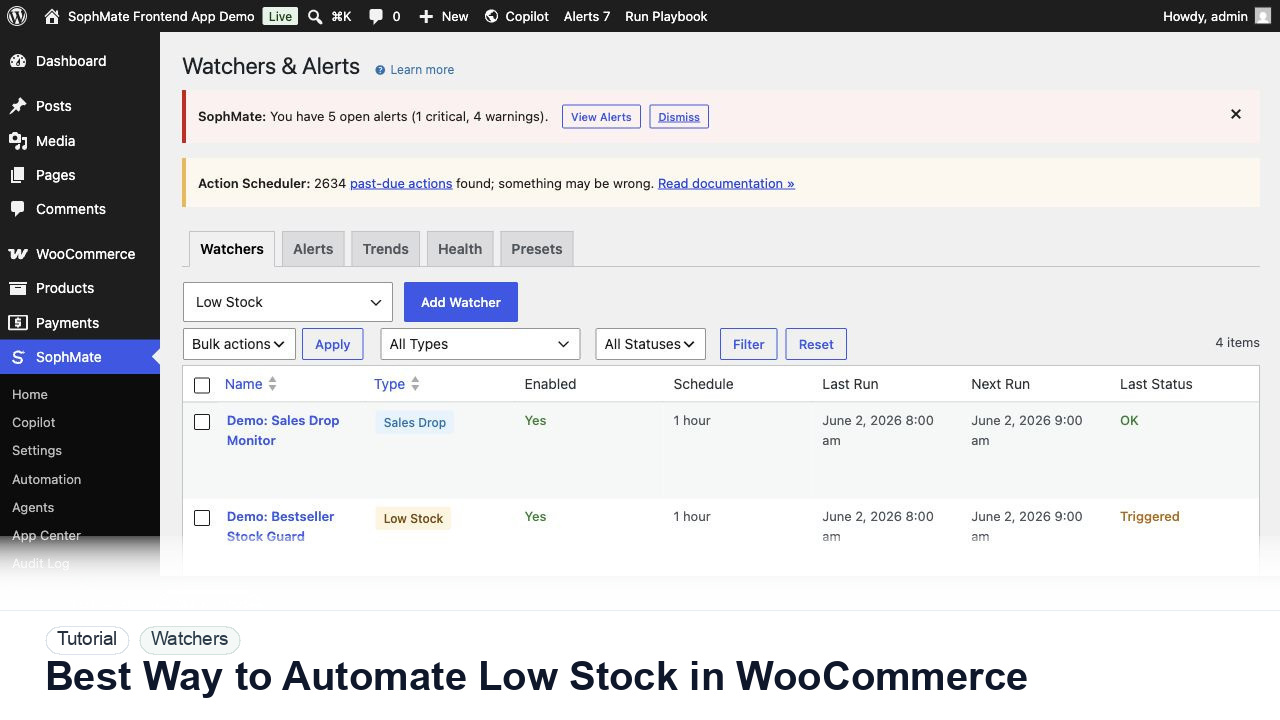
Use SophMate watchers and workflows to automate WooCommerce low-stock follow-up without creating noisy alerts or unapproved actions.
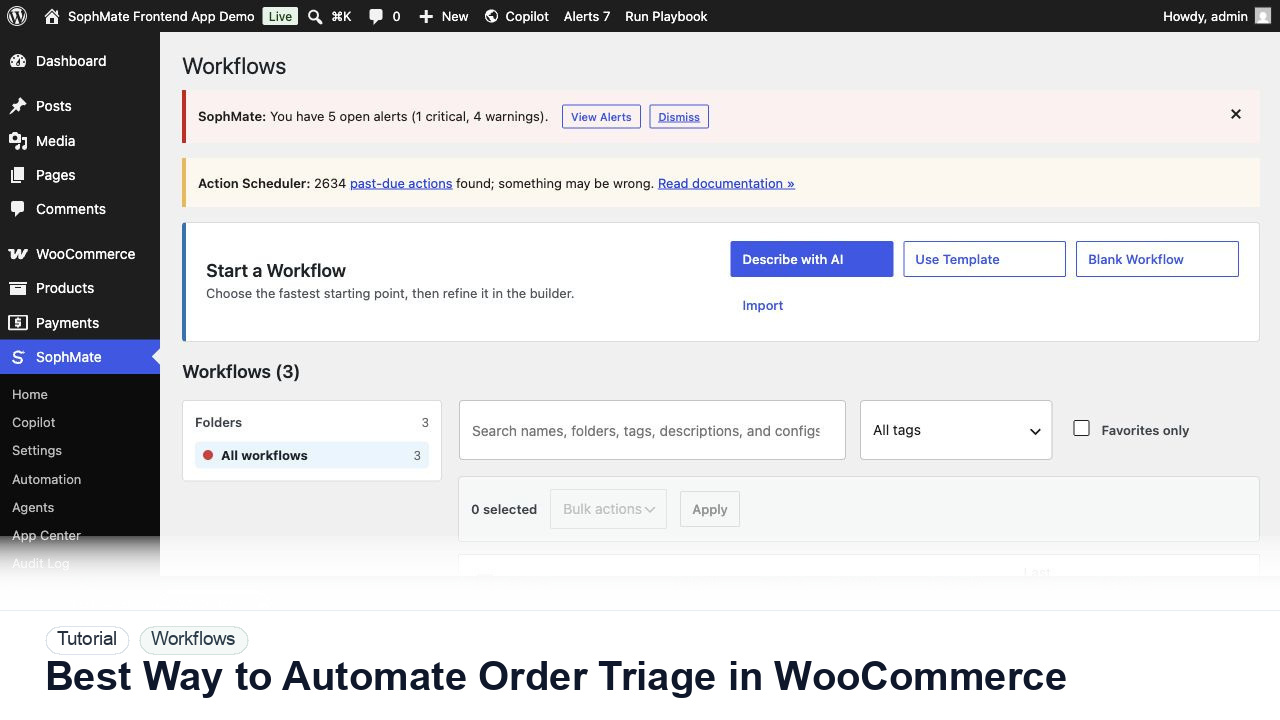
Use SophMate workflows to automate WooCommerce order triage for delayed, failed, high-value, or exception-heavy orders.
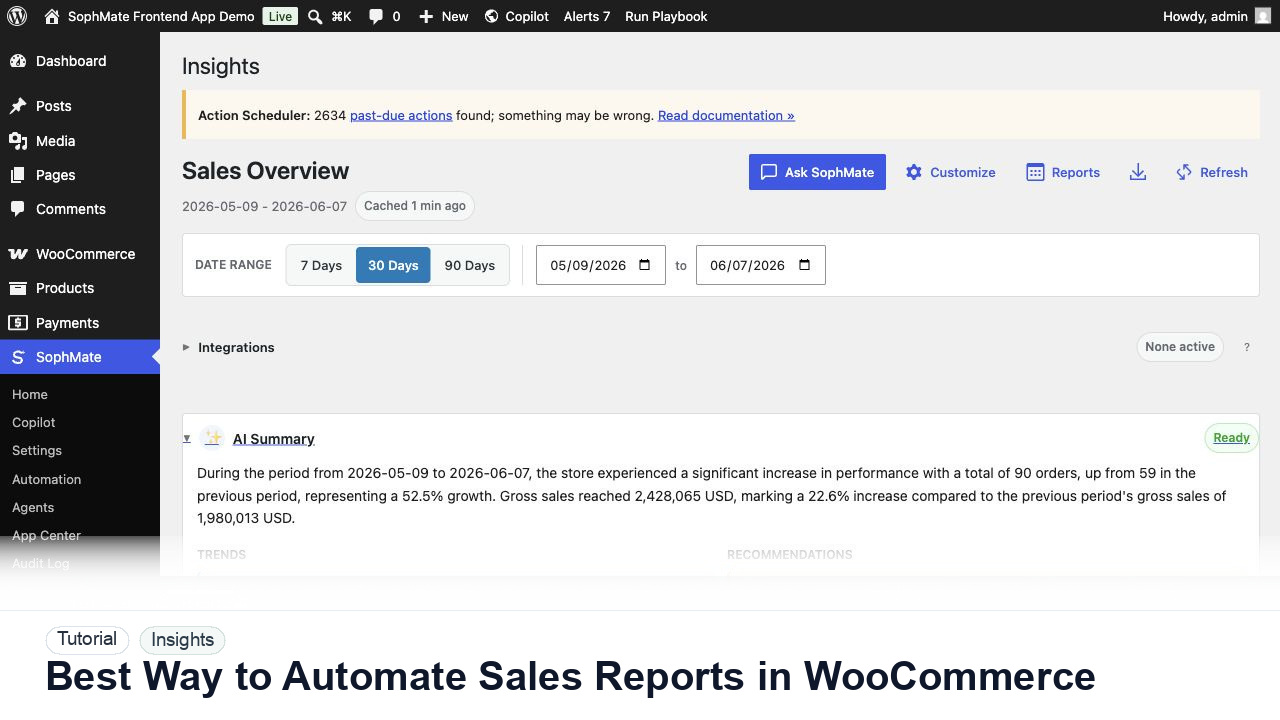
Use SophMate Insights to automate WooCommerce sales reports with date ranges, refund context, owners, and decision boundaries.
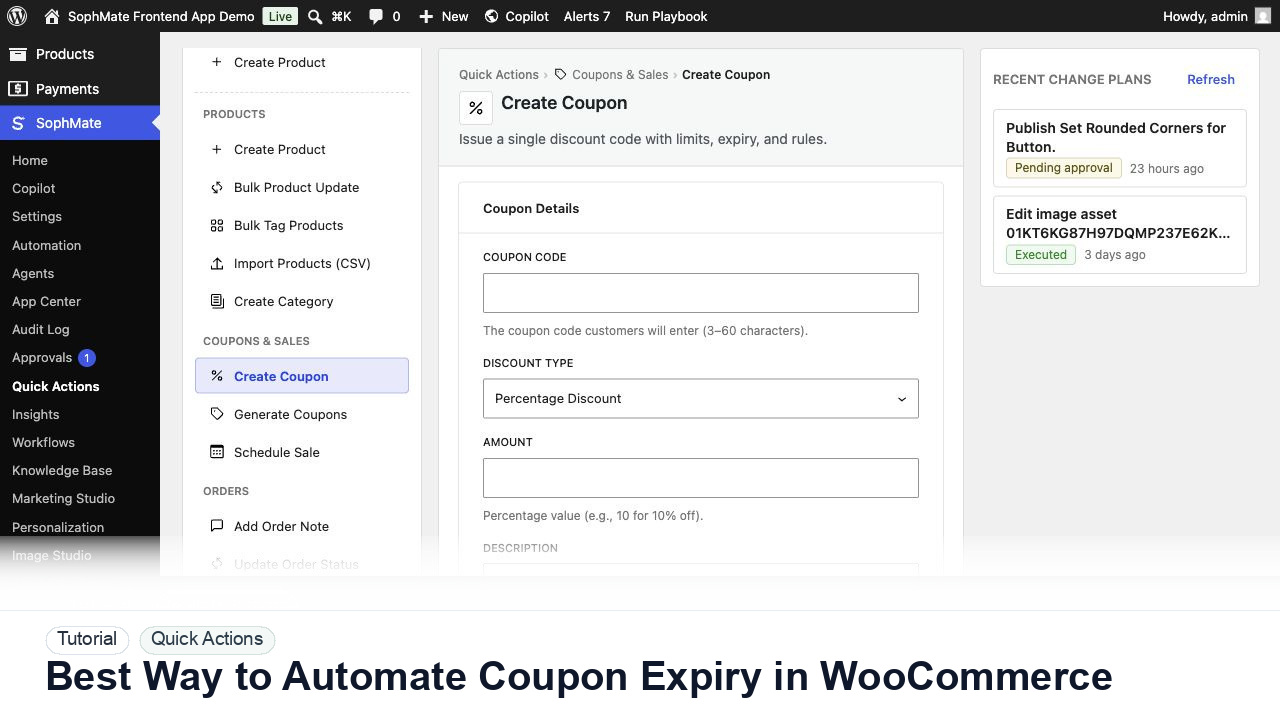
Use SophMate to automate WooCommerce coupon expiry review so stale discounts, unlimited coupons, and old campaigns do not linger.
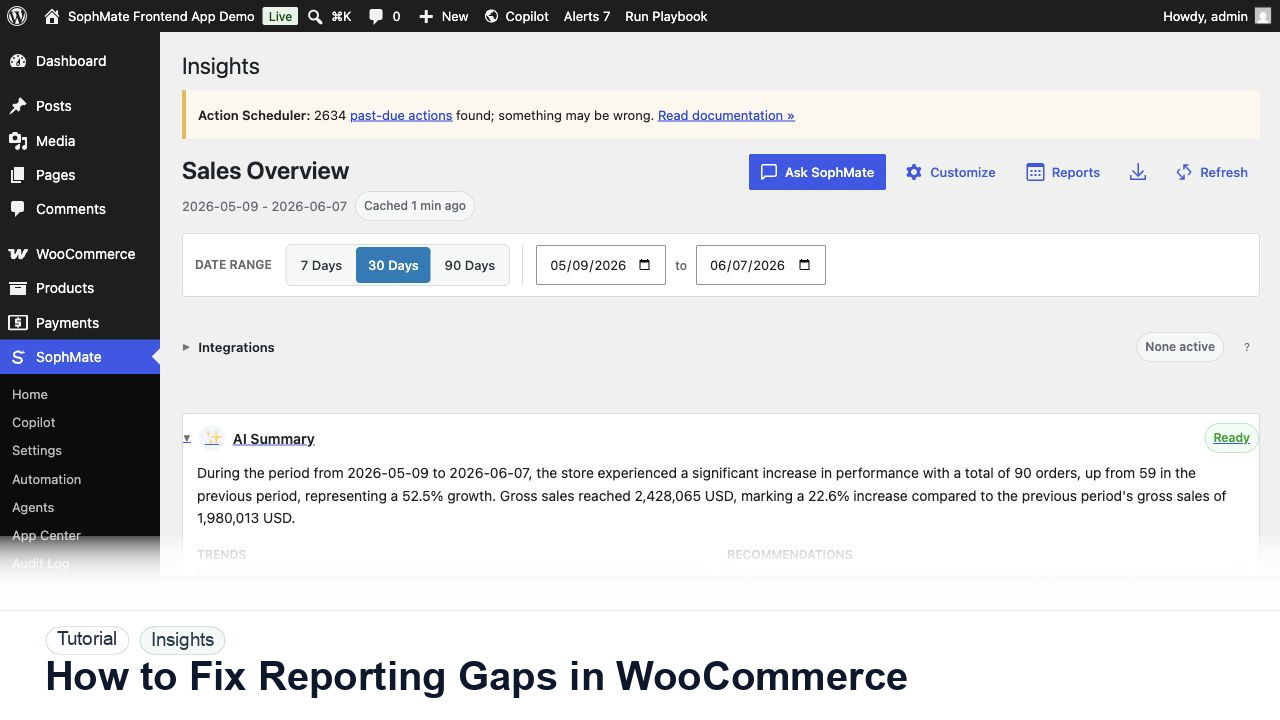
Use SophMate to fix WooCommerce reporting gaps by combining KPIs, refund context, campaign notes, and AI summary caveats.
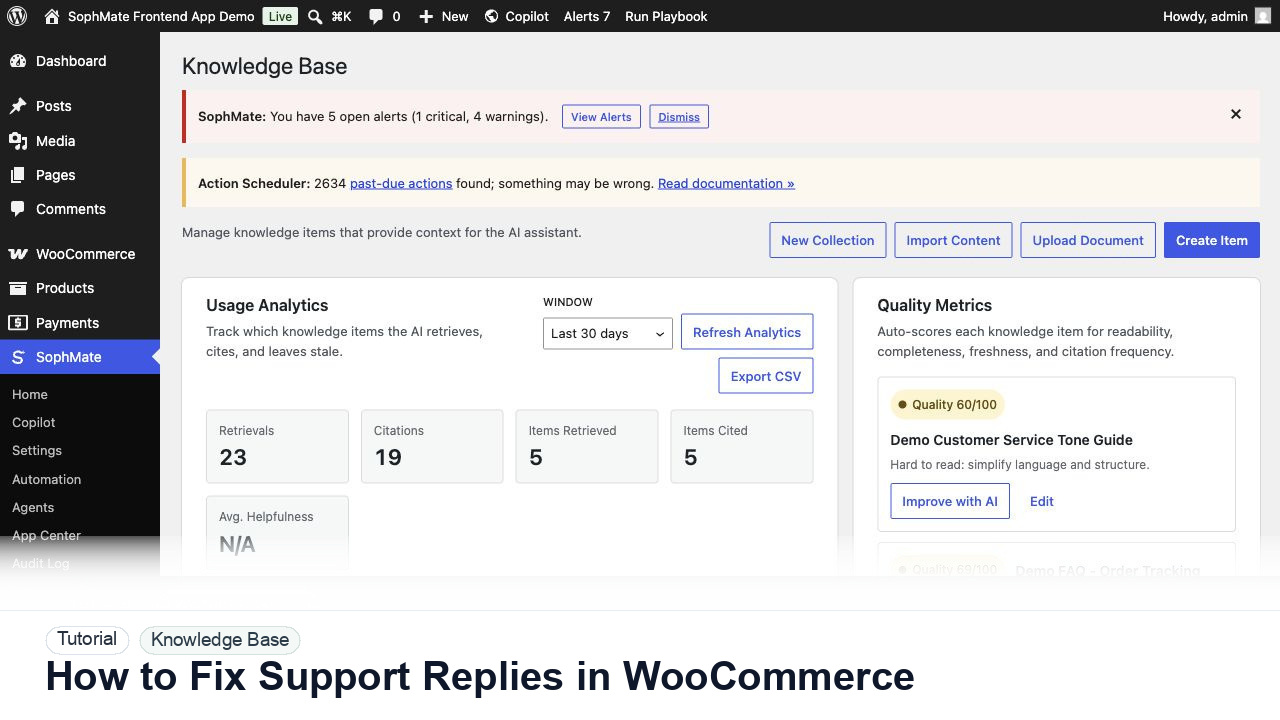
Use SophMate Knowledge Base and order context to fix WooCommerce support replies that miss policies, tone, or order details.
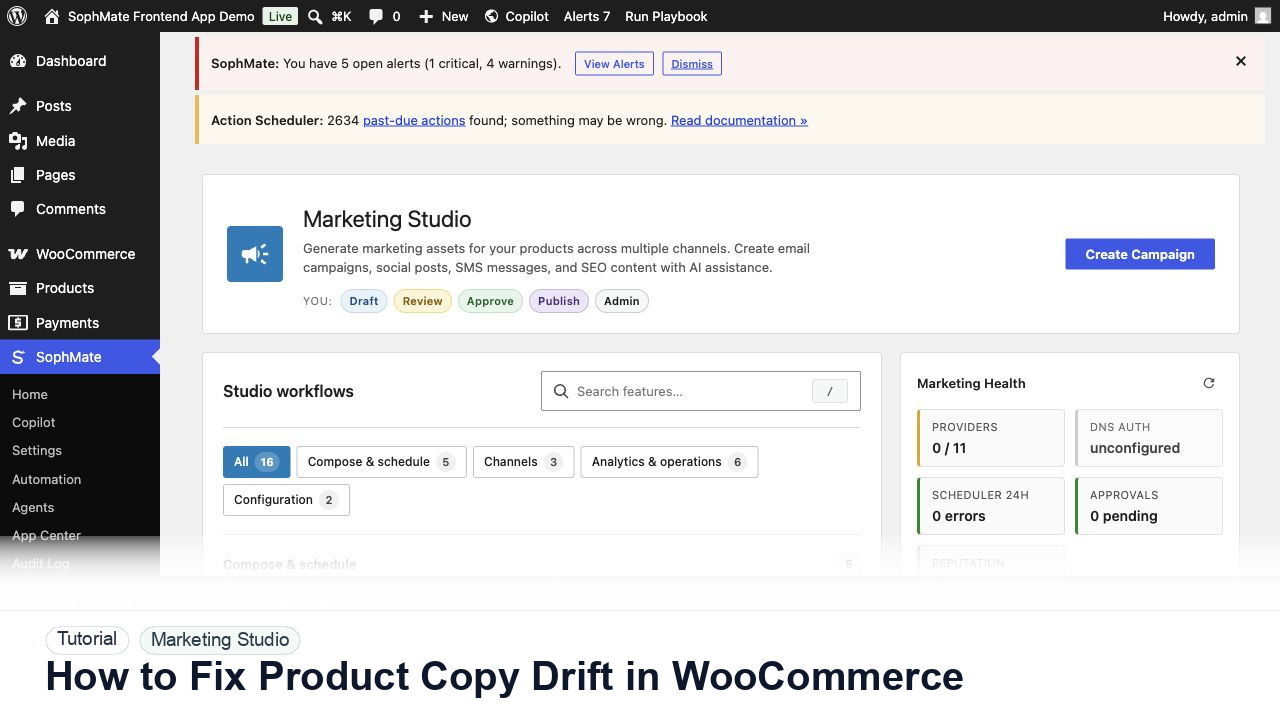
Use SophMate to fix WooCommerce product copy drift while preventing AI drafts from changing prices, stock, shipping, or visibility.
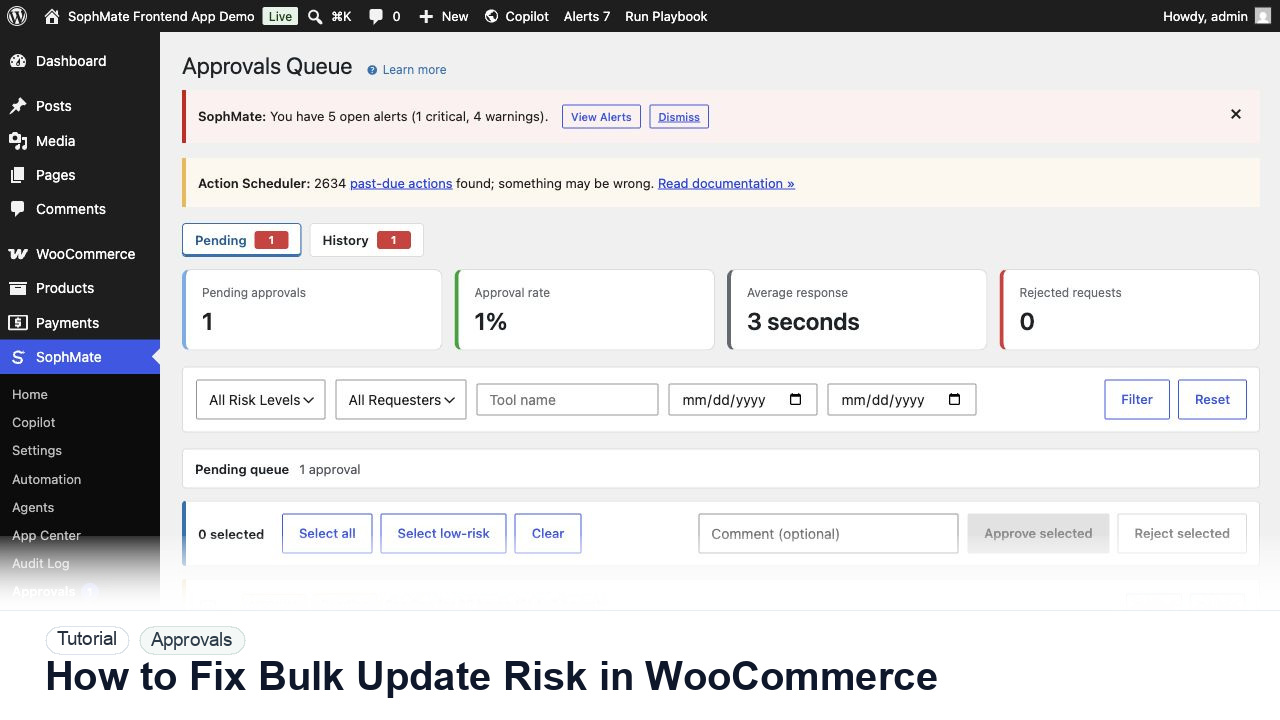
Use SophMate approvals to fix WooCommerce bulk update risk with dry runs, affected records, rollback evidence, and reviewer ownership.